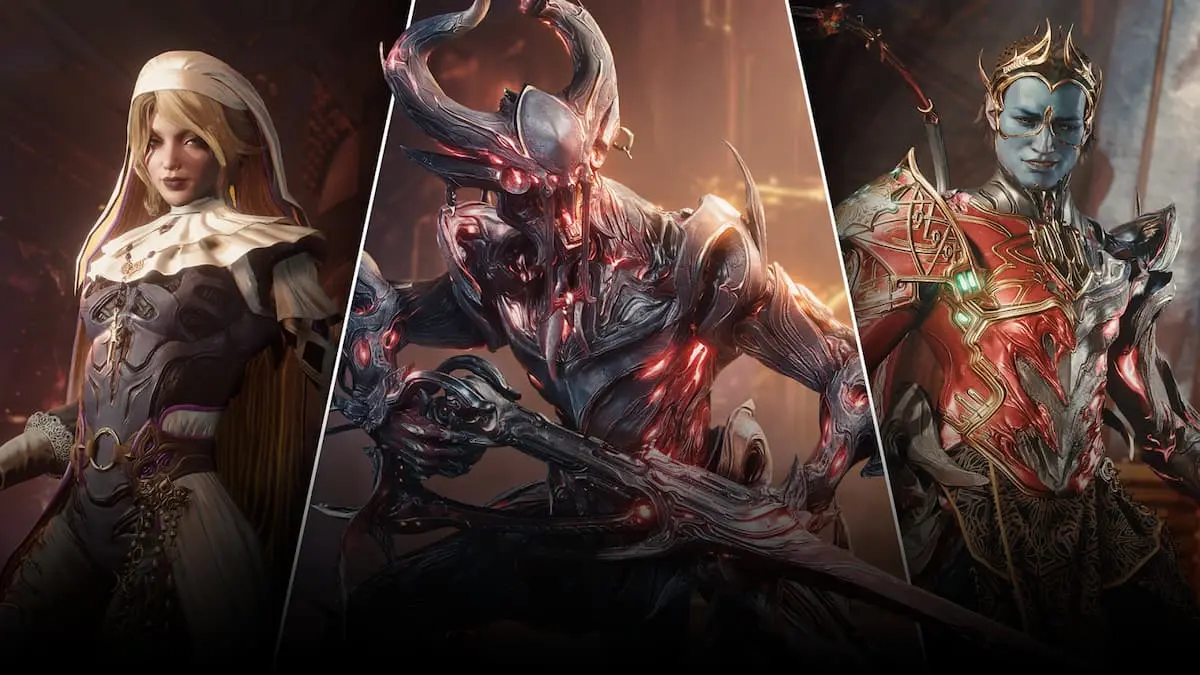
The “Update Failed” error related to The Old Peace has been causing quite a stir among Warframe players globally, particularly those on PC. If you’ve encountered this issue, you’re not alone. The community is abuzz, and thankfully, Digital Extremes is aware of the situation. Here’s how you can navigate through this problem and get back to enjoying your game.
1. Understanding the ‘Update Failed’ Error
The “Update Failed” error mainly stems from an overwhelming server load. With the launch of The Old Peace, a significant update brimming with exciting content, many players are trying to download the new files simultaneously. This high traffic can lead to connection issues, making it frustrating for everyone involved.
2. How to Fix the ‘Update Failed’ Error in Warframe
Encountering this error? Here are some effective steps you can take to resolve it:
- First, be patient. Wait a few seconds. Sometimes, the download will start automatically. It’s crucial to leave the launcher untouched during this time.
- If the download doesn’t resume, try pressing the retry button once. Continuously pressing this button may help if it fails to reconnect initially.
The best strategy, however, is to allow a couple of hours for the initial rush to calm down. This downtime can help ease the server load and increase your chances of a successful download.
3. Starting The Old Peace Quest
If you’re among the fortunate players who didn’t face any issues, you’re ready to embark on The Old Peace quest. Digital Extremes has streamlined the process with a skip-ahead feature, allowing you to dive into new missions without completing previous ones. This is especially beneficial for newer players who want to experience the content without extensive prerequisite gameplay.
4. What Should New Players Know?
For those who are new to the game, there’s a wealth of missions awaiting you to unlock exciting rewards as part of The Old Peace update. Make sure to explore the game’s mechanics to maximize your experience!
What should I do if I encounter the ‘Update Failed’ error on Warframe? The best approach is first to wait a while for the download to start automatically, and if that fails, use the retry button. Allowing a break before trying again is also effective.
Why is the ‘Update Failed’ error happening right now? This issue is primarily due to the increased server load from all players trying to download the recent update at once, causing connectivity issues.
What can I do to improve my chances of downloading the update successfully? To enhance your odds, try waiting a few hours for server traffic to stabilize before attempting the download again.
Is there a way for new players to access the new missions? Yes! Digital Extremes has introduced a skip-ahead feature that allows new players to jump directly into the latest missions without completing prior tasks.
How can I maximize my gameplay experience with The Old Peace update? Completing missions and exploring all features introduced in the update will ensure you’re making the most of your Warframe experience.
In conclusion, your gaming adventure doesn’t have to be stalled by an error. Follow these steps, and you’ll be back to playing The Old Peace in no time. For more insights and guides, be sure to check out Moyens I/O.