
As we close out another year, PlayStation gamers are eager to revisit their gaming experiences. The PlayStation Wrap Up for 2025 lets you dive into your stats, showcasing the total hours played, games enjoyed, and trophies earned. Feeling lost? Don’t worry, I’ll walk you through how to check your PlayStation Wrap Up for 2025.
PlayStation Wrap Up 2025: Here is How You Can Check Your Stats
It’s that time again! The PlayStation 2025 Wrap Up is available, and checking those stats is a breeze if you follow these steps:
- Visit wrapup.playstation.com and log into your PlayStation account.
- Wait for your stats to load. Once it’s done, explore your stats and share them on social media for some bragging rights!
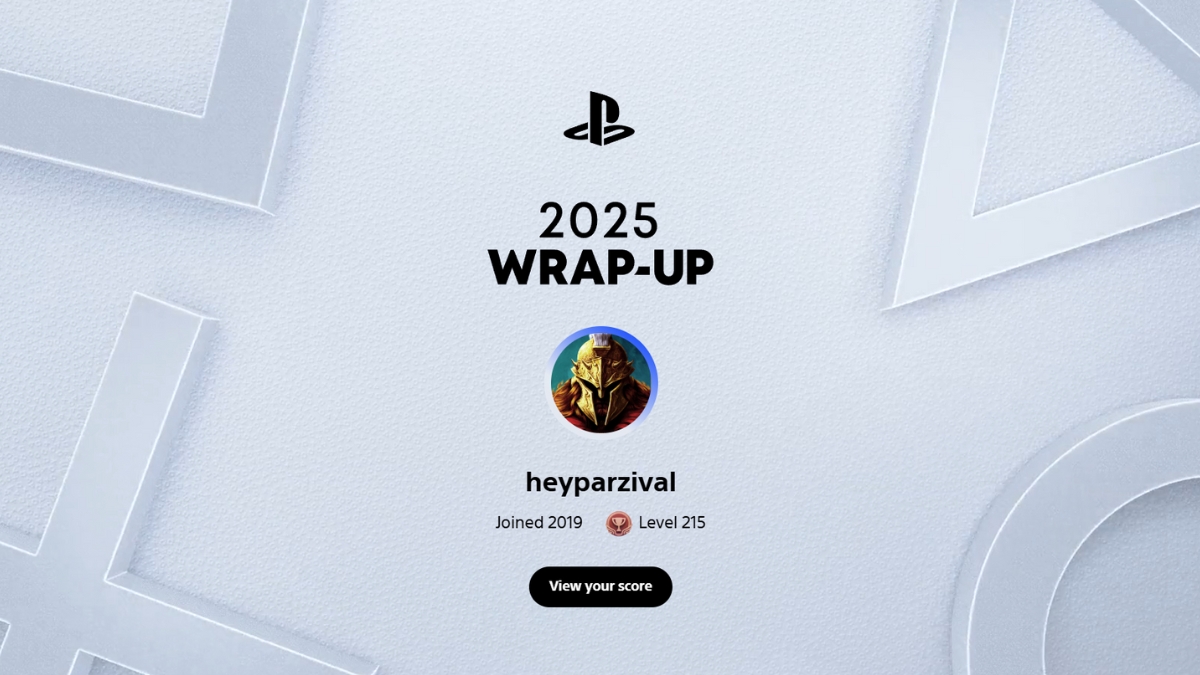
While checking your Wrap Up 2025 is simple, some gamers have run into an issue. If you see the error “Uh oh… Looks like something went wrong,” you’re not alone. Try waiting a little while before attempting again. Usually, the downtime isn’t long, and you’ll be able to access your stats sooner than you think.
If you did manage to access your PlayStation Wrap Up, what’s the scoop? How many hours did you log? Which trophies were the hardest to earn? Don’t hesitate to share your achievements in the comments; I’d love to hear how you fared this year!
Are there other ways to track your gaming stats? For those interested in auditory data, you can also check out your Spotify Wrapped 2025—just follow our guide!
Ready to dive into your gaming stats? What’s the most surprising part of your 2025 Wrap Up?