
The credit card is a vital tool in My Winter Car that you’ll find yourself using frequently for different activities.
Most of your financial dealings in My Winter Car are done digitally. While cash is available, you need to withdraw it using your credit card at an ATM. This guide will cover everything you need to know about using your credit card effectively, including how to set up your PIN for ATM access.
What’s your credit card PIN in My Winter Car?
When you start your adventure in the game, your credit card will not have a PIN. The first four-digit code you enter will serve as your PIN for the entirety of your game save. Simply head to any ATM, such as the one located at the Gas Station, to set it up.
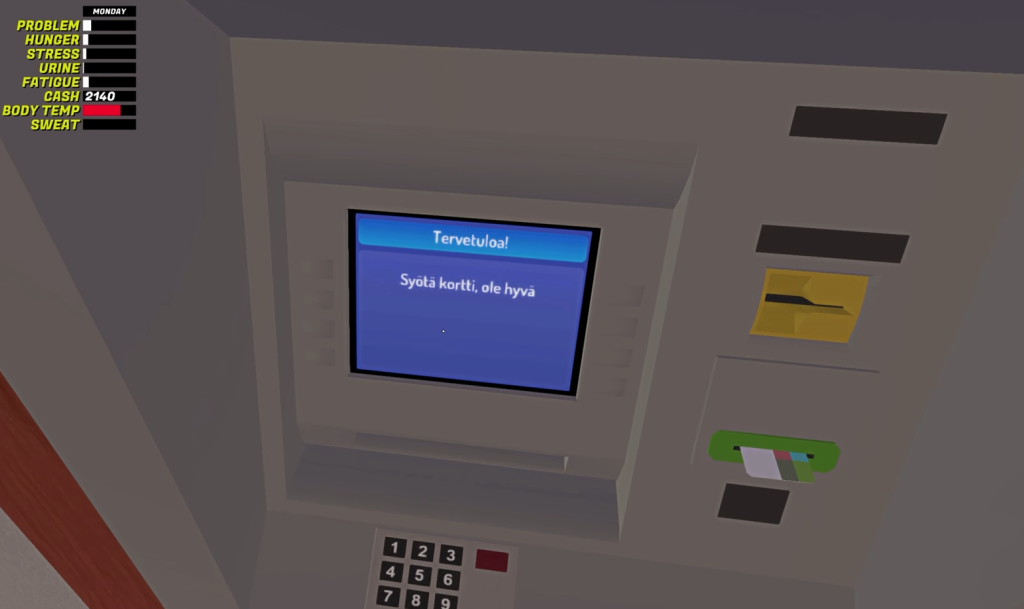
Remembering your PIN is important because you cannot change it from within the game. If you forget your PIN, you won’t be able to access your funds. Fortunately, there’s a workaround if you find yourself in that situation!
How to change the credit card PIN in My Winter Car
Changing your PIN can be a bit tricky, so follow these steps carefully:
- Open the LocalLow folder in the AppData directory on your PC.
- Navigate to the Amistech subfolder, and then proceed to the My Winter Car folder.
- Inside, locate the SaveFile.txt. Open this file in MSCEditor.
- Search for the entry labeled creditcardpin, where you can find and modify your existing PIN. Don’t forget to save your changes!
How to use the credit card in My Winter Car
Finding an ATM is just the first step. Follow these directions to use your credit card:
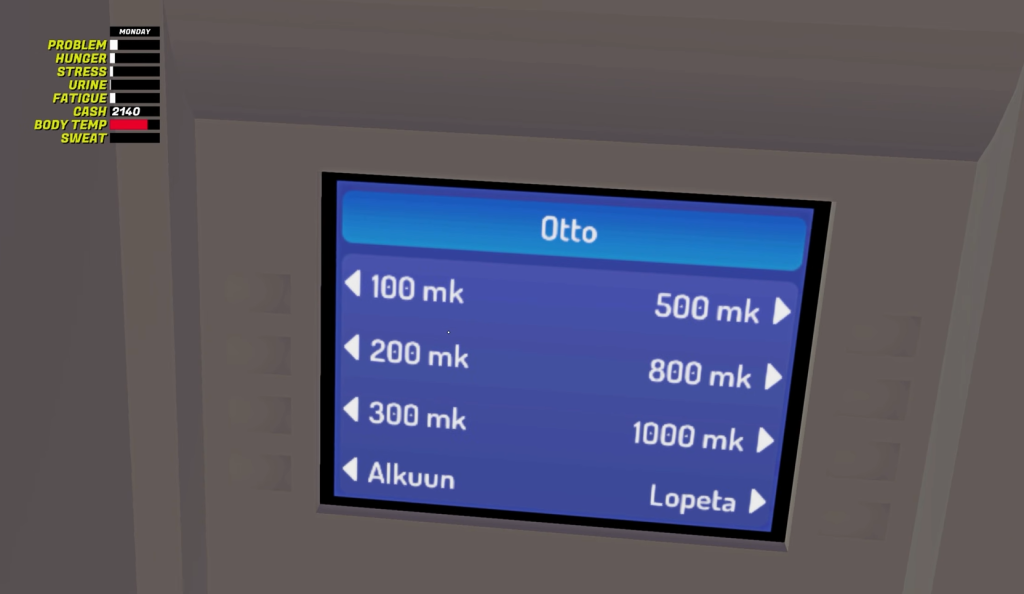
- Insert your credit card and input your PIN.
- Select Otto if you wish to withdraw cash.
- Choose Tapahtumat to view your transactions.
- Enter the desired amount you want to withdraw.
Once everything is completed, pick up your credit card and cash—this will automatically reflect at the top of your screen alongside other player stats.
How does the credit card work in My Winter Car?
The credit card acts as your primary method for financial transactions, allowing you to make purchases and withdraw cash to manage your finances effectively in the game.
Can you change your credit card PIN directly in the game?
No, you cannot change your credit card PIN through in-game options. You need to access your SaveFile.txt to change it.
What happens if I forget my credit card PIN?
If you forget your PIN, you will need to locate your SaveFile.txt and find the PIN entry. A workaround is available to reset it, allowing you to regain access to your funds.
Where can I find an ATM in My Winter Car?
ATMs are located in various places within the game world, including near the Gas Station, making it easy for players to access cash when needed.
Do I need cash for anything in My Winter Car?
While the credit card is essential, you will occasionally need cash for specific purchases, which you can obtain through ATMs.
Exploring how the credit card functions in My Winter Car can make your gaming experience much smoother. Have you encountered any challenges with your card? Share your thoughts in the comments below!