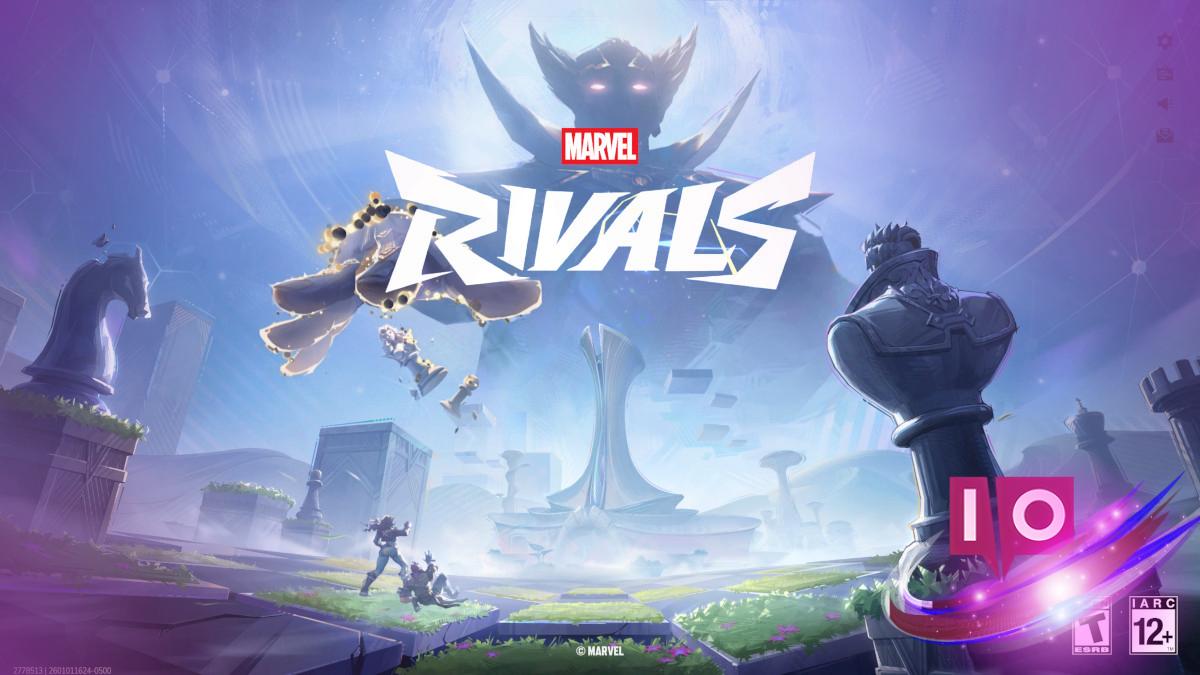
After celebrating its first anniversary, Marvel Rivals is hitting 2026 with an exciting patch. However, many players diving into the Timestream Entanglement are facing a frustrating hiccup.
This hiccup manifests as Error Code 270, a pesky connection issue that’s thwarting the New Year’s Day plans of numerous Marvel Rivals players. And let’s face it, nobody enjoys those kind of roadblocks—so let’s explore how to tackle this.
Error Code 270: What It Is and How to Fix It
Error Code 270 has been like an uninvited guest during major updates of Marvel Rivals. Players have been discussing this glitch since March of last year over on Reddit and the official Marvel Rivals Discord server. While details are sparse, consensus is that it’s essentially a network-handshake issue, often triggered when many players are trying to log in at once.
If you find yourself staring at Error Code 270, the simplest remedy is to give it a moment. Turn off Marvel Rivals and wait a few minutes before trying to log back in. I’ve seen many players on Reddit and Discord mention that this usually does the trick. If it’s still not cooperating, a quick restart of your computer or console often helps reset the connection.
Still can’t get into the game after a restart? It might be time to check your internet connection. If you’re using Wi-Fi, powering off and on your router is the best move. On the flip side, if you’re hardwired, try switching to wireless for a change of pace and see if that does the job.
If you’ve tried all these options and are still stuck, it’s possible that Marvel Rivals is facing a significant server issue. NetEase usually keeps players in the loop about server status via Discord and the official Marvel Rivals Twitter page. You can also check Downdetector, which tracks online games’ server issues. These resources will give you insight into whether it’s just you or if the servers are having a rough day.
In the grand scheme of things, the Code 270 error isn’t too tough to navigate. Be patient, and you’ll likely find yourself back in the action of Marvel Rivals before you know it.
What causes Error Code 270 in Marvel Rivals?
Error Code 270 generally appears during significant game updates when server traffic peaks. It’s often a result of too many players logging in simultaneously, causing network hiccups.
How can I avoid Error Code 270 in the future?
To minimize the risk of encountering Error Code 270, try logging in during off-peak hours when fewer players are online. Staying updated with server status through Discord or Twitter can help.
Is there a permanent fix for Error Code 270?
Currently, there isn’t a permanent fix for Error Code 270. The best strategy is to monitor server status and log in when demand is lower.
Can I report Error Code 270 to the developers?
Yes, players can report persistent issues related to Error Code 270 on the official Marvel Rivals Discord server or direct messages on their social media platforms.
How can I check if Marvel Rivals servers are down?
You can check server status via the official Marvel Rivals Twitter page or look at websites like Downdetector that track online service outages.
With these tips in hand, you’ll be well on your way to enjoying your gaming experience. What’s been your experience with Error Code 270? Drop a comment below!