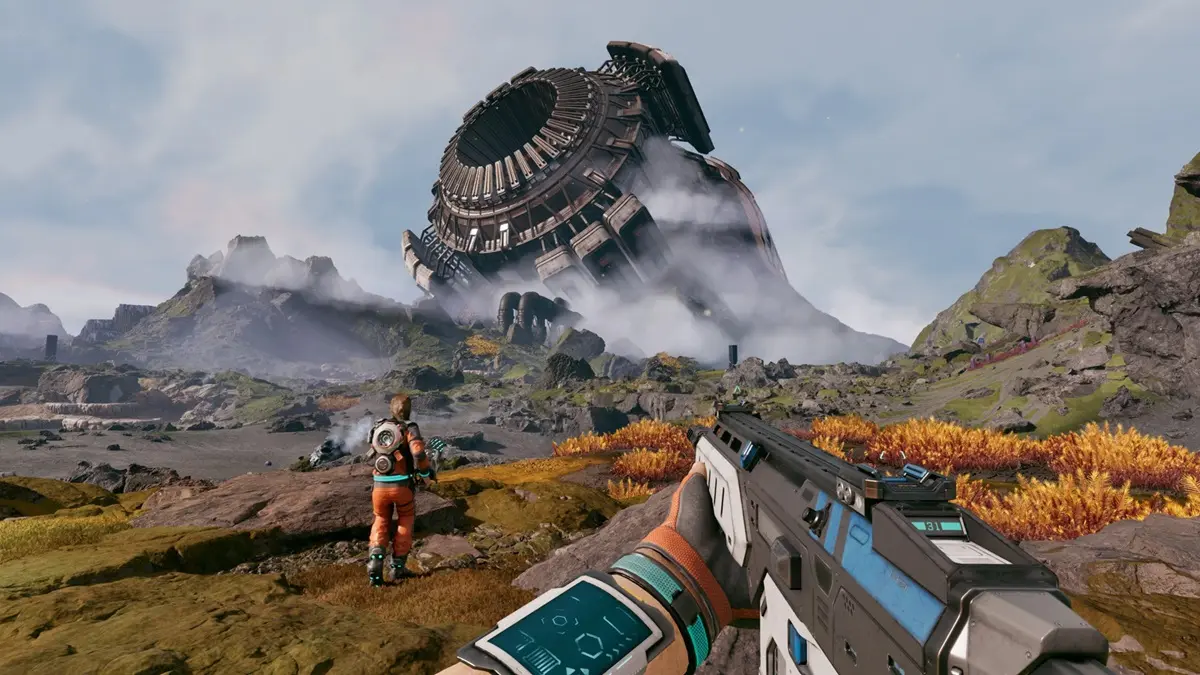
StarRupture has landed in early access on Steam, and conquering this unforgiving alien world is no walk in the park. As you expand your base, battle aliens, and juggle resource management, mastering the game controls becomes essential. Luckily, the intuitive systems in this early access build will aid you in your survival journey.
Complete StarRupture Controls
Below is a comprehensive table listing all the default control bindings that you can use in the game.
| Action | Input |
|---|---|
| Move Forward | W |
| Move Backward | S |
| Move Left | A |
| Move Right | D |
| Sprint | Left Shift |
| Crouch/Slide | Left Ctrl |
| Jump | Space Bar |
| Dash | Left Alt |
| Cancel | Q |
| Interact/Pick Up | E |
| Open Inventory | Tab |
| Ping | MMB |
| Close Menu | Q |
| Open Map | M |
| Equip Building Tool | B |
| Deconstruct | F |
| Toggle Drone Status | C |
| Set Z Offset | MMB |
| Quick Building Selection | Z |
| Confirm Build | LMB |
| Move Helper Up | Mouse Wheel Up |
| Side Rotation | R |
| Move Helper Down | Mouse Wheel Down |
| Lock Placement Location | T |
| Lock Placement Z Level | Y |
| Align to Terrain | X |
| Change Variant | RMB |
| Toggle Vertical Snap | Left Alt |
| Fire | LMB |
| Equip Next Weapon | Mouse Wheel Down |
| Reload | R |
| Aiming Down Sights (ADS) | RMB |
| Equip Previous Weapon | Mouse Wheel Up |
| Equip Med Tool | H |
| Grenade | G |
| Harvester | 1 |
| Equip First Weapon Slot | 2 |
| Equip Second Weapon Slot | 3 |
| Flashlight | T |
| Holster/Unequip | Q |
| Drone Up | Space Bar |
| Drone Down | Left Ctrl |
| Drone Forward | W |
| Drone Backward | S |
| Drone Left | A |
| Drone Right | D |
How to Rebind Controls in StarRupture
Are the default controls not working for you? Changing them is a breeze. Simply head over to the in-game settings, select the Mouse and Keyboard tab, click on the control you want to adjust, and enter your new input. After confirming your changes, you can fire up the game and use your new control scheme right away.
What are the default controls in StarRupture?
The default controls include basic movements like W, A, S, D, as well as various actions such as jumping with the Space Bar and interacting with E. A complete binding list is available in-game.
Can I customize the controls in StarRupture?
Yes, you can easily customize the controls in StarRupture through the game settings. Just select the action you wish to change and assign it a new key.
Is there a way to view control bindings while playing?
Yes, the control bindings are available in the game’s settings menu, so you can check them anytime without having to pause for too long.
What should I do if my controller isn’t working?
If your controller isn’t responding, try checking the in-game settings to see if it’s enabled. You can also make sure your drivers are up to date for a smoother experience.
Are there any tips for managing controls effectively?
Familiarize yourself with key bindings through practice, and consider adjusting them to suit your play style to enhance your efficiency.
Mastering controls in StarRupture can give you an edge on the alien frontier. Dive in and adapt your strategy with the perfect setup tailored just for you. Looking for more strategies or tips? Share your thoughts and questions in the comments below!