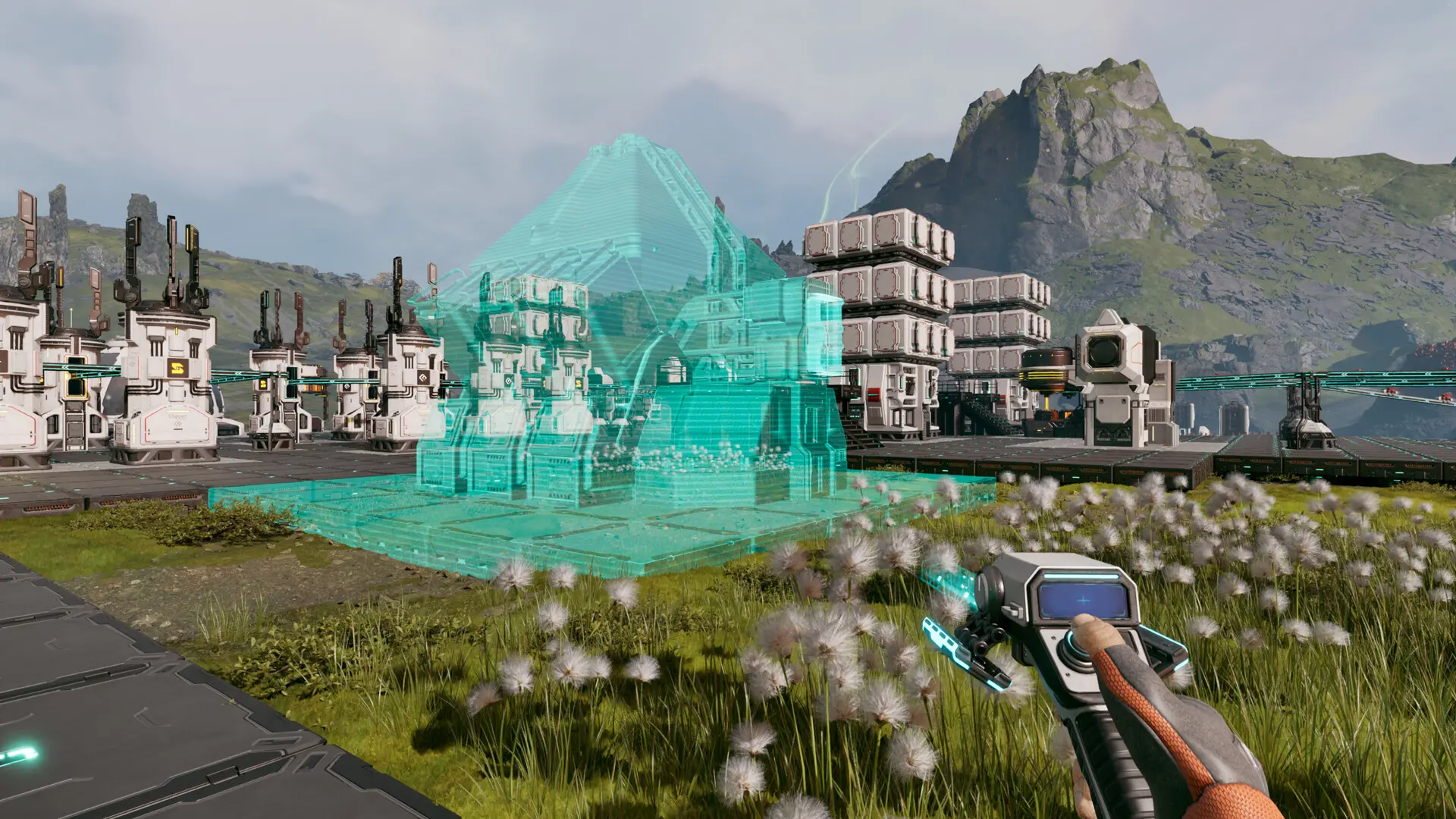
Ever tried surviving a meteor shower with your friends? In StarRupture, you can, and it turns the whole experience into something wildly different. Instead of a solitary struggle against the harsh realities of Arcadia-7, you get to share the panic, the victories, and, let’s be honest, the hilarious defeats with your buddies.
I remember the first time I played with a group; what was once a tense, lonely experience became a laugh-filled scramble for survival. Trust me; you haven’t truly experienced StarRupture until you’ve coordinated a desperate defense against alien bugs with three of your closest friends.
The early access version supports co-op lobbies for up to four players. It uses a ‘host-based’ system, but Creepy Jar added a cool twist that keeps things interesting.
How to Play Multiplayer in StarRupture
To jump into co-op, one person needs to be the host. They create the world and essentially run the game. Don’t worry; being the host doesn’t give any special powers. Once the host creates a save, they choose between ‘Friends Only’ or ‘Invite Only’.
‘Friends Only’ means the host has to manually invite each player. ‘Invite Only’ skips this step, but everyone needs to be on the host’s Steam friend list. To invite someone, the host opens the menu, clicks on the empty slots, and sends invites through Steam.

Once everyone accepts, you’re all set to explore, build, and try not to get eaten together. Now, usually, if the host leaves, the server shuts down, right? Well, SaveSync changes that (it’s a separate app that works with StarRupture and other co-op games).
How to Use SaveSync in StarRupture
If you want to keep playing without the host, you’ll need SaveSync. Think of it as a backup generator for your co-op world. Everyone in the group needs to own it. You can buy and install SaveSync directly from Steam. Fire it up, and after picking StarRupture, click New Save. You’ll see all your saved games. Pick the one you want and hit Create Save.
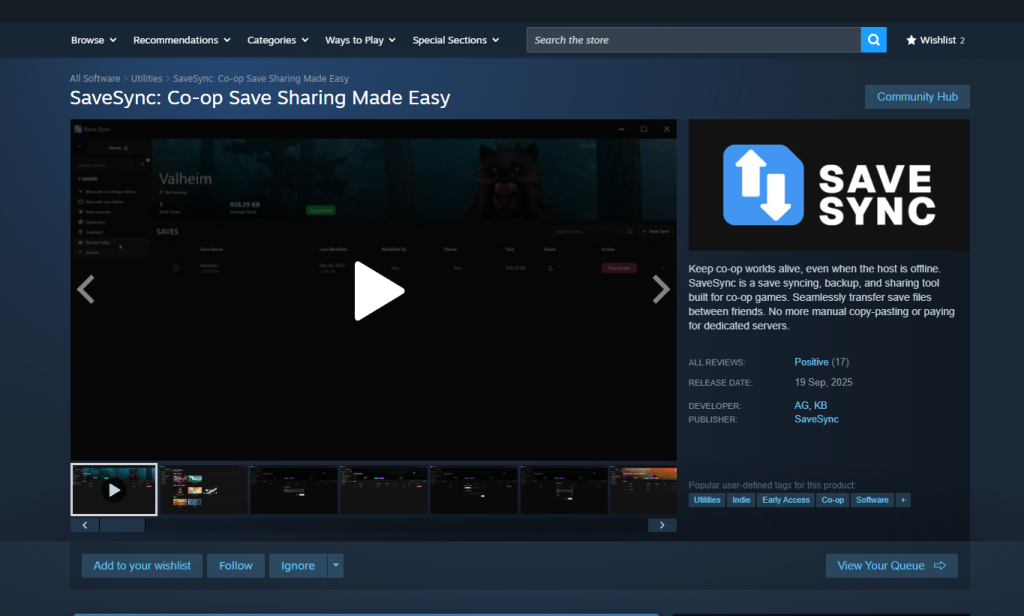
The host does the steps above. When the sync is done, a green checkmark will appear. Now, the host shares the save with the others. To join, open SaveSync. The shared file will pop up when you select StarRupture. Click Activate after you select the save file to make it ready. After this, you can keep playing in the same co-op world even if the host isn’t around.
Can you play StarRupture solo?
Yes, StarRupture can be played solo, offering a challenging survival experience where you manage resources and face the dangers of Arcadia-7 alone.
Is StarRupture cross-platform?
Currently, StarRupture is not cross-platform, meaning players on different platforms (like PC and consoles) cannot play together.
What happens if the host leaves a StarRupture multiplayer game?
Without SaveSync, the game typically ends for everyone when the host leaves. Using SaveSync allows you and your friends to continue playing without the original host.
How many players can join a StarRupture co-op game?
StarRupture supports co-op play with up to four players, including the host, so grab a few friends and dive in!
How much does SaveSync cost to keep playing StarRupture?
SaveSync typically costs around $5 USD (approximately €4.65 EUR), but the price may vary slightly depending on your region and current Steam promotions.
Setting up a multiplayer server in StarRupture might seem like a bit of work initially, but trust me, it’s worth it. The added chaos and camaraderie of playing with friends brings a whole new dimension to the game. Ready to gather your crew and face the challenges of Arcadia-7 together? Share your best co-op survival tips in the comments below!