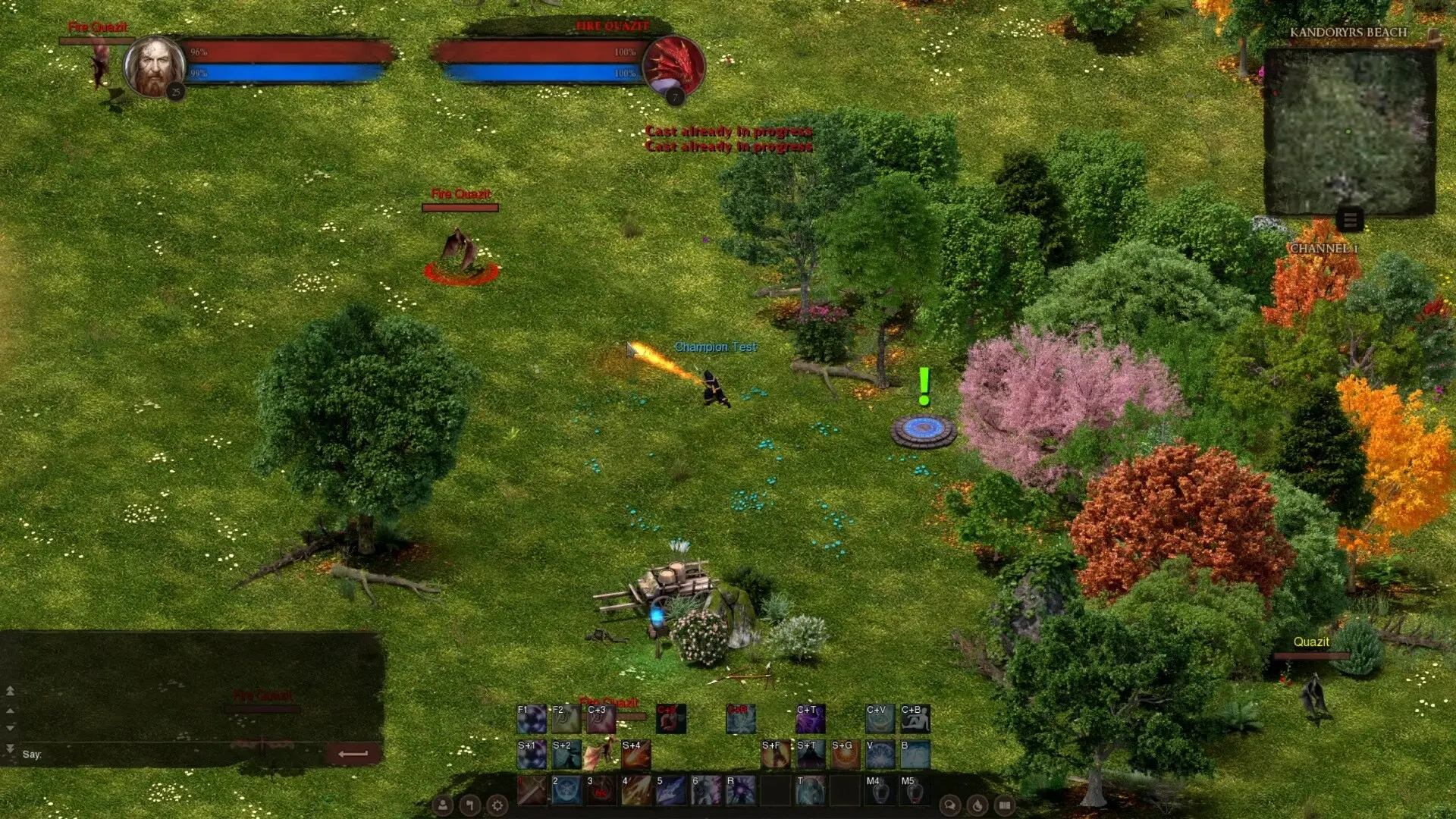
My palms were sweating. Trapped in the digital wilds, a snarling pack of Dreadfiends closed in, and my party’s healer had gone silent. If I couldn’t rally a defense, our quest—and hours of progress—would vanish like smoke. In Dreadmyst Online, scattered teams meet certain doom; survival hinges on clear, instant communication.
Dreadmyst Online demands tight teamwork; you will sink or swim based on how well you coordinate. Forget fancy interfaces; you communicate through a series of simple commands. So, if you want to thrive with others in Dreadmyst, you will want to remember these key commands. This guide lists every available chat command.
All chat commands in Dreadmyst
In real life, a failure to communicate can lead to awkward misunderstandings; in Dreadmyst Online, it can get you killed. Chat commands in Dreadmyst Online fall into categories based on their function.
| Command | What they do |
|---|---|
| /all | Sends messages to the global channel. Perfect for finding a party or trading rare items. |
| /guild | Opens a private channel for strategizing with your guildmates. |
| /party | Opens a channel for discussing tactics with your party. |
| /help | Displays a list of all available chat commands. |
| /ignore <name> | Blocks messages from a player. Use /unignore to reverse. |
| /roll | Generates a random number. Useful for resolving disputes or deciding who gets loot. |
| /invite <name> | Invites a player to join your party. |
| /gcreate <name> | Creates a new guild with the specified name. |
| /ginvite <name> | Invites a player to join your guild. |
| /gkick <name> | Removes a member from your guild. |
| /gquit | Leaves your current guild. |
| /gdisband | Deletes your guild (after removing all members). |
| /duel <name> | Challenges another player to a duel. |
| /yield | Surrenders a duel or declines a duel invitation. |
| /pvp | Toggles PvP mode in Contested Zones, allowing you to attack (and be attacked by) other players. |
How do I whisper someone in Dreadmyst Online?
Direct messaging is handled outside the standard command structure. To send a private message, simply click on the player’s name in chat or right-click their avatar and select “Message.” This opens a separate window for one-on-one conversations, shielding your plans from prying eyes. Think of it as a secure channel, away from the noise of the digital crowd.
How to use chat commands in Dreadmyst Online
Consider the chat commands your Swiss Army knife; they are a tool for every situation. To use a command, type it into the chat box (starting with the “/”) and press Enter. Some commands have no undo function; treat them with respect. Like learning to drive, mistakes can be costly.
What do Contested Zones mean for PvP in Dreadmyst Online?
Contested Zones function as the game’s “wild west,” a landscape where risk and reward amplify. Activating /pvp in these areas marks you as a target for anyone else who’s flagged themselves, opening a window for intense battles and strategic skirmishes. But be warned, every action has a reaction. Turning hostile has consequences for your reputation and standings within the game.
Can I report abusive players in Dreadmyst Online?
Absolutely. Dreadmyst Online features built-in reporting tools. To report a player, right-click their name in chat or on-screen and select “Report Player.” You’ll be prompted to select a category (e.g., harassment, cheating) and provide a brief explanation. The development team at Mythic Games takes these reports seriously, and repeated offenses can result in account suspensions or permanent bans. Remember that online communities only thrive when properly moderated.
The communication system is the oil that keeps the engine of Dreadmyst Online running smoothly. Without it, you will find yourself isolated, vulnerable, and quickly overwhelmed. Will you master these commands, or become another lost soul in the digital wilderness?