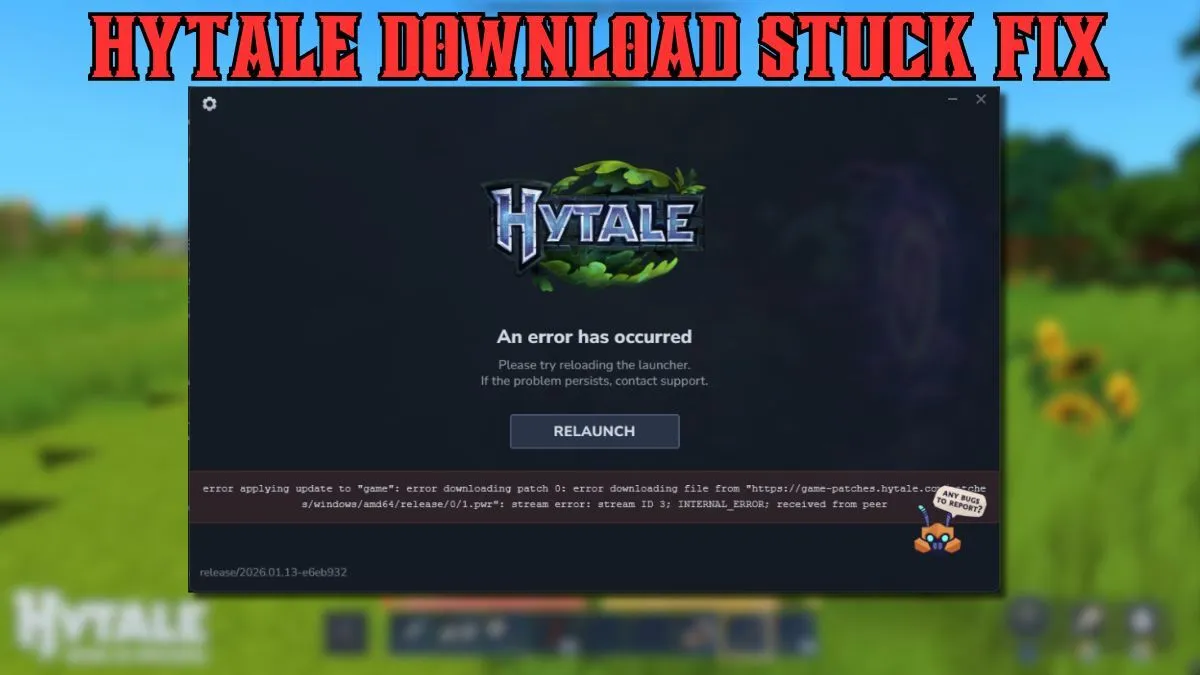
The progress bar taunted you, stuck at 99%. Hours melted away as you waited, anticipation curdling into frustration. Hytale, the game whispered to be Minecraft’s successor, refused to download. Now, that dream world remains locked behind an error message—but don’t lose hope.
Decoding the “Hytale Download Stuck” Error
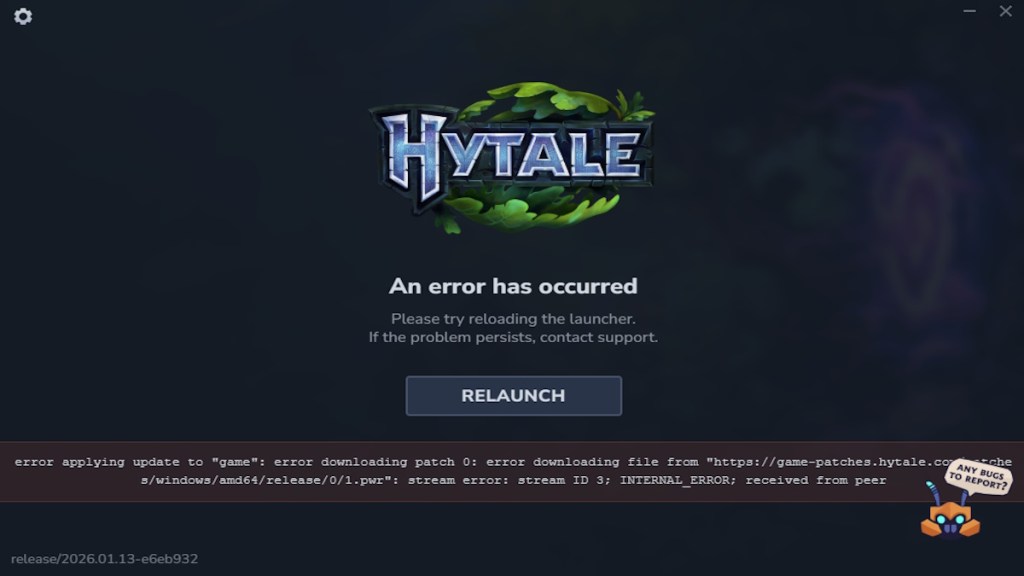
It’s launch day. Servers are buckling under the strain of eager players. You’re seeing the dreaded “error applying update to game; error downloading patch 0” message. This isn’t some obscure bug; it’s a symptom of Hytale’s servers feeling the pressure of millions wanting in simultaneously.
Practical Steps to Get Hytale Downloading
Think of the Hytale client like a bouncer at a popular club. Too many people at once, and things grind to a halt. Here are a few tricks I’ve found that might get you past the velvet rope:
- Relaunch: The installer may include a relaunch option. Give it a few tries.
- Restart the client: Close the Hytale client completely, then reopen it.
- Internet Connection: Verify your internet is stable. A spotty connection can halt the download process.
- Patience: Sometimes, the best approach is to simply wait for server congestion to ease.
What if the Hytale servers are just overloaded?
The digital landscape is littered with broken game launches. Sometimes the problem is widespread. If the solutions above don’t work, the issue might be on Hytale’s end. Follow the game’s official Twitter or Discord channels for updates. Server-side fixes are common in the early days of a big launch. This is a marathon, not a sprint.
Why does my internet connection block the Hytale download?
It’s possible, though less common, that your firewall or antivirus software is interfering. These programs can sometimes misinterpret game installers as threats. Temporarily disabling these protections (at your own risk) might allow the download to proceed. Just remember to re-enable them afterward. Check your router settings, too; some routers have built-in security features that can block certain types of downloads.
How long should I wait for the Hytale download to continue?
This is the million-dollar question. If you’ve tried the quick fixes and checked your setup, waiting a few hours is reasonable. Keep an eye on Hytale’s official channels for announcements. If the problem persists for more than a day, contacting their support team might be the next step. Remember, this initial turbulence is often temporary. A smooth experience awaits on the other side. Consider this a rite of passage.
The Hytale download stuck error happens due to server overload at launch, which causes a patching failure during installation. You can usually fix it by relaunching the installer, restarting the client, checking your internet connection, or waiting for the servers to stabilize.
No, the Hytale download stuck error is temporary and tied to launch traffic, and most players are able to install the game once servers stabilize or after a few retries.
Are these launch-day woes just part of the modern gaming experience, or should developers do more to prepare for the initial rush?