
I was mid-delivery when the sky turned gray and NPCs fanned out umbrellas around me. Rain rolled in like a curtain across the street, and the whole plaza felt smaller. If you want to force that mood or stack a rain bonus for a job, I’ll show you the exact commands I use.
All weather patterns in Schedule 1
On a crowded street you can spot the weather changes at a glance: umbrellas, wet footprints, and a sudden change in lighting.
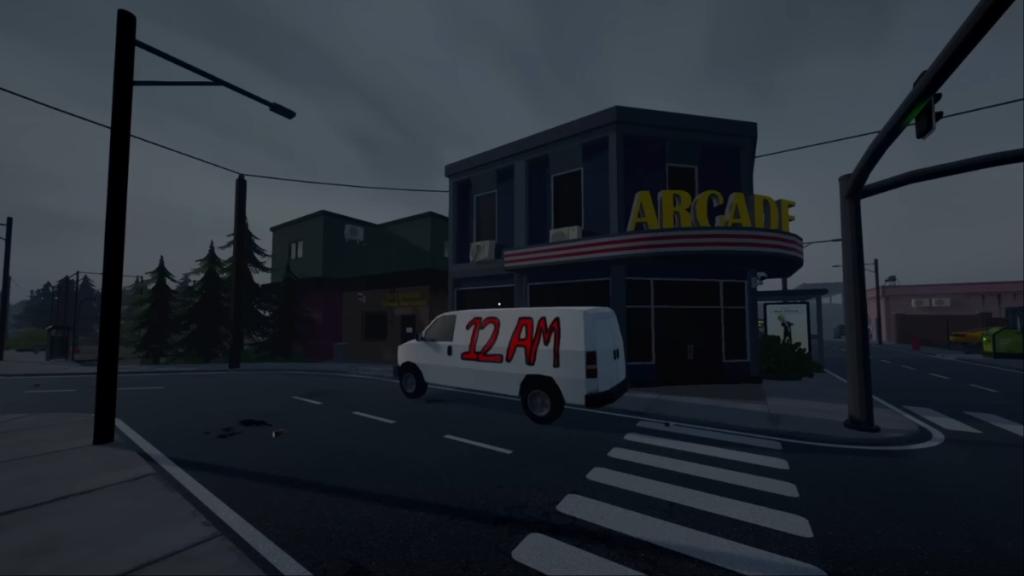
The update adds six distinct weather states that run alongside the day/night cycle. They’re not just visual—NPCs react, animation sets change, and the city feels different. Here they are, quick and tidy so you can memorize the one you need:
- Clear
- Foggy
- Light Rain
- Lightning
- Heavy Rain
- Overcast
NPCs now carry umbrellas when it rains and some animations swap out to match conditions. I tracked customer behavior for a few hours and demand didn’t shift noticeably, but there’s a mechanical bonus tied to in-game deliveries during rain—plan accordingly.
How do I change the weather in Schedule 1?
Open the developer console on PC (Steam players: enable the console in launch options or use the game’s debugging menu) and type one of the setweather commands. You can push the sky to clear or drag it into a storm within seconds.
Does weather affect NPC behavior or sales?
NPCs visibly react—umbrellas, different idle animations—but routine customer demand stays roughly the same. The notable gameplay effect is that some deliveries pay extra when it’s raining, so timing a storm can be profitable.
Are there console commands to force rain?
Yes. Below are the commands I use. They work in the game’s console and are the same ones reported by outlets like Moyens I/O when the patch dropped.
How to change weather patterns in Schedule 1
At the console the sky obeys a few typed lines and you can swap conditions faster than waiting for the random cycle.
Usually the game rotates weather on its own, but you can manually set it with these commands:
- setweather clear: Force clear skies
- setweather overcast: Force overcast
- setweather foggy: Force fog
- setweather lightrain: Force light rain
- setweather heavyrain: Force heavy rain
- setweather lightning: Force storm with lightning
- setweatherspeed <value>: Change how fast weather shifts
- triggerlightning: Spawn a lightning strike
- triggerdistantthunder: Play distant thunder SFX
If you want a quick money play for in-game deliveries, trigger rainfall before you leave—I’ve timed runs where that extra payout mattered more than the five minutes lost in the console. Changing weather by command can feel like a coin toss; sometimes it snaps into place immediately, other times you nudge the value and try again.
On PC, the console is the fastest route; modders on Nexus Mods and workshop creators often package weather toggles into simple UI buttons for players who prefer one-click control. Console versions may vary—check your platform’s debug access or community tools on Steam.
Want to force a storm for atmosphere or profit—what will you try first?