
This article is written in partnership with GIGABYTE.
I watched a friend alt-tab mid-match, swap a cable, and lose the round before he’d finished breathing. You’ve felt that small, furious regret when your hardware won’t keep up with what you want to do. I’ll show you why the GIGABYTE G27U shrinks that regret into a choice you actually control.
At a late-night stream I saw a pro hit a hotkey — A monitor that adapts to how you play
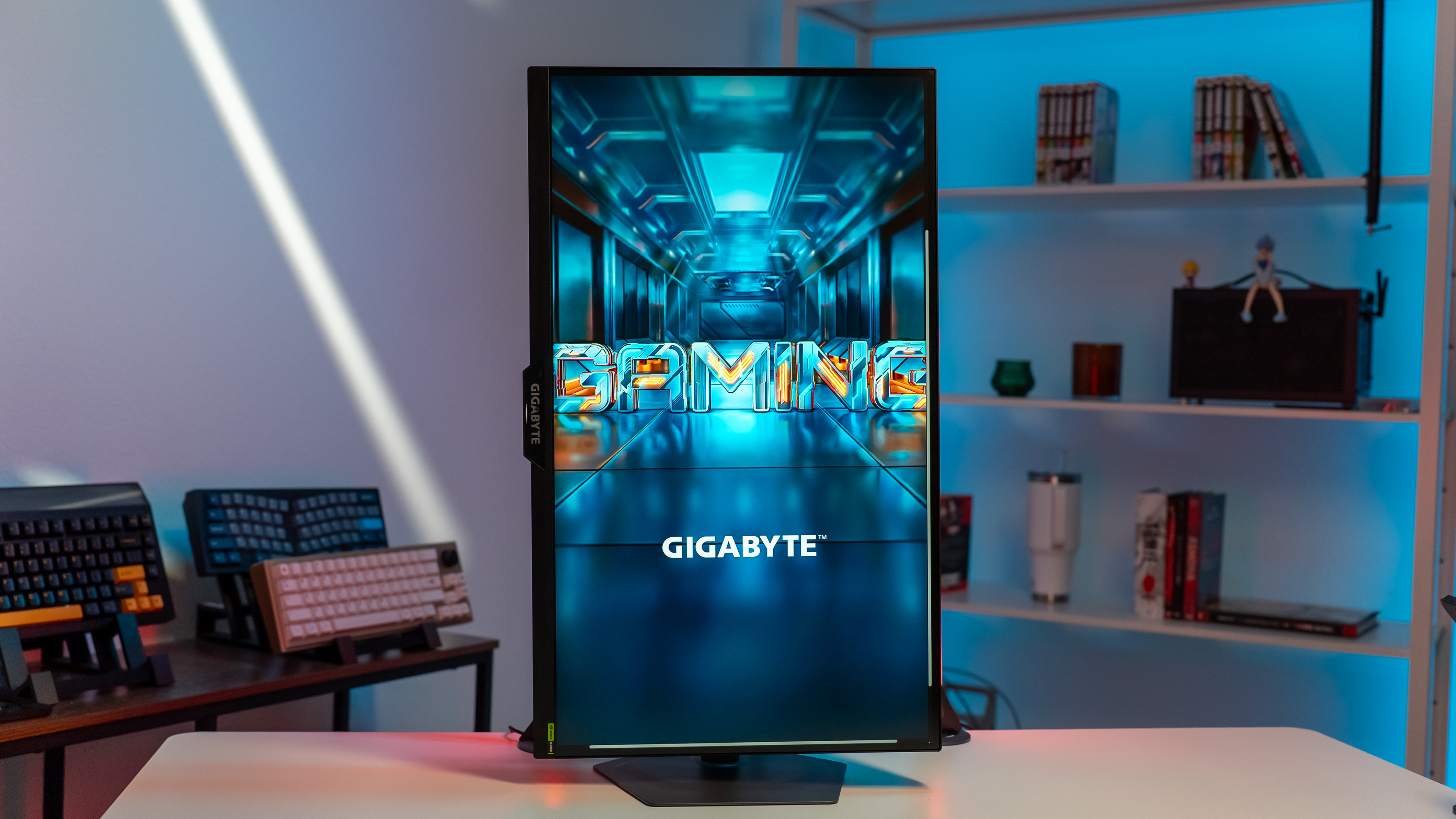
You split time between slow-burn single-player worlds and twitch-heavy shooters. That tension—wanting both gorgeous visuals and ruthless responsiveness—is why GIGABYTE built the G27U around a Dual Mode idea: switch between 4K UHD at 160Hz and Full HD at 320Hz with a single button press.
I like that the company didn’t force you into a menu tree. The Tactical Switch 2.0 is a one-click toggle so you move from cinematic immersion to esports-grade frames without fumbling. You get two clearly different toolsets in one panel—one for atmosphere, one for aim.
At an esports house a player complained about ghosting — Built for speed and clarity
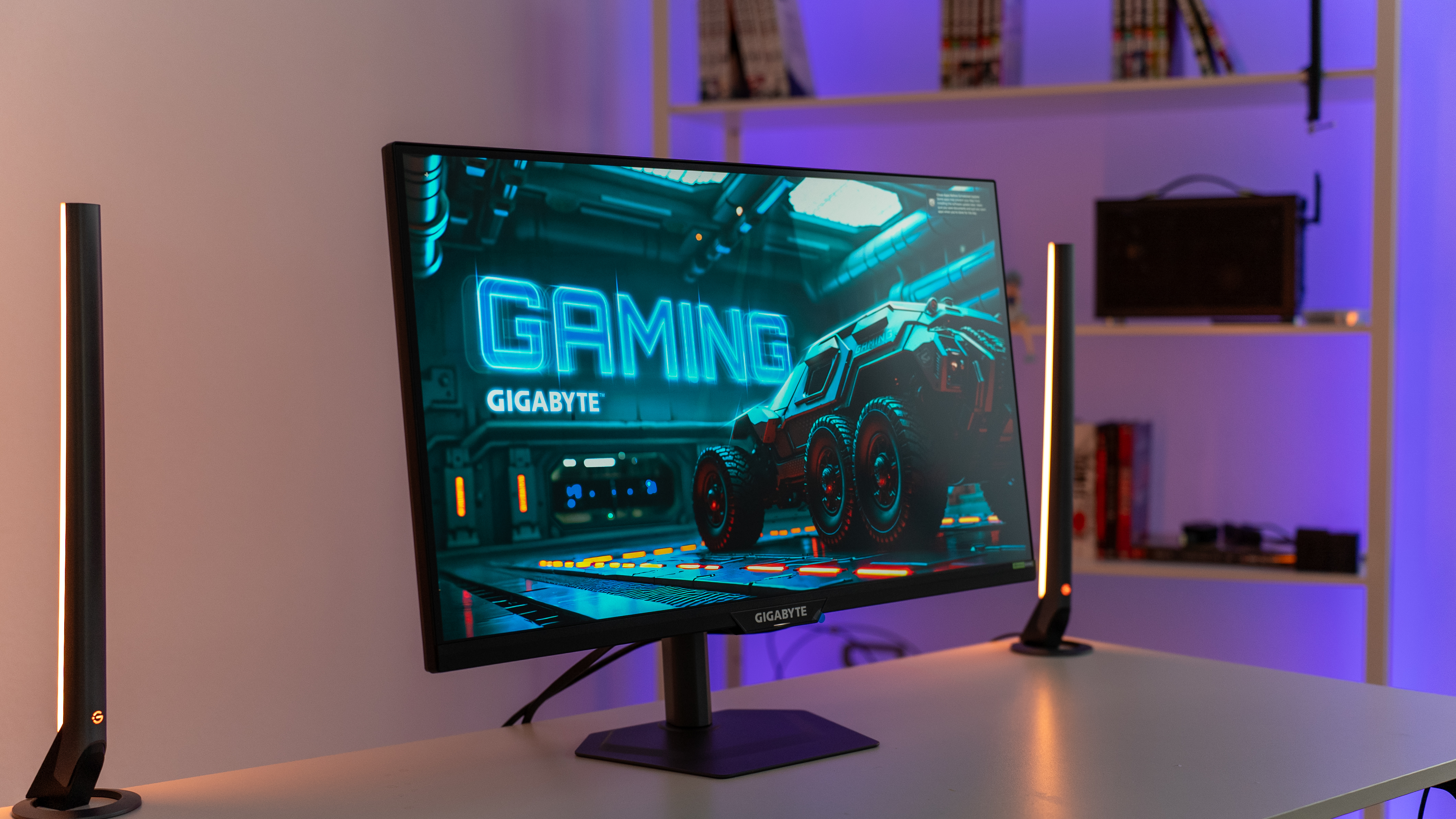
If you prize frames, the G27U answers with a SuperSpeed IPS panel and 1ms GTG response. It also supports G-SYNC Compatible setups so tear and stutter are minimized whether you run an NVIDIA RTX 40-series card or an AMD rig with adaptive sync.
- Aim Stabilizer Sync reduces motion blur when refresh rates vary.
- Smart OD adjusts overdrive on the fly so you don’t trade overshoot for speed.
- Built-in tactical tools—custom crosshairs and visibility boosts—help you spot opponents faster.
At a freelance shoot I had to proof color quickly — Wide color gamut for gaming and creation
For people who play and make, color matters. The G27U covers 95% DCI‑P3 and renders 10‑bit color (1.07 billion colors), which means smoother gradients and fewer artifacts when you’re grading footage or just staring at a rendered skyline in a single-player title.
That versatility makes the G27U useful for creators who edit in Premiere or DaVinci Resolve and for streamers who want their games to look like the developer intended. It’s as precise as a violinist’s bow when you need color accuracy, and forgiving enough for quick edits.
At a console launch event someone asked about cables — HDMI 2.1 for next‑gen platforms
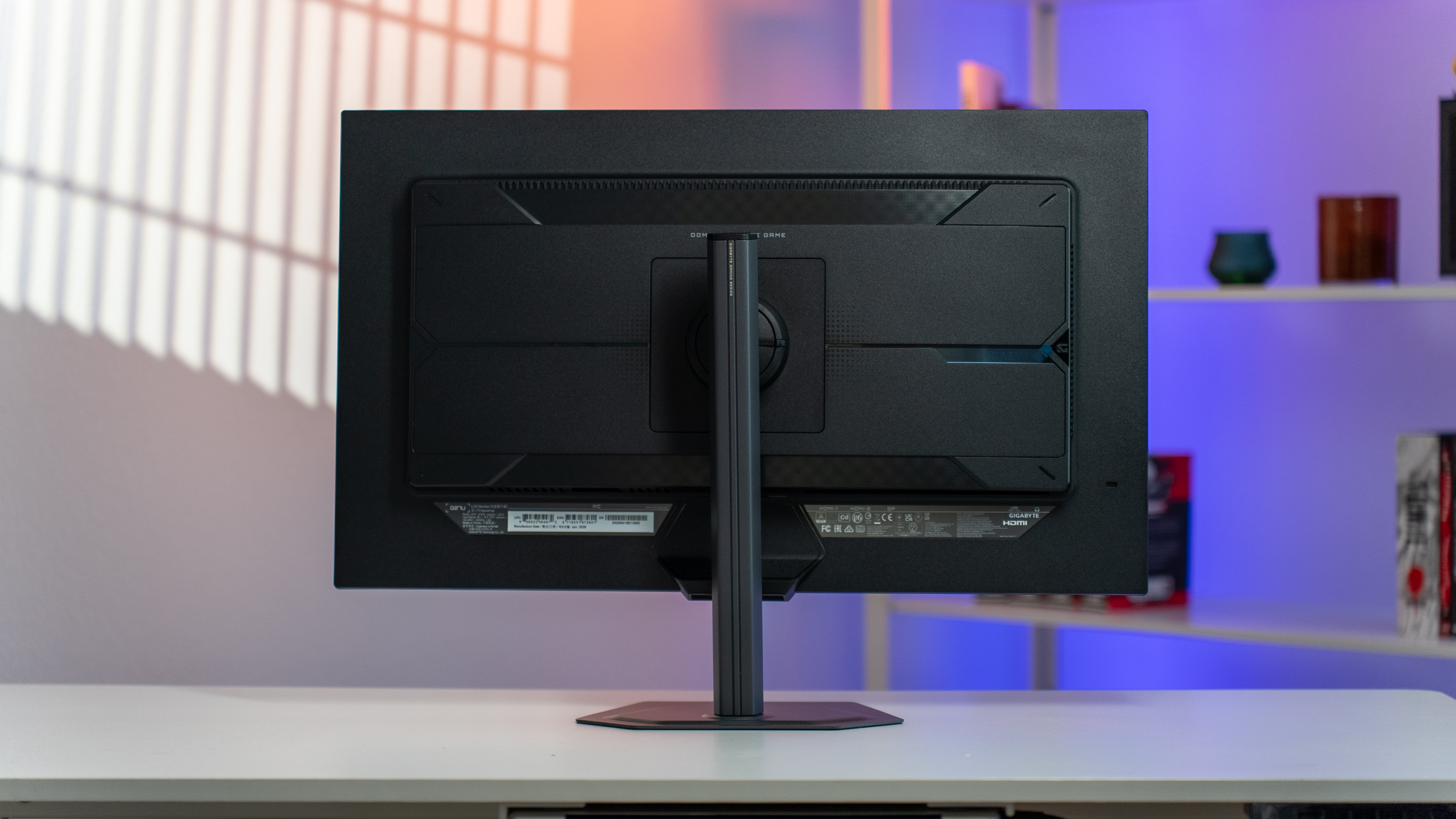
GIGABYTE put two full-bandwidth HDMI 2.1 ports (up to 48Gbps) on the back plus DisplayPort 1.4. That matters because newer consoles and GPUs need headroom to run high resolution and high refresh at the same time.
Can a monitor run 4K and 320Hz at the same time?
This is the common question. The G27U doesn’t offer 4K at 320Hz; it gives you two practical modes—4K at 160Hz for fidelity and 1080p at 320Hz for ultimate speed. Those modes reflect current GPU and interface limits and let you pick the experience that matches the game you’re playing.
Do I need HDMI 2.1 for 4K 160Hz?
Yes, higher bandwidth helps. HDMI 2.1 is what lets consoles like the PlayStation 5 and Xbox Series X run higher-res, higher-refresh signals. For PC, pairing an RTX 40-series or equivalent GPU with the G27U’s HDMI 2.1 ports or DisplayPort 1.4 clears the path for crisp, fast frames without heavy compression.
At a desk cluttered with two monitors someone shrugged — Why it stands out
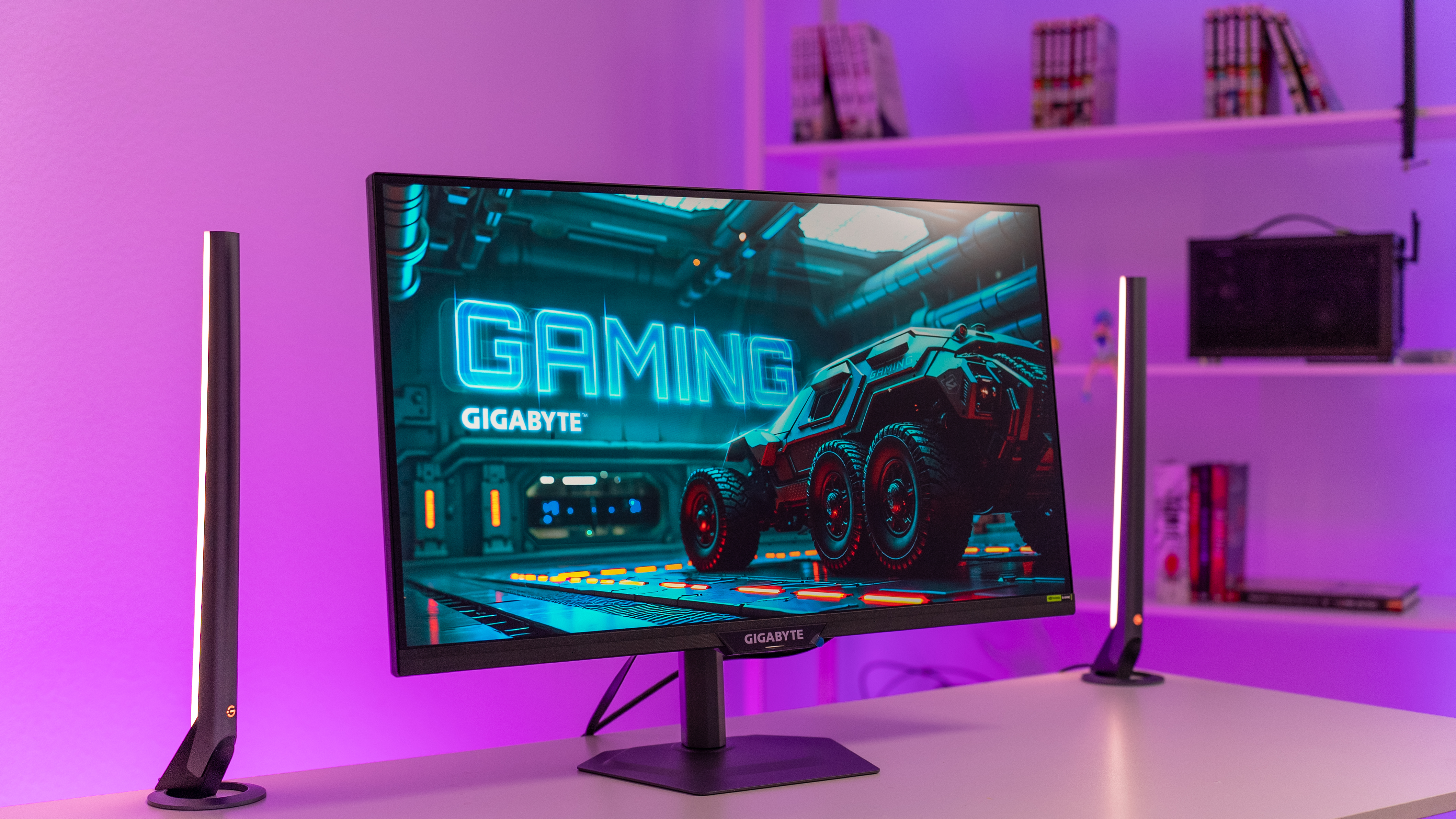
You can buy two specialized panels, or you can buy one that tries to serve both camps. The G27U leans into a different bet: most people would rather swap modes than swap screens.
- One monitor for every game: 4K 160Hz for cinematic titles; 320Hz for fast shooters.
- Less clutter: Fewer cables, fewer stands, less decision fatigue.
- Cost-wise sense: At $349.99 (€322) you’re getting dual-purpose hardware without buying two displays.
At a friend’s desk I saw two monitors replaced by one — Positioning and use case
If you’re the kind of person who alternates between creative work, streaming, and competitive play, the G27U is designed for that life. Think of it like a Swiss Army knife for your desktop: fewer tools, more flexibility.
Gamers who juggle PC and console will appreciate the twin HDMI 2.1 ports for a plug-and-play setup. Streamers who need accurate color and fast response won’t have to swap hardware based on the game they run.
I checked the store listings — Availability and pricing
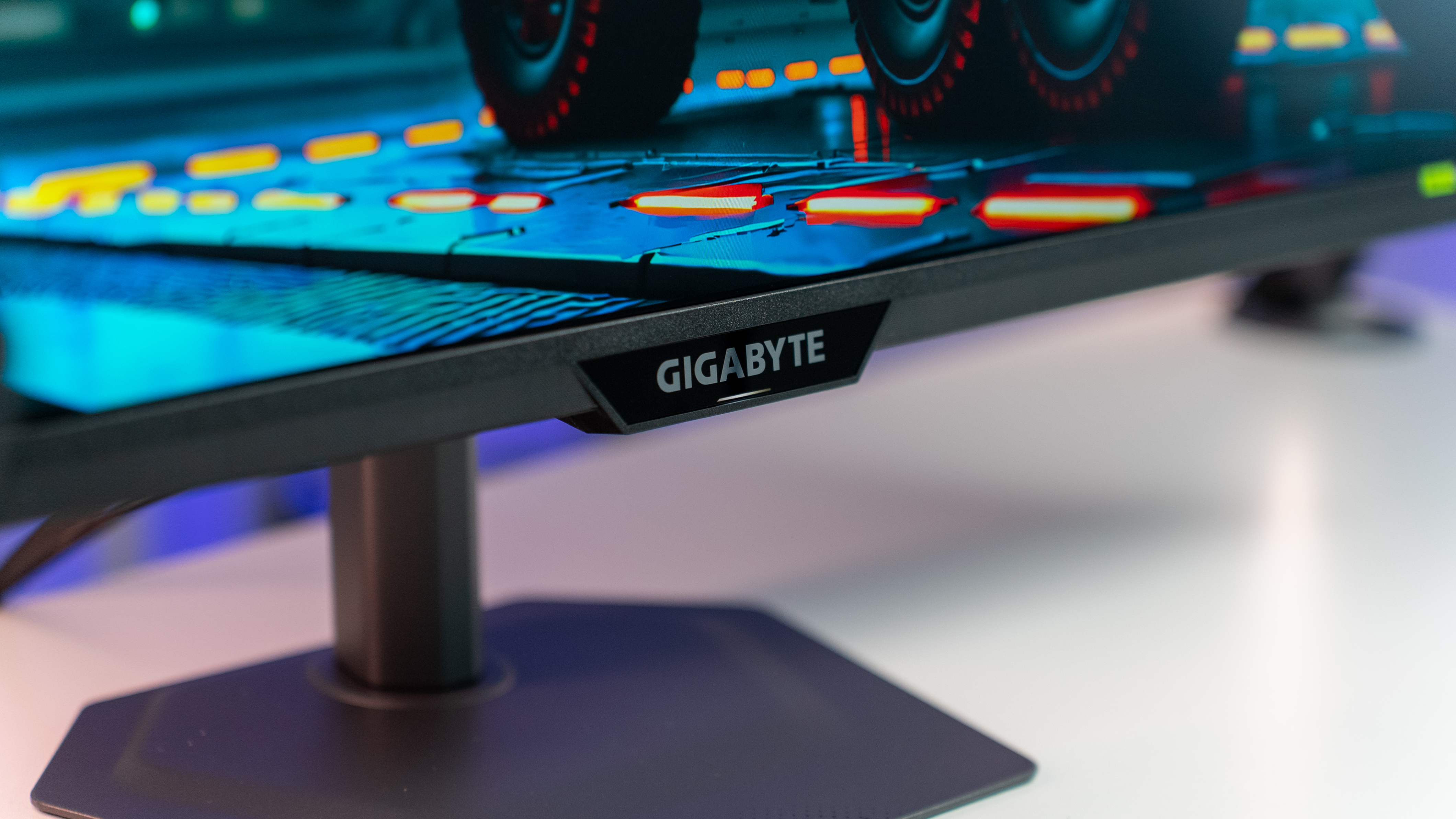
GIGABYTE has launched the G27U in the United States at a retail price of $349.99 (€322). It’s available now through major retailers including Amazon.
There’s a trend toward displays that offer multiple performance profiles rather than narrowing you to one lane. GIGABYTE’s take is practical: two clearly different modes, simple switching, and the I/O to keep consoles and PCs happy. Are you ready to stop choosing between beauty and speed and instead choose how you want to play right now?