
The cave was nearly silent until a pale yellow blob slid into the torchlight and ate the block beneath my feet. I froze—this wasn’t a regular slime. I’d played Minecraft long enough to know when the game is quietly asking you to pay attention.
I’ll walk you through what I’ve learned about the Sulfur Cube and how to make it work for you in survival, creative, or a redstone contraption. You’ll get clear locations, the full list of blocks it can consume, practical tricks for copying and moving them, and a few uses I’ve tested on Java and Bedrock. Read fast—these things change how you move through caves.
What Are the Minecraft Sulfur Cube Mobs
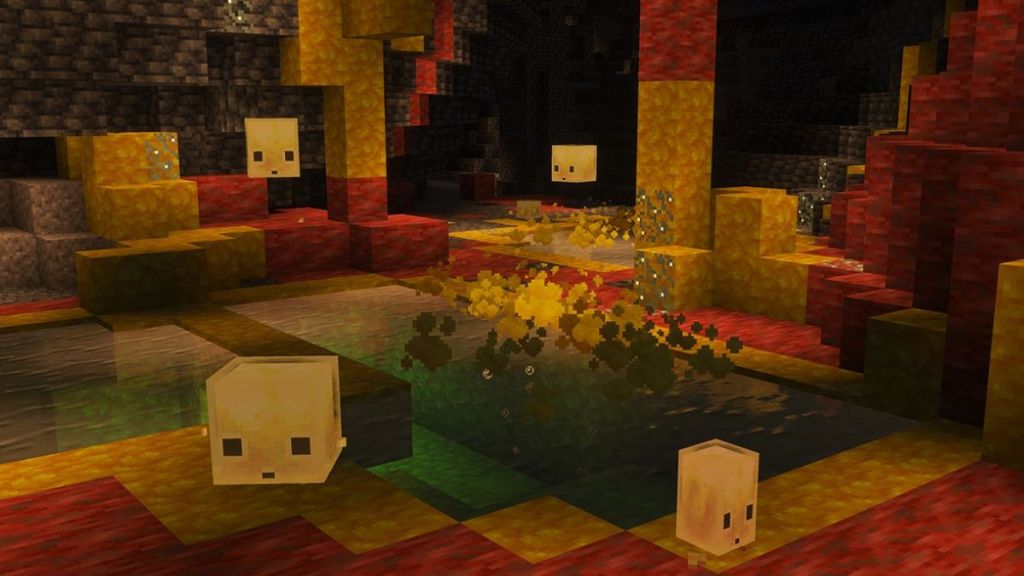
You’ll spot them by color before anything else: pale yellow blobs against warm cinnabar walls.
The Sulfur Cube is a new slime-type passive mob added in the Minecraft Chaos Cubed update by Mojang. It behaves like other slimes or magma cubes in animation, but its signature trait is absorption: it swallows a block and adopts properties tied to that block. It is a living Swiss Army knife. It’s also a walking chemistry set.
Absorbed blocks slot the Sulfur Cube into one of 12 archetypes. Those archetypes change its speed, bounciness, ground friction, air drag, and knockback resistance. If you don’t want the effect, use shears on the mob to remove the block and return the cube to its neutral form.
Where to Find Sulfur Cube in Minecraft
Yellow stains on the surface and steaming pools are your best clue before you dig down.
Sulfur Cubes spawn in the Sulfur Cave biome introduced in the Chaos Cubed update. These caves sit deep underground and have a distinctive yellow-and-red palette driven by Sulfur and Cinnabar blocks. On the Overworld surface you’ll sometimes find Sulfur Springs—small pools rimmed with yellow Sulfur and red Cinnabar and toxic gas bubbling up. Dig beneath a spring and you’ve increased your odds of hitting a Sulfur Cave.
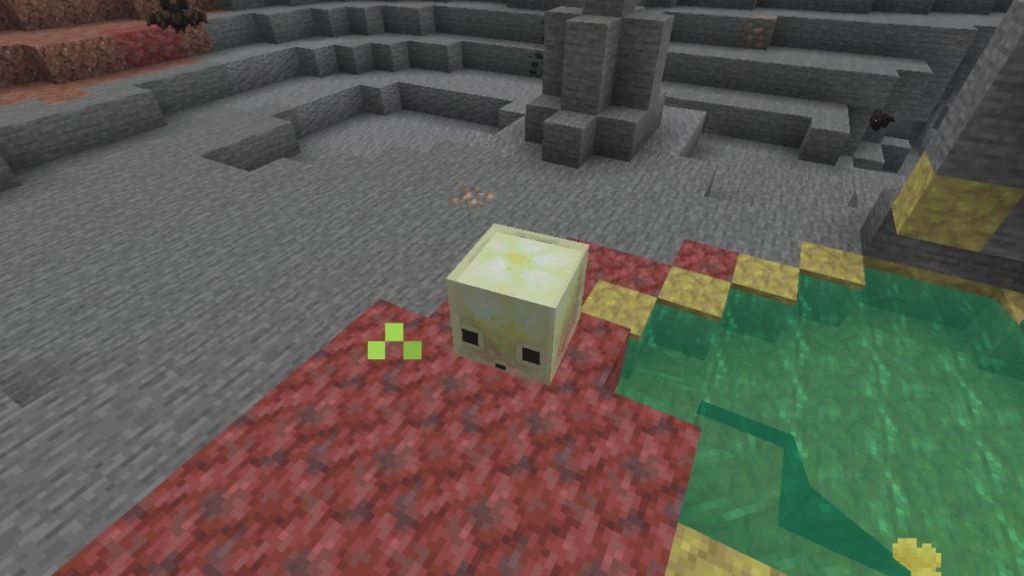
If you play on Java or Bedrock and follow communities on Reddit, Discord, or YouTube, you’ll find players sharing coordinates and seed examples—use those as a shortcut if you need a Sulfur Cube for a build or experiment.
What Blocks Can a Minecraft Sulfur Cube Absorb?
Watch one long enough and you’ll notice it doesn’t simply sit on a block—it eats it and mutates.
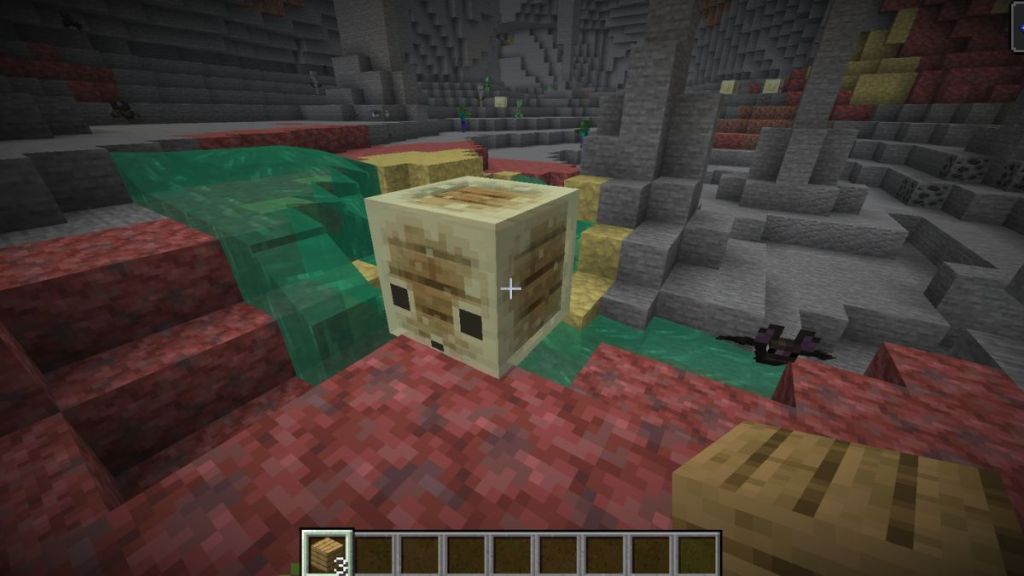
Blocks fall into 12 archetypes that tune the cube’s physics. Each archetype alters four core attributes: speed, bounciness, ground friction, and air drag. That changes everything from how it reacts to hits to whether it slides or hops away when pushed.
| Archetype | Block Consumed |
|---|---|
| Regular | Dirt, Mud, Concrete, and Mineral blocks |
| Bouncy | Wooden Blocks |
| Slow Flat | Metal Blocks |
| Fast Flat | Organic Blocks |
| Light | Wool Blocks |
| Fast Sliding | Ice Blocks |
| Slow Sliding | Shroom Blocks |
| High Resistance | Soul Sand & Soul Soil |
| Sticky | Honeycomb Block |
| Explosive | TNT block |
| Hot | Magma block |
| Slow Bouncy | Any Stone blocks |
Can Sulfur Cubes take damage after absorbing a block?
Yes and no. After absorbing a block, a Sulfur Cube gains resistance to most conventional damage—melee hits, arrows, and fall damage have reduced effect. It still takes damage from environmental sources such as fire, suffocation, and poison, so lava or soul-fire traps still work against specific archetypes.
How do I remove a block from a Sulfur Cube?
Use a pair of shears on the mob. That returns it to neutral and drops the absorbed block so you can reuse it in builds or experiments.
How to Duplicate Sulfur Cube Mob in Minecraft
A large Sulfur Cube splitting into two smaller cubes is the closest thing to breeding you’ll see.
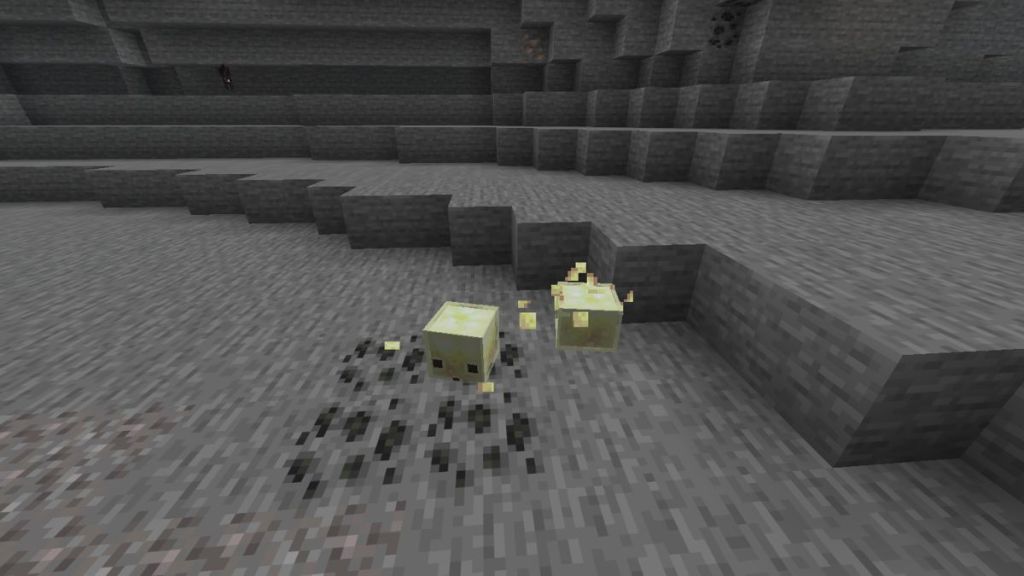
You can’t breed Sulfur Cubes like animals, but you can increase their numbers. Kill a large Sulfur Cube and it divides into two smaller cubes. Those small cubes won’t drop loot, but given time they regrow into full-sized adults and you’ll have multiplied the population.
Can Sulfur Cubes be bred?
No. The multiplication method is based on size mechanics, not breeding. You can speed the growth cycle by feeding slimeballs, and if you prefer permanently tiny cubes feed a Golden Dandelion to keep them small indefinitely.
How to Transport a Sulfur Cube in Minecraft
Scooping one into your inventory changes how you plan bases and farms.
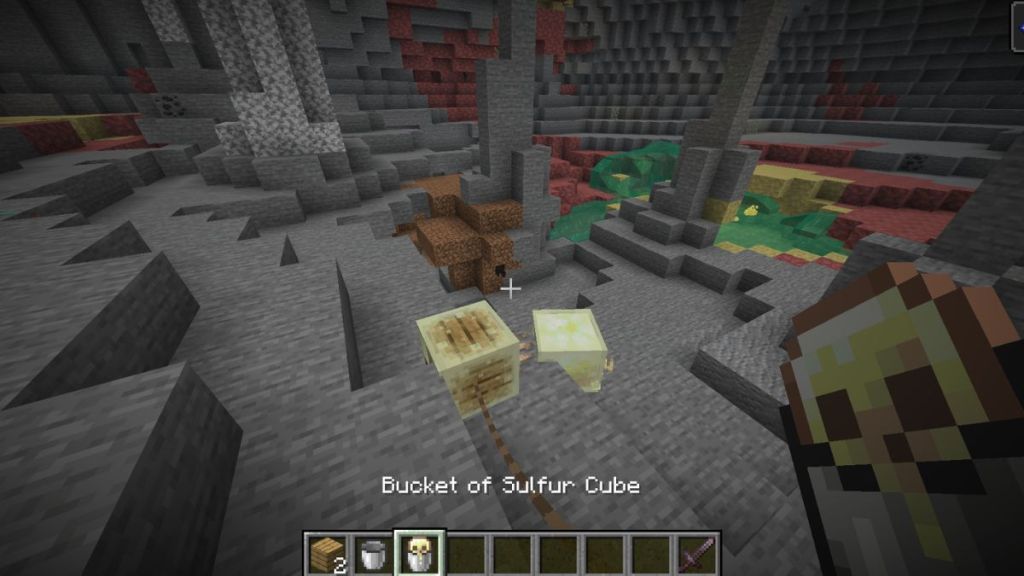
Use an empty bucket to pick up a Sulfur Cube—this stores the mob in your inventory and preserves its absorbed block. Place a filled bucket into a dispenser and it will spawn the cube where the dispenser faces, which opens straightforward possibilities for automated spawning and minigames using redstone.
If you prefer old-school handling, feed a cube a block so it bites one, then attach a lead and drag it like any other mob. I’ve built small Sulfur Cube arenas on seeds I found via community threads and used dispensers to refill teams during matches.
If you’re plotting an automated Sulfur Cube farm, think about which archetype you need: sticky for traps, bouncy for mini-game arenas, or explosive for controlled demolitions. Share your setup on Reddit or the official Minecraft Discord and watch how quickly creative players iterate—what will you try first?