
I was mid-match when my opponent dropped a connection and a PS5 tag flickered across the lobby. For a second I realized I might never fight my friend who lives three blocks away because of platform walls. You care about playing the characters you love with the people you know—I do too.
I’m going to walk you through what Arc System Works has announced, how to turn crossplay on, and what’s still unknown about carrying your progress between systems. Read this like a short guide from a friend who spends too many nights in ranked queue.
Players are already asking for matches across systems — does Marvel Tokon support crossplay?
Yes. Arc System Works has confirmed Marvel Tokon: Fighting Souls supports crossplay at launch, but with limits. Because Sony Interactive Entertainment is publishing the title, the live version ships only on PlayStation 5 and PC (Steam and Epic Games), so crossplay works fully between those two platforms only.
The practical effect: if you’re on PC you can face PS5 players and vice versa, but not anyone on Xbox or Nintendo Switch 2—those versions aren’t in the launch window. Think of crossplay as a bridge connecting two islands: it makes the trip simple so long as you’re on one of the two shores it links.
I’ll flag this plainly: if you expect Xbox or Switch 2 opponents on day one, you’ll be disappointed. Arc System Works can expand that bridge later, but for now PS5 PC is the only guaranteed pairing.
Is there crossplay support in Marvel Tokon?
Yes. Cross-platform play works between PlayStation 5 and PC at launch.
What platforms is Marvel Tokon releasing on?
Launch platforms are PlayStation 5 and PC via Steam and Epic Games. Sony’s role as publisher is the reason Xbox and Nintendo Switch 2 are absent at release.
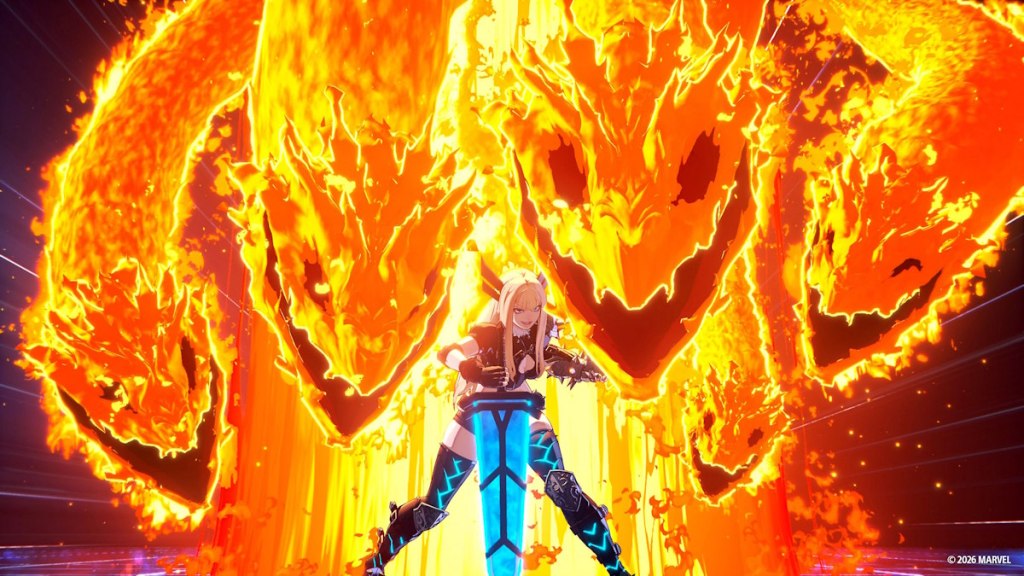
At the matchmaking screen you can toggle platform pools — here’s exactly how to enable crossplay
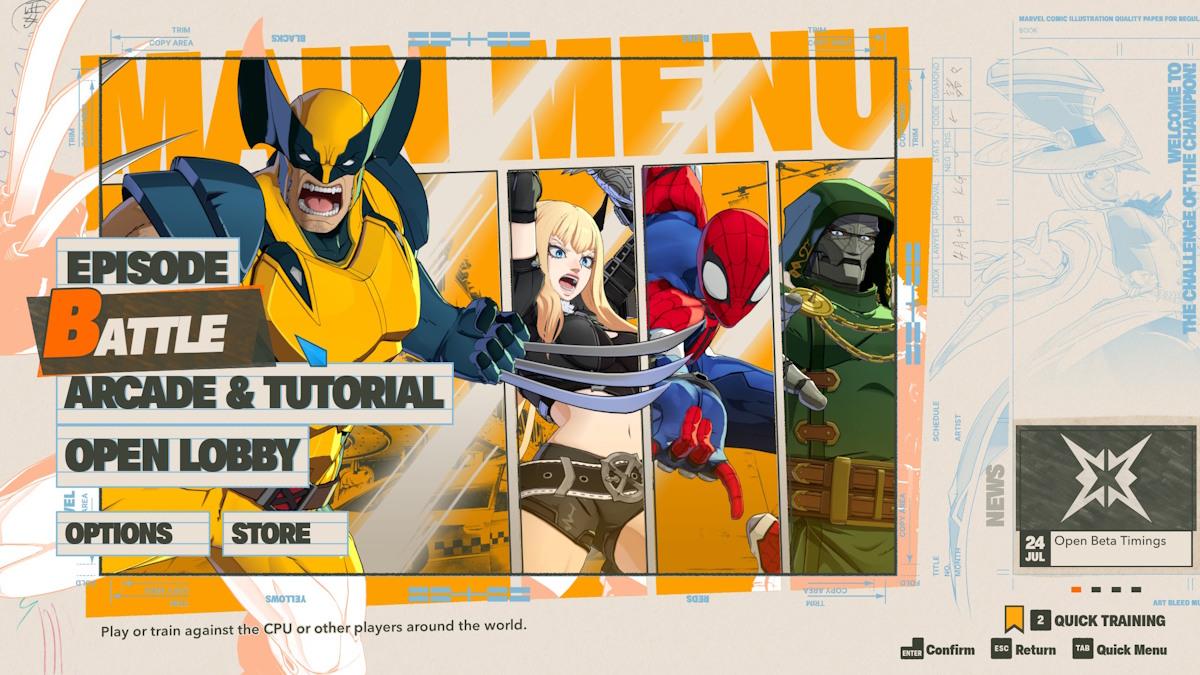
When you open Battle mode you’ll hit a few menus before matchmaking starts. Those few clicks decide whether you face only local platform opponents or every available player.
- Launch Marvel Tokon and select Battle.
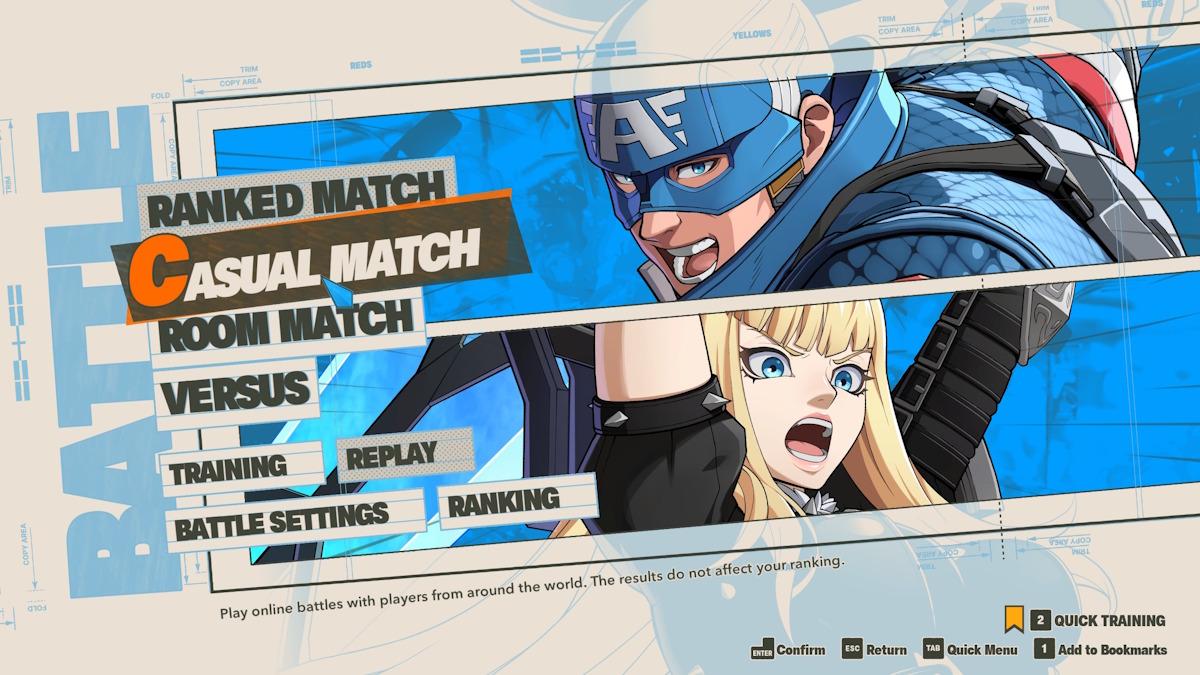
- Choose Casual or Ranked, depending on what you want to risk.
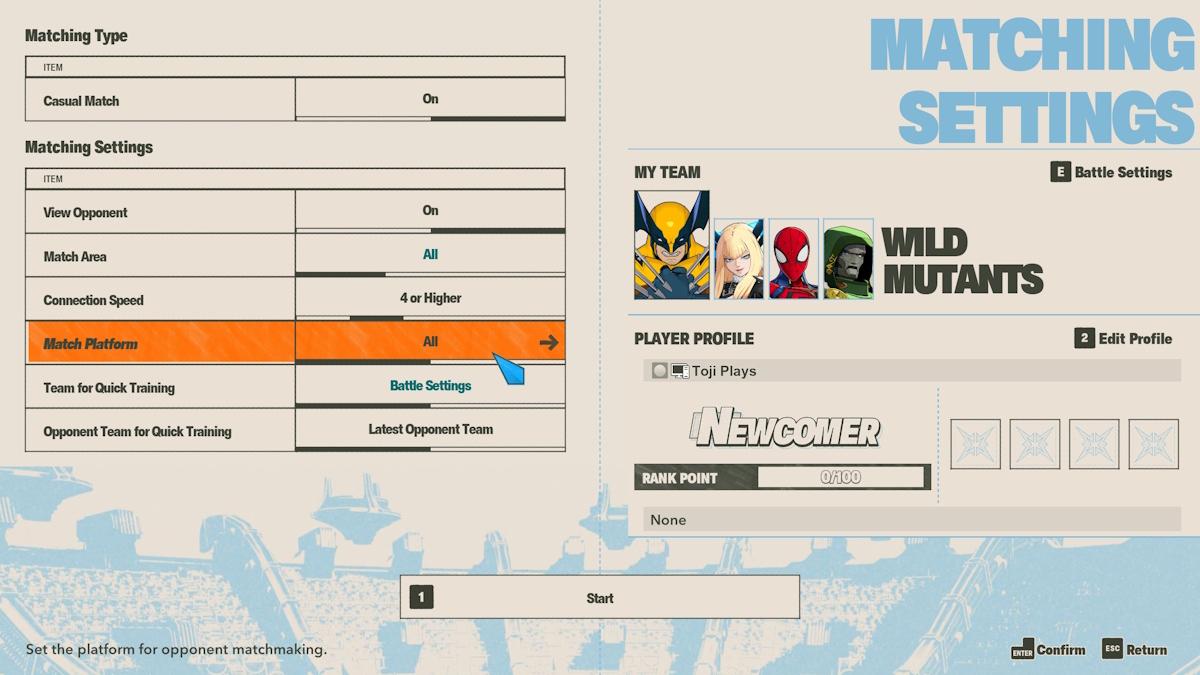
- In the matchmaking menu you’ll be prompted to adjust your Matching Settings.
- Find “Match Platform” (usually the fourth row) and set it to All to enable PC PS5 crossplay.
- If you only want to face people on the same hardware, set it to Same Platform Only.
- On PC make sure Steam or Epic Games hasn’t blocked network access for Marvel Tokon; otherwise crossplay will fail silently.
Several players wonder if their hours and cosmetics travel with them — what the studio has said about cross-progression
Arc System Works hasn’t confirmed cross-progression at launch. That silence matters: without a publisher-side account linking system, your unlocks and ranked status usually stay tied to the platform where you earned them.
There’s precedent: Marvel Rivals added cross-progression later in Season 4.5, so the developer can add it after launch. Cross-progression works like a passport for your profile—when it exists, your progress moves across borders; when it doesn’t, you carry nothing but memory.
Does Marvel Tokon have cross-progression yet?
No official cross-progression announcement has been made. If you want your profile to move between PC and PS5, wait for Arc System Works to add a linked-account system or a cloud progress feature.
If you’re planning matches with friends, set your Match Platform to All and test a few casual lobbies; if you’re hoarding skins or rank, brace for the possibility of separate progression until the developer updates the game. Want me to track Arc System Works’ announcements and call out cross-progression the moment it goes live — or do you think platform-locked progression is a fair trade for console exclusivity?