
It was 3 a.m. when my belts stalled and a full line of seeds piled into a single launcher slot. I watched the clock and felt the game tilt from tidy simulation to a tight puzzle. That small choke point ripped hours of progress into a lesson I still use every session.
I teach the transport basics you need to fix those moments fast. I’ll point out the traps I tripped over and the clean habits that stopped them from coming back.
How do Launchers and Conveyors work in SANDUSTRY
I’ve seen conveyor lines backed up because a launcher spat twice as many items as the next belt could take. You’ll need to think of belts and launchers as choreography—each piece sets the pace for everything downstream.
How do Launchers and Conveyors work in SANDUSTRY?
You use Conveyor Belts to move solids: seeds, sand, ore. Place a belt, click to set direction, and the belt’s highest point becomes the ejection spot for items carried across it. Launchers push items off a tile into the next belt or machine; when they misalign, items bounce or stack.
Upgrades live in the research tree (yes, the same one you’ll find on Steam discussions). Faster belts and stronger launchers smooth throughput, but upgrades don’t forgive bad layouts. I learned to pace belts so a launcher never fires into an already full tile.
Practical rule: measure your throughput. If a launcher can fire three items per second and the receiving belt carries two, you will see backups. Fixing that is often as simple as adding a short buffer belt or a splitter that spreads load to a parallel line.
How to use Filters in SANDUSTRY
On one map I let mixed sand-types run uncontrolled and my glass factory choked because the wrong grain arrived at the kiln. Filters resolve that by deciding what moves where, so you don’t waste cycles or clog machines.
How to use Filters in SANDUSTRY?
Filters act like gatekeepers. Set one to Allow a material and that type passes through to its destination. Set it to Block and that material will be diverted. The vanilla filter starts simple, but research upgrades add options—advanced filters can separate solids, liquids, and gases.
Use filters to protect high-value lines: stop common filler materials from reaching specialized processors. A small filter placed before a costly machine is often cheaper than repairing an entire production chain after a jam.

How to transport Liquids in SANDUSTRY
I once lost a vat of processed fluid because a pump sat below the fluid line and the vent above it was already full—no flow, no signal, and a chaotic detour through my whole plant. Liquids obey levels and pressure; they don’t follow the same rules as solids.
How to transport Liquids in SANDUSTRY?
The Pump is the input, the Liquid Vent the output, and Pipes link them. For flow to work, the fluid must sit at or above the Pump’s level and below the Vent’s level. If you violate that geometry, the system stops moving liquid.
Pumps and vents also appear in the research tree for speed and capacity upgrades. Think of pipes as arteries: too narrow or kinked and the system starves. One clear layout fix I use is a central fluid spine with short lateral feeds—reduces cross-contamination and makes leaks obvious.
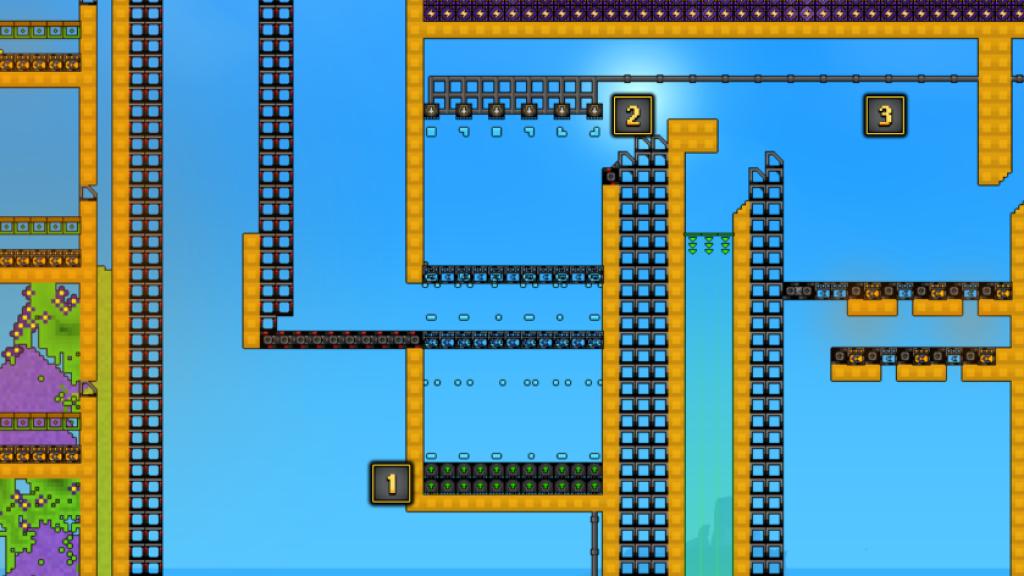
Small habits beat big fixes: route a short buffer belt after every launcher, drop a filter before any expensive processor, and keep pumps at or above their source level. These moves stop the common pileups I see on Steam workshop threads and community posts.
Think of your factory like a restaurant kitchen, where timing beats raw speed, and like a clogged artery—small blockages cause system-wide failure. If you had to fix one single point right now, which would you rebuild: the belt timing, the filter placement, or the fluid spine?