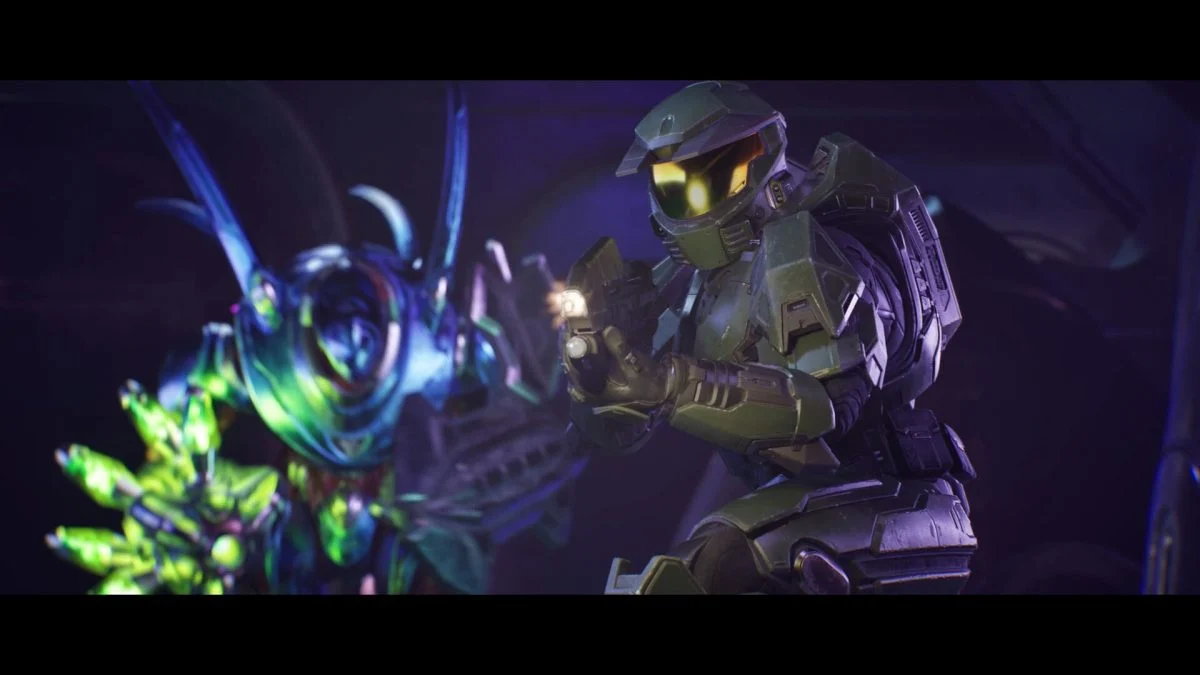
I hit Continue and the screen juddered—then silence where an achievement sound should have been. You feel that drop in the gut: progress hanging by a thread. I stayed; you should, too, because this patch tries to pull those frayed threads back together.
Today’s Aug. 17 update for Halo: Campaign Evolved lands with video toggles, PC upscaling controls, account fixes, and a new armor cosmetic you can redeem via Halo Waypoint. Read on for the settings that matter and the fixes that’ll change how your play session feels.
Halo: Campaign Evolved patch notes today – Aug. 17
Players on Xbox and PC were reporting muddied audio and odd firing behavior during missions like Keyes.
Microsoft’s patch addresses a long list of annoyances and adds choice where there used to be only compromise. If you’ve been chasing smoother frame pacing, cleaner visuals, or a way to unlink a stubborn account without restarting the title, this update is the one to open the settings for.

How do I turn off Chromatic Aberration and Film Grain in Halo: Campaign Evolved?
The options were removed from your hands before; now they’re back where they belong. I walked through the menu and found both toggles under Video Motion & Effects—simple and immediate.
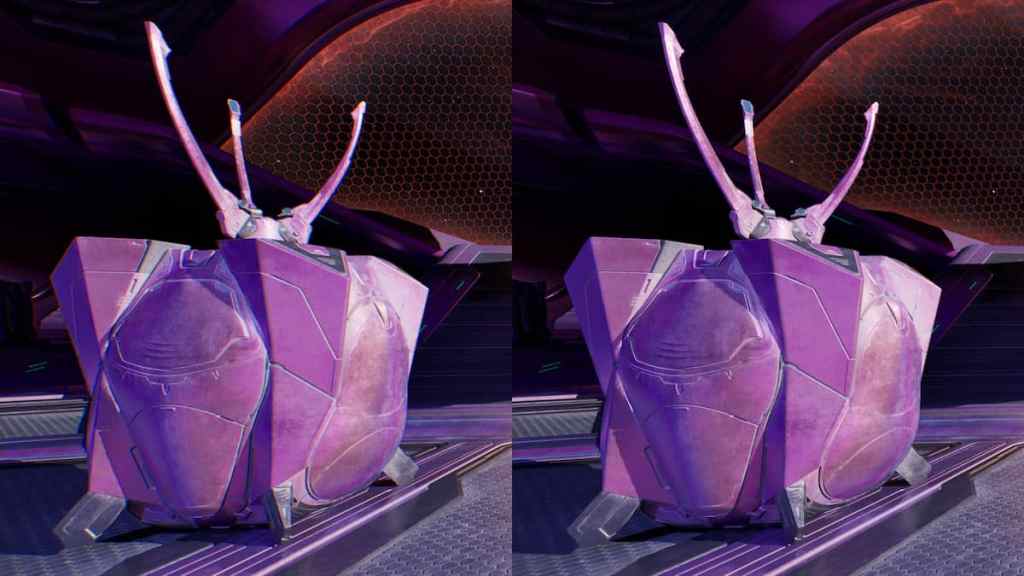
How to toggle them:
- Open Settings with Menu (Xbox), Options (PlayStation), or F1 (keyboard).
- Select Video, then go to Video Motion & Effects.
- Flip Chromatic Aberration and Film Grain on or off individually to match your preference.
How do I disable upscaling and anti-aliasing on PC?
I noticed sharpness that wasn’t natural when I set render resolution to Native; the engine still applied reconstruction tech. The update gives you a proper way to stop that processing.
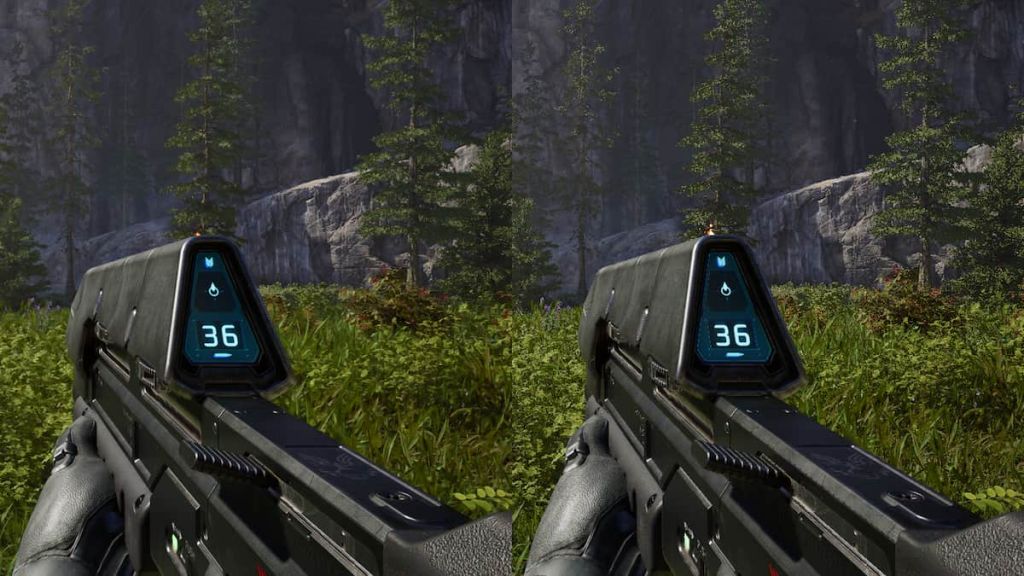
If you prefer raw pixels over post-processing, set Upscaling Technique to None:
- Open Settings (Menu / Options / F1) → Video → Advanced.
- Choose Upscaling Technique and pick None.
The toggle is like turning off a noisy nightlight: suddenly you see only what’s actually there.
How do I claim the Recompilation Armor for my account?
Redeeming cosmetics still has the same simple path from the web to your in-game wardrobe. I tested the flow and the piece appeared in the customization menu without fuss.
Steps to add the new Recompilation Armor:
- Open https://aka.ms/Recompilation and sign in with the Microsoft account you use for Halo: Campaign Evolved.
- Enter code ZS75-7UM8-C2BL-JE3D-4BFZ if it’s not pre-filled.
- Select Redeem. The armor will be linked to your account and show up in-game.
Quick wins and the bigger fixes
During evening test sessions I saw Marines not firing and the Magnum refusing to reload—small bugs that ruin pacing.
Here’s what actually changes the feel of the campaign, not just the numbers on a patch note.
Gameplay and global fixes
- Jackal stagger behavior improved; aim for hands and feet to stop them faster.
- Sgt. Johnson problems in Boarding Action patched to prevent mission blocks.
- Assault Rifle rate of fire and spread corrected on Xbox and PC to match PS5 behavior.
- Marines with Battle Rifles and Flood Marines will now fire as intended; Magnified Skull no longer pauses their weapon use.
- Active Camo uncloaking when falling or stepping over bumps has been reduced.
- Magnum now begins reload when you attempt it immediately after firing; reloads for Fuel Rod Cannon, Rocket Launcher, and Needle Rifle can be interrupted by grenades.
- Achievement awarding fixed when using restricted Skulls or difficulty modifiers; offline-earned achievements now persist after reconnecting to Xbox network.
- Audio issues during Keyes reduced; muddy and crackly sound should be less frequent.
- Campaign Remix crash when Flood replace enemies set to enter vehicles addressed.
- Account linking improved so you don’t need a full title restart when a Microsoft account creation fails.
PC-focused improvements
On my rig I stopped seeing key bindings reset after a restart—one of those small things that chips away at trust. AMD users should see faster shader delivery and less hitching.
- Mouse & keyboard custom bindings no longer reset on restart.
- Adjusted Maximum Frame Rate behavior with VSync on high-refresh displays to reduce instability.
- Improved stability with XeSS Frame Generation and when an in-game FPS cap is used.
- Reduced crashes when loading co-op sessions.
- All graphics quality presets (Very Low to Ultra) are now selectable across supported hardware.
- AMD cards now properly use Advanced Shader Delivery for faster shader loads and fewer hitches.
- Frame Generation will turn off during cinematics and resume in gameplay to stabilize playback.
PlayStation 5 notes
Players reported stuttering in busy areas; recent fixes smooth frame delivery and reduce skipping of enemies and objects.
- Reduced frame skipping and stutter in high-activity zones.
- Improved overall frame rates for smoother play.
Account tools and support
I’ve had accounts stick to a profile before; seeing an in-game unlink flow is a relief when things go sideways.
If your account link is misbehaving, use the in-game Account > Unlinking Help to view and request changes without quitting the title.
Why did Microsoft add in-game unlinking?
Because restarting a game to fix an account is an earned frustration—and fixing that saves players time and rage. The menu shows linked accounts and starts the request with a single press: A on Xbox, Cross on PlayStation, or Enter on keyboard.
Final thoughts
Tonight’s patch is a steady collection of fixes and options that return choice to the player and smooth over gameplay interruptions. These updates are a bandage on an old scrape; they don’t reinvent the campaign, but they remove the grit from the gears.
I’d recommend you flip the new video toggles and test Upscaling Technique if you care about pure rendering, and claim the Recompilation Armor through Halo Waypoint while you’re in settings. You’ll notice the difference—does that make this update enough, or should the next one aim higher?