
I watched Coen stumble through a ruined chapel while my FPS meter flirted with single digits. I paused the game, opened Task Manager, and felt the small, sharp sting of a bottleneck. You can fix that—if you know which parts of your PC are actually holding the experience back.
I’m a PC gamer and someone who reads system requirements the way others read ingredient lists. I’ll walk you through what Rebel Wolves published for The Blood of Dawnwalker and tell you where an upgrade will buy the most dramatic return for your time and money.
My six-year-old GTX still hums: The Blood of Dawnwalker Minimum System Requirements
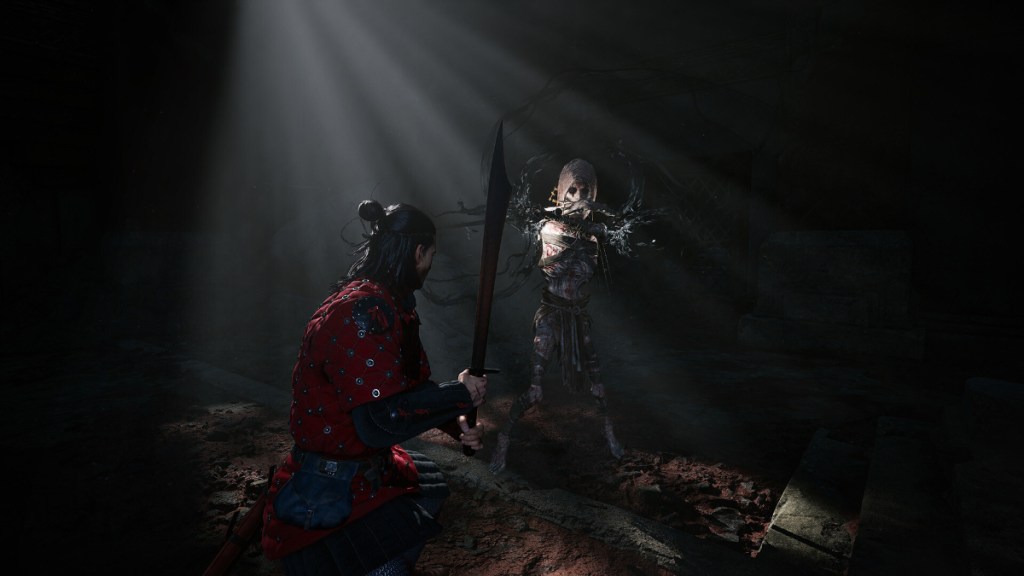
Rebel Wolves published the official minimum specs for running The Blood of Dawnwalker at 1080p/30fps with upscaling (DLSS/FSR/XeSS) enabled. If you’re on a GTX 1060 or an RX 580, the game will launch, but expect to lean on upscalers and reduce shadow and particle detail. Your six-year-old GTX feels like a tired guard, still loyal but slowing the party.
- Processor: Intel Core i5-11400F / AMD Ryzen 7 2700X
- Memory: 16 GB
- Graphics: NVIDIA GeForce GTX 1060 / AMD Radeon RX 580
- VRAM: 6 GB or more
- Storage: 60 GB SSD required
- DirectX: 12
- Operating System: Windows 10 or higher
Can my GTX 1060 run The Blood of Dawnwalker?
If you have a GTX 1060 (6 GB), you can run the game at 1080p/30fps but only with DLSS/FSR/XeSS active and conservative settings for shadows and crowd density. Expect some framedrops in large outdoor fights—tools like NVIDIA GeForce Experience or AMD Radeon Adrenalin can help tune drivers and upscalers for a smoother result.
If you’re patching instead of rebuilding, prioritize an SSD if your system still boots from a hard drive—the load times and stutter from streaming world assets will spoil the game’s pacing on an HDD.
I swapped drives last week: The Blood of Dawnwalker Recommended System Requirements
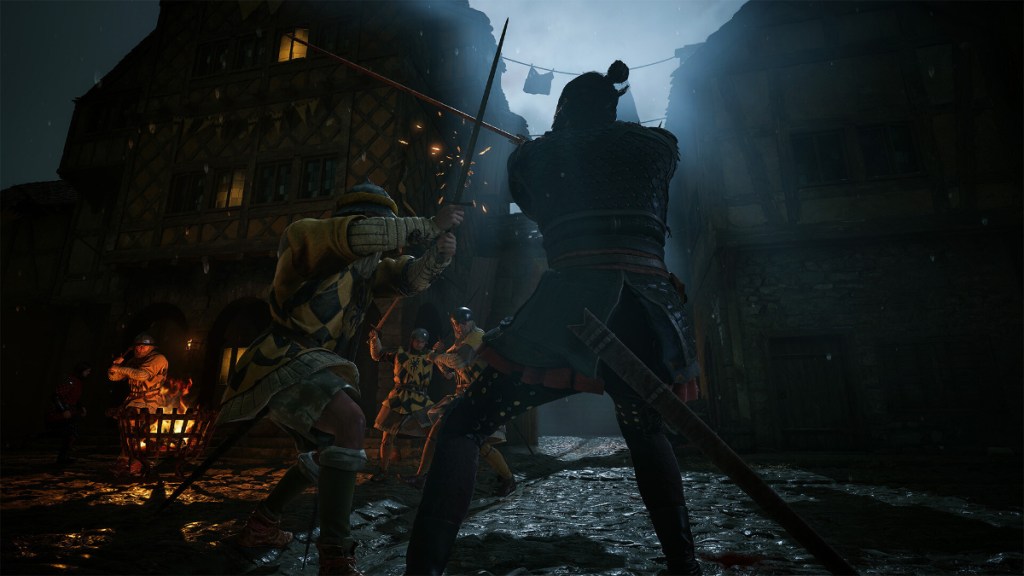
With a mid-range GPU from the last couple of generations you’ll hit 1440p/60fps on High with upscaling. If you want Ultra fidelity at 1440/60, you’ll need a more modern CPU and GPU to keep VRAM and CPU cores from choking frame delivery. DLSS trims frame-costs like a razor, so if you have an NVIDIA RTX card, that’s the simplest path to smoother performance without sacrificing resolution.
- Processor (1440p/60 High): Intel Core i7-11700K / AMD Ryzen 7 5700X
- Memory: 16 GB
- Graphics (1440p/60 High): NVIDIA GeForce RTX 4060 / AMD Radeon RX 7600 XT / Intel Arc B580
- VRAM: 8 GB or more
- Storage: 60 GB SSD required
- DirectX: 12
- Operating System: Windows 10 or higher
Do I need DLSS/FSR/XeSS to run at 60fps?
Short answer: yes, if you’re aiming for 60fps on anything above Low. DLSS (NVIDIA), FSR (AMD), and XeSS (Intel) are supported and they give the largest frame-per-dollar boost. Use in-game presets to pair the upscaler with lower ray-tracing/shadow settings and you’ll keep visual fidelity high while recovering frames.
If you want the best visual output at 1440p/60 or higher, look at the Ultra spec targets below.
- Processor (Ultra 1440p/60): Intel Core i7-12700K / AMD Ryzen 7 7800X3D
- Memory: 16 GB
- Graphics (Ultra 1440p/60): NVIDIA GeForce RTX 4070 Ti / AMD Radeon RX 9070
- VRAM: 12 GB or more
- Storage: 60 GB SSD required
- DirectX: 12
- Operating System: Windows 10 or higher
My friend upgraded last month: What this means for your build
If you own an RTX 20-series or GTX 10-series card, the game is playable, but you’ll be using upscalers as a crutch. If you’re on an RTX 30-series or newer, or an AMD RX 6000-series and later, you’re in a comfortable spot for High settings at 1440p. Rebel Wolves designed the game with modern upscalers in mind, and patches at launch will likely adjust performance targets—follow official channels like the Rebel Wolves Twitter and the Steam discussions to stay current.
What’s the single best upgrade for smoother performance?
If you only have budget for one change: buy an SSD if you don’t have one, and then prioritize GPU upgrades. The SSD fixes stutter and load times; a stronger GPU reduces frame drops in combat-heavy scenes. Use tools such as NVIDIA GeForce Experience, AMD Radeon Adrenalin, or Intel’s Graphics Command Center to keep drivers and upscaler profiles tuned.
September’s release calendar is stacked—Rebel Wolves’ The Blood of Dawnwalker lands on September 3, 2026, and it will share attention with major titles. Will your rig make it through the month’s gauntlet without asking for an upgrade?