
I hit the island sprinting and watched a squadless player reach a Console first—my quest objective blinked and vanished. You can feel the match tilt the moment someone claims a rule change. I’ve chased Overrides enough times to know the fastest hand wins more than the best aim.
You’re here because that quest is hanging over your head. I’ll walk you through what Overrides do, where the Consoles hide, and how to trigger one without dying in the process.
What are Overrides in Fortnite?
At ground level, Consoles are obvious: a glowing terminal with players circling it like they’re waiting in line at a coffee cart.
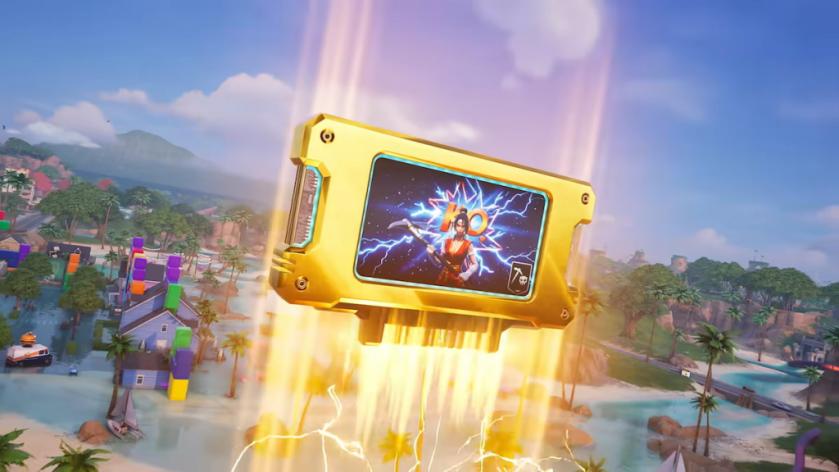
Overrides are server-wide rule changes you can activate by interacting with special Consoles scattered around the Chapter 7, Season 4 island. When you are first to the Console and trigger an Override, your name stamps the base so every squad knows who flipped the switch. Some Overrides apply island-wide; others, the Rare and Mythic varieties, affect only you and your teammates but come with a cost—your squad’s location is revealed to other players.
The effects are varied: boosted XP from eliminations, faster sprint speed over time, infinite stamina, quicker fire and reload rates, or turning all fishing spots golden. Think of triggering an Override like flipping a circuit breaker that changes the whole house’s wiring—one small action, big consequences.
How do Overrides affect my squad?
If you trigger a Rare or Mythic Override, expect a trade-off: your squad gets the buff, but your positions are revealed to the rest of the match. That creates a high-risk, high-reward moment—use it when your team has cover and a plan.
Do Overrides change the whole match?
Some Overrides change rules for everyone; Rare/Mythic types are squad-limited. Read the Override description at the Console before you interact. If the text mentions squad reveal or exclusive effects, assume you just painted a target on your back.
How to find Override Consoles in Fortnite
Your mini-map is the first betrayer: Consoles show up as a special animated icon in the upper-right mini-map and on the full map.
Scan the mini-map as you move—Console icons pulse and are easy to miss if you’re looting. Pop the full map if you’re hunting a quest. Popular POIs, especially the new gaming-themed spots this season, are where Consoles commonly spawn. Use tools like the Fortnite subreddit and streamers on Twitch or YouTube for live reports; many creators map spawn patterns after a handful of matches and post clips or pins.
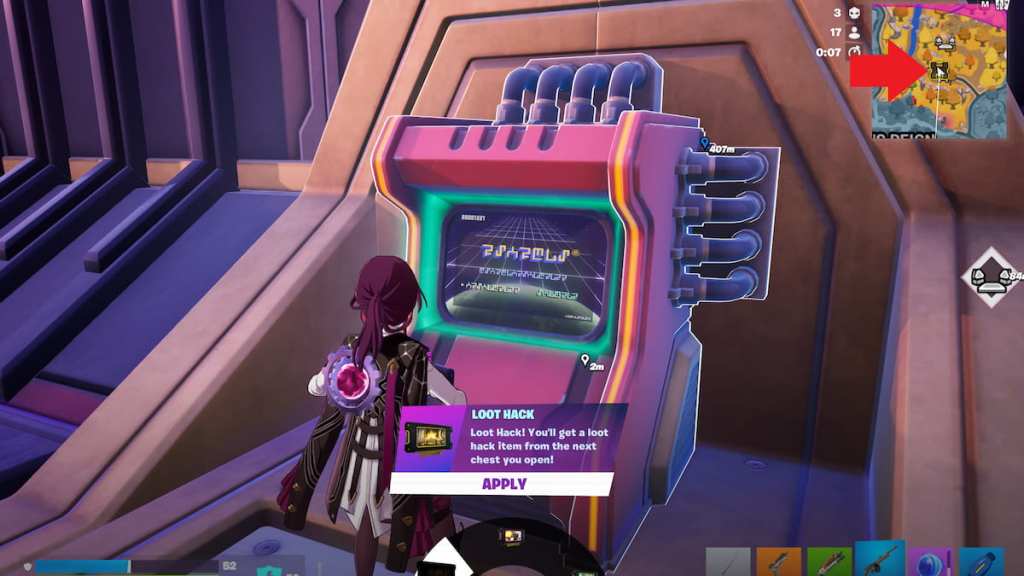
Activate Overrides at Consoles in Fortnite
I’ve rushed a Console with my heart in my throat and watched another player steal it in the last half-second.
To finish the quest, you just need to find any Console on the island and trigger an Override once. There’s no required rarity level—any Override counts—so pick the one you can reach safely. Here’s a tight, practical playbook I use:
- Monitor the mini-map and full map for the animated Console icon. If you see it, mark it and sprint—being first matters more than being sneaky.
- Approach with teammates if possible. If you’re alone, clear the immediate area or use a smoke/cover item. Mobility items—shockwaves, grapplers, condors—turn a chase into a capture.
- Check the Override description before you interact. If it’s Rare or Mythic, be ready to move; your squad will be revealed and hunted.
- After activation, your name appears on the Console base. Use that brief window to reposition or capitalize on the new rules (faster reloads, infinite stamina, etc.).
- Watch social platforms: Epic Games’ patch notes, the Fortnite subreddit, and creators on YouTube/Twitch often highlight new Console locations or meta uses. Moyens I/O and other outlets publish quick guides that are easy to scan between matches.
If you’re collecting quest progress, any Override will count, so don’t over-commit to chasing Mythic-only benefits unless your team is set up to defend the reveal. Think of the fight for a Console like a chess clock—you’ve got to think two moves ahead and pay attention to the timer on others.
When you’ve finished the quest, you can move on to Lobby Hacks, tracking down all Chapter 7 Season 4 Sprites, or using Cheat Codes to stack rewards. If you want an edge, follow creators who drop clips of exact Console spawns—those short clips save you dozens of failed runs.
So—when you sprint for that flickering icon next match, will you grab the Console and change the rules, or will someone else write your name on the base?