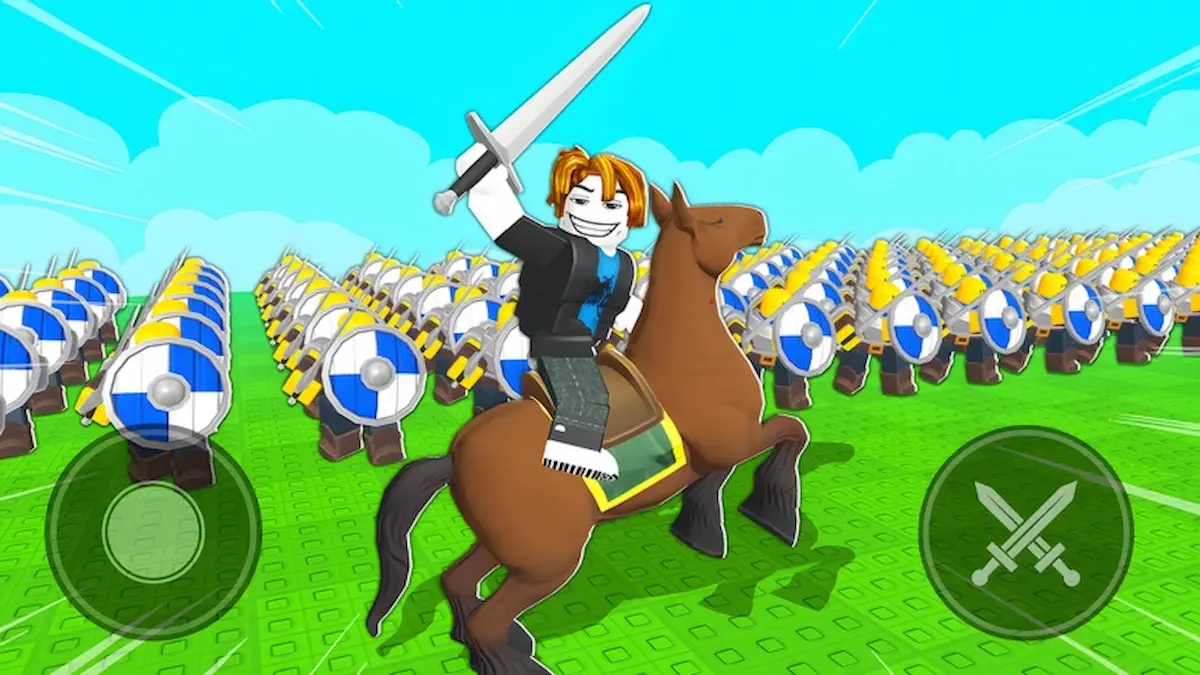
I remember sprinting through my first match, outnumbered, when a single code dropped enough Gems to flip the frontline. You feel the tide shift instantly—the swarm you couldn’t afford becomes a fortress. If you want that sudden, unfair advantage, you and I will go straight to the supply crate.
I keep this guide tight so you can grab freebies and get back to commanding. Below you’ll find every live code, how to redeem them, and the best tools—Roblox, Discord, Codes Hunter, Problox, Moyens I/O, and Bloxinformer—that make missing a code almost impossible. Read fast; codes expire without warning.
All Command An Army codes list
On any busy server you’ll notice players sprinting past the tutorial into the code button. These codes convert into Gems—the single resource that speeds recruitment and lets your strategy breathe.
I recommend saving this page and following Problox or the game’s Discord for instant alerts. If you prefer building a roster from scratch, my Build an Army codes guide will give you more options.
What codes are active right now?
- BUGFIX — Redeem for 250 Gems (New)
- LEBALANCE — Redeem for 150 Gems (New)
- WAR — Redeem for 500 Gems
- RELEASE — Redeem for 500 Gems
Do Command An Army codes expire?
Yes. Codes can vanish after a hotfix or a promo window. That’s why tools like the Codes Hunter Chrome extension (listed on the Chrome Web Store) and the Problox newsletter catch things for you—so you don’t have to refresh the game every ten minutes. Join the official Discord to get developer posts and balance notes straight from the source.
How to redeem codes in Command An Army
On the battlefield you learn fast: the players who know the steps waste no time. Here’s the exact sequence I use to turn text into Gems.
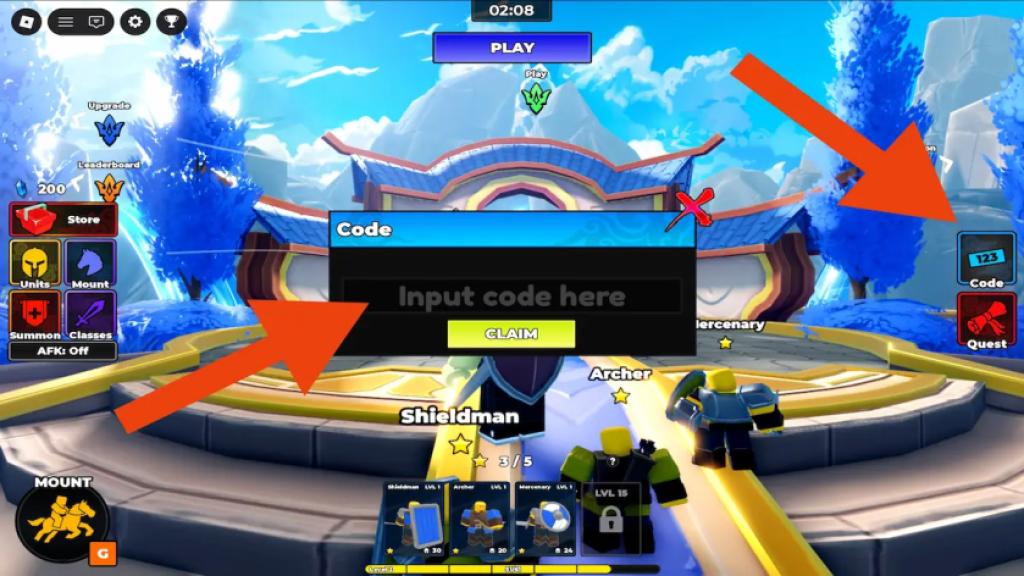
How do I redeem codes in Command An Army?
- Open Command An Army on Roblox and finish the short tutorial.
- Click the Code button on the right side of the screen.
- Type or paste the code into the Input code here field.
- Press Claim and watch Gems land in your account.
Tip: copy-paste is faster than typing long strings, and Codes Hunter will copy new codes for you if you install it from the Chrome Web Store.
Official Wiki, Trello board, and Discord server information for Command An Army
In active community channels you’ll see devs and players arguing balance in real time. The official Discord (https://discord.com/invite/commandrblx) is the best place for patch notes, hotfix notices, and dev Q&A.
There’s no dedicated Wiki or Trello for this title yet, but the Fight, Fight, Fight! Roblox community page gathers players and reports: https://www.roblox.com/communities/1014980424/Fight-Fight-Fight#!/about. Follow Bloxinformer and Moyens I/O for curated updates and occasional code drops.
If you want constant alerts: install Codes Hunter from the Chrome Web Store, subscribe to the Problox newsletter for weekly roundups, and join the Discord—those three sources catch most short-lived drops. I use that trio when I want to keep my roster full without grinding.
Your rivals are refreshing their screens right now—what code will flip the next match in your favor?