
You scramble for a word while the 25‑second timer bleeds out. Your friend posts a screenshot—100 points for a single rare answer—and the scoreboard feels personal. I watched my own perfect streak collapse and decided to teach you how to stop losing those runs.
I play these games enough to know the traps: common answers, precious little time, and a scoring system that rewards creativity more than correctness. Below I’ll show you how Minecraft Krillion works, which sites are worth your time, and the easiest way to run the original Krillion from inside Minecraft Bedrock. Read fast; the clock is part of the fun.
What is Minecraft Krillion and How Does It Work?
On my laptop the home page loads with a single prompt and a blinking cursor; you feel the pressure immediately.
What is Minecraft Krillion and how does it work?
Minecraft Krillion is a fan-made spin on the viral browser trivia game Krillion, replacing general knowledge with everything from mobs and biomes to obscure blocks and old-version features. You don’t just get points for being correct—points scale with rarity. Common replies score small amounts; the rarer your answer among players, the higher the reward.
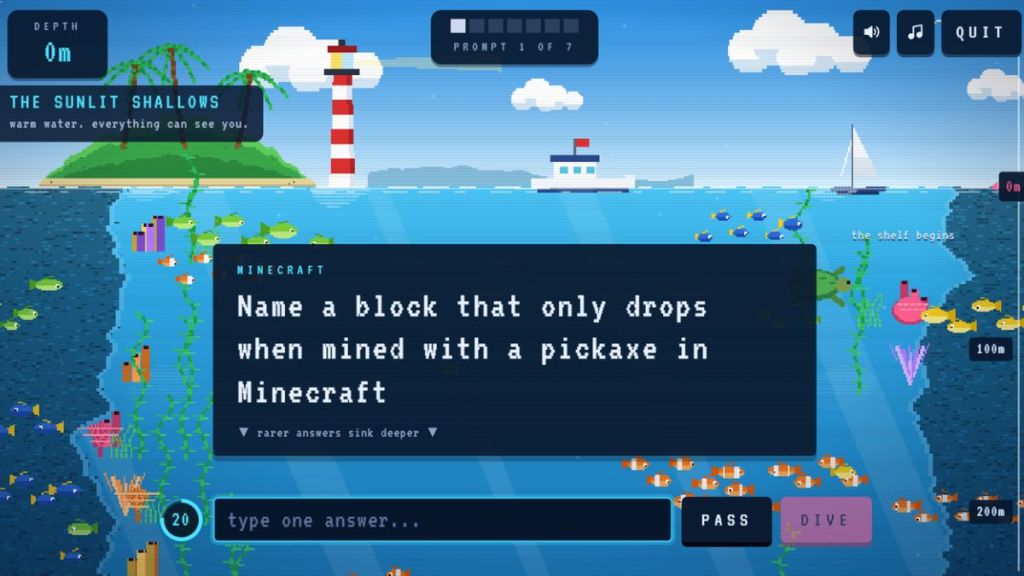
- Each run gives you seven random prompts: mobs, structures, enchantments, items, biomes, and throwback features.
- You have 25 seconds per prompt to type a valid answer.
- Rarity matters: answers other players rarely submit can net the maximum score.
Think of a round like a short speedrun—clear, fast, and punishing for hesitation. It rewards the player who remembers the weird stuff: legacy blocks, obscure enchantments, and niche mobs.
Which Minecraft Krillion Games Should You Try?
At a coffee shop a friend scrolled through three Krillion tabs and declared a winner—different sites, same addictive loop.
Which Minecraft Krillion games should you try?
There are several fan versions of Minecraft Krillion, each with small twists that change how you play and how much fun you’ll have. Below are the ones I recommend and why they matter.
Minellion
Minellion is a daily bite-sized challenge built by Hydro, a Minecraft creator and YouTuber who wanted a community leaderboard. It’s free, tracks answer rarity, and is perfect if you like a single fresh puzzle every day.
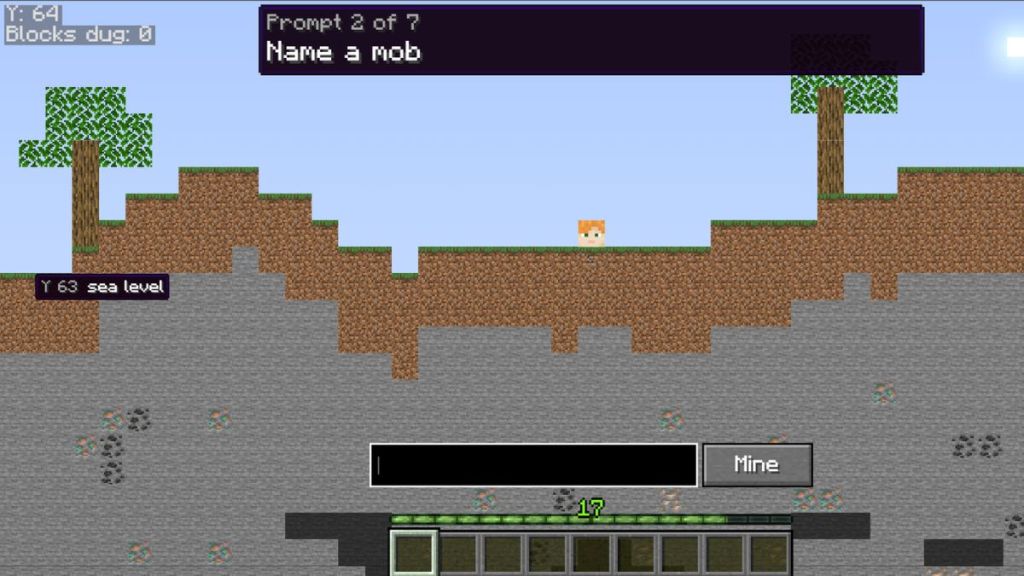
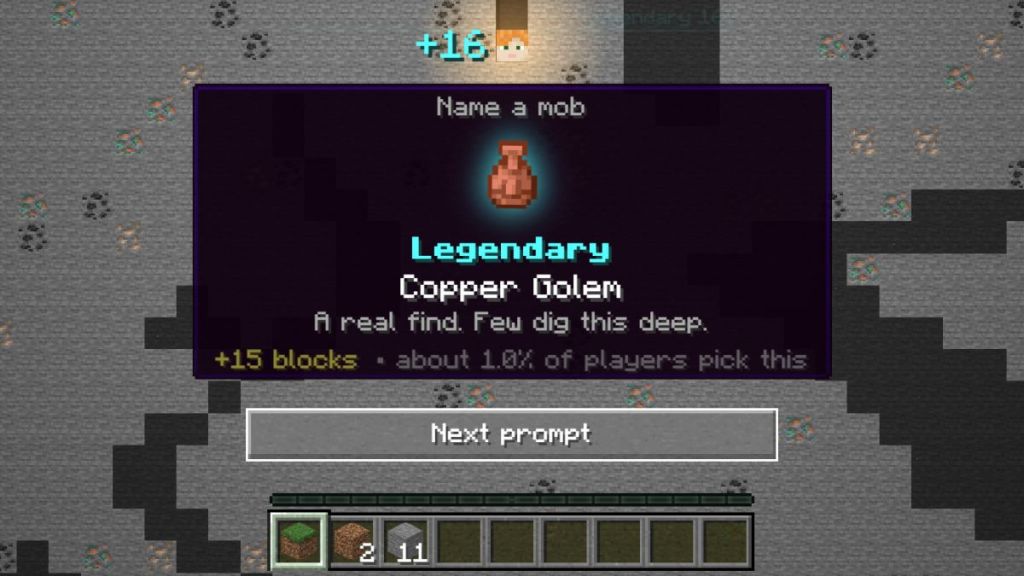
Minellion lacks an unlimited solo mode at the moment, but it’s the social daily I play when I want a quick test and a clean leaderboard share.
Krillion Minecraft (krillion.cc)
When I wanted unlimited runs, I found a site that keeps scoring spicy enough to chase unique replies.
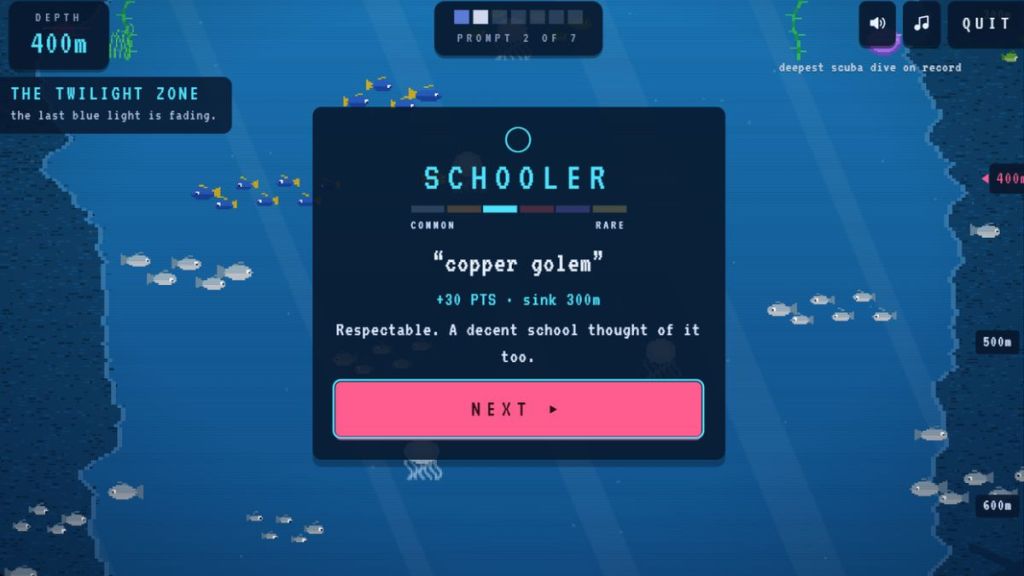
Krillion Minecraft (krillion.cc) offers unlimited play and a six-tier scoring system. The single rarest guess in a run can award a high one-off score (100 points relative to the internal scale). It also labels your answers with fun tier names, which makes rare guesses feel like small triumphs rather than mere numbers.
Minecraft Krillion by Outlier (playkrillion.net)
Outlier’s site gives you daily and unlimited versions with a clean interface—and a cat-in-a-UFO mascot that somehow makes missed answers sting less.
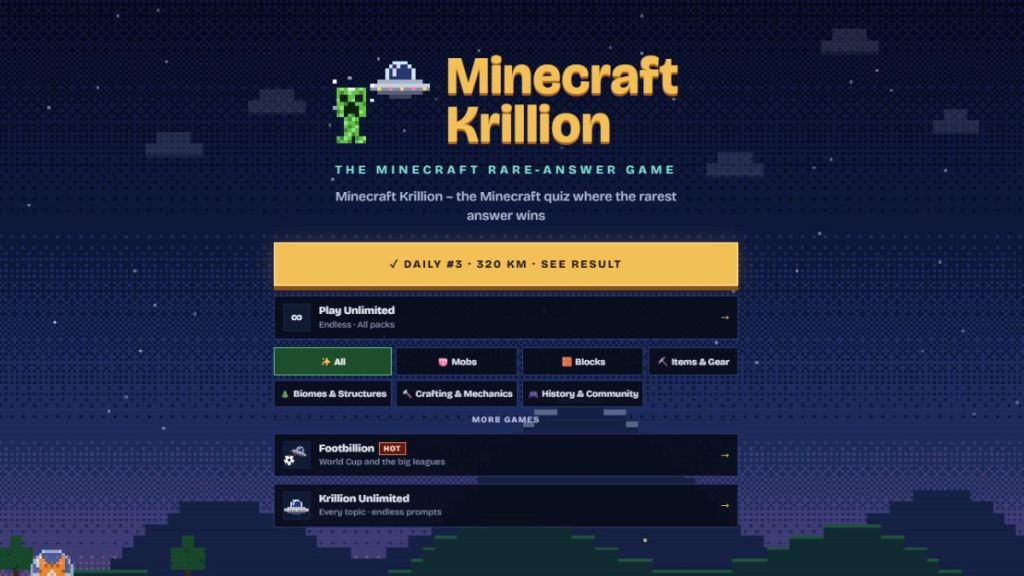
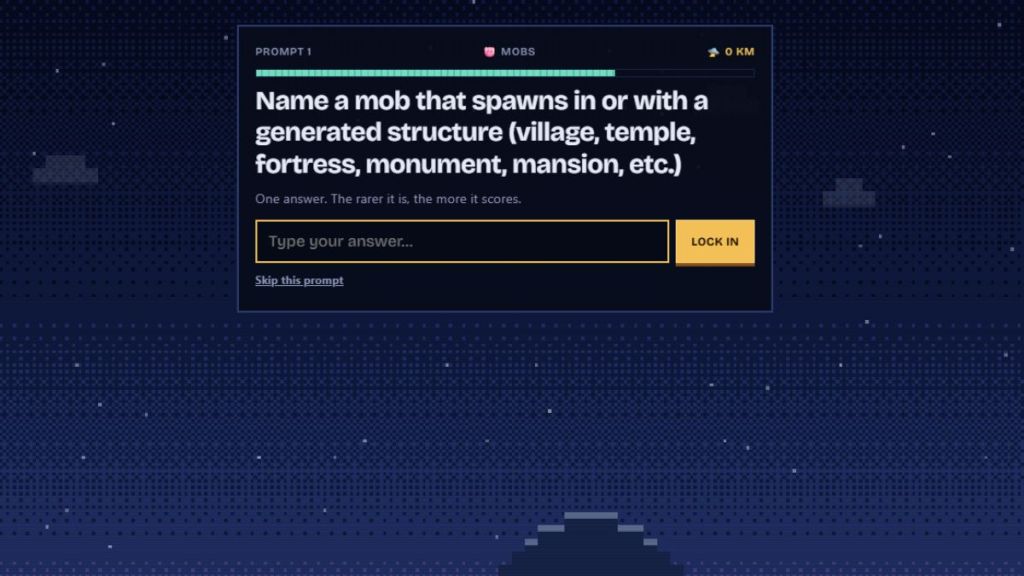
If you want variety—daily puzzles, unlimited runs, or a friendly UI—try each site and see which scoring quirks match your memory. I prefer the one with daily leaderboards when I want bragging rights on social.
How to Play Krillion in Minecraft Using a Bedrock Add-On
At a LAN party someone asked if we could play Krillion without leaving the game; the answer was “yes” and it surprised us all.
How to play Krillion in Minecraft using a Bedrock add-on?
If you’d rather run the Krillion experience from inside Minecraft Bedrock, TrayePlays made an Add‑On that bridges the game to the original browser trivia via a Hive API redirect. It’s a simple way to keep the entire session inside Minecraft, no alt‑tab required.
Here’s how I install and use it:
- Download the Krillion Add‑On from CurseForge: CurseForge – Krillion Add‑On.
- Open the downloaded file with Minecraft Bedrock; the game should recognize the pack.
- Create or edit a world and activate the resource and behavior packs from the world settings.
- Obtain the Play Krillion item—fish it up in Survival, grab it from Creative, or use commands.
- Equip the item and right‑click to connect to the official Krillion interface through the in‑game item.
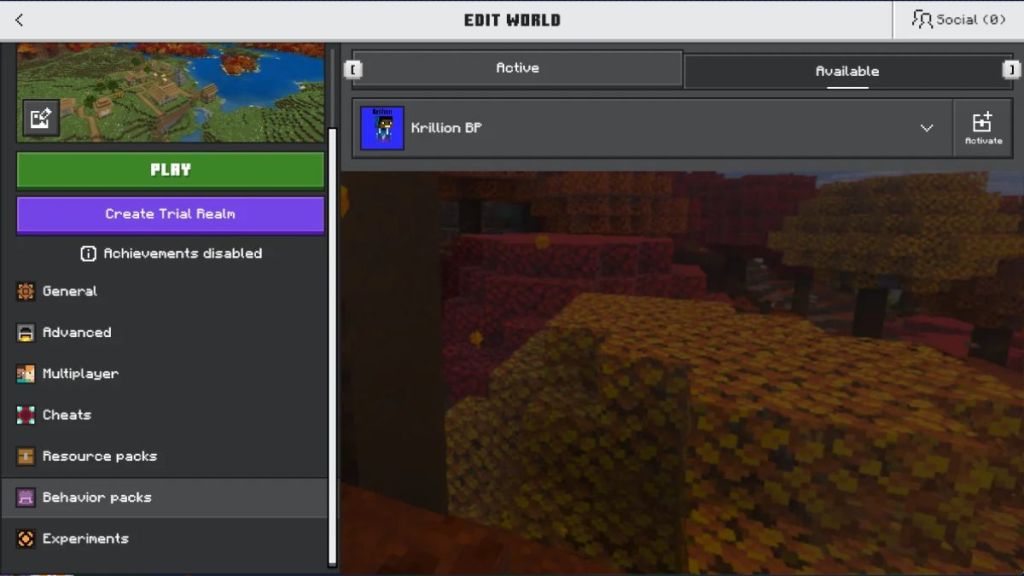
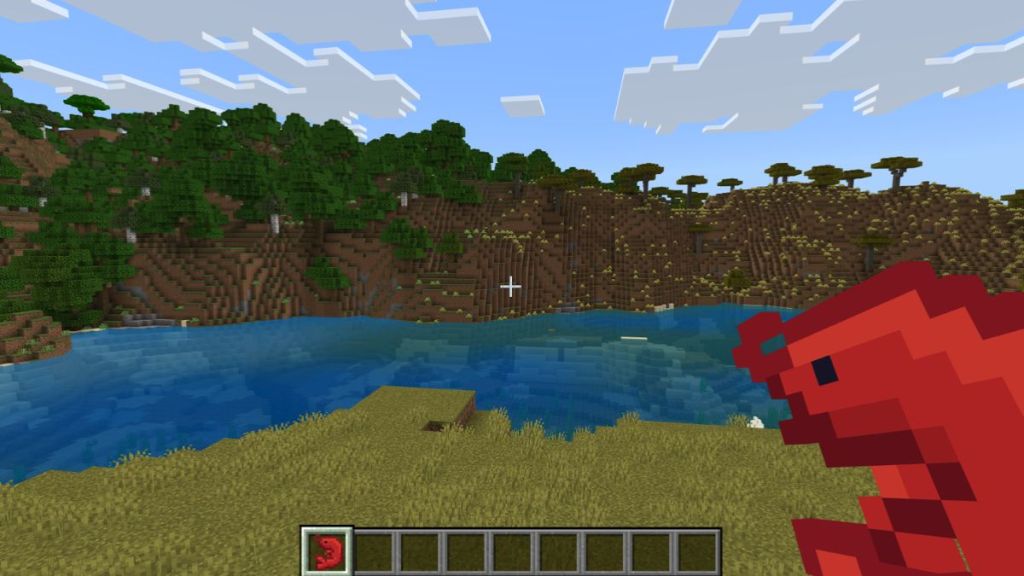
The add‑on is an elegant shortcut: you launch Minecraft, equip an item, and the browser interface opens through the same window. It’s handy for streamers or anyone who hates context switching between game and browser.
If you prize speed and quirky trivia knowledge—old enchantments, legacy blocks, biome variants—these games will feel like finding a diamond in a patch of gravel. Your rare answers are a chest in a desert temple: once you know where to look, the rewards are disproportionately satisfying.
Which version will you master first, and who will you crush on the leaderboard?