
The bullets ricocheted off the sedan and my hands went straight to the wrong slot. I watched the wheel blink past the gun I needed and cursed the seconds I wasted. You can stop that from happening — I’ll show you the controller moves that win fights, not lose them.
I play and test on PS5, Xbox Series X|S, and watch feeds on Rockstar Games’ trailers and YouTubers to refine what actually works. You’ll get clear, muscle-memory steps for the weapon wheel, grabbing guns off the street, and the fast swap that saves lives.
How to Switch Guns Using the Weapon Wheel in GTA 6
Real-world observation: when your toolbelt is limited, picking the right tool is the difference between a fix and a mess.
The weapon wheel becomes your backstage crew, handing you the next prop before the scene collapses. Use it any time you’re on foot or in a vehicle, and practice so the motion becomes reflex.
- Hold L1 on PS5 or LB on Xbox to open the weapon wheel.
- Use the right analog stick to highlight the gun you want to equip.
- Release L1 or LB to lock that weapon into your hands.
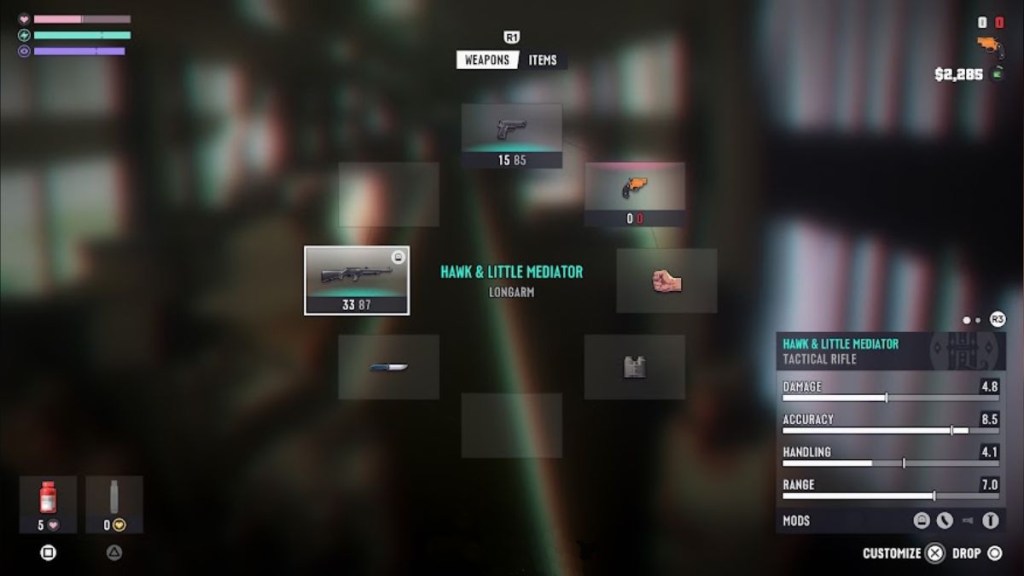
The wheel only shows what’s in your active loadout, so if you can’t find something, check your inventory screens from safe houses or shops (Rockstar Launcher/Steam listings and in-game stores). Train the sequence: open wheel → flick stick → release. That sequence beats frantic button mashing every time.
How do you switch weapons in GTA 6?
Short answer: use the wheel (L1/LB) and the right stick, then release. If you prefer controller shortcuts, map your favourite weapons to quick slots in the inventory menu so the wheel shows them first.
How to Pick Up and Switch to Guns on the Ground
Real-world observation: the best tools often sit ignored on the curb after a fight.
GTA 6 forces choice — you can’t carry an army. When something better lies at your feet, the game lets you test it instantly without rummaging through menus.
- Walk up to a dropped weapon and press L1 or LB once to pick it up and equip it immediately.
- Open the weapon wheel and you’ll see a slot reserved for the recently picked weapon so you can compare stats before you commit.
- If your slots are full (each character can hold 2 handguns and 2 long arms), you must drop one to accept another.
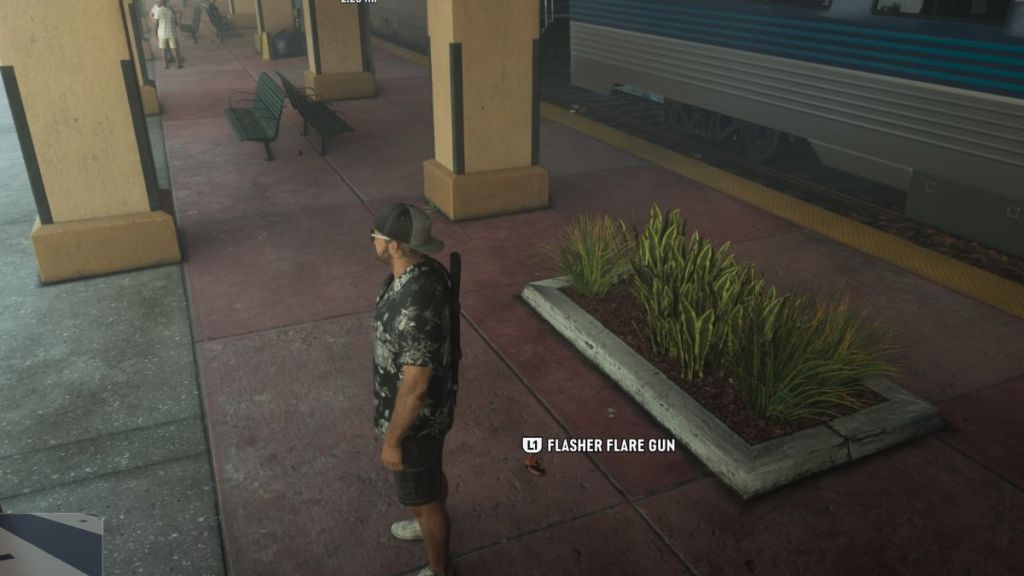
How do you pick up weapons on the ground in GTA 6?
Press L1/LB while facing the weapon. The UI will make the swap obvious and give you stats so you can decide if the new piece is worth swapping into your limited slots.
How to Quick Swap a Gun in GTA 6
Real-world observation: when seconds count, the cleanest moves win fights, not noisy theatrics.
A quick-swap is a scalpel — precise and silent. It’s the difference between a reload that gets you down and a swap that keeps you standing.
- Aim with L2 on PS5 or LT on Xbox.
- Press Triangle (PS5) or Y (Xbox) to instantly swap your primary and secondary weapons while aiming.
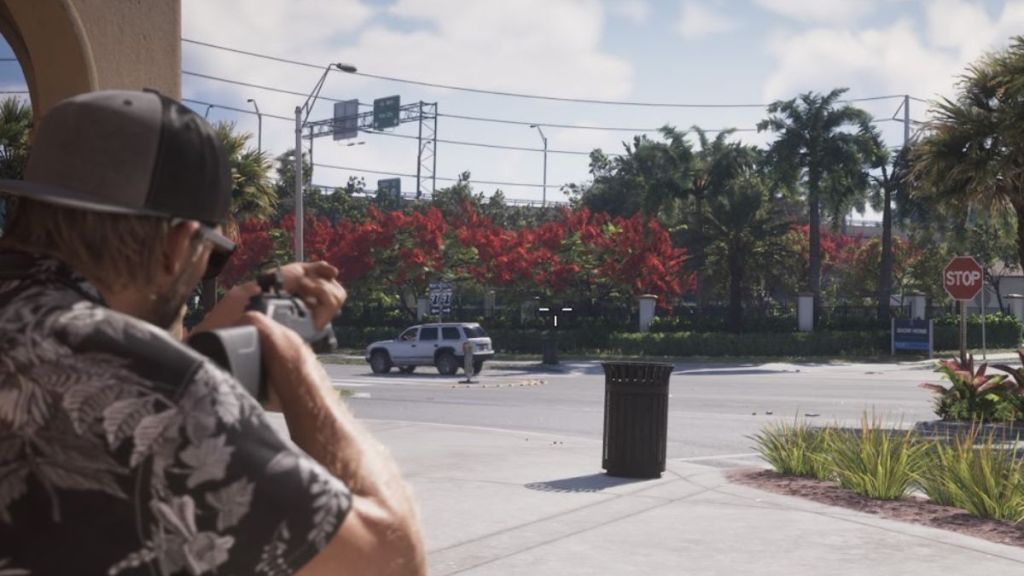
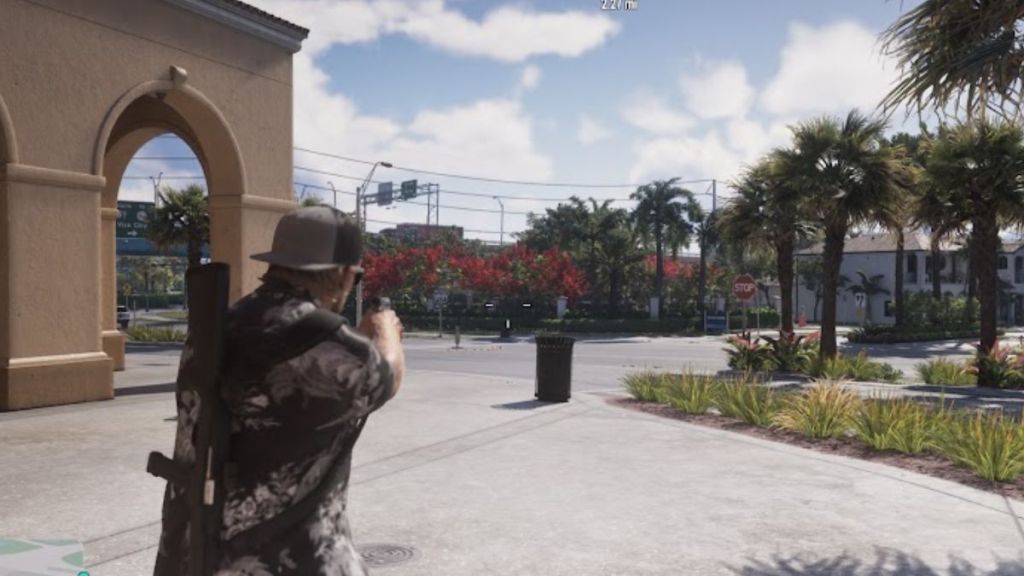
How do you quick swap weapons in GTA 6?
Aim (L2/LT) and hit Triangle/Y to swap instantly. Use this when your primary runs dry or when you need a fast close-range tool without reloading.
Practice the wheel, the pickup, and the quick-swap until your thumbs make the call before your brain fully reads the situation. Watch speedrunners and streamers on YouTube for timing tricks and check guides on IGN or official Rockstar posts for patch changes — the controls rarely change, but balance does.
Which weapon will you trust when the siren hits its peak?