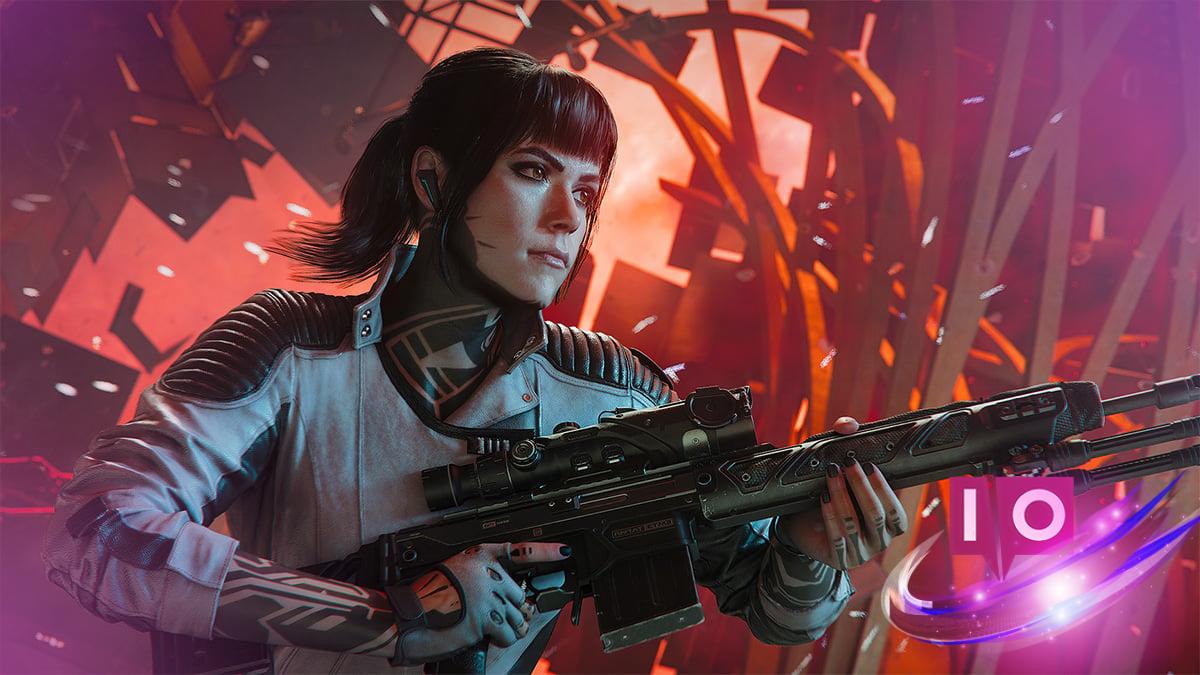
Are you ready for some couch co-op gaming? Black Ops 7 brings the excitement of split-screen multiplayer back into the spotlight, allowing you to share the gaming experience with friends right from the comfort of your living room. However, there are some important details you should be aware of before jumping in.
As an avid gamer, I understand the thrill of teaming up with friends. It’s essential to know how the split-screen mode works in Call of Duty: Black Ops 7 to maximize your enjoyment.
1. Understanding Split-Screen Modes in Black Ops 7
Call of Duty: Black Ops 7 offers players two distinct split-screen modes: one for Multiplayer and the other for Zombies. This feature is available for two players using current-generation consoles, specifically the PlayStation 5 and Xbox Series S and X. Unfortunately, owners of PlayStation 4 and Xbox One are left out of this gaming experience, and PC players cannot participate in split-screen either.
2. How to Set Up Split-Screen Play
Setting up split-screen is straightforward. Simply navigate to the Multiplayer or Zombies menu and press the appropriate button on your second controller (A or X) to log in the second player. Once logged in, you’re ready to enjoy some intense co-op gameplay.
3. Is There a Split-Screen Mode for Campaign?
Many gamers wonder if Black Ops 7 supports split-screen for the campaign mode. Unfortunately, the answer is no. Currently, the campaign can only be played in an online co-op setting. There’s no option for split-screen play, which has left some players disappointed.
4. Why the Limitations?
While the absence of campaign split-screen play may seem puzzling, it may be a strategic decision by Activision. Perhaps they will respond to community feedback in the future by introducing a split-screen campaign mode. For now, though, you’ll have to limit your split-screen fun to Multiplayer and Zombies.
As it stands, Black Ops 7 keeps the split-screen action exclusive to these two modes on the newer consoles, eager to deliver thrilling gameplay experiences for you and your friends.
Can you play split-screen with friends on different consoles? Unfortunately, no. The split-screen feature is limited to two players on the same console only. This means you’ll need to team up on a single device for the co-op experience.
Are there any limitations in terms of gameplay modes when using split-screen? Yes, the split-screen feature is currently only available for Multiplayer and Zombies, so you won’t be able to enjoy the campaign in this format.
What if I want to play split-screen online with friends who are not in the same location? While you can play online co-op for the campaign, which requires a stable internet connection, split-screen gaming necessitates both players to be on the same console.
In conclusion, Black Ops 7‘s split-screen capabilities are a fantastic way to team up with friends, even if they come with some limitations. Embrace the frantic fun that Multiplayer and Zombies have to offer, and keep an eye out for any future updates that may expand the co-op experience. For more tips and insights, feel free to explore more articles on Moyens I/O.