
Destiny 2 fans, it’s time to gear up for the upcoming Renegades expansion, launching on December 2. If you’re eager to jump into the action, preloading the update can give you a head start. Here’s the scoop: preloading is indeed possible, but you’ll need to act fast, as the window is quite limited and significant disk space is required.
Preloading during maintenance downtime is a familiar process, but this time the server will be down for just one hour. So, here’s how you can preload Destiny 2: Renegades.
When does the Destiny 2: Renegades preload start?

Preloads for Destiny 2 Renegades kick off at 10 AM CT on December 2 across most platforms. However, some PlayStation users with auto-updates activated can start as early as November 30, according to Bungie. It’s a short window to prepare for the expansion, especially since downloads may reach up to 170 GB.
If you’re not on PlayStation, your preload will only begin an hour before the update launches during the weekly reset—definitely cutting it close. Be aware that because you’ll need to download an entirely new version of Destiny 2, this process can inflate your existing file size to hundreds of GB.
If you can clean up some disk space and have a reliable internet connection, follow these steps to preload Renegades ahead of time.
How to preload Destiny 2: Renegades

Once the preload period starts, you should see the update available when you attempt to update Destiny 2 on your chosen platform.
- PlayStation: Enable auto-updates by selecting Destiny 2 in your main menu, clicking Options, and checking “check for updates.”
- Xbox: Navigate to Profile & System, then Settings, Systems, and Updates to activate auto-updates for Renegades.
- Steam: The Renegades preload will show up in your Downloading queue shortly after it becomes available. Activate auto-updates by accessing Destiny 2‘s properties in your Library and selecting the “immediately download updates” option. If you don’t see the preload, restarting Steam can help.
- Epic Games: Similar to Steam, the update will appear once Bungie opens global preloads.
- Microsoft Store: Check your download queue for the latest update as soon as the preload begins.
How big is the Renegades preload?
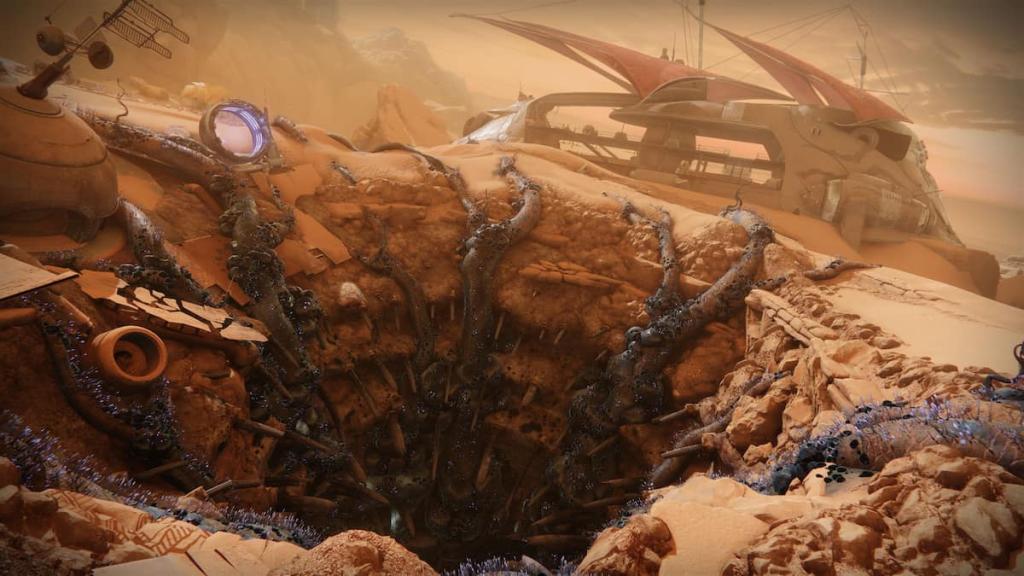
Another challenge with preloading Renegades lies in the disk space requirements. Most platforms necessitate retaining multiple versions of Destiny 2 on your device, potentially requiring over 300 GB of available storage just to get started.
| Platform | Preload storage space requirements | Total file size after Renegades | Notes |
|---|---|---|---|
| Steam | 326 GB | 170 GB | The Steam preload requires both the latest Edge of Fate patch and the Renegades preload until the game goes live, leading to a combined download of nearly 170 GB. |
| Epic Games Store | 325 GB | 170 GB | Similar to Steam |
| Microsoft Store | 159 GB | 159 GB | |
| PlayStation 5 | 173 GB | 173 GB | |
| PlayStation 4 | 173 GB | 205 GB | Requires the latest Edge of Fate patch and a preload of around 50 GB. |
| Xbox Series X/S | 171 GB | 171 GB | |
| Xbox One | 161 GB | 161 GB |
With just an hour to download an enormous update like Destiny 2, consider the possibility of server issues on release day. To ensure you can jump right in, preload Renegades as soon as you’re able.
As excitement builds for the Renegades expansion, be sure to stay informed and prepared for the launch. For more gaming tips and updates, continue exploring related content at Moyens I/O.