
I watched the download stall at 99% and felt the launch jitters settle in. You’re a few hours from Resi 9 hitting the servers and every second feels like borrowed time. I’ll walk you through preloading so you’re already inside the game the moment the clock flips.
Resident Evil Requiem Preload Start Date and Size
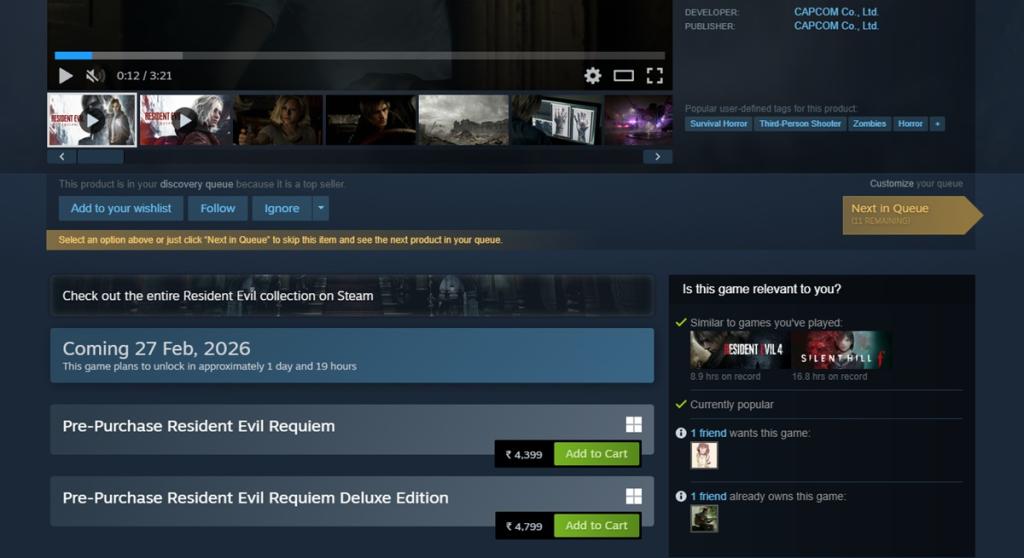
This morning my library showed the Requiem tile with a tiny “preload” flag — proof the window is open. Preload for Resident Evil Requiem is live across regions and platforms: Steam and Epic on PC, PlayStation Store on PS5, Xbox Store on Series X/S, and the Nintendo store for Switch 2. You must own the game (pre-purchase) to begin downloading in most storefronts, so check your preferred store page before you start.
How big is the Resident Evil Requiem preload?
File sizes vary by platform: expect roughly 70 GB on PC, 73 GB on PS5, 69 GB on Xbox Series X/S, and about 29 GB on Nintendo Switch 2. Those are ballpark figures — if your drive is tight, clear at least 80–90 GB on console or PC to be safe. The preload itself acts as a fast pass at a theme park for launch-day play.
How to Preload Resident Evil Requiem on PC
I had Steam open and the Requiem store page pulled up before coffee. On PC you can use Steam or the Epic Games Store; Valve’s Steam page and Epic’s launcher both support pre-purchases and pre-downloads.
- Open Steam or Epic Games Launcher and navigate to the Resident Evil Requiem store page (Valve’s Steam listing and Epic’s page are both live).
- Pre-purchase the edition you want. The purchase typically unlocks the pre-download button in your library.
- Go to your Library, select Resident Evil Requiem, then choose the pre-download or install option and let it run.
- Confirm your install path and free up background bandwidth so the download finishes before launch.
Can I preload without pre-ordering?
Most storefronts require a purchase to unlock the preload. If you see a preload button without buying, that’s a rare exception — but assume you’ll need to pre-purchase on Steam, Epic, PlayStation Store, Xbox Store, or Nintendo store.
How to Preload Resident Evil Requiem on PS5
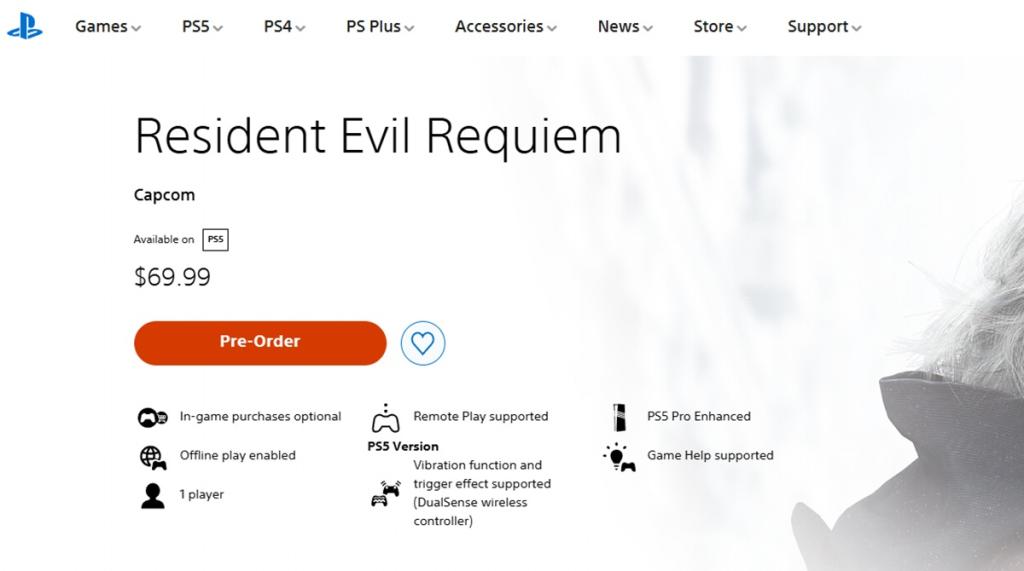
My PS5 sits in Rest Mode most nights — ideal for downloads. PlayStation’s Store lets you pre-purchase a title and queue the download to your console library.
- Open the Resident Evil Requiem page on the PlayStation Store (Sony’s listing).
- Pre-purchase the edition you want, then go to your Library on PS5.
- Find Resident Evil Requiem in your library and select Download to start the preload.
- Put the console in Rest Mode or keep it on with automatic downloads enabled so the file finishes overnight.
How to Preload Resident Evil Requiem on Xbox Series X/S
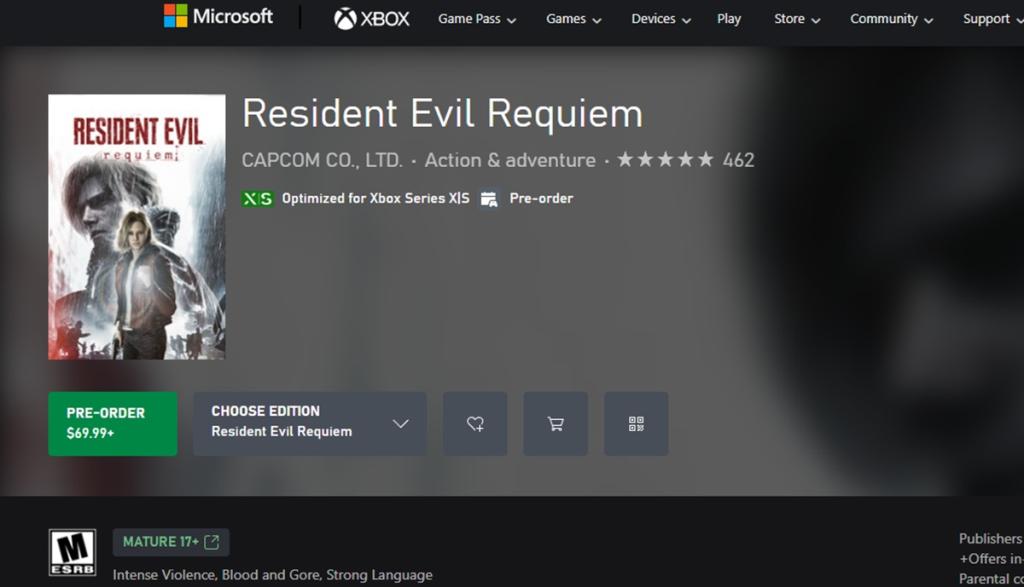
I left my Xbox Series X downloading a day ahead and woke up with the file almost complete. Xbox’s Store provides a clear preload toggle once you own the title.
- Open the Resident Evil Requiem page on the Xbox Store (Microsoft/Xbox listing).
- Pre-purchase the game, then select the preload or download option in your Game Pass/My games & apps area if applicable.
- Allow the console to download; enable background downloads and set the console to stay in a low-power state if you want it to finish unattended.
How to Preload Resident Evil Requiem on Nintendo Switch 2
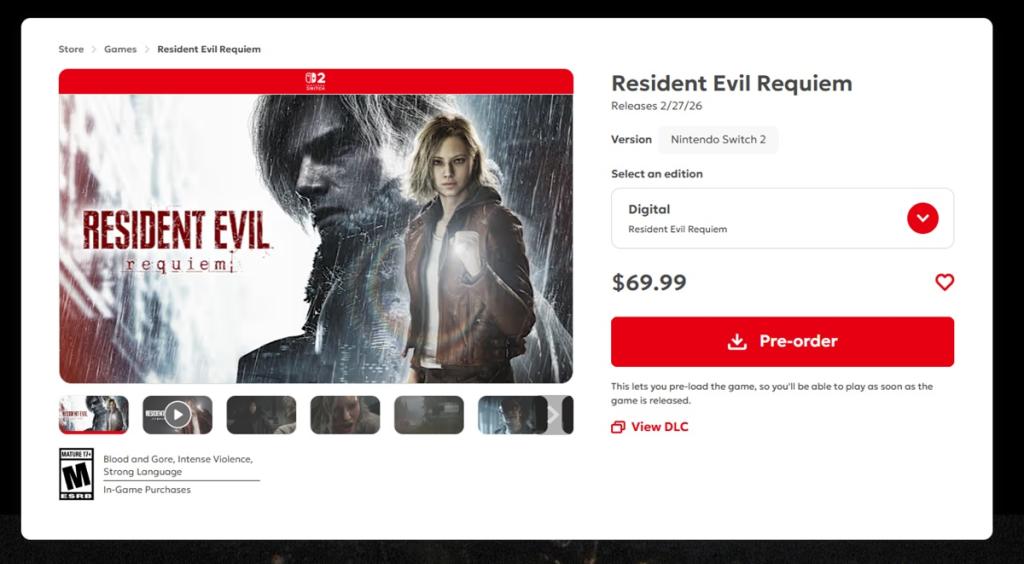
My Switch 2 sat in handheld mode while the eShop queued the download; the screen blinked and the file moved steadily. Nintendo’s eShop supports pre-purchases and preloads for Switch 2 titles when publishers enable it.
- Open the Nintendo store page for Resident Evil Requiem (Nintendo’s official listing).
- Pre-purchase the title, then choose the preload option if it’s shown on your account or console.
- Wait for the download to complete and verify install before launch day so you don’t face last-minute updates.
When will the preload unlock for play?
Preload finishes before the official release timestamp. The actual unlock moment depends on publisher timing and regional clocks; once the servers flip, any completed preloads will let you launch immediately. If your files are downloaded but the game won’t start, check for a mandatory day-one update or a region-specific unlock time.
Small practical notes from my installs: disable automatic game updates you don’t need, prioritize the Resident Evil download in your queue, and restart your client if the preload stalls. Your storage becomes a loaded chamber waiting to fire — so clear space and let the files sit ready.
If you’ve already pre-purchased, which platform did you preload on — and are you saving the first run for a stream or a quiet night alone?