
I was lining up a headshot in Resident Evil Requiem when the view tightened and my hands went cold. You can feel how a single camera setting changes suspense, aim and motion sickness. The fixed FOV felt like a camera lens stuck in amber.
Short answer: you cannot change the in-game FOV in Resident Evil Requiem via settings. I’ll walk you through what that means for PC and console players, how to get the camera you need right now, and where modders and Capcom stand on this problem.
Observation: Most modern shooters let you tweak field of view — RE9 does not
On PC and consoles I play, an FOV slider is often the first thing I look for. It changes how weapon recoil reads, how wide a room feels, and whether the first-person sections make you queasy.
Can you change FOV in Resident Evil Requiem?
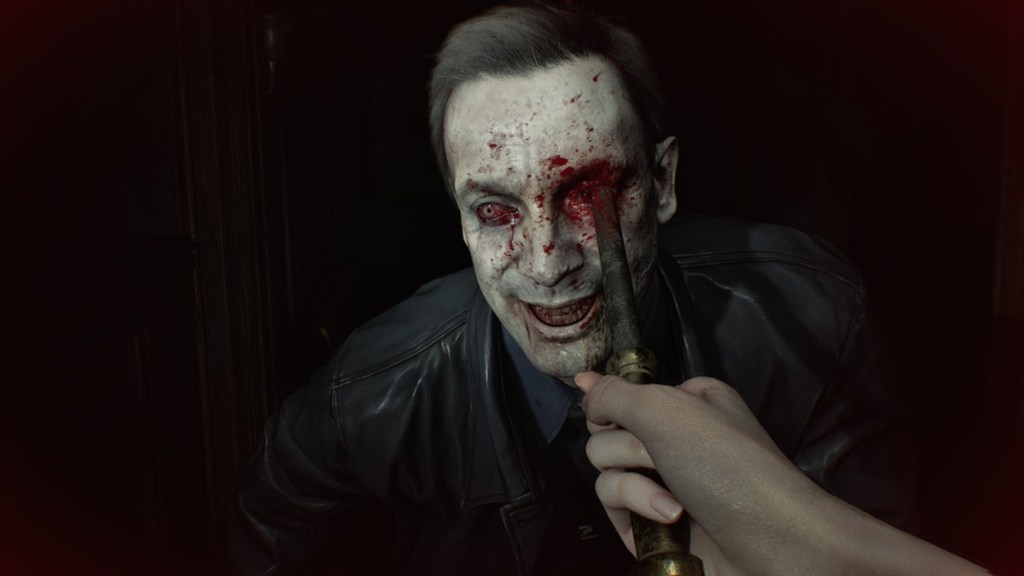
No. Resident Evil Requiem (Resident Evil 9) has no in-game FOV slider for either PC or consoles. Capcom intentionally shipped a fixed first-person field of view and instead gave players a setting to swap between first- and third-person perspectives. That means you cannot widen or narrow the camera angle from the game’s menus.
Observation: PC modding communities often fill gaps that developers leave
If you play on PC, you have options that console owners don’t. I watch Nexus Mods, GitHub, and Steam Workshop threads the moment a big title ships; they’re where practical fixes appear.
Is there an FOV slider in Resident Evil 9?
Officially, no. Practically, maybe — if a modder builds one. PC players should keep an eye on Nexus Mods and RE modding groups on GitHub or Discord. Modders usually rely on tools and frameworks that the community trusts; when someone posts a working FOV tweak, expect walkthroughs and a simple installer. Console players have no similar path unless Capcom patches the game.
Observation: You can still change camera perspective inside the game
Capcom gave you control over camera perspective rather than FOV. That’s useful for motion sensitivity and cinematic preference.
How to switch camera view in Resident Evil Requiem
I recommend switching to third-person if first-person makes you feel ill. Here’s the quick path:
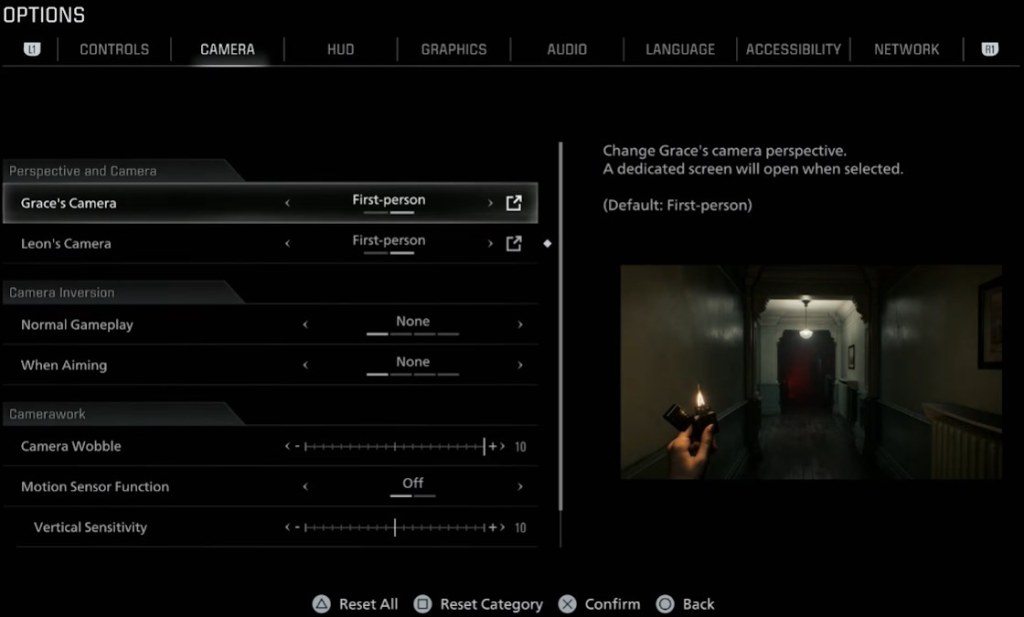
- Open Settings and go to the Camera tab.
- Find the Perspective or Camera section.
- Set the Perspective to Third-person for both Leon and Grace.
Also try lowering the Camera Wobble slider to reduce shake in first-person sequences.
Observation: Fixed FOV affects aim and comfort for many players
When I tested the game, the fixed angle made close-quarters firefights feel boxed in. Without a slider, the screen can feel like a hallway squeezed through a straw.
What you should do right now:
- If you’re on PC: follow Nexus Mods, RE community Discord servers, and GitHub repositories for a possible FOV mod. Back up your saves before installing any mod.
- If you’re on PlayStation or Xbox: switch to third-person and tweak Camera Wobble; then consider leaving feedback for Capcom via their official support or forums.
- Anyone considering purchased overlays or third-party injectors should weigh the risk: Valve’s Steam policy and console terms often ban certain injectors, and some tools can trip anti-cheat flags in other games.
Capcom has added or adjusted UI and comfort options in past updates after community feedback, and the modding scene is skilled at quickly producing practical tools for PC. Which would you prefer: an official slider from Capcom or a community-made mod that patches the gap?