
I dove behind a rusted billboard as rockets stitched the sky. My shotgun was empty; my heartbeat told me the only move was vertical. I fired the Skyline Deployer and watched the map flip in my hands.
I play this game enough to know the small things win fights. I’ll walk you through where the Skyline Deployer shows up on the Golden Coast and how to use it like a pro — without wasting inventory space on junk. You’ll get practical steps, a quick safety checklist, and why streamers on YouTube and clips on X are already exploding with Skyline plays.
Players rush blue loot on rotation. Where to Find Skyline Deployer in Fortnite
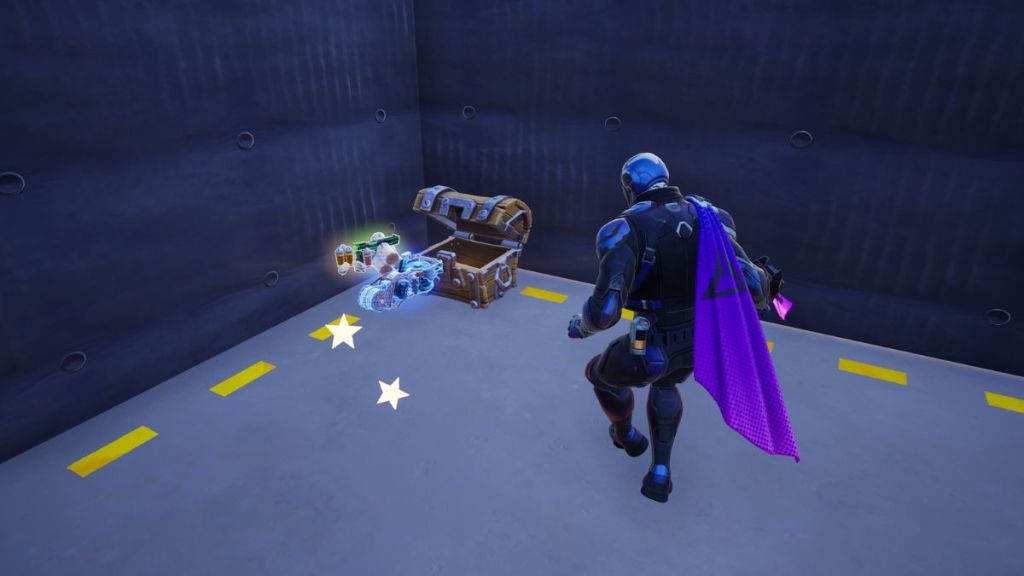
You’ll usually find Skyline Deployers in chests, floor loot, supply drops, and vending machines. It’s a blue rarity item, so it appears far more often than Mythics like the Seven Cluster Cannon. No boss kill, no vault dance — just steady looting across buildings and POIs on the Golden Coast.
Because the Week 1 Fortnite Weekly quest asks you to “Use a Skyline Deployer,” expect more players to carry them early in the season. Scan every crate and pile you touch; the Deployers tend to spread through matches like a cheap tactical advantage.
How do I get a Skyline Deployer?
Grab chests and check floor spawns first. If you see a supply drop, prioritize it — the blue rarity items spawn there often. Vending machines can also spit them out if you’re willing to trade materials or the right weapons for a quick mobility upgrade.
Buildings with zipline anchors create new sightlines. How to Use Skyline Deployer in Fortnite
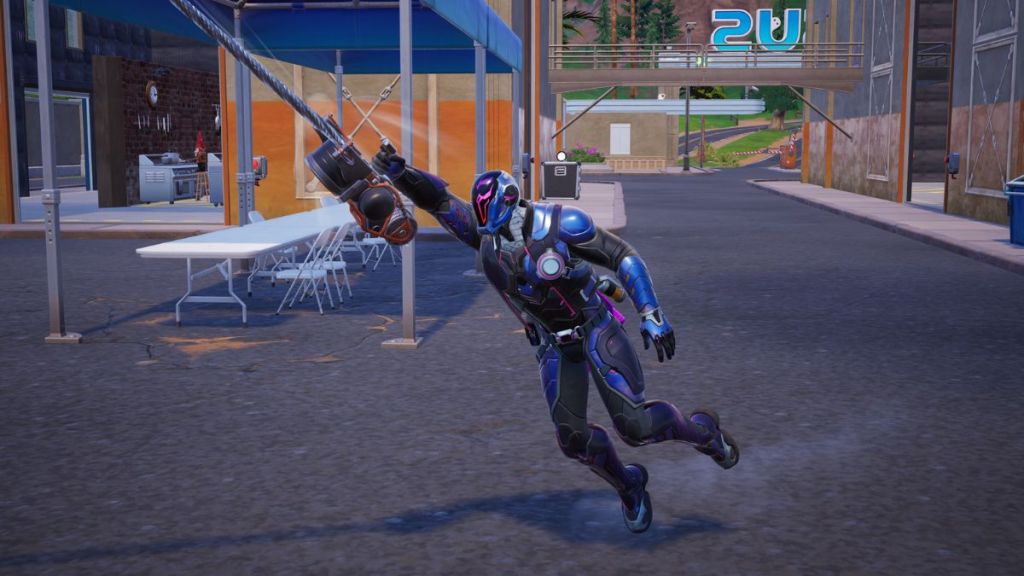
The Skyline Deployer is a portable zipline launcher. You aim, fire, and the tool shoots a tethered anchor — then you ascend toward the zipline’s end. Use it to push vertically over a contested roof or to peel out of a tight build fight.
Think of the Skyline Deployer as a lifeline and a string of pearls across the sky. That’s the exact reason pro players wire it into rotations: it converts a bad angle into a new one within seconds.
How it works, step by step:
- Equip the Skyline Deployer and aim at a structure or open sky.
- Press Fire to launch the anchor projectile.
- When the tether attaches, jump onto the zipline to begin travel toward the anchor point.
- You can jump off at any time; the ride applies a low-gravity effect while you’re on it.
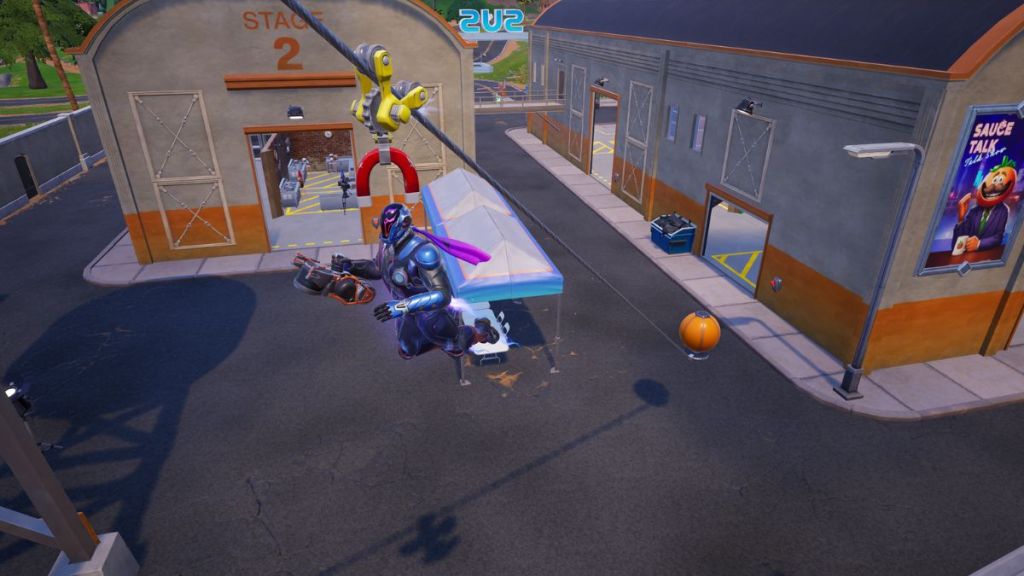
Can enemies use my zipline?
Yes. Once a zipline is deployed it stays active until destroyed by players or swept by the Storm. That makes it brilliant for quick exits — and dangerous if you leave an obvious escape route for a team that wants to chase. If you’re rotating, scan the horizon before you create a permanent travel lane.
Extra tips from matches I’ve logged and clips I’ve studied on YouTube and X:
- If you need to escape the Storm, the glider redeploy on the Deployer gives you time to reach safe ground fast.
- Use the zipline mid-build fights to break an enemy’s aim; the low-gravity effect makes burst heals and repositioning easier.
- Destroy ziplines after you use them if you don’t want enemies to follow; a single rocket or shotgun blast removes the anchor.
If you’re watching tournament clips or streamers like SypherPK and Mongraal, notice how often they treat Skyline Deployers like a tactical gadget rather than a toy. Use it the same way and you’ll save shots, time, and awkward chases — but are you ready to let a blue item change how you rotate across Golden Coast?