
I was three minutes into a camp raid when the game asked me to hold the interact button for the tenth time. My thumbs cramped, my patience frayed, and I realized I wasn’t playing so much as tolerating the UI. If you own Crimson Desert on PC, there’s a short list of mods that will stop the game from getting in your way.
I write this as someone who tests mods on Nexus Mods, ReShade presets, and Steam launch options, and I want you to skip the guesswork. You should be able to move, loot, and photograph the world without fighting the controls or the camera. Below are the fixes that saved my hours and my temper — and how to install them safely.
No Need to Hold the Interact Button
When you’re surrounded by enemies, holding a button feels impossible. The HurryTheFUp mod removes the maddening hold mechanic and turns interactions into near-instant presses. You pick up loot faster, finish camp objectives without tapping for ages, and the game finally respects your time. Install via Nexus Mods and back up your save before testing.
Sprint Overhaul
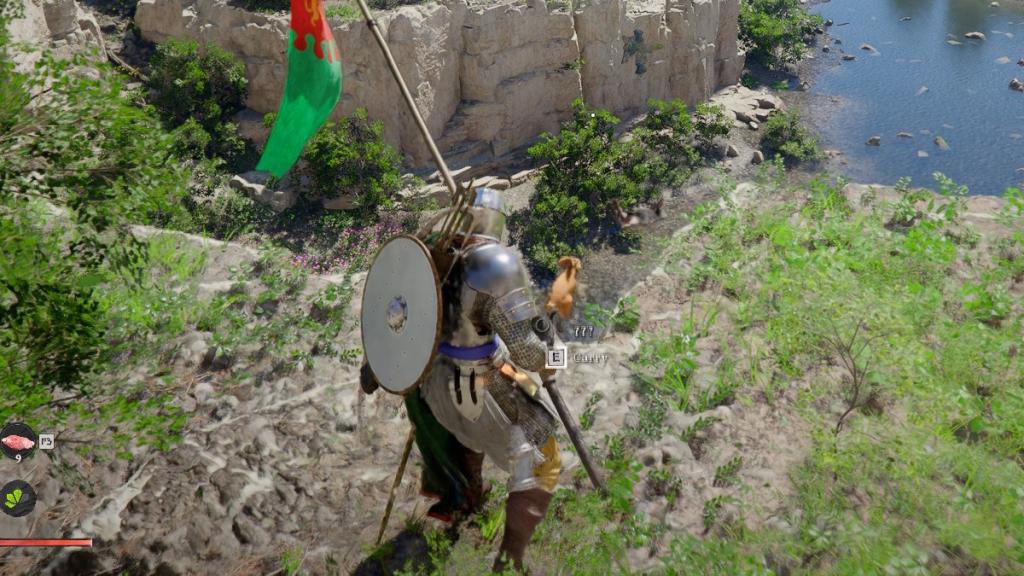
In open-world moments your character refuses to run until you hammer a button. Two fixes address both controller and keyboard players: Smooth Movement for controllers lets a thumbstick tilt trigger sprinting naturally, and CDSprintHold gives you a simple Shift-to-sprint option on keyboard. They remove the awkward twitching and keep traversal feeling intentional.
Inventory Expander
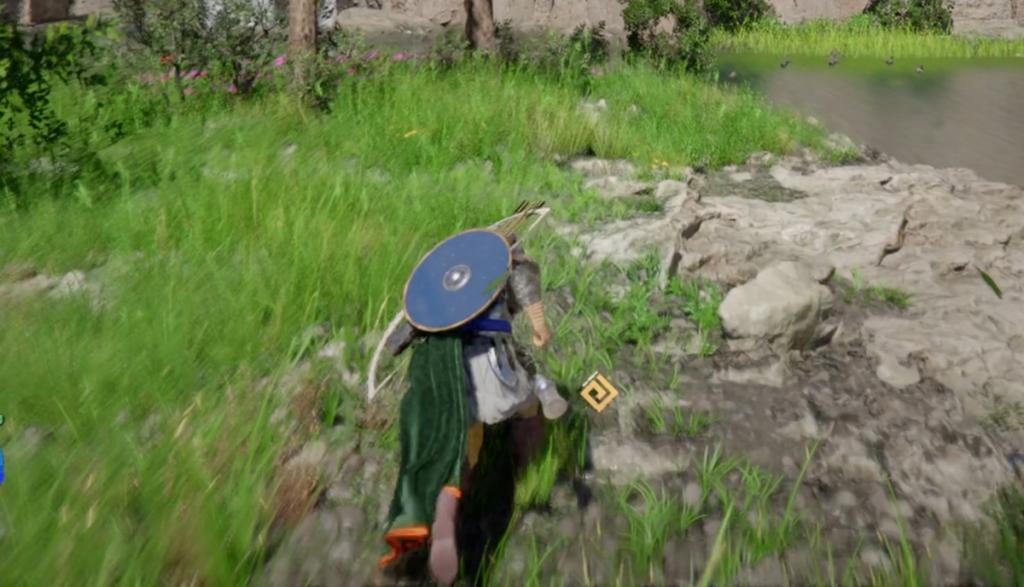
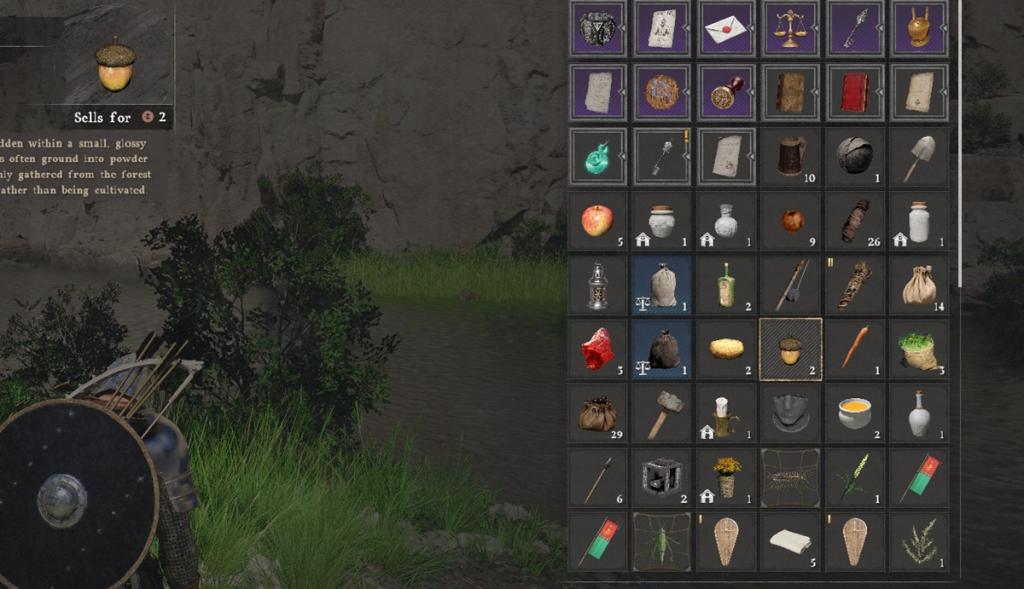
Most players can relate: you finish two quests and still need more slots. The Inventory Expander mod bypasses the grind for additional capacity so you can collect without chasing obscure quest chains. It’s a fast quality-of-life change if you prefer exploring rather than inventory micromanagement.
Visual Redux Reshade
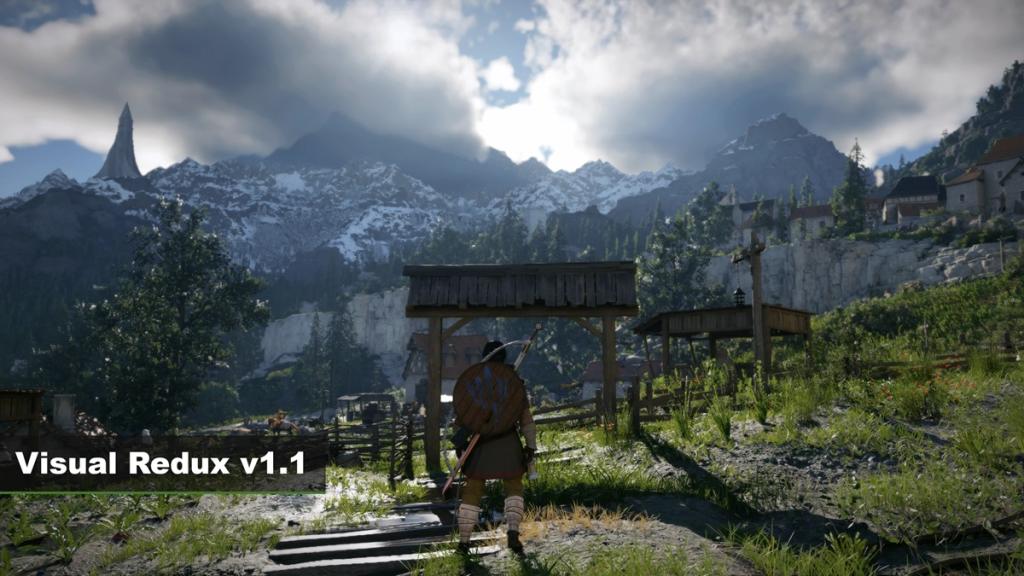
On a 4K monitor, the game’s visual noise stands out like static on a TV. The Visual Redux Reshade preset cuts the haze, sharpens color, and brings out details that default settings bury. If you run an NVIDIA or AMD GPU and use ReShade, this is the single best tweak for cleaner visuals.
Basic UI HUD and Subtitle Scaler
At higher resolutions the in-game HUD feels oversized and clumsy. The HUD and subtitle scaler lets you shrink interface elements so they stop dominating the screen. I used it to reduce HUD clutter and the change made quests and cutscenes far more readable.
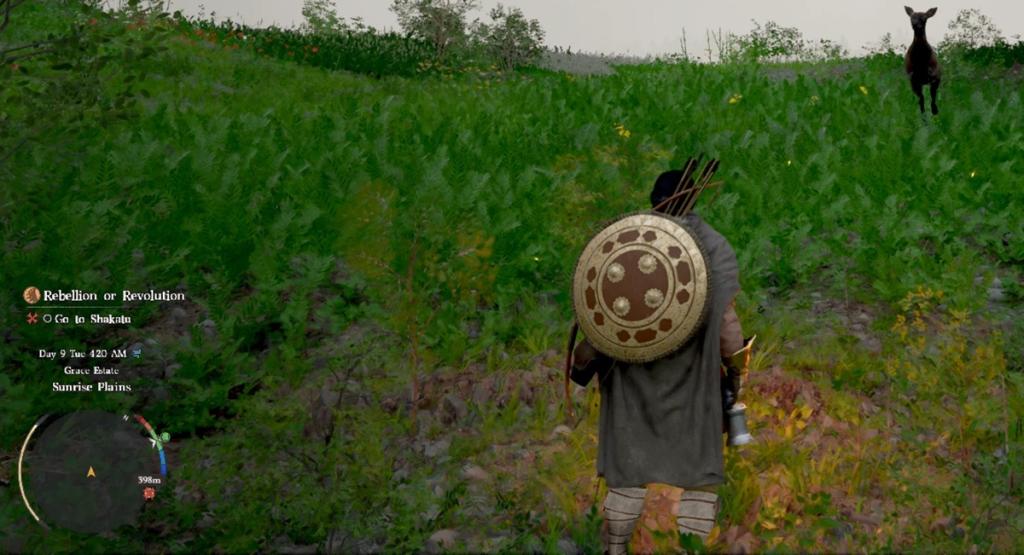
Hide HUD and Effects
Sometimes you want a screenshot without any overlays blocking the view. The Hide HUD and Effects mod removes the UI and tones down flashy combat effects for a cleaner shot without entering photo mode. It’s my go-to when I want cinematic screenshots for social posts or wallpapers.
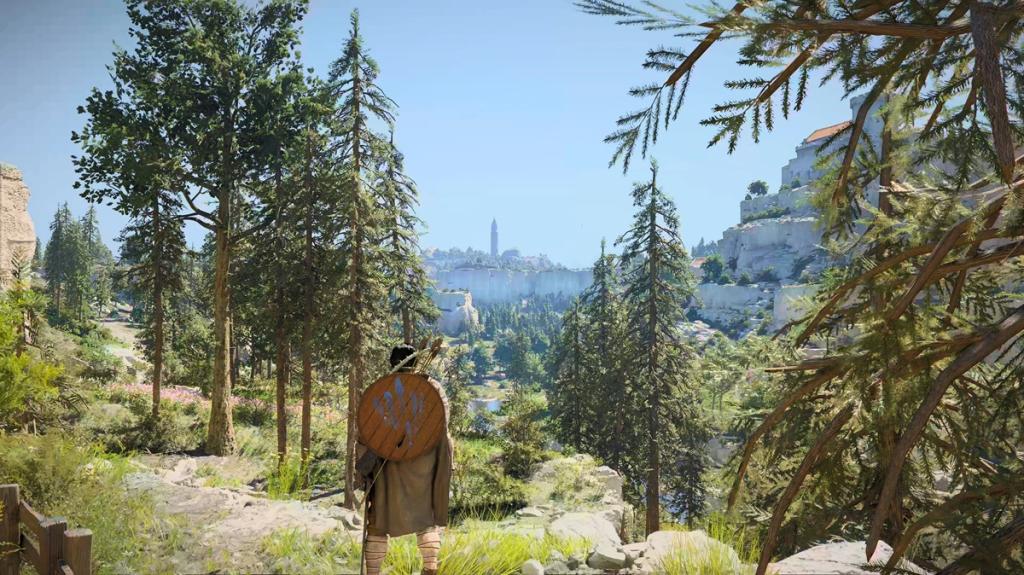
Camera Overhaul
Boss rooms often feel like a camera decided to tango with your head. The CDCamera mod locks and smooths the camera, giving better tracking and less random spinning during big fights. It still has some rough edges with mounts, but the developer updates it regularly on Nexus Mods.
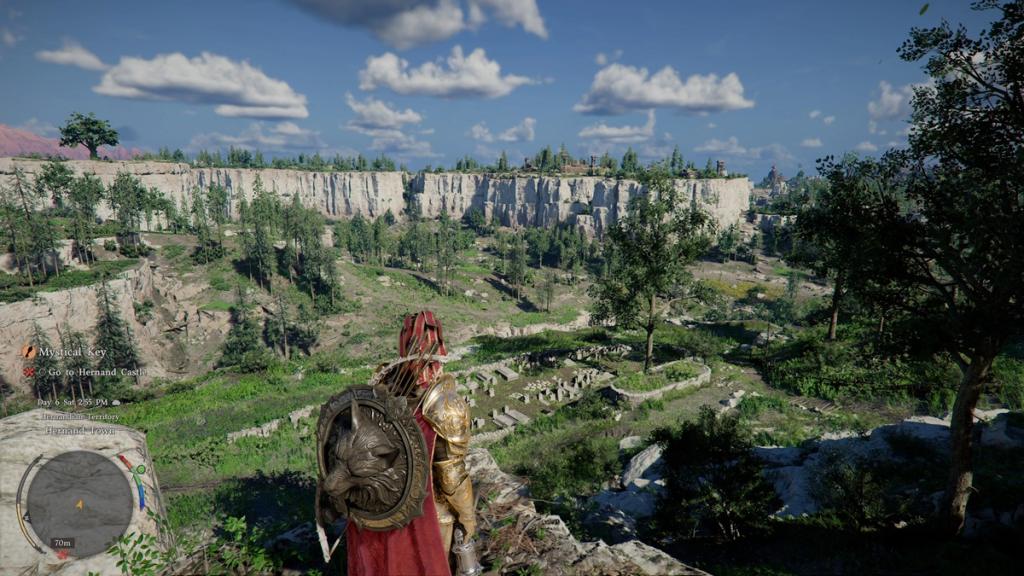
Controller Button Remapper
Default controller bindings are tangled and inflexible. The remapper gives you full control over Xbox and other controllers so you can place frequently used actions within easy reach. If you prefer an Xbox layout on PC, install this and pair it with Steam’s controller settings for quick tweaks.
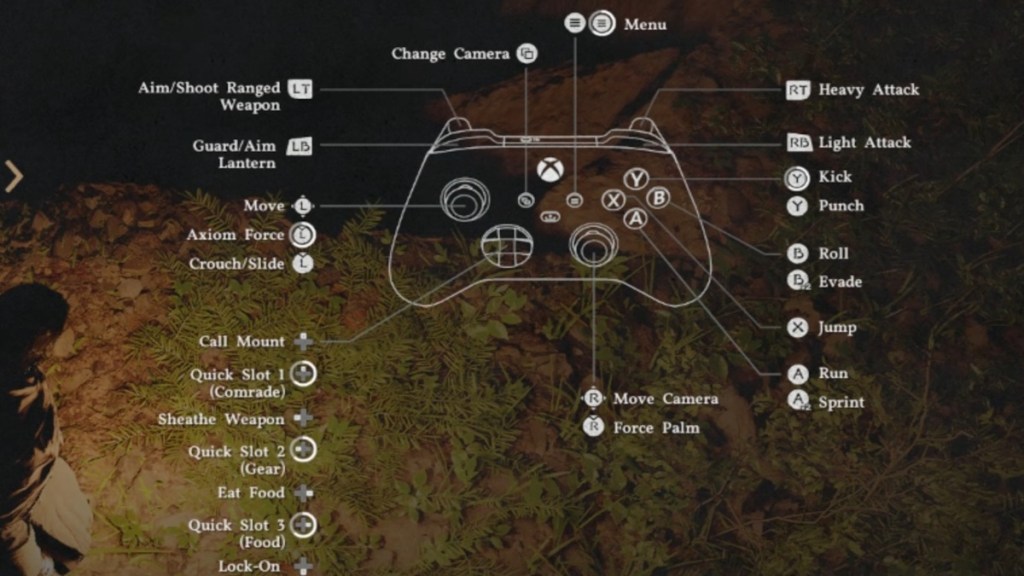
Player Status Modifier
When enemies feel like spongey walls, tweaking stats becomes tempting. The Player Status Modifier lets you edit Health, Spirit, Stamina, and pickup multipliers so you can test builds or reduce frustration during bugs. Use it for experimentation, then return to the default curve when you want the intended challenge.
How do I install mods for Crimson Desert?
Get mods from trusted hubs like Nexus Mods. Download the archive, follow the author’s install steps (some are simple .pak drops into the game folder), and always keep a backup copy of your save and the original files. If you use a mod manager such as Vortex, it can automate much of this process and keep mods ordered.
Are Crimson Desert mods safe on PC?
Most community mods are safe when sourced from reputable sites and checked with antivirus tools or VirusTotal. Avoid running unknown executables, read comments on Nexus Mods, and keep an eye on mod updates. If Pearl Abyss pushes anti-cheat changes, remove mods before connecting to online services to reduce risk.
Do mods work in multiplayer?
Use caution: mods are designed for single-player or offline play. If Crimson Desert ties into Pearl Abyss online services or uses any anti-cheat, running mods while connected can lead to account flags. When in doubt, disconnect from online features and test in a separate profile.
I treat mods like a precision toolkit; they repair the release without changing the developer’s intent. Some of these tools are as handy as a Swiss Army knife for a rushed launch. Which mod saved your patience, and which one made you rethink playing the base game as-is?