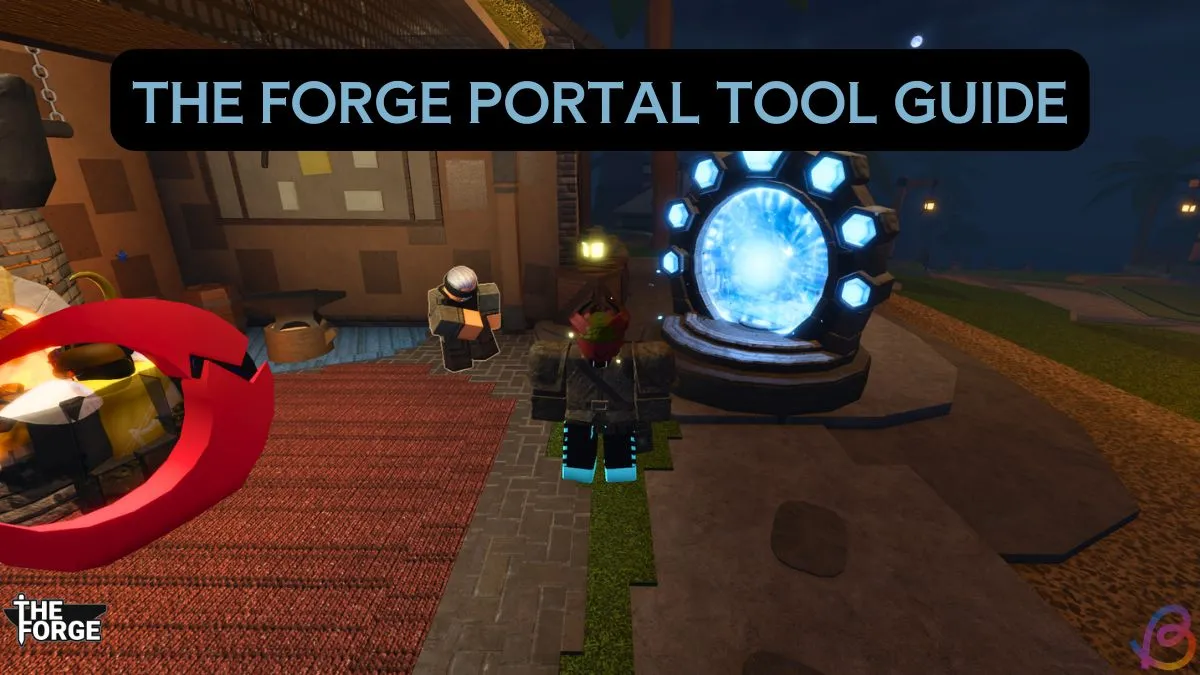
The Portal Tool is an essential item in the Forge that enables you to explore a variety of islands, including the mysterious Forgotten Kingdom. Eager to unlock this travel capability? You’re in the right place. In this guide, we’ll walk you through the process of obtaining the Forge Portal Tool and how to effectively utilize it for your adventures.
As a seasoned gamer, I understand the importance of having the right tools at your disposal for a successful journey. The Portal Tool can greatly enhance your gameplay experience, making exploration effortless.
1. How to Unlock the Portal Tool in the Forge
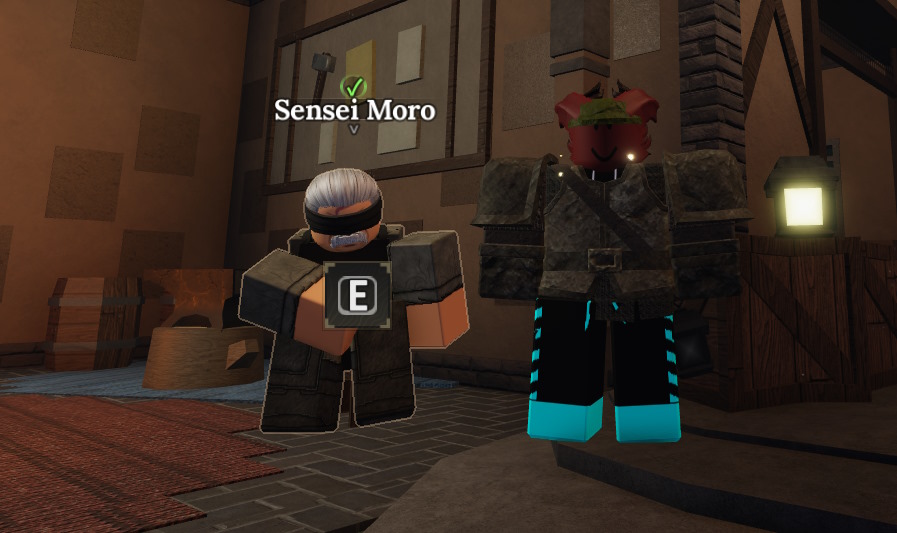
To get your hands on the Portal Tool, you need to complete all of Sensei Moro’s quests within the Forge. You’ll encounter your first quest at the beginning of the game, initiated by talking to Sensei Moro, who is conveniently located near the spawn area. Just press E to initiate the interaction and start your questline.
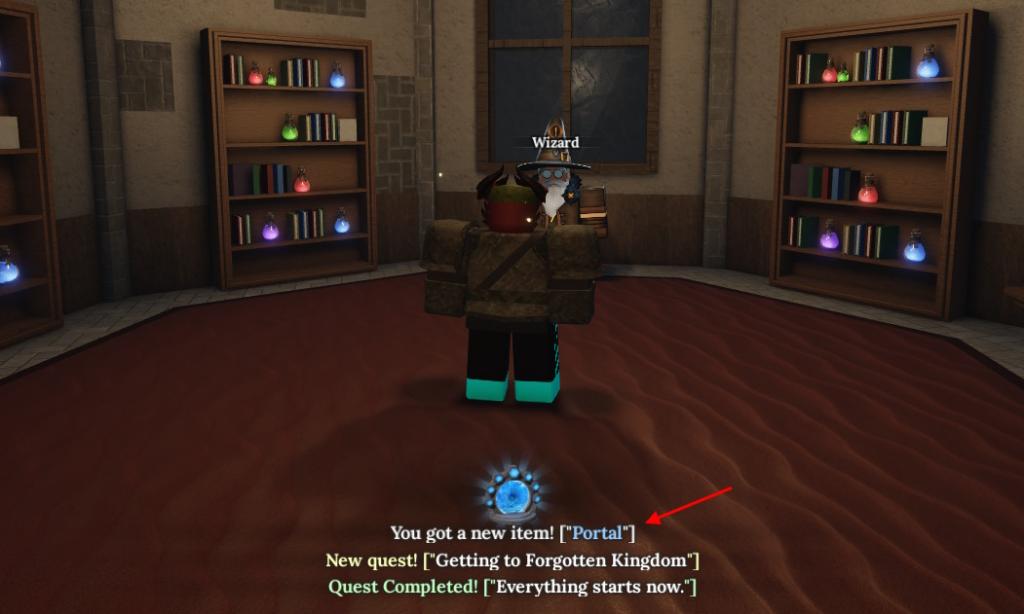
After completing all quests, make your way to the Wizard located at the far end of the island, inside a house. This is the same Wizard who assists you with rolling races. The path to find him is on the left before you enter the cave. Congratulations! You are now the proud owner of the Portal Tool. But how do you put it to use?


2. How to Use the Portal Tool in the Forge
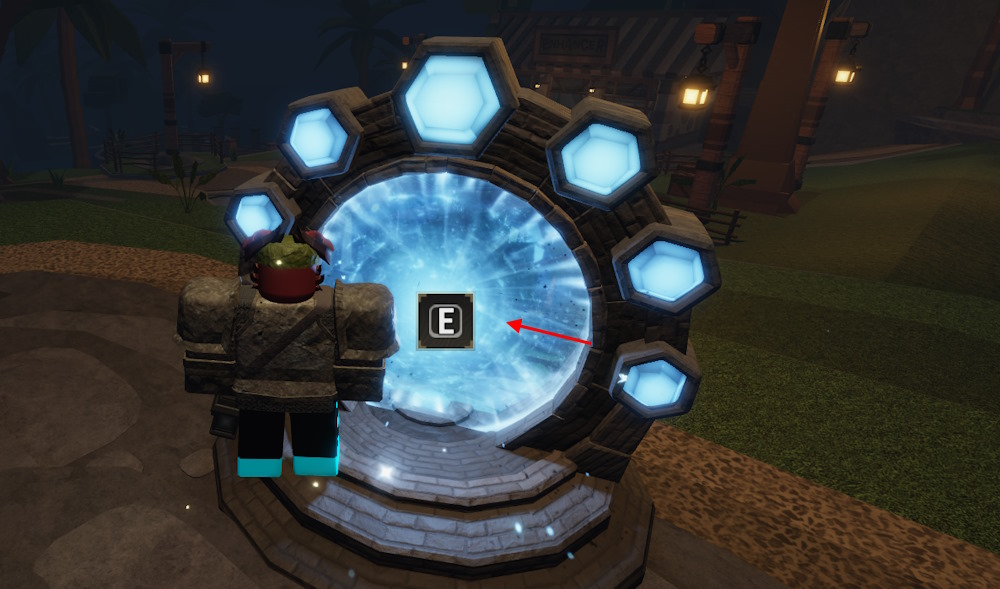
Using the Portal Tool is straightforward. Locate it in your hotbar and press the designated button to place it in an area highlighted in green. This indicates a valid placement zone. Once the portal is set, walk toward it and press the E key to access the island menu. From there, choose your desired destination and click the Teleport button.
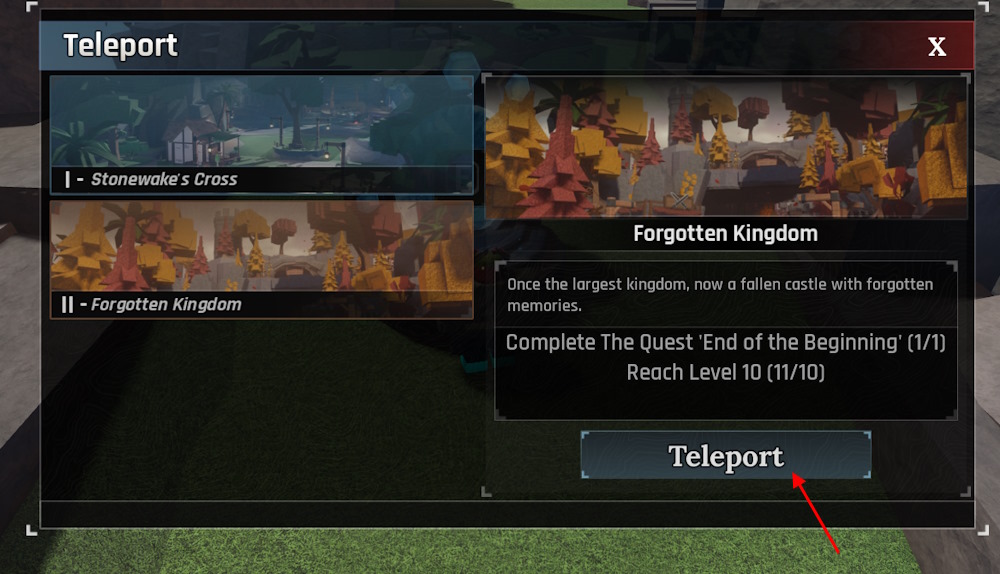
Keep in mind that access to the Forgotten Kingdom via the Portal Tool requires you to reach level 10. This goal can be easily achieved by using Forge codes and collecting various free resources early in your journey.
Are you still facing challenges with placing the Forge Portal Tool? The portal only operates on valid terrain; when you attempt to place it, it will glow green if the spot is suitable. If it remains red, simply adjust your position slightly to find stable ground.
Do you wonder why you can’t warp to the Forgotten Kingdom even after establishing your portal? You must first attain level 10 for the option to appear in your destination list; once you hit that milestone, it will auto-populate.
Now that you’re equipped with all the knowledge needed to get and use the Portal Tool effectively, what are you waiting for? Step into new adventures at the Forgotten Kingdom! For more tips and guides, continue exploring valuable content on Moyens I/O.