
I stood in the Apple Store doorway and watched a salesperson unwrap the new iPad Air as a small crowd circled. For a few seconds the room tightened — the screen came alive and the spec sheet quietly broke a pattern Apple had kept for years. You might feel that small jolt too when you see 12GB listed under memory.
I’ve been writing about Apple silicon for years, and I want to tell you plainly what changes — and what still feels familiar. Read this if you care about performance that actually matters for apps you use every day, and if you want to know whether the upgrade is worth pulling the trigger on now.
Performance that lands where it matters
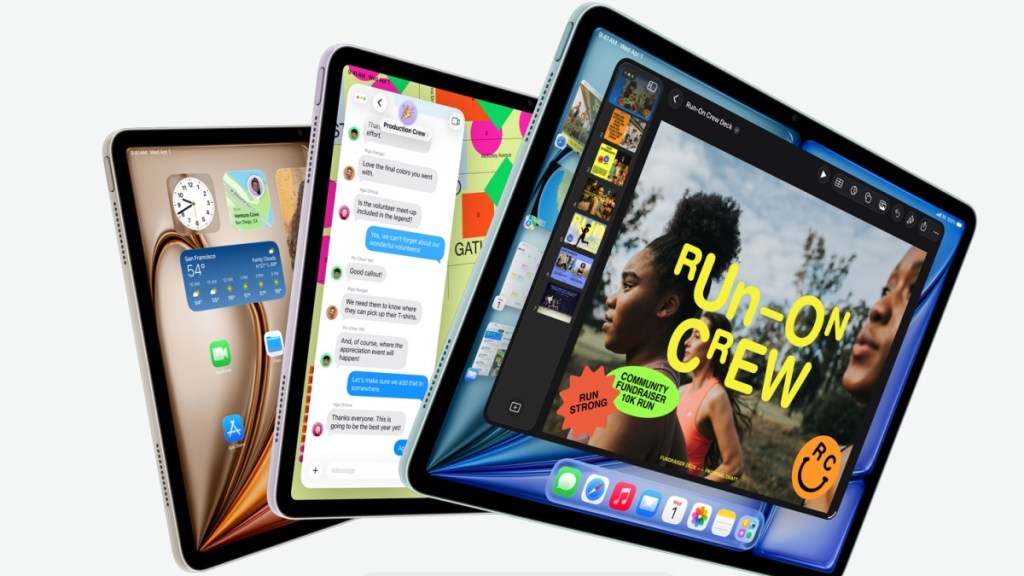
On a coffee table, the iPad Air M4 slides beside a MacBook and doesn’t look out of place.
The headline is the M4 chip: Apple has taken last year’s flagship silicon and placed it into the Air, giving you a measurable jump in sustained performance. In synthetic and creative workloads you’ll see roughly a 20–25% improvement in multi-core performance over the M3. The Neural Engine gets a modest uplift, but you’ll notice it most when you run ML-powered features in apps like Photoshop or the iPadOS version of Final Cut Pro.
Apple also bundles the new N1 combo for Wi‑Fi/Bluetooth and the C1X modem in cellular models, and the Air gains Wi‑Fi 7 support. That matters if you move large media files or stream high-bitrate video to an external display — fewer hiccups, less waiting.
How much faster is the iPad Air M4 compared to the M3?
Benchmarks aren’t the whole story, but they’re a useful shorthand: expect roughly a fifth or slightly more in multi-core gains, improved ray tracing in supported apps, and higher memory bandwidth (the spec sheet notes ~120GB/s vs M3). In practical terms, you’ll see better scrubbing in timelines, faster exports, and smoother multitasking with multiple large apps open.
What the surprise 12GB of RAM actually changes
At my desk, opening ten browser tabs, a drawing app, and a video editor feels less like juggling and more like arranging tools.
Apple bumped the unified memory to 12GB on the Air, up from 8GB. That extra RAM is not marketing fluff: it reduces the need for the system to reload apps or assets when you switch between heavy tasks. The effect is subtle but real for pro workflows — think long timelines in Final Cut Pro, large canvases in Procreate, or dozens of Safari tabs with media playing.
The new memory configuration is like a backstage pass at a packed concert — it keeps things moving behind the scenes so the show runs without stops.
Does the extra RAM matter for everyday users?
If you mostly browse Safari, stream, and use social apps, you won’t notice dramatic differences day to day. If you run professional apps — Adobe, Logic Pro, or high-frame-rate film editing — the extra headroom is a practical upgrade that reduces waiting and improves responsiveness.
Design, battery, and the small details that matter
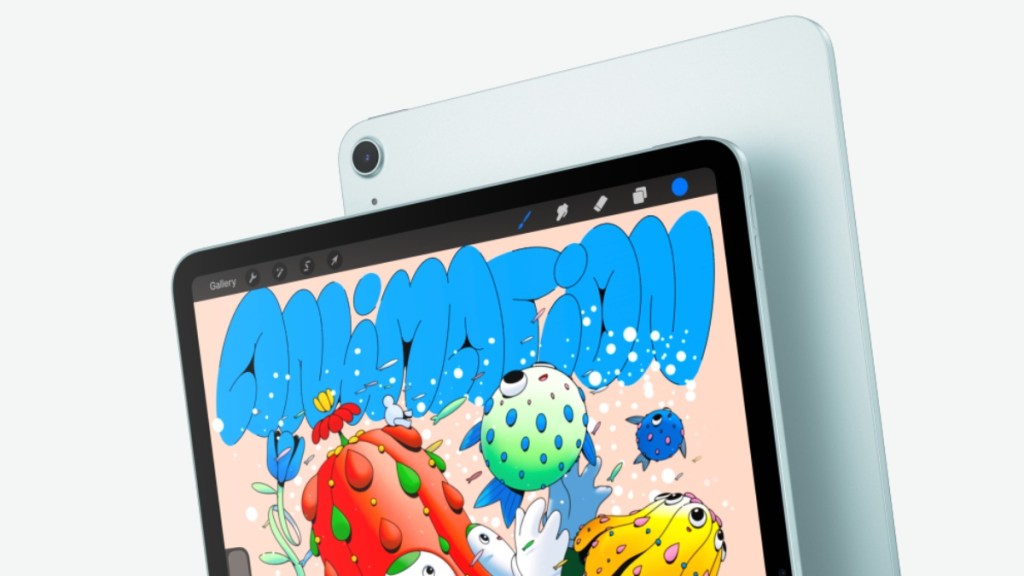
On a park bench, the Air feels familiar in the hand: same slab silhouette, Touch ID at the top, and the same Liquid Retina panel.
Apple kept the 500 nits LCD with anti‑reflective coating, preserved the 12MP front and rear cameras, and quotes the usual “up to 10 hours” battery life. The screen and battery specs don’t leap forward, but they don’t regress either — the upgrade strategy here is strategic rather than cosmetic.
The M4’s improvements and Wi‑Fi 7 support mean sustained heavy work without thermal throttling as quickly as previous models, and Ceramic Shield 2 and MagSafe on recent iPhones like the iPhone 17e continue to push Apple’s accessory ecosystem forward.
Pricing and when you can buy one
In a store window, the price tag is where theory meets decision.
Apple is selling the 11‑inch iPad Air (128GB, Wi‑Fi) at $599 (€551), and the 13‑inch starts at $799 (€735). Choose Wi‑Fi + Cellular and the 11‑inch climbs to $749 (€689), while the 13‑inch base cellular model is $949 (€873). These models are available now on Apple’s online store and through authorized resellers.
Is the new iPad Air worth upgrading from an iPad Air M1 or M2?
If you’re on M1 or older, the combination of M4 speed, 12GB memory, and Wi‑Fi 7 is a meaningful jump for creative and professional tasks. If you’re on M3 and your workflow feels fine, the case for upgrading is thinner unless you specifically want the extra memory or modem improvements.
I’ll be testing real-world editing, multitasking, and pro apps like Final Cut Pro, Photoshop, and Logic Pro — and I’ll share my notes for people weighing a purchase. For now: does Apple just reshuffle specifications, or has it quietly shifted what the Air can do for creators and pros who don’t want the Pro price tag?