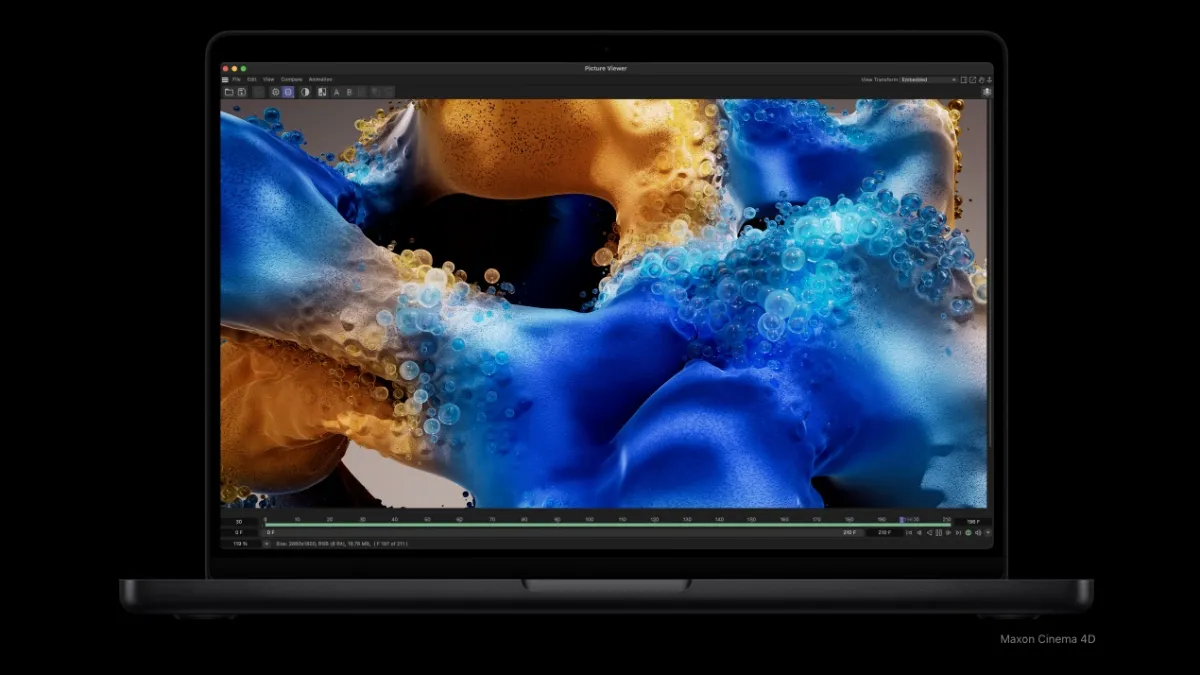
I was halfway through a late-night edit when the slide with the new M5 chips flicked across the screen. The room went quiet—because what Apple quietly changed today matters to anyone who edits video, compiles code, or just refuses to wait. You can feel the shift before benchmarks arrive.
I’ll walk you through what changed, why it matters to your workflow, and what to consider before you click purchase.
MacBook Pro M5 Pro and M5 Max: Specifications
On my desk a 16-inch MacBook hums while rendering a 4K cut; that hum now comes with a new heartbeat. The M5 Pro and M5 Max lift Apple’s performance ladder with clear, measurable gains aimed at professionals who run heavy timelines and serious compute loads.
The M5 Pro ships with a 15-core CPU, a 16-core GPU, and a base of 24GB unified memory, scaling up to 64GB. Memory bandwidth moves up to 307 GB/s, which matters in applications like Final Cut Pro, Adobe Premiere, and Xcode builds where large data throughput avoids stalls.
The M5 Max is the heavier hitter: an 18-core CPU with a 32-core GPU (upgradeable to 40 cores) and a base 32GB of unified memory that tops out at 128GB. Bandwidth doubles to 614 GB/s, shaving time off rendering passes and model training. If you push timelines, batch render, or run large neural nets locally, this chip feels like a freight train—fast, steady, and built to haul.
Both models add three Thunderbolt 5 ports (up to 80 GB/s), and pick up Wi‑Fi 7 and Bluetooth 6. Battery life lands at up to 22 hours for M5 Pro and about 20 hours for M5 Max on typical mixed use.
How does M5 Max compare to M5 Pro?
M5 Max targets heavier parallel workloads: more GPU cores, far higher bandwidth, and larger RAM ceilings. For single-threaded code or light editing, M5 Pro will feel snappier and is more power‑efficient; for multi-GPU rendering, machine learning, and huge timelines, M5 Max saves time.
MacBook Air M5: Specifications
I caught a quick hands-on with the 13-inch Air at a demo table; it felt familiar but faster. Apple has bumped the Air to an M5 variant that tightens the baseline for everyday creators and commuters.
The Air’s M5 arrives with a 10‑core CPU and an 8‑core GPU, upgradeable to a 10‑core GPU in higher configurations. Neural accelerators appear for faster on-device AI tasks, and memory bandwidth increases to 153 GB/s (up from 120 GB/s on M4). Base storage now starts at 512GB, a welcome change for photographers and students who hang onto large libraries.
It also supports Wi‑Fi 7 and Bluetooth 6. Outside of thermal headroom and raw ceiling for RAM, the chassis and ports stay familiar—you get the refined Air experience with more sustained throughput.
Is the M5 MacBook Air worth upgrading?
If you use Lightroom, run Zoom all day, or edit short-form video, the M5 Air is a meaningful step up—especially with doubled base storage. If your work is heavy rendering or large model training, the Pro line remains the better fit.
New Studio Display and Studio Display XDR
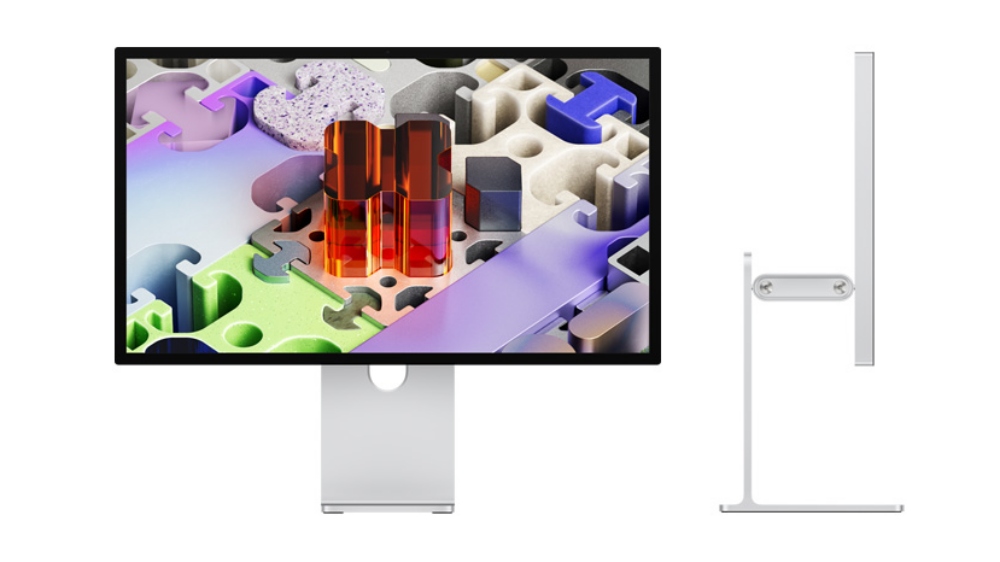
At the display table the blacks looked deeper and the highlights popped in a way that made color grading feel less like guesswork. Apple refreshed the Studio Display line and introduced the Studio Display XDR that aims at professionals who need very high brightness and precision.
The base Studio Display gains Thunderbolt 5 support. The new Studio Display XDR steps up as a potential Pro Display XDR successor with a 27" 5K Retina XDR mini‑LED, 120Hz refresh, over 2,000 local dimming zones, and a 2,000-nit peak brightness. If you grade HDR content, this panel behaves like a lighthouse—specific, bright, and hard to ignore.
M5 Pro and M5 Max MacBook Pro: Price and Availability
At the Apple Store the demo units sat behind glass and sales reps were already taking orders. If you want the new machines, the timing is immediate.
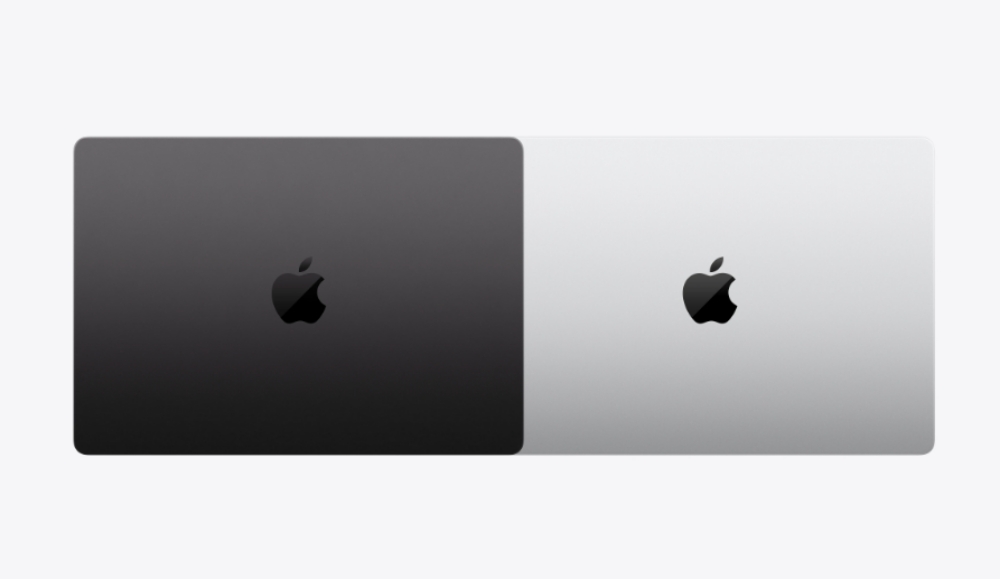
The 14‑inch M5 Pro MacBook Pro starts at $1699 (€1580) with 24GB RAM and 1TB storage; the 16‑inch M5 Pro begins at $2699 (€2510). The 14‑inch M5 Max starts at $3599 (€3347) with 32GB RAM and 2TB storage; 16‑inch M5 Max models begin at $3899 (€3626). Both lines will be offered in Black and Silver and are available to order from Apple’s website starting today.
How much does the M5 Pro MacBook Pro cost?
Expect the base 14‑inch M5 Pro at $1699 (€1580) and plan up for RAM and storage if your workflows use Premiere, DaVinci Resolve, or local neural inference.
M5 MacBook Air: Price and Availability
In the showroom the Airs were lined up in Starlight and Sky Blue; they sell fast when a color sells out. Apple opened orders today.
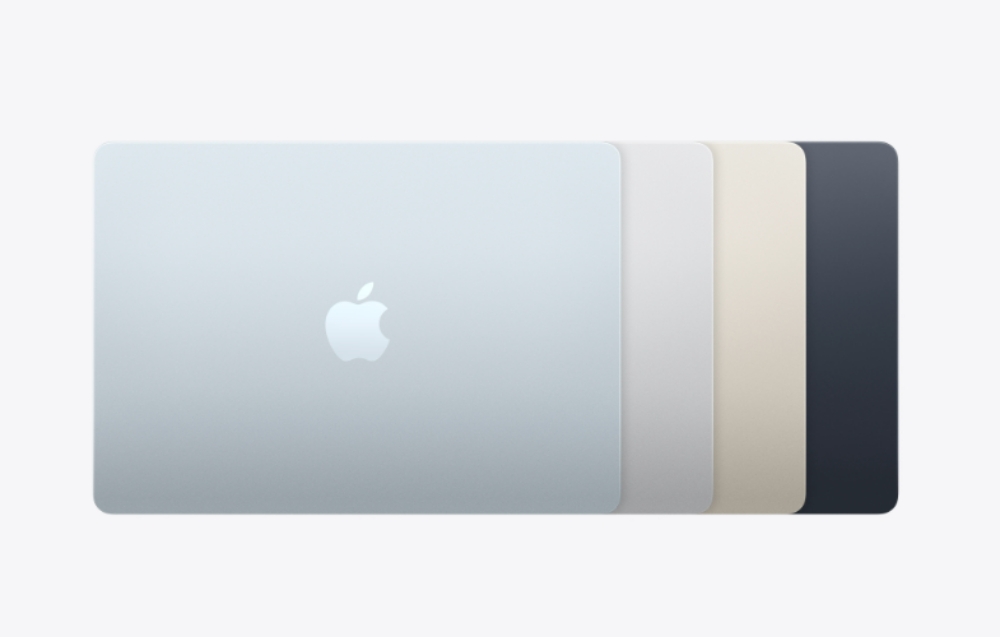
The 13‑inch M5 MacBook Air starts at $1099 (€1022), while the 15‑inch model starts at $1299 (€1208). Color options include Starlight, Sky Blue, Midnight, and Silver. Both are available through Apple’s website now.
Which MacBook Air size should I buy?
Buy the 13‑inch if you want portability and battery life; choose the 15‑inch if screen real estate for editing and multitasking reduces your external monitor needs.
I’ve run builds, exported timelines, and pushed these machines hard—Apple just raised the bar for what a laptop can finish in a day. Which model would change the way you work?