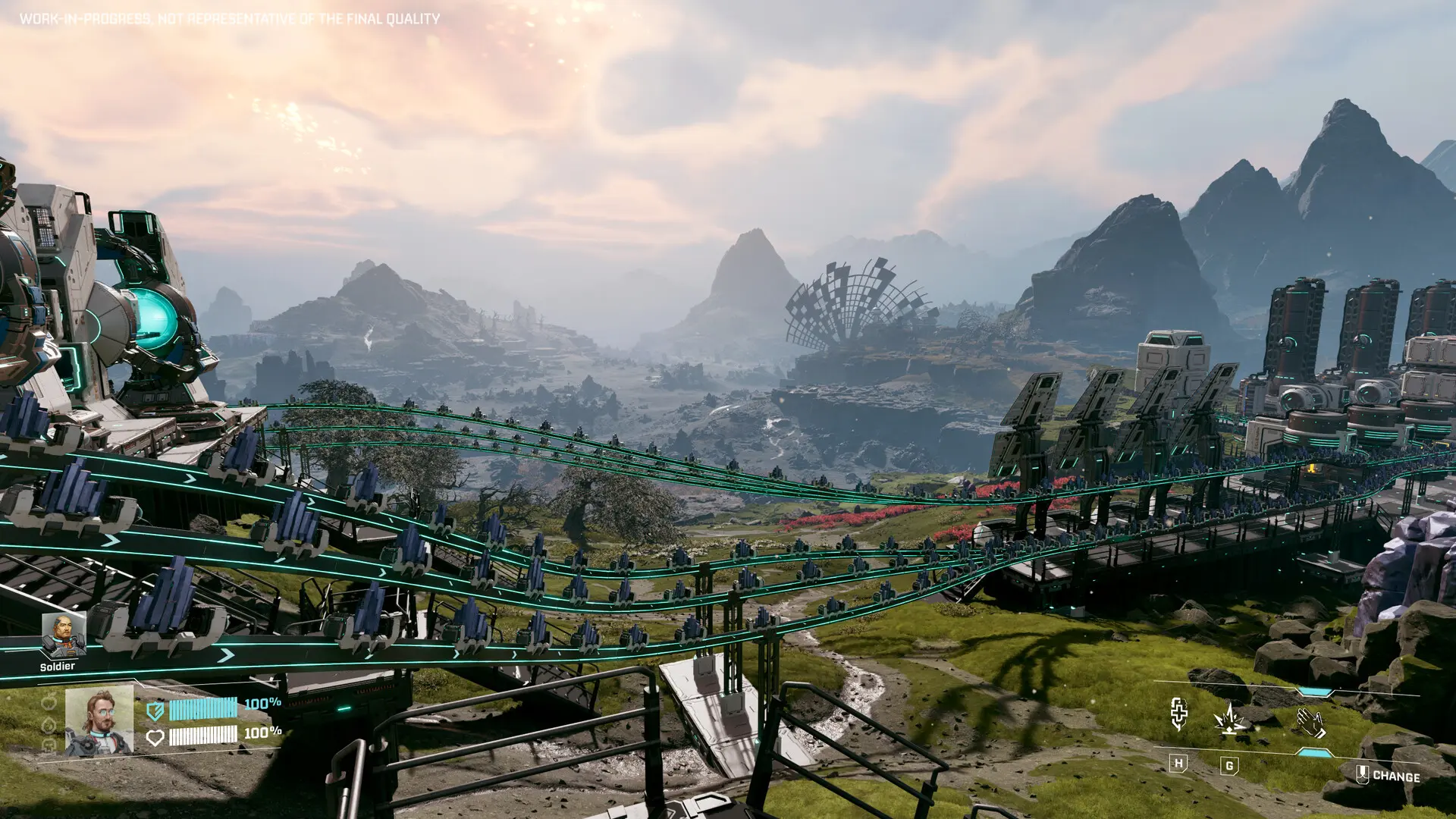
StarRupture has officially launched its early access version on Steam, immersing players in thrilling base-building experiences while battling alien foes. But as any seasoned gamer will tell you, early access launches can be a wild ride, filled with unexpected bugs and hiccups.
While you’re free to explore the game at your own pace and save your progress, keeping backups of your save files can save you from potential game-ending mishaps. Let’s walk you through how to locate your StarRupture save files on your PC and ensure your adventure remains uninterrupted.
Where Can You Find Your StarRupture Save File?
Currently, StarRupture is exclusively available on Steam. One important point to remember is that your save files won’t be stored in the same directory as the game. Here’s how to track them down:
Navigate to this filepath: C:\Users\[YourUsername]\AppData\Local\StarRupture\Saved
Within the Saved folder, you’ll find all your individual save files. They’ll each have a (.sav) extension, making them easy to identify. For quicker access, you can also open this folder through the command prompt directly in your Explorer window:
- %USERPROFILE%\AppData\Local\StarRupture\Saved
Understanding Your Save Slots in StarRupture
StarRupture offers ten manual save slots along with three autosave options, allowing you to manage your progress easily. While you can view these save files in the folder, open them outside the game might not provide much information—at least for now, you can’t edit in-game inventory values that way.
Curiously, I once attempted to understand how different save types are categorized; this can be particularly handy for players who switch between solo play and teaming up with friends.
Can You Use Steam Cloud for Saves?
Absolutely! StarRupture supports Steam Cloud, enabling automatic backups of all your saves. This means whether you’re at a friend’s place or using a different machine, you can easily access your progress without manually transferring files. It sure saves a lot of headaches!
Where is the StarRupture save file on my PC?
Your save files can be found at C:\Users\[YourUsername]\AppData\Local\StarRupture\Saved. Inside, you’ll spot files ending with (.sav).
How many save slots does StarRupture provide?
You have ten manual save slots and three autosave slots to keep track of your progress.
Can I edit my save files outside the game?
Editing save files from outside the game has limited functionality, as changes may not reflect in your in-game inventory just yet.
How does Steam Cloud work for StarRupture?
Steam Cloud provides an automatic backup of your save files, allowing you to play on multiple devices without losing progress.
What if I can’t find my save files?
If you struggle to locate your save files, double-check the filepath and ensure you’re viewing hidden files in your computer settings, as the AppData folder is often hidden by default.
With these tips, you’re all set to dive back into StarRupture without worrying about losing precious progress. Have you discovered any cool strategies in your base-building adventures? Share your thoughts in the comments below!