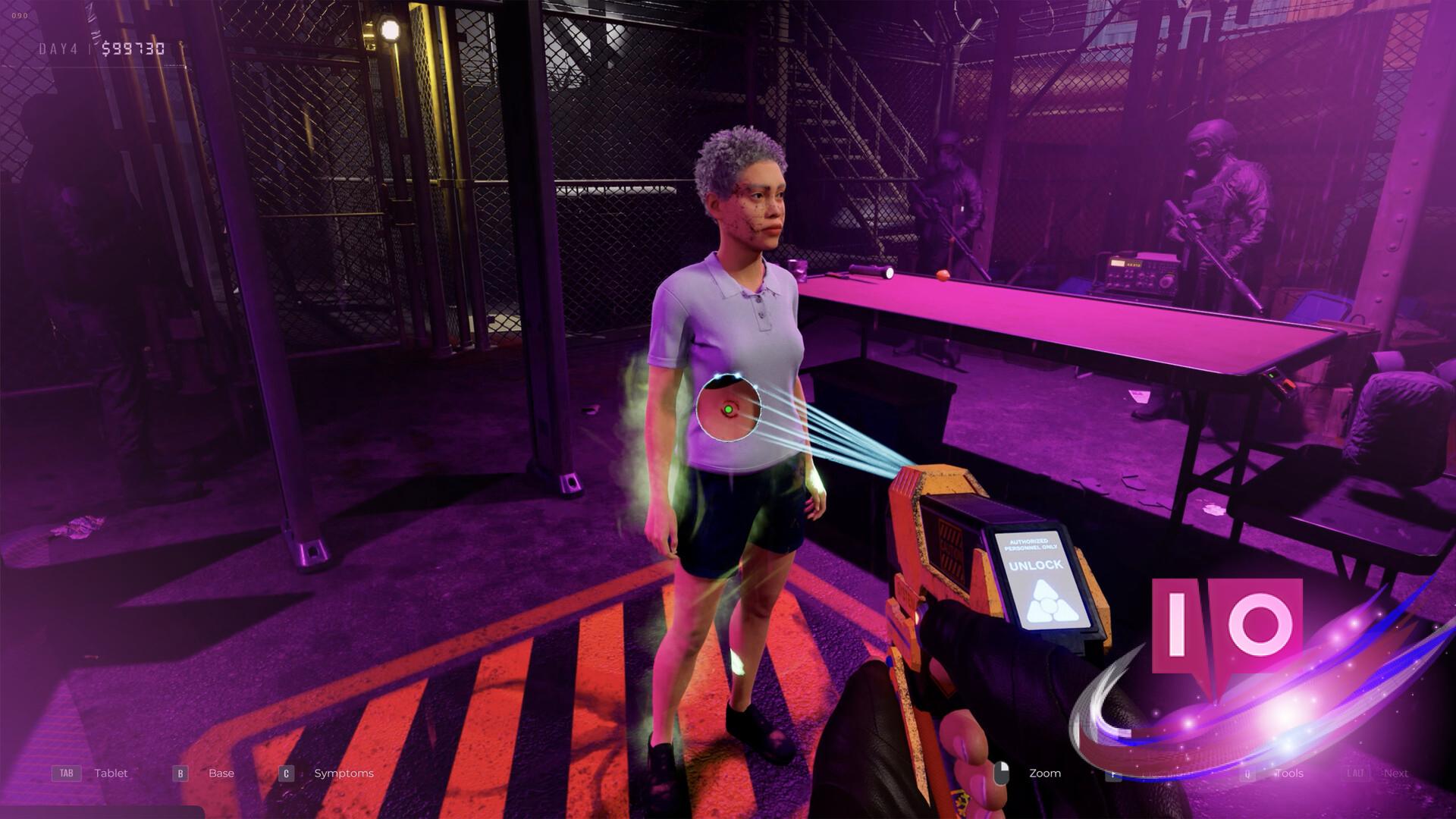
The screams were getting closer. A shuffle at the door, a metallic click as you chambered a round, and the cold realization that you had no idea which button activated your flashlight. Quarantine Zone: The Last Check puts you in charge of base security during a zombie outbreak, where every second—and every button press—counts.
Overseeing an outpost in the middle of a zombie apocalypse is no walk in the park. The infected aren’t the only threat; you’ll also have to deal with civilians who might be concealing a deadly secret. Mastering the game’s controls is your first line of defense in this grim fight for survival.
Essential PC Controls for Quarantine Zone: The Last Check
I once watched a seasoned gamer fumble for the right key in a similar pressure-cooker scenario, and it cost them dearly. Don’t let that be you. Below is a table outlining all the default PC controls for Quarantine Zone: The Last Check. Remember, these are defaults; you can remap them to your preferences.
| Input | Action |
|---|---|
| Left | A |
| Right | D |
| Crouch | Left Ctrl |
| Backward | S |
| Jump | Space |
| Forward | W |
| Interact | E |
| Apply | J |
| Call Next in Line | Left Alt |
| Zoom Sensitivity | RMB |
| Syringe Analyzer | 0 |
| Themopulsometer | 1 |
| Reflex Hammer | 2 |
| Scanner | 3 |
| Stethoscope | 4 |
| X-Ray | 5 |
| Matioscope | 6 |
| Pistol | G |
| Flashlight | F |
| Next Tool | Mouse Wheel Up |
| Prev Tool | Mouse Wheel Down |
| Reload | R |
| Tools | Q |
| Base | B |
| Symptoms | C |
| Handbook | H |
| Tablet | Tab |
| Upgrades | U |
Can you remap the controls in Quarantine Zone: The Last Check?
Absolutely. Customization is key, especially when your life hangs in the balance.
How to Customize Your Controls in Quarantine Zone: The Last Check
I always tweak the controls to suit my play style; you should, too. To remap the default settings, follow these simple steps:
- Start the game and head to the main menu.
- Select “Options.”
- Go to “Controls.”
- Click the setting you wish to change, input the new key, and confirm.
It’s like tailoring a suit—only this suit is your digital survival gear.
What if my controller isn’t working?
Let’s troubleshoot… First, check that your controller is properly connected and recognized by your PC. Then, verify that Quarantine Zone: The Last Check supports your controller model (Xbox controllers are generally supported).
While Quarantine Zone: The Last Check is exclusively on PC, the Steam page confirms partial controller support. It might not be perfect out of the box, so prepare for some configuration.
Can I use an Xbox controller with Quarantine Zone: The Last Check on PC?
Good news, console players: you can use your Xbox controller, according to the Steam page. Your mileage may vary, so expect to do some fine-tuning in the settings menu.
The game is a finely tuned instrument, and you are the conductor. Will you lead your survivors to safety, or will a forgotten keybind spell their doom?