Have you ever tried assembling IKEA furniture without the instructions? It feels a bit like wandering aimlessly, hoping to stumble upon the right piece. In MIO: Memories in Orbit, that feeling is amplified tenfold; the ship’s twisting corridors become a labyrinth without a guide. The good news is that a map does exist, even if it requires some effort to access.
Early in your journey, you’re thrown into the metallic maze without so much as a compass. You’re forced to rely on memory and instinct. But fear not: the game eventually offers a map. You just need to grease the right palms, so to speak.

The Price of Cartography: How to Open the Map
Imagine having to pay for every Google Maps (Alphabet Inc.) update. In MIO: Memories in Orbit, a similar principle applies. To gain access to the map, you’ll need to provide Shii with Nacre Droplets to fill his pond.
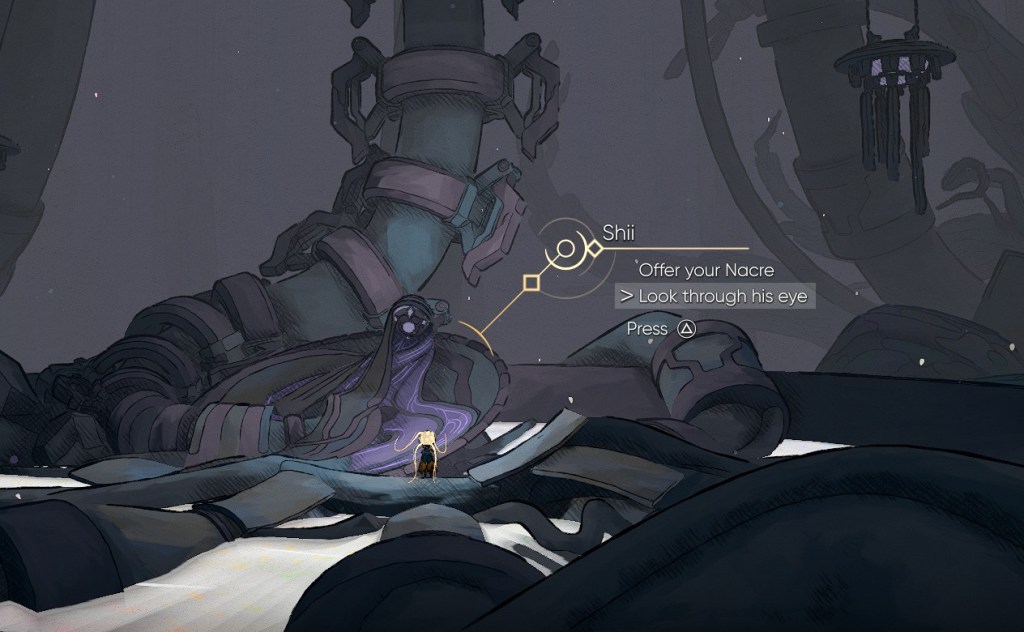
Shii resides just above the Nexus, the game’s starting area after the tutorial. Nacre serves as the game’s currency. It’s acquired by dismantling enemies and debris. The amount you hold is displayed via a pentagon icon in the screen’s upper-right corner. You can donate Nacre to Shii either by dying (which automatically contributes your collected Nacre upon respawn) or by speaking to him directly.
Once the pond has been sufficiently filled, speak to Shii and select the “Look through his eyes” dialogue option. A map will then appear, charting your explored territories and marking attunement stations. While unlabeled, this map is valuable for identifying unexplored areas—a significant boon for any Metroidvania fan. It’s like having a blurry photograph of a familiar place; you don’t see all the details, but you recognize the overall shape.
Initially, the map is only accessible when you’re physically present at Shii’s pond. Venturing out and getting lost means a return trip to consult the map again. But there is a solution…
By donating even more Nacre, you rejuvenate Shii, allowing you to carry the map with you. The map then updates your location in real-time (excluding new areas, which require visiting an Overseer to update). Restoring Shii takes several hundred Nacre, but the improved exploration is well worth it. Time to get farming!
Is there a map that reveals all locations from the start?
Not exactly. The map in MIO: Memories in Orbit reveals areas as you explore them. Think of it like peeling back the fog of war in a strategy game. The more you explore, the more the map fills in. It’s a gentle nudge toward thorough exploration and rewarding curiosity.
Bypassing the Detours: Fast Travel
Remember the last time you missed a connecting flight? The frustration of unexpected delays is universal. MIO: Memories in Orbit offers a way to bypass unnecessary detours, but it requires patience.
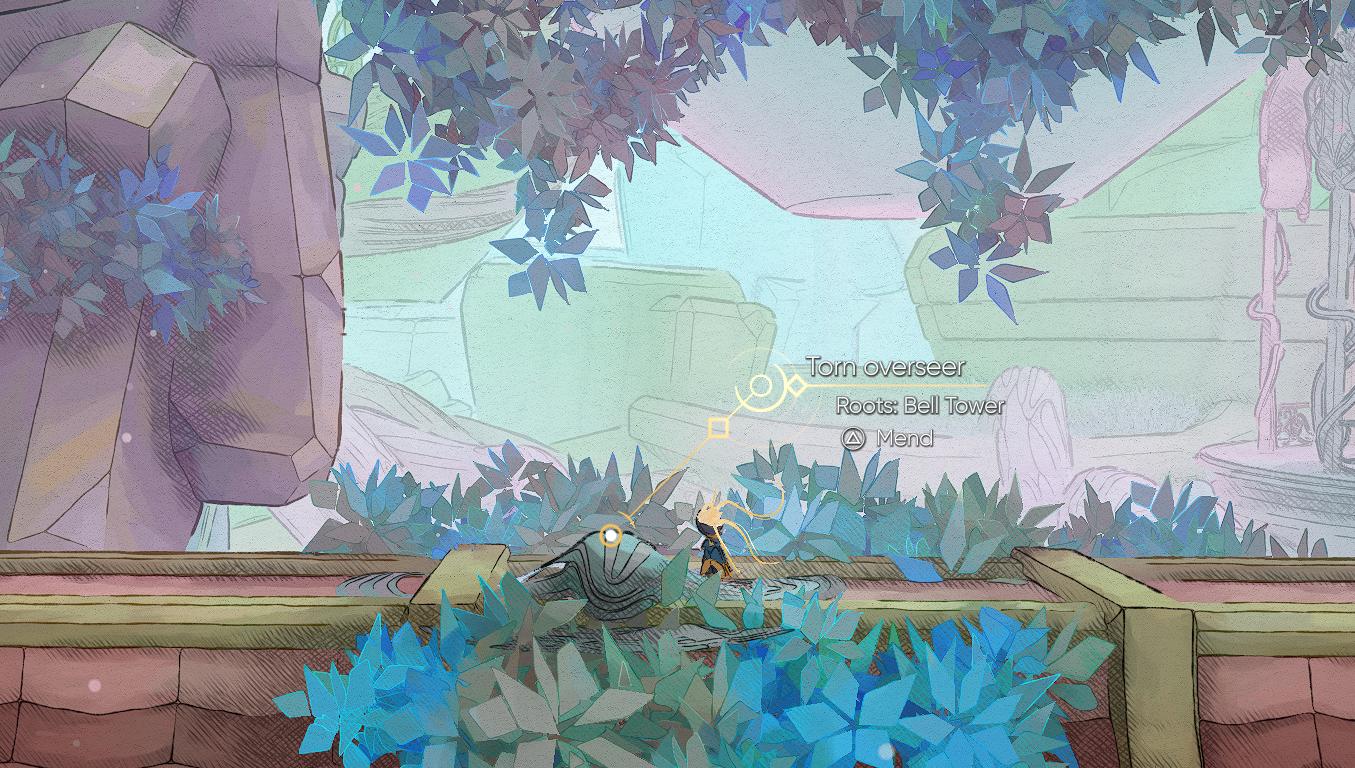
Fast travel exists in the game, although not immediately. You must first mend the Torn Overseers located in each region. Once mended, these Overseers relocate to fixed locations where you can interact with them.
How does fast travel work?
When interacting with an Overseer, you gain access to the map. From there, you can select other mended Overseers as destinations. Fast travel is exclusive to these Overseer locations. You cannot fast travel from the regular map screen.
Are there other ways to reveal the map faster?
No, there are no shortcuts or alternative methods to accelerate the map’s reveal. The game intentionally ties map progression to exploration and resource gathering. This design encourages players to engage with the world organically and appreciate the gradual unveiling of the ship’s secrets.
So, with the map revealed and fast travel within reach, are you ready to chart a course through the unknown?