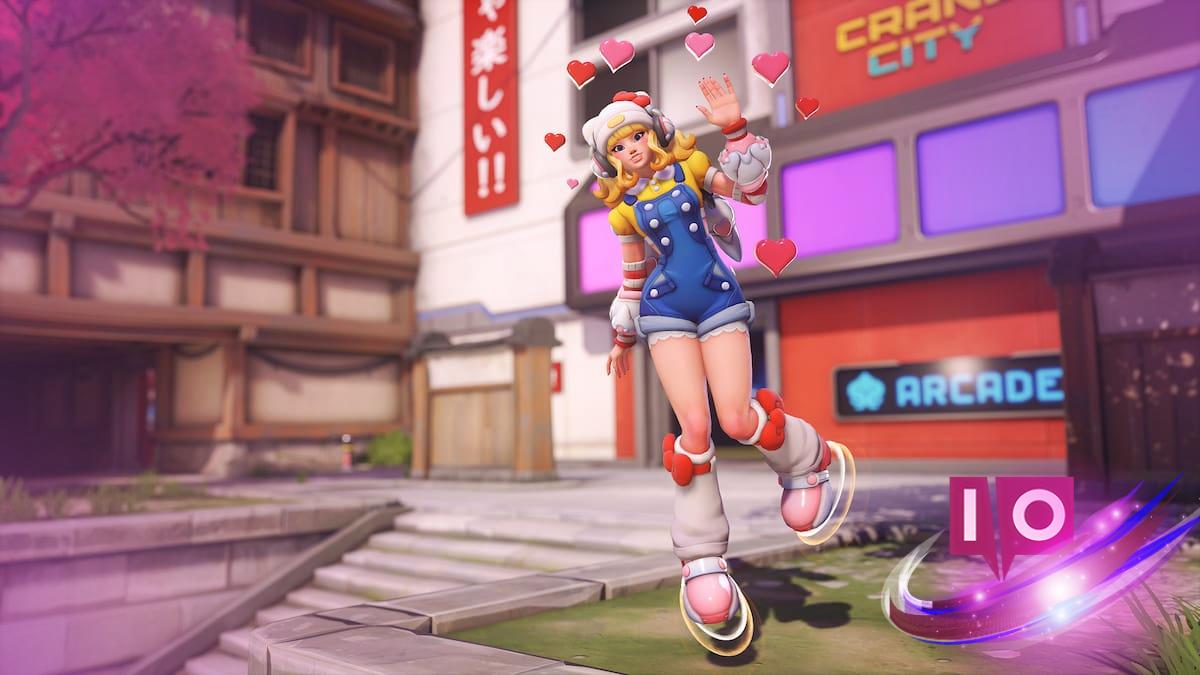
Imagine the thrill of logging into Overwatch, excitement pulsing through your veins as you prepare to jump back into the action. But instead of charging into battle, you’re met with an unyielding queue and a frustrating “Error BN-564.” You’re not alone; many players are facing this same daunting wall.
As passionate gamers flood back after the game’s rebranding, the servers strain under the pressure. The Steam version, in particular, appears especially vulnerable, leaving many in a frustrating cycle of waiting and error messages. Here’s how to break that cycle.
Understanding Error BN-564
This issue affects primarily Steam users who find themselves in a waiting line, only to be booted back to the end just as they think they’ll enter the game. While a plethora of fixes has been offered by the community, two significant solutions emerge as clear frontrunners:
- Switch to Battle.net: If Steam users are feeling particularly burdened, consider uninstalling the Steam version in favor of Blizzard’s own platform. If you’ve got a reliable internet connection, making the switch may provide a smoother experience. While hiccups can still occur, the frequency of issues seems to be significantly lower on Battle.net.
- Edit Launch Options on Steam: For those committed to staying on Steam, you can attempt to bypass the queue altogether. Here’s a simple guide:
- Right-click on Overwatch in your Steam library. Under the “General” tab, you’ll spot a text box labeled “Launch Options.”
- Paste this command without quotes: “–BNetServer=kr.actual.battle.net:1119.” This reconnects you to a different Battle.net server, giving you a better shot at avoiding both the queue and that pesky error.
What to Do if These Fixes Don’t Work?
If the problem persists, it may stem from your hardware or internet connection. Consider troubleshooting your router, exploring connection speeds with other games, or reaching out to your Internet Service Provider. Don’t overlook the classic methods: a full restart or a fresh reinstallation often leads to fruitful outcomes.
For the vast majority, the fixes above can offer relief. Are you ready to sidestep that frustrating queue and dive back into the world of Overwatch? Or will you let the servers dictate your gaming fate?