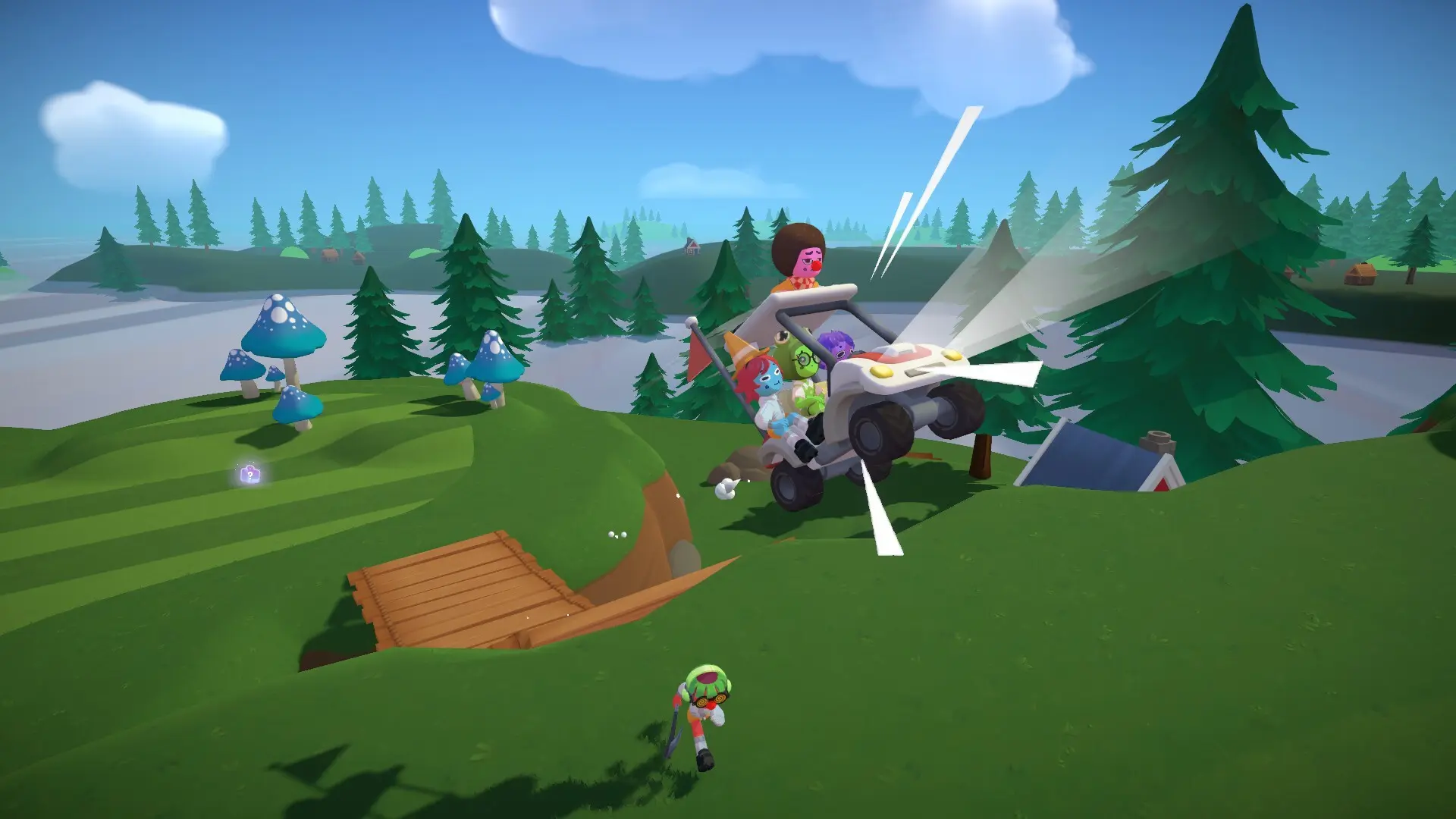
You line up a putt with three avatars crowding the hole. I’ve watched a friend steal victory on the last roll and felt the sting and the laugh at the same time. That chaotic thrill is exactly why you play Super Battle Golf with people you know.
I’ll walk you through the fastest, least annoying way to get friends into the same lobby, and how to drop into public matches when your squad isn’t online. I use Steam and Discord every session; you’ll see why they matter.
How to invite your friends to Super Battle Golf
Observation: Most parties begin on your Steam friend list—if they aren’t there, they won’t be on your course.
Start by adding the people you want to play with on Steam. Once they’re on your Steam list, launch Super Battle Golf and press Start at the main menu. That drops you onto the course interface without kicking off a match.
Hit ESC, choose Invite, then pick the friends you want. They’ll get a Steam invite; when they accept, they’ll join your lobby. From there you can begin a fresh round and watch the chaos unfold.
Pro tip: inviting a full group feels like a crowded subway car—everyone jostles for position around the cup. Use the Steam overlay or Discord voice channel to call shots; a single shouted correction can turn a near-miss into a clutch hole.
How do I invite friends to Super Battle Golf?
Yes—you invite via Steam. Add friends in Steam, open the game, press Start, ESC to Invite, and wait for them to accept. If someone’s not appearing, check their Steam privacy settings and that both of you are running the latest game build.
How to join lobbies in Super Battle Golf
Observation: When you can’t get your regular group together, public lobbies are the cheap thrill substitute.
From the main menu pick Join. The lobby window will open (the one shown in the screenshot below). You can scroll available lobbies, spectate matches, or jump straight into one that looks fun.
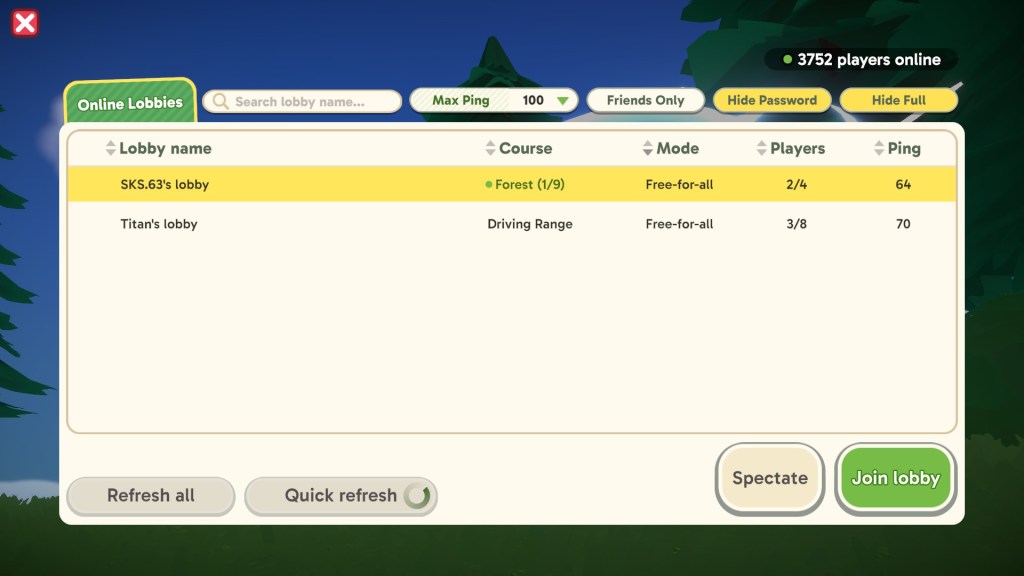
Quick filters are your friend: pick lobbies under 100ms ping whenever possible—lag turns clutch putts into tragedies. You can also filter for friend-created rooms or hide matches that are already full.
When joining public lobbies, I like to hop into a spectate slot first to judge ping and player behavior. If it’s clean, join the game; if not, back out and try another lobby—matching into a good room should feel like finding the last open lane on a highway.
Can you play Super Battle Golf with strangers online?
Yes. The Join menu is the built-in matchmaking: you’ll find public lobbies hosted by other players, friend-only rooms, and spectate options. Use ping filters and the player list to avoid trolls or laggy hosts.
If you want tighter control, set up a private game via Steam invites and ring your crew on Discord. I run a voice channel and a small Steam group for regulars—keeps the roster consistent and the trash talk mercifully on-brand.
There’s a small satisfaction in corralling chaos into a repeatable party—are you going to keep playing solo, or are you ready to start a rival clan of putt-stealing fiends?