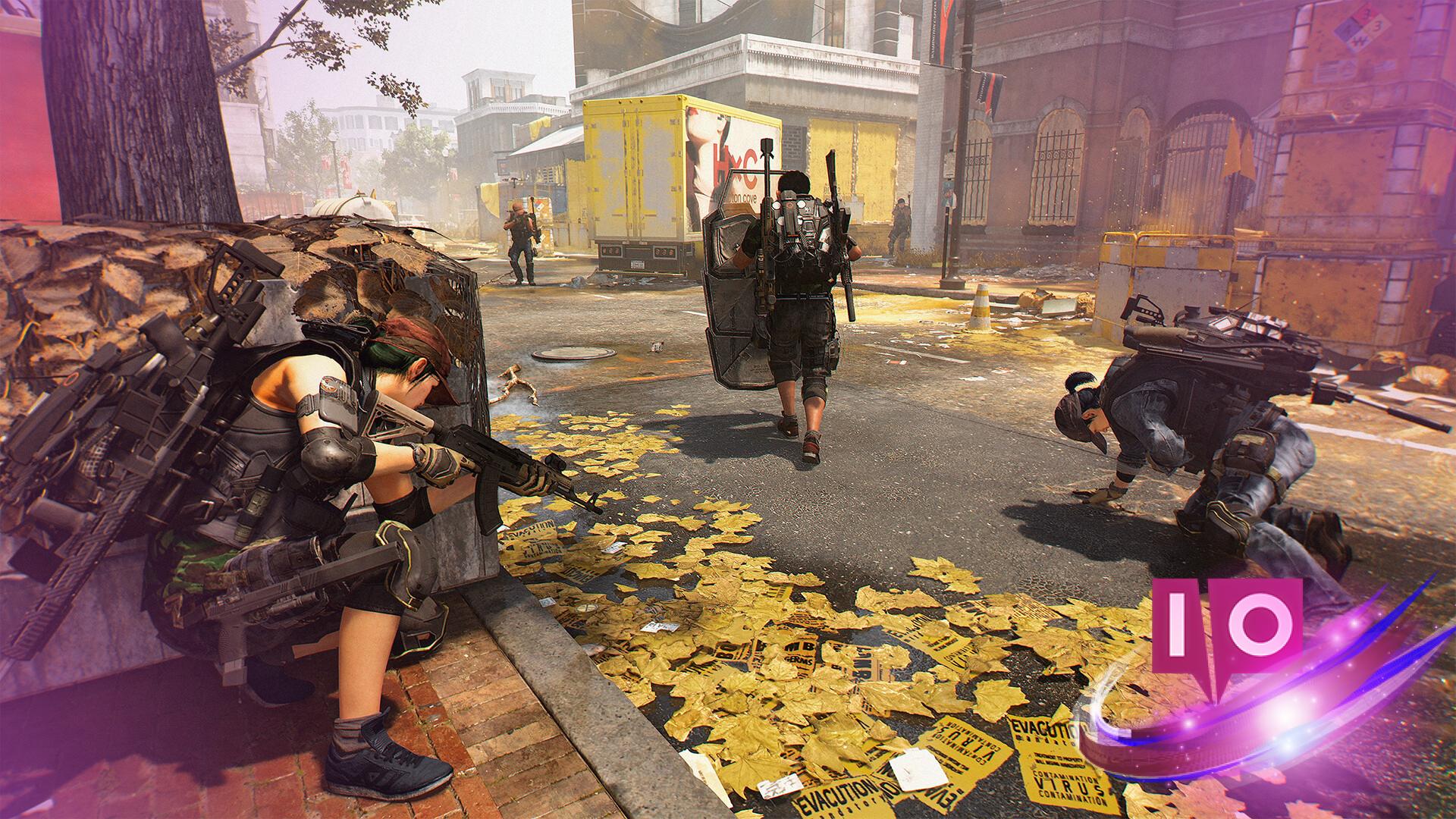
I clicked into a stream and the viewer count leapt. Chat exploded as someone hit the next milestone and the reward pinged in the corner. You realize these anniversary drops are free gear if you play the timing right.
Streams filled fast on announcement day — All The Division 2 10 Year Anniversary Twitch Drops and how to get them
I followed the live reveal from Ubisoft and Tom Clancy’s channels so you don’t have to guess what matters. I’ll walk you through every reward, the exact watch times, and the smallest steps that trip most people up.
- Anniversary Cache — 30 minutes
- Decade Arm Patch — 1 hour
- Anniversary Cache — 2 hours
- Phoenix weapon skin — 3 hours
- Faye Lau Backpack trophy — 4 hours
These drops are live during the anniversary window until March 10 (5am CT). Stream time can be split across channels and sessions — stitch your hours together like a quilt from scraps and you’ll hit every milestone without sitting on a single stream for hours.
How do I get The Division 2 Twitch drops?
First, link your Twitch account with your Ubisoft Connect account (one-time setup). Then watch partnered streams of The Division 2 on Twitch and let the built-in timer reach the milestones above. When a drop becomes available you’ll receive a Twitch notification; claim it and the item moves to your Ubisoft in-game messages.
Chat moderators were practically handing out tips — How to redeem the 10 Year Anniversary Twitch Drops
I tested the flow on both desktop and mobile to cover the weird edge cases. Here’s the clean, step-by-step path that prevents lost drops.
- Go to your Twitch settings and confirm Drops are enabled for your account.
- Visit Ubisoft Connect and link your Twitch account under Connected Accounts.
- Watch partnered streams of The Division 2 long enough to hit the milestones above — you’ll see Drop progress on the stream page.
- When a Drop appears in Twitch, claim it; then open Ubisoft Connect and accept the reward from your in-game messages to add it to inventory.
Do I need to watch one streamer the whole time?
No. You can accumulate watch time across multiple partnered streams. If you’re jumping between creators — including official Ubisoft streams or popular channels on Twitch — the timer continues to add up as long as Drops are enabled.
Reminder: Ubisoft’s official channels and the The Division account on Twitter posted the event details, and major streamers often run overlays that show Drop timers — use those to avoid guessing. The process is straightforward once you’ve linked accounts, but the tiny settings miss is where most players lose out.
If you hesitate, remember: these anniversary items are limited to the event window and the Phoenix skin plus the Faye Lau trophy are the ones people will post about later — like finding a spare key in a drawer, they’re small but satisfying prizes. Will you let the stream clock run down, or claim the collection and brag about the haul?