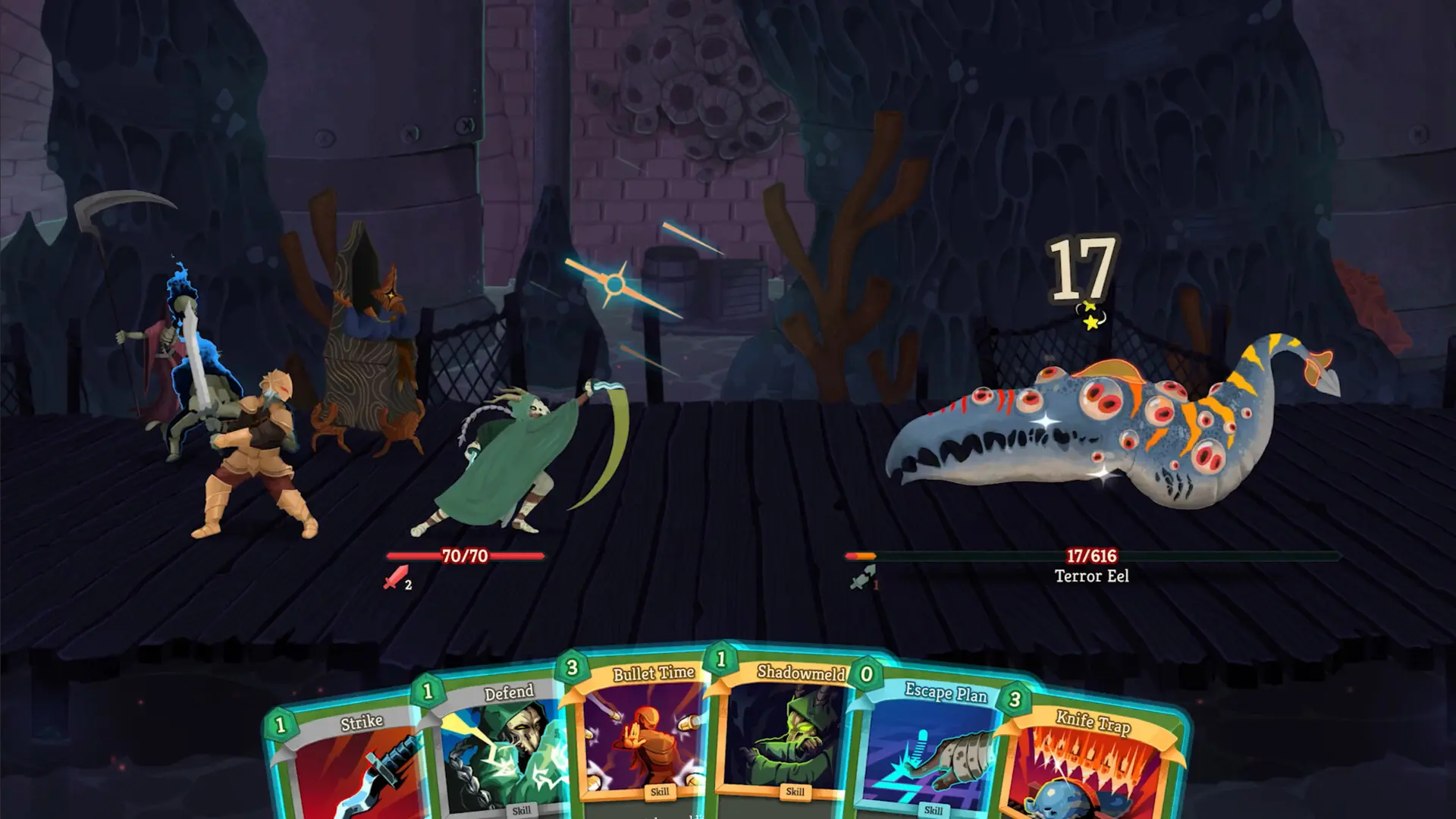
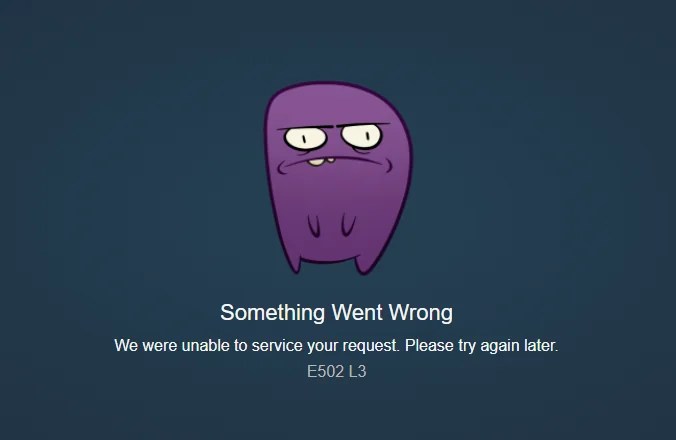
I queued up for Slay the Spire 2 the second Steam flipped the store live. You hit purchase and the page throws E502 L3 back at you. That tiny string of characters turns a hopeful check-out into sudden, baffled waiting.
Store pages often choke when tens of thousands of people click at once. What is Steam error E502 L3?
I’m going to be blunt: E502 L3 is a server-side problem on Valve’s systems. It shows up when the Steam client or store backend can’t complete a request—usually because traffic spikes or one of Valve’s storefront services is degraded. The clean takeaway: this isn’t your PC or your payment method; it’s a problem upstream.
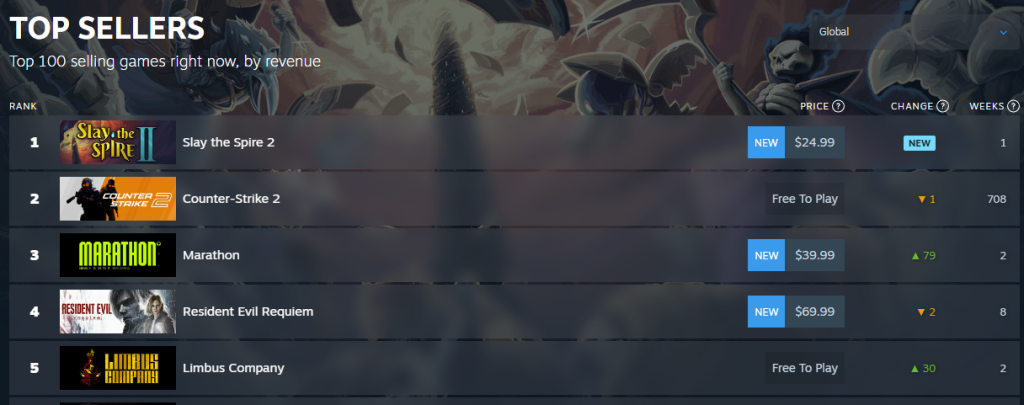
The storefront became a jammed artery, choking off purchases. That’s why a fresh, hot release—whether it was the Steam Deck announcement, Hollow Knight: Silksong, or now Slay the Spire 2 (and even Marathon releasing the same day)—can trip the same error across thousands of users.
Why does E502 L3 happen during big launches?
When a game surges onto wishlists and every notification fires at once, Steam’s storefront and authentication endpoints see a crush of requests. Valve’s systems can acknowledge the problem quickly—like they did for Hollow Knight: Silksong—but while engineers work, certain routes return errors such as E502 L3. The fastest way to confirm a widespread outage is to check SteamDB’s status page at steamstat.us or the Steam Status feed on X/Twitter. If Steam is down globally, many individual fixes won’t help; patience becomes the shortest route.
A frustrating five minutes at the checkout can feel huge. What to do right now.
I’ve watched this pattern repeat: announcement, wishlist spike, error codes, then a fix from Valve. You can take a few quick steps now that often get you through once the backend stabilizes:
- Check live status: open SteamDB / Steam Status and scan for storefront or authentication outages.
- Try a different route: if the desktop client fails, try the Steam mobile app or the web store in a private browser tab.
- Restart and re-login: sign out of Steam, restart the client or browser, then sign back in—sometimes a fresh session hits a healthy server node.
- Avoid duplicate purchases: if a payment attempt does go through and you see a charge, contact Steam Support before retrying to avoid double-billing.
- Watch official channels: Valve has acknowledged similar incidents quickly in the past; their feed or Steam Status will note when fixes are rolling.
Valve’s servers were a pressure cooker during past launches, and the fix has usually been an internal rollback or scale-up that takes minutes to an hour. If you can wait, you’ll likely be able to complete the purchase without switching cards or devices.
How can I fix Steam error E502 L3 so I can buy Slay the Spire 2?
If you want the fastest path to a completed purchase: monitor SteamDB, try the web client on mobile data (bypassing local ISP caching), and keep the Steam client updated. If those fail, don’t frantically swap payment methods—wait ten to thirty minutes and try again. Many users get through on a retry once traffic eases or Valve reroutes traffic.
If you see repeated failures with a charge posted, open a Steam Support ticket and include timestamps and any transaction IDs. That speeds investigation and refund handling.
You probably won’t need help unless money is missing. When to contact support.
If the store won’t let you buy but no money has been taken, the smart move is to wait and check status feeds. If a charge appears and no key, then file a ticket and include screenshots, the email on your account, and the transaction reference.
Steam has corrected this class of error before; Valve tends to announce when fixes are in place. While that 502 line is maddening, the most useful tool you have is timing and a calm screenshot for support.
So if Slay the Spire 2 sits in your cart and E502 L3 keeps staring back, will you refresh every thirty seconds or step away and let the servers catch their breath?