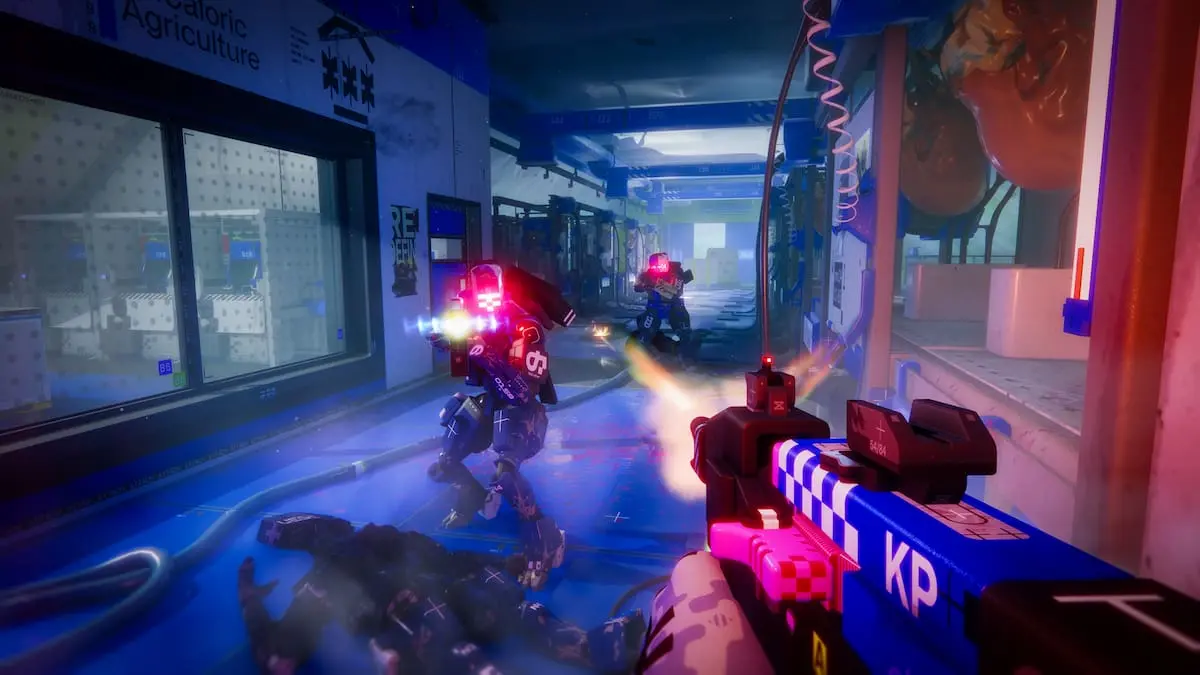
I hit the West Gate terminal with my heart in my throat as patrols converged from three angles. The malware timer flashed and I had one clean run to finish Protect/Destroy 2 before another team wiped the POI. If you blow this step, the MIDA contract slips away and you’re back to grinding.
I’ve run this route until the spawn timers stopped surprising me. Read this and you’ll know exactly where the terminal sits, which stairs to take, how to skirt lasers, and how to stack the final upload so you don’t waste a single run.
Observation: West Gate attracts traffic at every hour, so timing and a predictable path matter more than raw firepower.
Marathon Protect/Destroy 2 contract walkthrough
The Protect/Destroy 2 contract splits into three tidy objectives: download malware at West Gate, request a dropship south of Canal, then upload to the UESC dropship. Treat this as a single run — if you fail one step, you lose the entire payout and have to start over.
My method cuts the unknowns: I use the western gatehouse entrance, take a consistent staircase sequence that avoids the blue dome’s lasers, and set a safe route to the Canal marker that minimizes enemy contact. Follow those lanes and you’ll shave minutes off every attempt.
Where is the West Gate terminal on Dire Marsh?
Observation: The West Gate is parked squarely on the map’s western edge, visible on the minimap and hard to miss once you know the dome landmark.
Walk straight to the West Gate POI on Dire Marsh. You’ll see a massive blue dome—aim for the building immediately to its left. I mark the exact terminal in the image below so you don’t waste time hunting.

Enter the gatehouse on the first floor. There’s a ladder to the left of the terminal building—take it, move right, then use the left stairs. Avoid the laser grid by hugging the inner rail and dropping two floors once you clear the first landing.
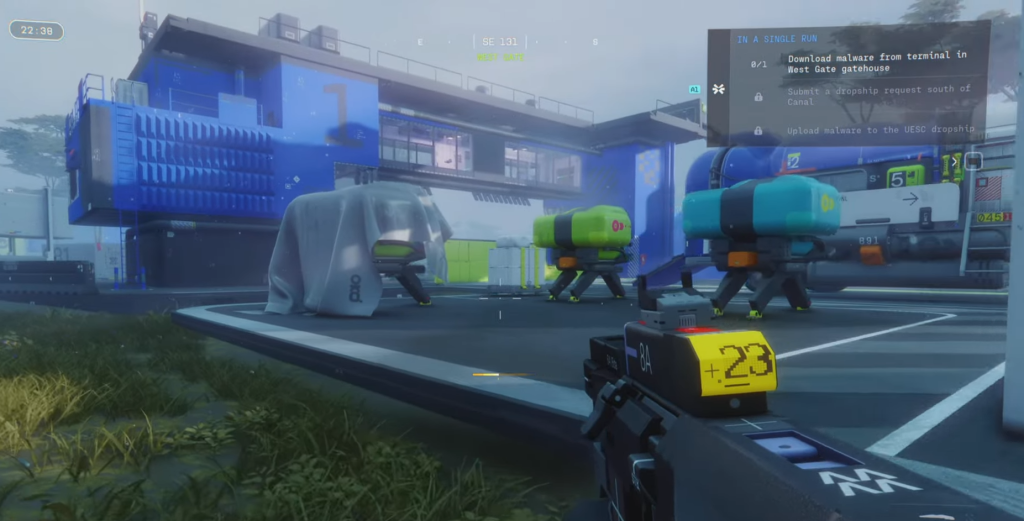
When the quest marker appears on the second floor, the terminal is a simple interaction. West Gate is a pressure cooker: small mistakes blow the run, so take the ladder and don’t fight every patrol you see.
How do I submit a dropship request south of Canal?
Observation: The Canal area is spread-out and flanked by maintenance routes that teams often avoid.
Head southeast from West Gate toward the Canal marker. I cut through Maintenance to dodge Quarantine spawns; you can do the same or take a safer, longer path if you prefer. The target building is isolated and painted red/pink and white—enter on the first floor and interact with the terminal to submit your drop request.


Submitting the request spawns the UESC dropship nearby. Stay close to your marker; the drop window isn’t generous and enemy patrols will try to interrupt the upload.
How do I upload malware to the UESC dropship?
Observation: The dropship lands briefly and the roof is the only valid upload point most runs will accept.
When the yellow UESC vehicle arrives, don’t circle it on the ground. You must reach the roof. Use nearby crates, ledges, and containers as stepping stones. The route is fiddly—plan your jumps so you’re not stalled on an exposed ledge. The roof is a chessboard where one bad move costs the whole contract, so set yourself a safe approach path before the dropship touches down.
Get onto the roof, interact, and upload the malware. Once that progress bar finishes, the Protect/Destroy 2 contract completes and the MIDA faction rewards are yours.
I reference Bungie’s level geometry and screenshots remixed by Moyens I/O to make these routes repeatable. I’ve finished this run using both small arms and vehicles; your loadout matters less than movement and timing.
Want to risk a tight run for the full payout or will you keep watching others take the drop?