
I was ten feet above a botched extraction when the first Ghost slid into view. The console blinked a demand for three colors I didn’t have. One wrong move and the whole run collapses—so I tightened my grip and started counting.
I’ve run Parasitism 1 enough times to map its hiccups. I’ll show you the cleanest path to the two combat data tags and the UESC Data Bank, and how to hand it to a DCON without wasting a run. Read this, and you’ll stop gambling on random drops.
Observation: Checklists make messy jobs smaller. Marathon Parasitism 1 contract walkthrough
The contract breaks into three tight objectives. Treat them like ticks on a checklist rather than separate missions, and the run becomes predictable.
- Acquire combat data from UESC Ghosts on Processing rooftop
- Acquire UESC Data Bank from Pinwheel Base center
- Deliver UESC Data Bank to a DCON
Do the first rooftop kill, then move to Pinwheel, then submit at any DCON on the Outpost map—finish all three in the same run. That’s the only way the contract registers as complete.
Observation: Roofs are where things collect—heat, evidence, and problems. How to acquire combat data from UESC Ghosts on Processing rooftop
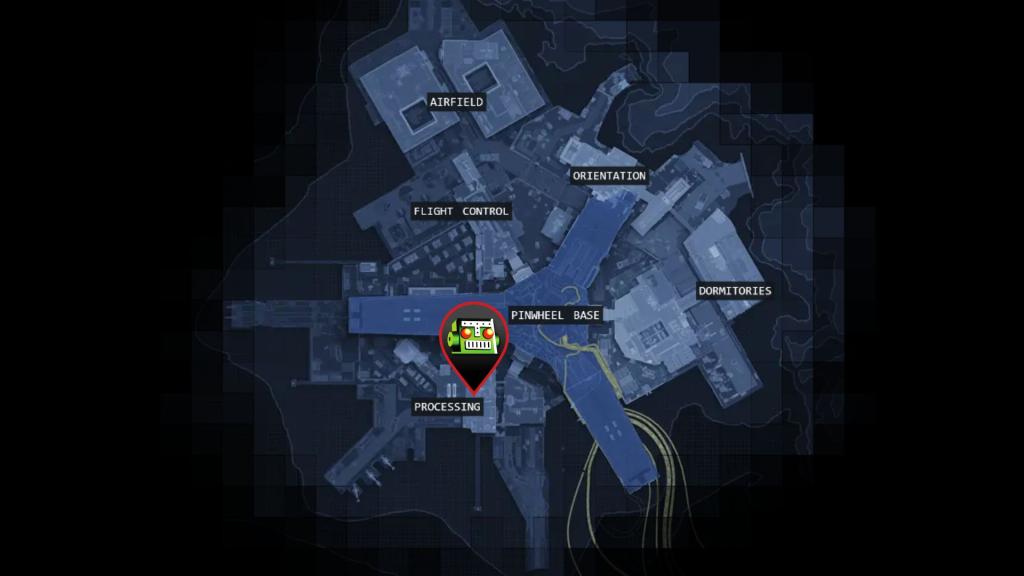
Where are the UESC Ghosts on Processing rooftop?
Head to Processing, take the external stairs to the rooftop, then drop down to the lower tier. The Ghosts spawn in small patrols near the vents and stairwell exits—shoot two and you get both UESC combat data entries. The ghosts cling to the rooftop like moths to a porch light, so clear angles before you drop.
Run this first. It’s the fastest confidence-builder and gives you the items required to finish the contract sequence.
Observation: A good lock looks simple until you try to open it. How to acquire UESC Data Bank from Pinwheel Base center
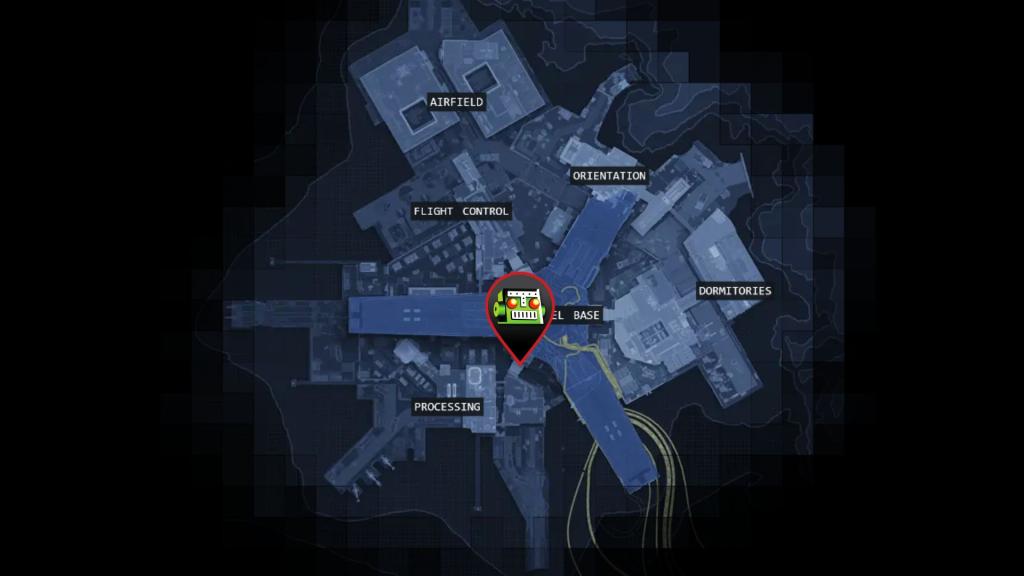
How do I get the UESC Data Bank from Pinwheel Base?
The terminal at the marked spot opens a path into Pinwheel—but it demands Clearance Codes. There’s a tower to interact with, then a short wave of enemies and a workstation hack. Finish the hack, take the elevator, run two doors, and a quest marker appears at the Pinwheel center where the Data Bank spawns.
Two practical tips:
- Bring anti-flank tools (grenades, short-range suppression) for the spawn wave during the hack.
- If you’re in a trio, assign one player to code-hunt while two hold the terminal—this shortens the risky window dramatically.
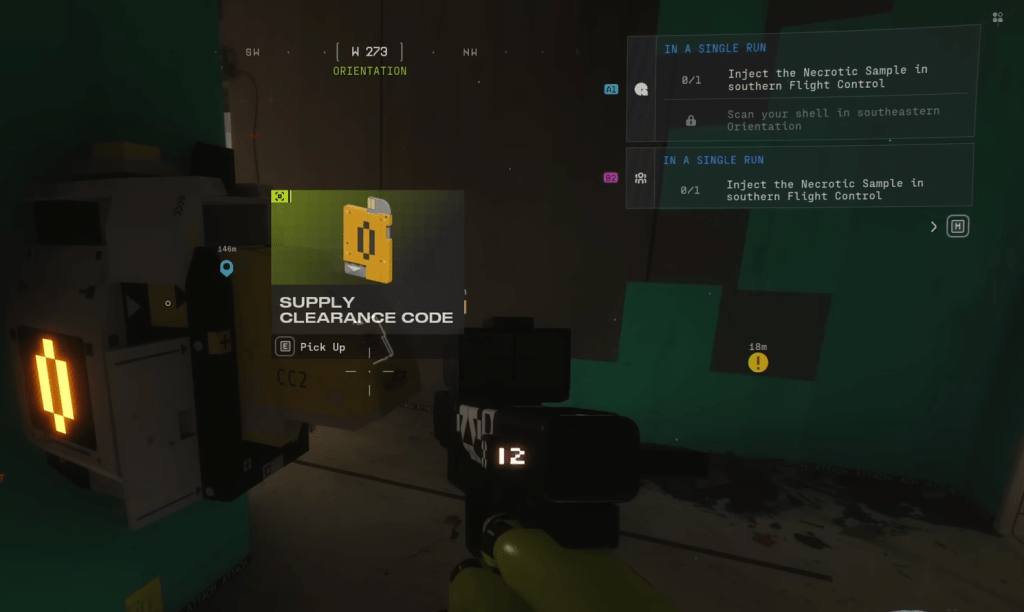
How do I submit Clearance Codes at the terminal?
Clearance Codes come in three colors: Yellow, Green, Red. Their spawns are random across the Outpost:
- Yellow: From terminals like the one above; try several terminals until one drops it.
- Green: Scattered as open-world loot—easy to hoard if you sweep the map.
- Red: Often drops from roof terminals; interact and wait a few seconds for the code to generate.
Before you touch the main terminal, have at least two Green codes and one each of Yellow and Red if possible. The terminal can ask for two of the same color. When you submit, enemies spawn; kill them, then interact with the workstation and hold position while the hack finishes. An elevator appears after the hack—that’s your entry to the Pinwheel center and the Data Bank.

Observation: Maps hide obvious exits in plain sight. How to deliver the UESC Data Bank to DCON
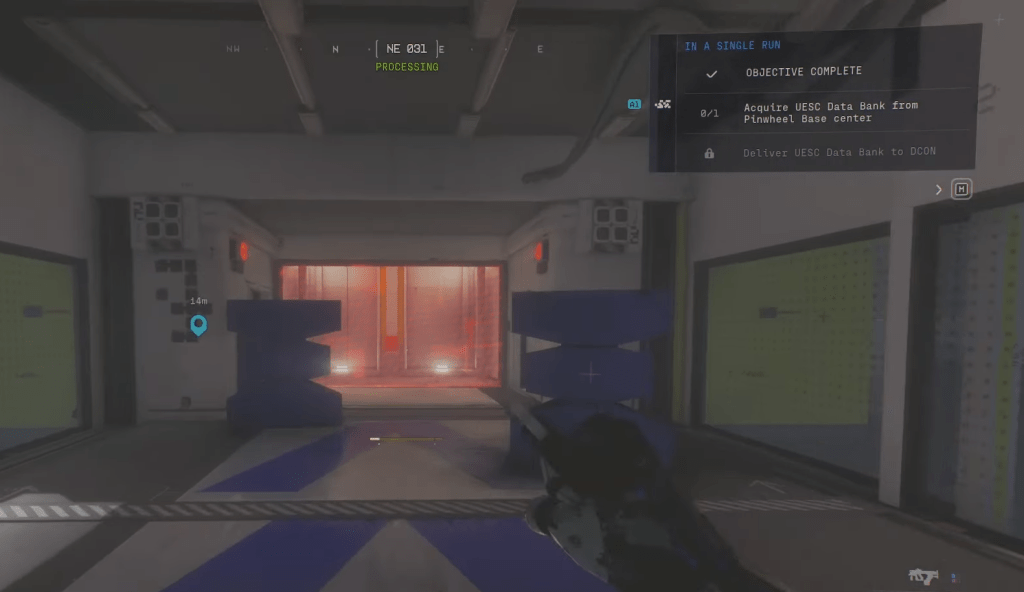
There are three DCONs on the Outpost map. After you’ve grabbed the Data Bank from Pinwheel center, return to the terminal area where you submitted codes—there’s usually a DCON nearby. Submit the Data Bank in any DCON and the Parasitism 1 contract completes.
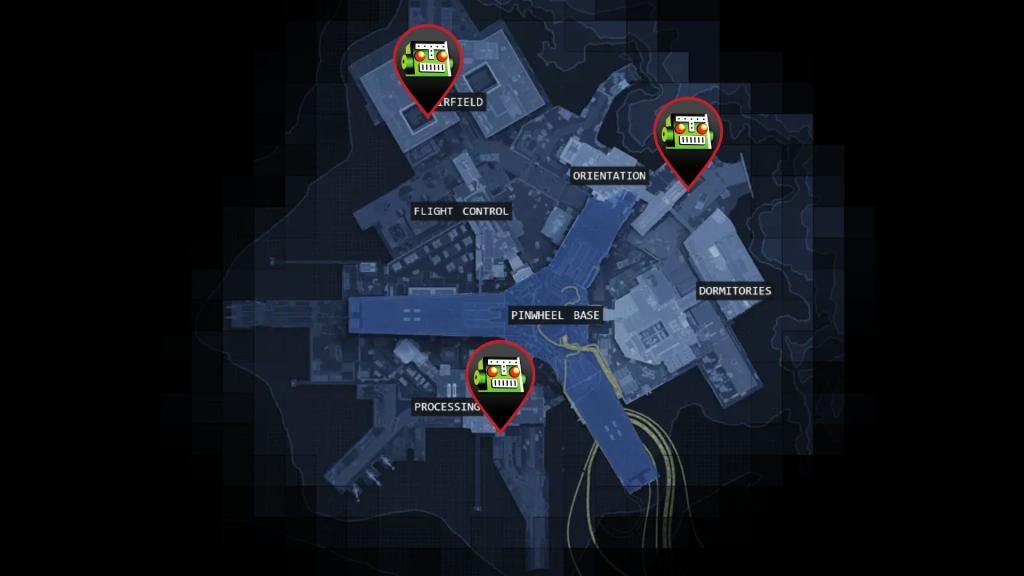
The rewards are modest, but completing Parasitism 1 opens the later contracts that matter. If you want to optimize runs, track terminals with a map tool or a simple screenshot—Bungie’s spawn logic is messy, but repetition beats luck. For reference, Moyens I/O’s screenshots match the terminals and DCON placements I lean on most.
Short checklist to run right now:
- Clear Processing rooftop for two combat data tags.
- Hunt terminals and roofs for Yellow/Green/Red Clearance Codes.
- Submit codes, survive the spawn wave, hack the workstation, ride elevator to Pinwheel center, grab Data Bank.
- Return and deposit Data Bank at any Outpost DCON.
If you want a single tweak that raises your completion rate: assign code-hunting to one teammate and force one player to hold the terminal during the hack. It turns a gamble into a routine—precise and repeatable.
Ready to risk a run for the real rewards, or will you keep farming safer scraps?