
You drop onto the Perimeter with a contract blinking in your inventory. I watched a small terminal on an Overflow balcony go from idle to busy the moment I touched it. Miss that terminal and the Selection Pressures 2 chain sits stubbornly ahead of you.
I’ve run this NuCaloric task enough times to strip the mystery out of it: the contract is two tidy objectives — request and install T‑Scan Protocols south of Overflow, and scan three Tick infestations across Perimeter. Do one and the other won’t appear; do both and you push open the next two quests in the series.
There are only two items on the contract, and that clarity helps you plan the run
Think of this walkthrough as a short checklist from someone who’s already made a wrong turn or two. I’ll show you where to go, what to interact with, and how to avoid backtracking.
How do I request and install T‑Scan Protocols in Overflow?
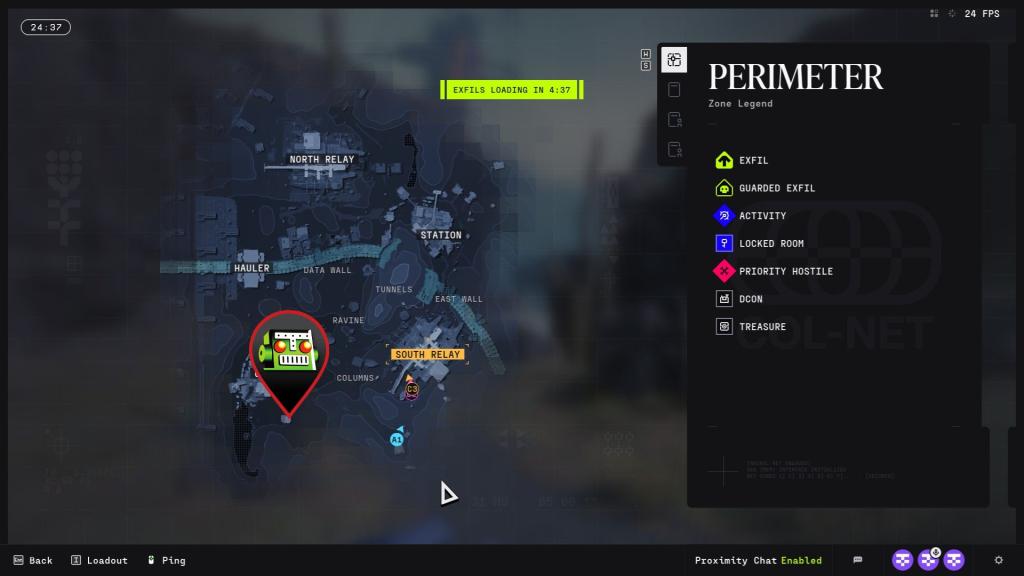
Head to the Overflow POI on the Perimeter map. Once you arrive, move south from the POI marker until you spot an isolated building. There’s a container outside that you can climb to reach the upper floor; from the balcony a quest marker will appear and point you to a terminal.
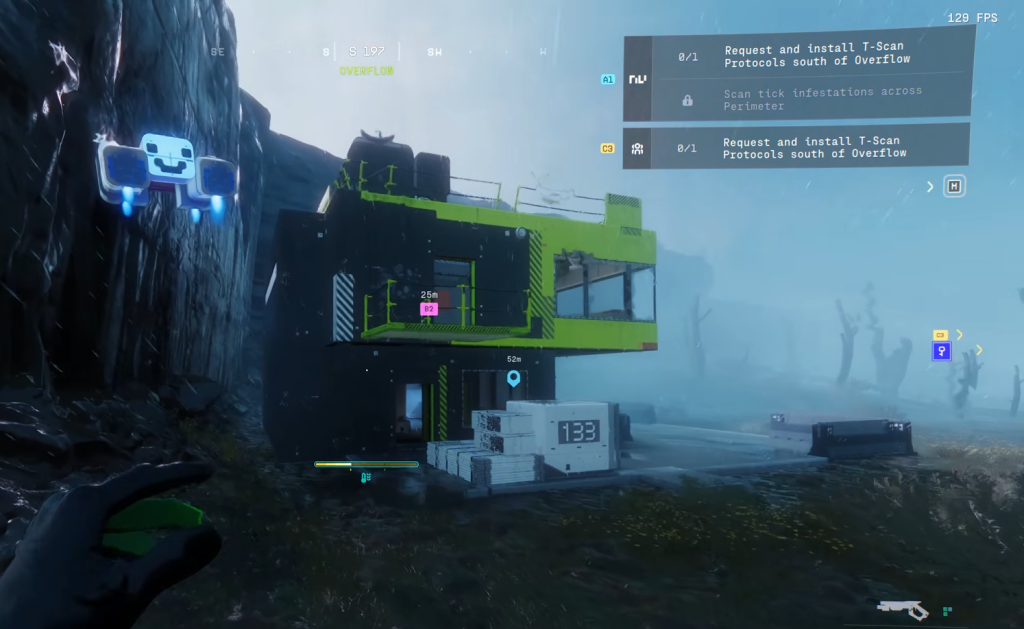
Interact with the terminal and choose the option to request/install the T‑Scan Protocols. The terminal is a locked safe of data — once it accepts the request it will run the install and mark that half of the contract complete. No kill quota, no special emblem required; just get to the terminal and hit the install.
I tracked the infestation icons on my map before I ran the perimeter, and that map reading saved time
Once the T‑Scan is done, you only need three scans of Tick infestations scattered across Perimeter. Plan a short route and you’ll clear them faster than a panicked sprint through unmarked tunnels.
Where are the Tick infestations on Perimeter?
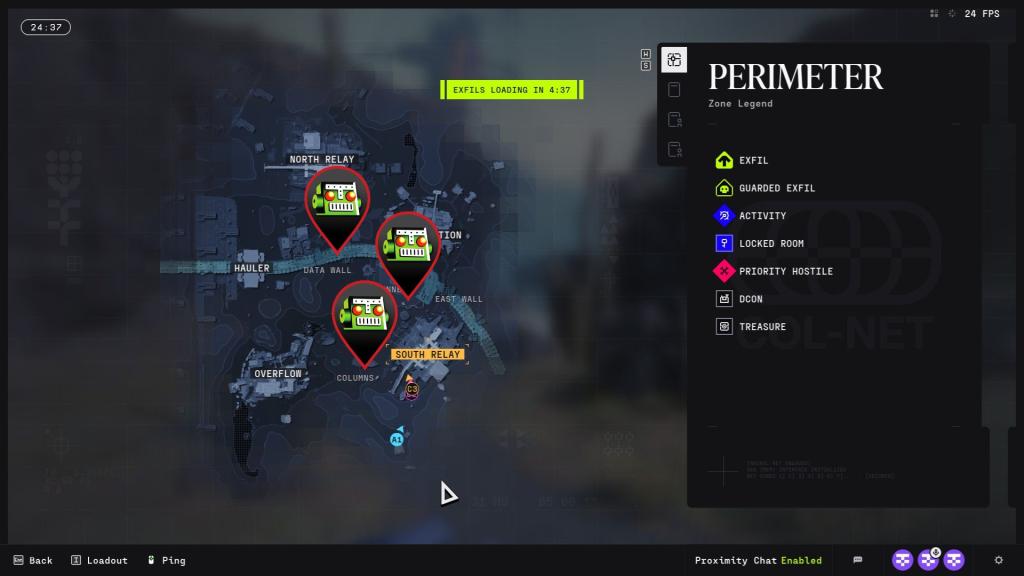
Start at the Columns POI. The marked room there is compact; climb to the roof of that room or building and you’ll find the first Tick infestation ready to scan.
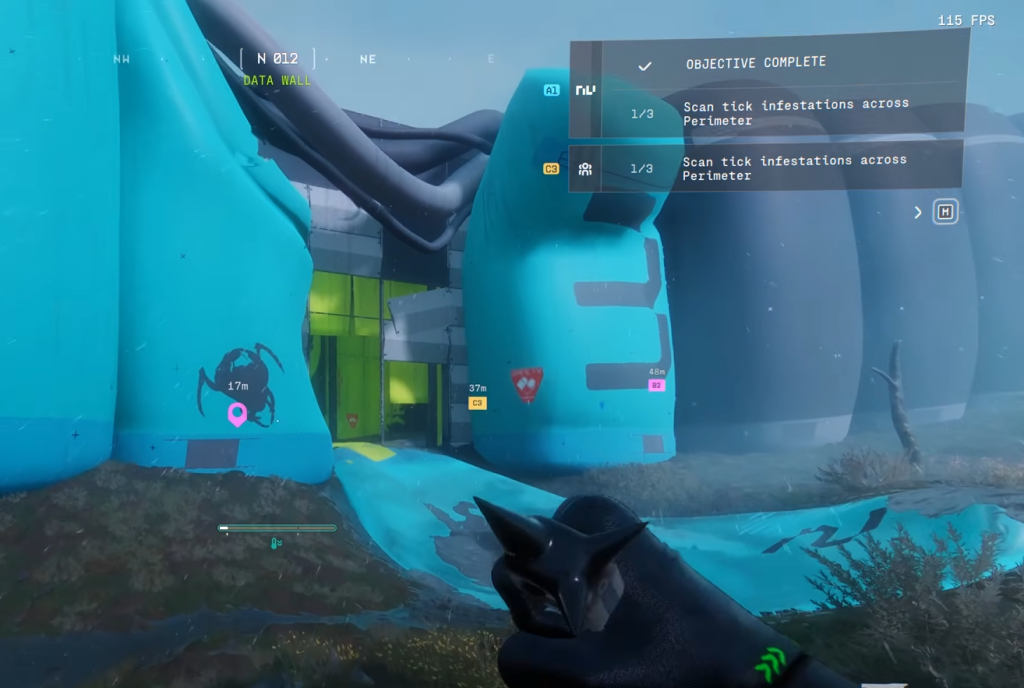
Next, move to Data Wall. Enter through the first entrance you see coming from Columns, turn right, and go straight — the second infestation sits inside that corridor. Finish the run in South Relay: head northwest, drop into the tunnels at the spot shown on the map, and you’ll find the final infestation waiting to be scanned.
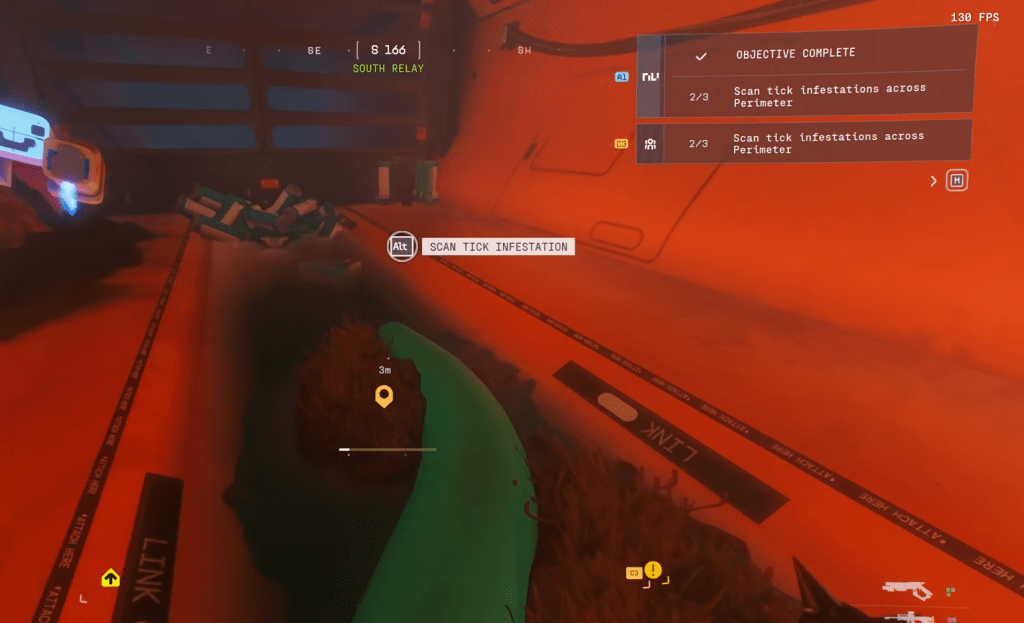
The Perimeter is a hive, each infestation its throbbing center.
Can I finish each task on separate runs?
Yes. You can request/install T‑Scan Protocols in one run and tackle the three Tick scans on another. That’s useful if you want to farm a specific zone first or if you’re pairing this with a different contract from NuCaloric or a rotation activity from Bungie’s seasonal list.
I use Moyens I/O screenshots and Bungie map markers to confirm terminal positions and scan sites before I push a route live. If you prefer an add-on, check route planners on community tools or map overlays shared on Reddit and Discord for this season’s Perimeter layout.
Two small tasks, a five-minute route if you’re efficient, and the rest of Selection Pressures opens — will you take the straightforward path or try to speedrun the chain and risk missing a terminal?