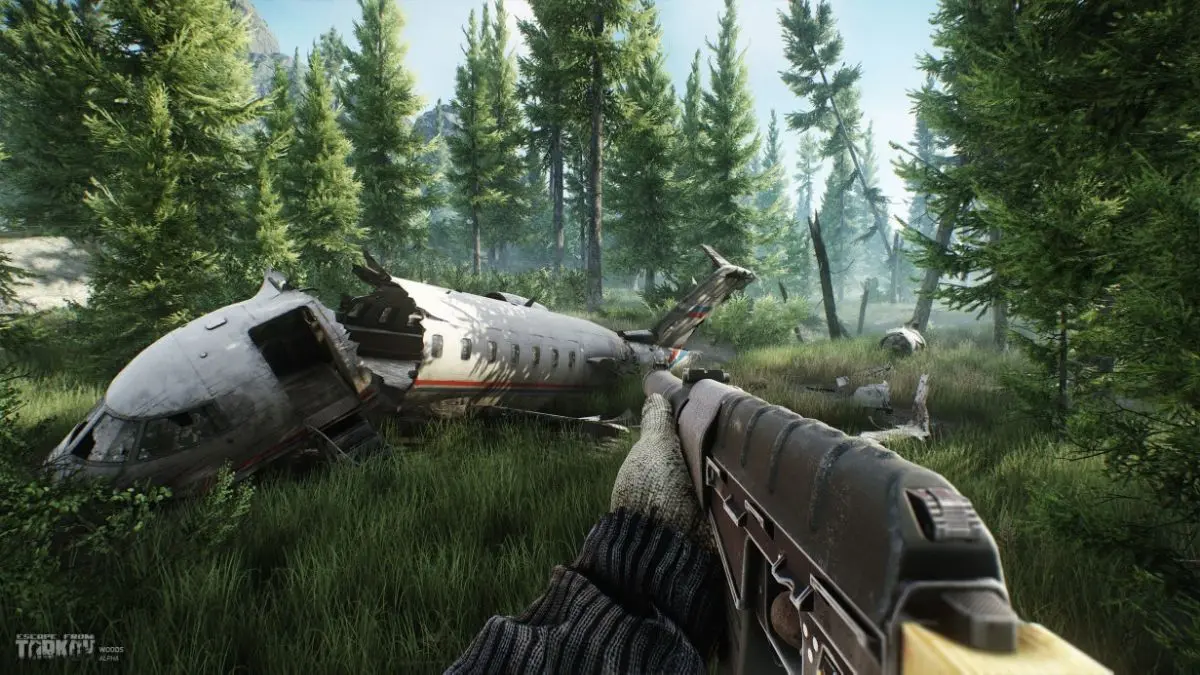
Escape from Tarkov has officially launched on Steam alongside the highly anticipated 1.0 update. However, many players have encountered the frustrating Error Code 418, which is causing quite a stir on the opening day.
Interestingly, Error Code 418 isn’t a new phenomenon in the Escape from Tarkov community. Experiencing this error can be quite disheartening, especially if you’re eager to dive into the game on its first day.
Fortunately, there are some strategies you can implement to enhance your gaming experience, even amidst these opening day issues.
What Causes Escape from Tarkov Error Code 418?
Error Code 418 usually rears its head when you cannot connect to the dedicated servers while playing. This applies to both PvP and PvE modes, which may require different DLCs. If you want to get into Escape from Tarkov, successfully connecting to the central servers is crucial. Unfortunately, seeing Error Code 418 means that connection is currently off the table.
The situation has been exacerbated by the surge in player count on launch day. It seems the developers may have underestimated the number of players eager to experience the game. While the developers have acknowledged the ongoing issues, they have not provided an estimated time for resolution.
As of now, the frequency of the error has lessened compared to just a few hours earlier. But if you’re still facing this problem, there are several straightforward steps you can try to resolve it.
- Restart the game completely. If the error persists, try this step a couple of times.
- Reboot your router if restarting the game doesn’t help.
- Check the integrity of your game files. If any files are missing or corrupted, Steam will automatically replace them, resolving any underlying issues.
Is There a Best Time to Play Escape from Tarkov After the Update?
Considering the recent update just rolled out a few hours ago, it might be wise to wait a bit before jumping back into Escape from Tarkov. Starting fresh with a new character during this tumultuous time can be risky, as you might unintentionally lose significant in-game progress due to server instability.
With that in mind, it’s important to stay informed and patient as these issues get addressed. In the meantime, here are some common queries players may have:
How do I fix Escape from Tarkov Error Code 418? Restarting the game is a good first step. If that fails, reboot your router and verify installed files through Steam.
What causes server connectivity issues on launch day? High player counts often lead to server strain, which can result in connectivity problems like Error Code 418.
Should I play Escape from Tarkov during server issues? It’s generally advisable to wait for a more stable environment before starting your gameplay, as server issues could lead to loss of progress.
When will Error Code 418 be fixed? While developers have acknowledged the issue, no specific timeline for a fix has been provided yet.
Will there be more players joining Escape from Tarkov? Yes, as the game gains popularity on Steam, more players will likely join, which could temporarily affect server performance.
In conclusion, while the launch day excitement is palpable, it’s essential to navigate this initial chaos wisely. Consider taking a step back and keeping an eye on updates. For in-depth content and insights about gaming, continue exploring related topics on Moyens I/O.