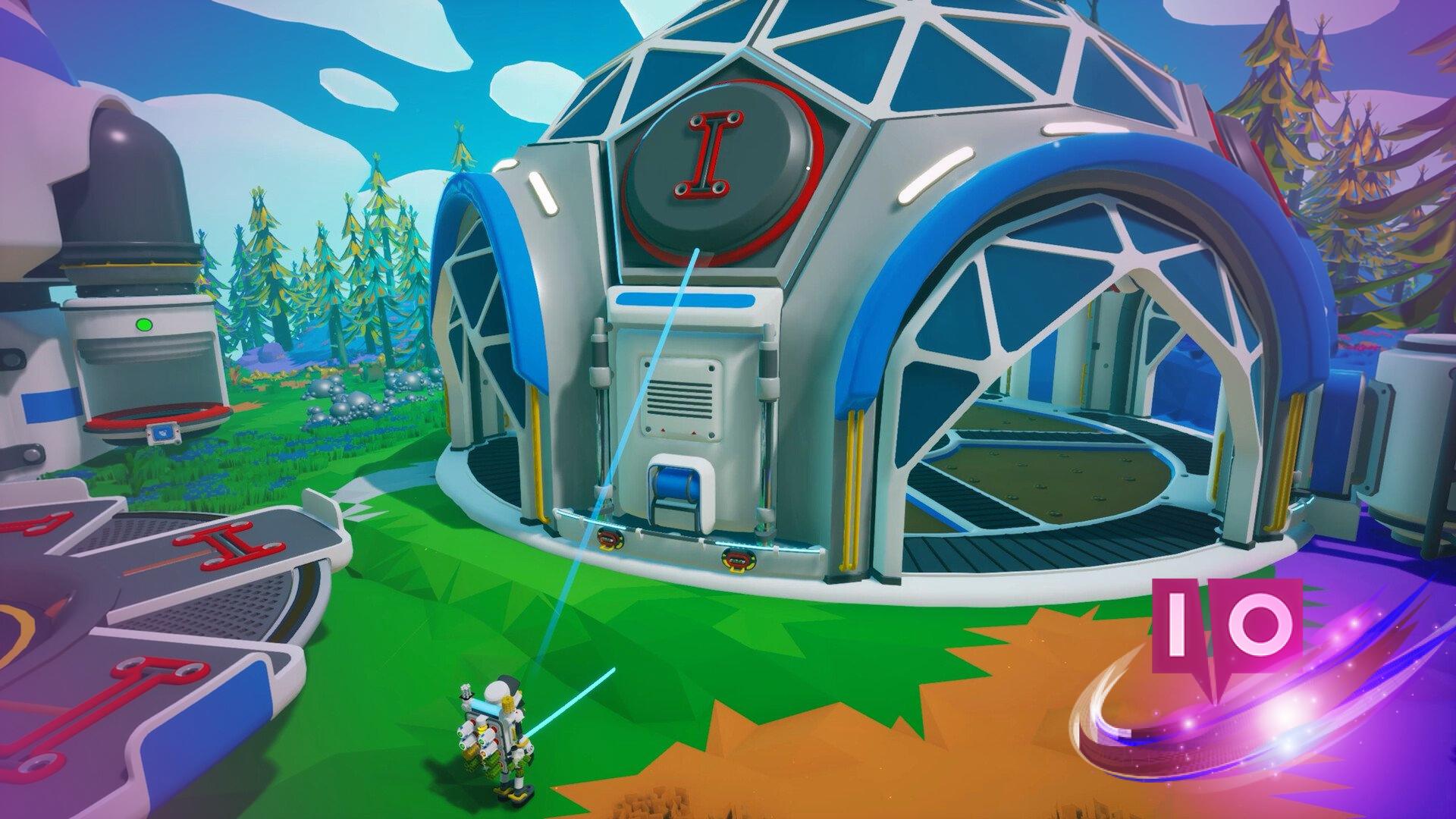
The Megatech DLC for Astroneer has finally arrived, bringing exciting new buildings, missions, and more to enhance your interstellar adventure. Whether you’re a seasoned player or just starting out, this guide will help you navigate the new content and get you up to speed with the Megatech missions.
As a long-time player, I can assure you that the Megatech missions add a whole new layer of excitement and challenge to the game. With this update, there’s plenty to explore and accomplish, enhancing the gameplay experience in meaningful ways.
1. How to Start the Megatech Missions in Astroneer
The very first step is to download the DLC and complete two essential missions:
- Unearthed: Print an Extractor and successfully extract a Resource Nugget.
- Forward Progress: Establish a shelter on a different planet and set up a Landing Pad.
Players who have been with the game for a while will likely find these missions already completed in their existing saves. However, if you’re new, fear not—I’ve got you covered with quick hints on finishing both tasks below.
2. Unearthed Quest Walkthrough
To complete the Unearthed mission, you’ll need:
- One Plastic (which can be crafted using the Chemistry Lab)
- Two Iron (Harvest Hermatite from planets like Glacio or Novus, then process it to obtain Iron).
Once you have the necessary materials, head over to the Large Printer to obtain the blueprints for the Extractor. Once crafted, connect it to a power source and use it to print a Resource Nugget. The mission will automatically complete once the Nugget is produced.
3. Forward Progress Quest Walkthrough
The Forward Progress mission is straightforward; all you need to do is set up a Shelter and a Landing Pad on any planet other than Sylva.
- Crafting a Landing Pad requires one Aluminum and two Ceramic using a Large Printer.
- To make a Shelter, you’ll need two Silicone and two Plastic, also via a Large Printer.
For those unfamiliar with resource gathering, here’s a quick breakdown of where to find each essential item:
- Silicone can be produced in a Chemistry Lab using Resin, Methane, and Quartz.
- Aluminum is obtained by processing Laterite in a Smelting Furnace.
- Ceramic is created using Clay in a Smelting Furnace.
Once you’ve positioned both the Landing Pad and Shelter on another planet, you’ll complete the Forward Progress mission.
4. Unlocking the Megatech DLC Missions
Completion of the above quests opens the door to the starting Megatech DLC missions. However, there are additional branches you’ll want to access, specifically the Museum and Intermodal Terminal missions. Here’s what you need to do:
Museum
- Take a Byte: Accumulate an additional 2000 Bytes.
- Here We Go Sampling: Discover and utilize 10 Research Samples.
Intermodal Terminal
- Rubberstamp: Confirm shipment completion using the Data Log at the Logistics Depot in Glacio.
- Materials Matter: Print a Chemistry Lab to craft Rubber or Plastic.
With these steps, you will fully unlock all available Megatech content and maximize your Astroneer experience.
What are the requirements to access the Megatech DLC missions? Completing the Unearthed and Forward Progress missions is essential to gain access to all new content.
How do I find more resources for crafting? Exploring different planets like Glacio and Novus will help you gather essential materials like Hermatite for Iron or Laterite for Aluminum.
Can I complete the Megatech missions on a new save? Yes, but you’ll need to finish the foundational missions first before accessing the Megatech content.
What new features does the Megatech DLC introduce? The DLC includes new buildings, expanded quests, and unique mechanics, making gameplay richer and more engaging.
As you continue your journey in Astroneer, don’t forget to explore related content for tips and strategies. For more insights and guides, visit Moyens I/O, your go-to resource for gaming updates.