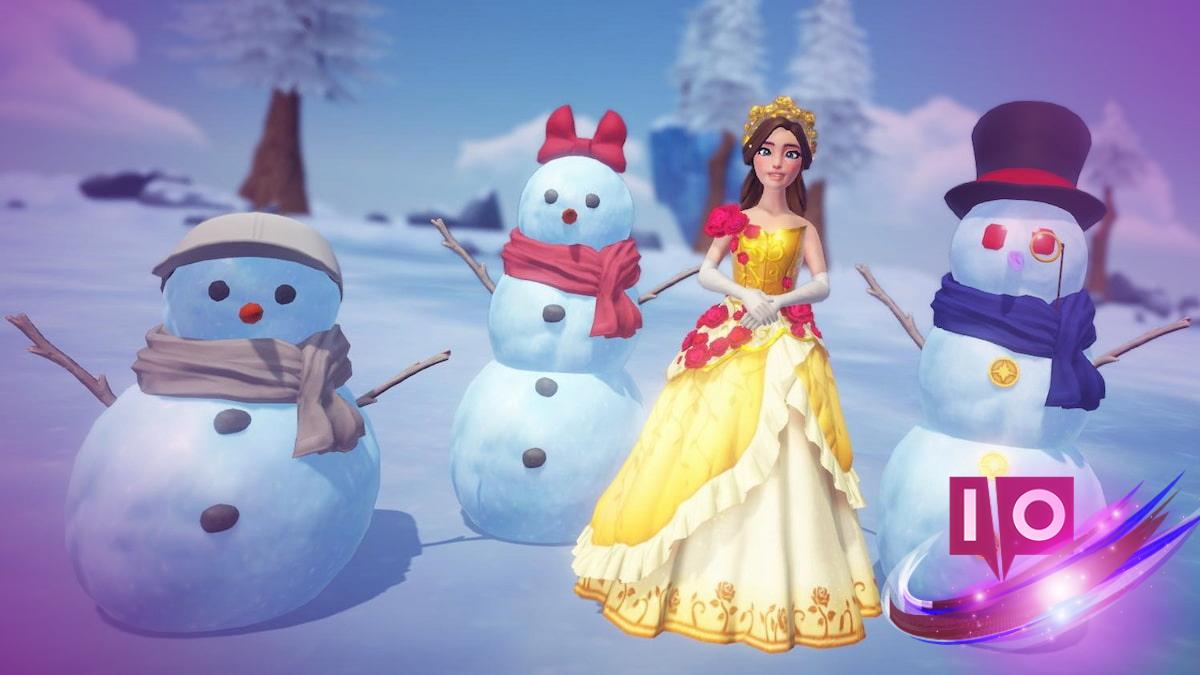
In the whimsical world of Disney Dreamlight Valley, occasionally, events will prompt you to snap photos with charming characters or unique items. A particular challenge asks you to take a picture with a snowman that doesn’t engage in conversation—a task that might puzzle some, but fret not! This simple guide will walk you through how to gracefully accomplish this task.
After all, who wouldn’t want to capture a candid moment in such a magical setting? Let’s dive into the details!
What is a non-talking snowman in Disney Dreamlight Valley?
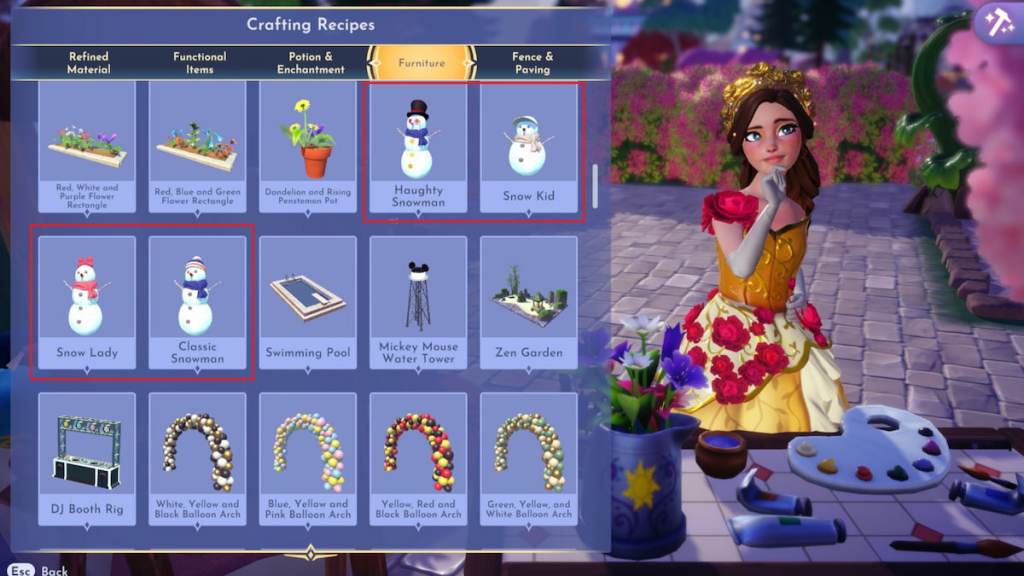
So, what exactly is a non-talking snowman? For the Winter Warmth Star Path event, it’s any snowman you can craft and place around the valley. Think along the lines of the Haughty Snowman, Snow Kid, Snow Lady, and Classic Snowman. Just a heads up: Olaf isn’t on the list, as he’s quite chatty!
Each snowman has a unique crafting recipe. Here’s what you’ll need:
- Haughty Snowman
- 10 Snowballs
- One Crystal
- Two Fabric
- Two Ruby
- Snow Kid
- Eight Snowballs
- One Carrot
- Two Fabric
- Three Pebbles
- Snow Lady
- 10 Snowballs
- One Carrot
- Two Fabric
- Three Pebbles
- Classic Snowman
- 10 Snowballs
- One Carrot
- Two Fabric
- Three Pebbles
If you already have a crafted snowman, you can simply place it down to complete the photo task. But keep in mind, to earn as many event Tokens as possible, you’ll want to craft at least one snowman for another related challenge.
How do I take a photo with a non-talking snowman in Disney Dreamlight Valley?
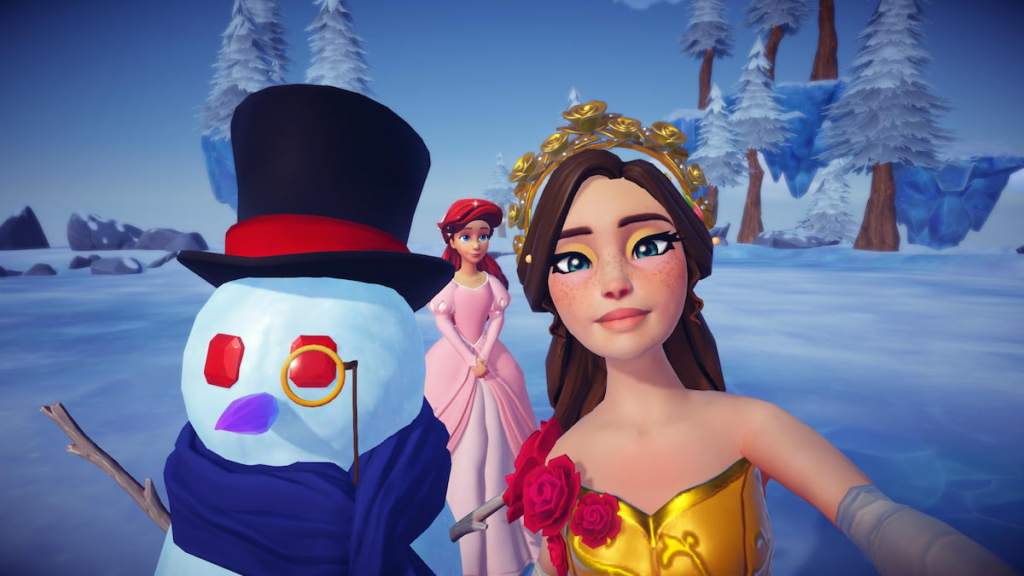
Ready to snap that perfect pic? Follow these simple steps:
- Place your crafted non-talking snowman anywhere in your village.
- Equip your camera from the Royal Tool wheel.
- Frame your shot so the snowman is in the picture.
- Click to capture the moment!
Completing this task rewards you with a nifty 50 Tokens, which is quite generous for such a straightforward mission. If you’re still hunting for more Tokens to grab those coveted prizes, take on other tasks such as digging for special crystals, preparing a delicious meal, or selling snowman-building materials. The opportunities are endless!
What items do I need to craft a snowman?
You’ll need Snowballs, Fabric, Carrots, and other materials specific to the type of snowman you want. Check your inventory and gather these items to get started!
Can Olaf fulfill the task of taking a photo?
No, Olaf isn’t considered a non-talking snowman. You’ll need to craft one of the snowmen listed above to complete this challenge.
How many Tokens do I receive for this task?
You can earn 50 Tokens for successfully taking a photo with a non-talking snowman, a great boost for your event progress!
Are there other tasks to complete during the event?
Yes! Apart from taking a photo, you’ll find various other missions, including crafting snowmen and gathering materials. Each contributes to your token collection!
Capturing a memory with a snowman in Disney Dreamlight Valley is a delightful task that blends creativity with the joy of gameplay. Have you crafted your snowman yet? Share your experience in the comments below!