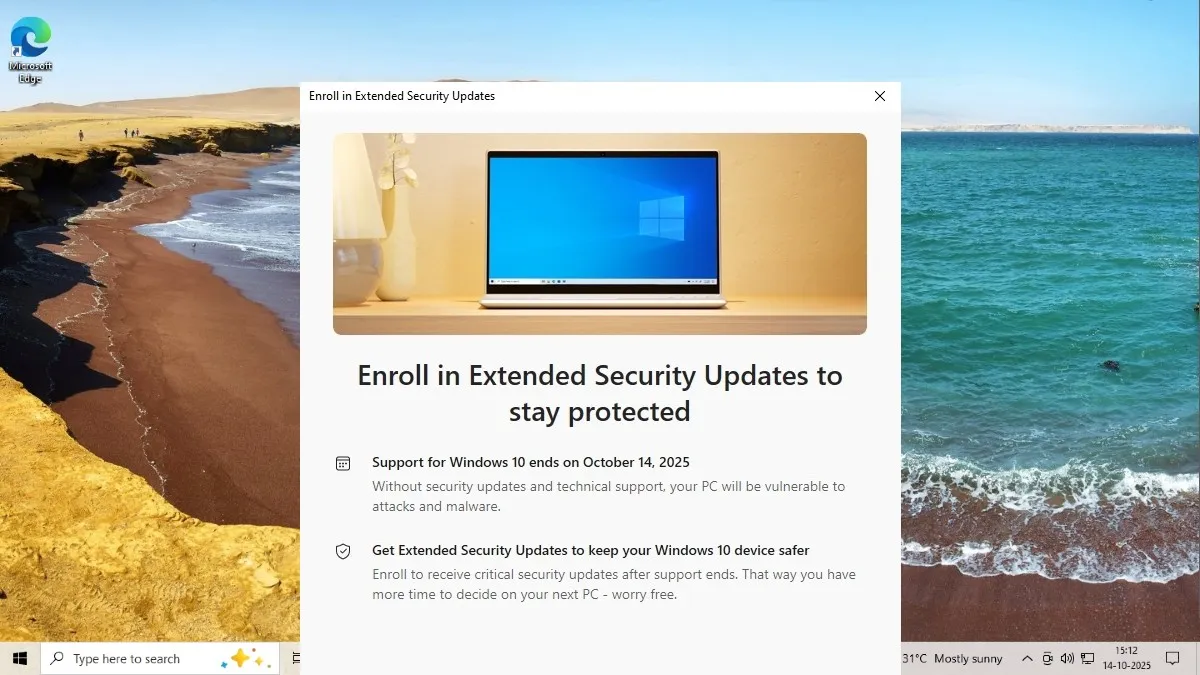
After a decade of service, Microsoft has officially concluded support for Windows 10 as of October 14. This means that the operating system will no longer receive security patches or feature updates. Don’t worry, though—your Windows 10 PC won’t suddenly stop working. It’ll continue to function, but you will need to take some proactive steps to ensure its security moving forward.
On that final day, Microsoft released the last security update. You can keep using your Windows 10 PC post-end-of-life, but be mindful of certain risks and necessary precautions.
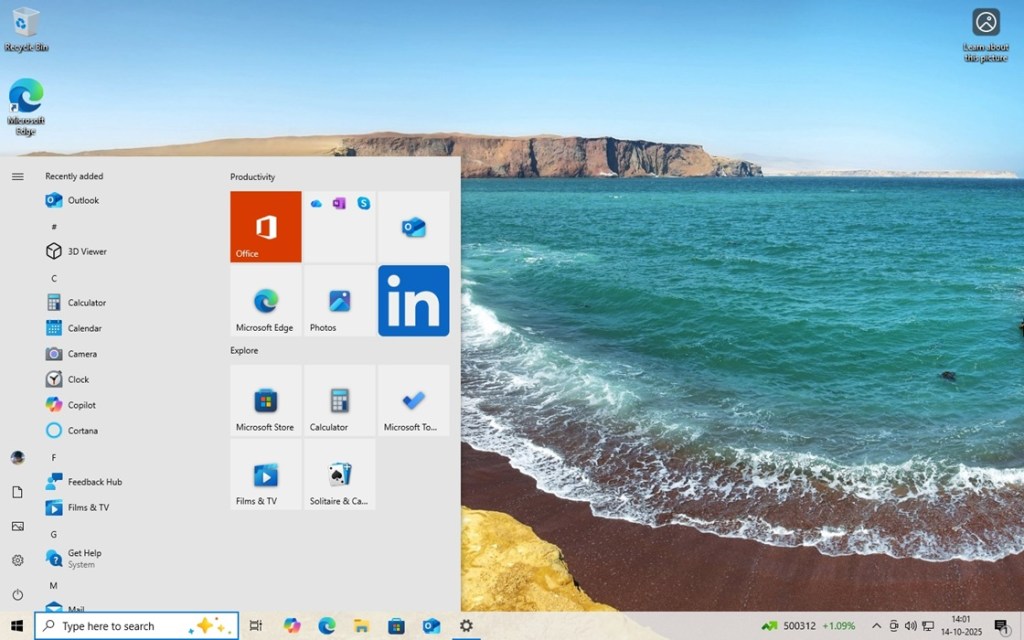
Fortunately, Microsoft has promised that antivirus definition updates will be available via Windows Security (Microsoft Defender Antivirus) until 2028. This guarantees that your PC will remain shielded from new threats. Additionally, Microsoft 365 applications such as Word, Excel, and PowerPoint will continue to receive security updates until 2028, although no new features will be added.
Google also confirmed that Chrome will remain supported on Windows 10. This means you’ll have continued protection not just through antivirus software and essential applications, but also with your web browser. However, OS-level vulnerabilities are a different concern. To address this, Microsoft has introduced the Windows 10 ESU (Extended Security Updates) program. By enrolling, you will receive one year of security updates at no charge. Here’s how to do it.
Claim Your Free Year of Security Updates for Windows 10
Microsoft is offering a free year of security updates for Windows 10 through the ESU program. There are three straightforward options to enroll and ensure you receive these critical updates until October 2026:
- Link your Microsoft account to your Windows 10 PC and back up your system using OneDrive.
- Redeem 1,000 Microsoft Reward points.
- Pay $30 (approximately €28) to enroll in the ESU program.
Each of these options allows you to receive security updates for up to ten PCs, given you’re signed in with the same Microsoft account. If you’re based in the European Economic Area (EEA), there’s no need to back up using OneDrive, but do remember to sign in at least once every 60 days. To enroll, follow these steps:
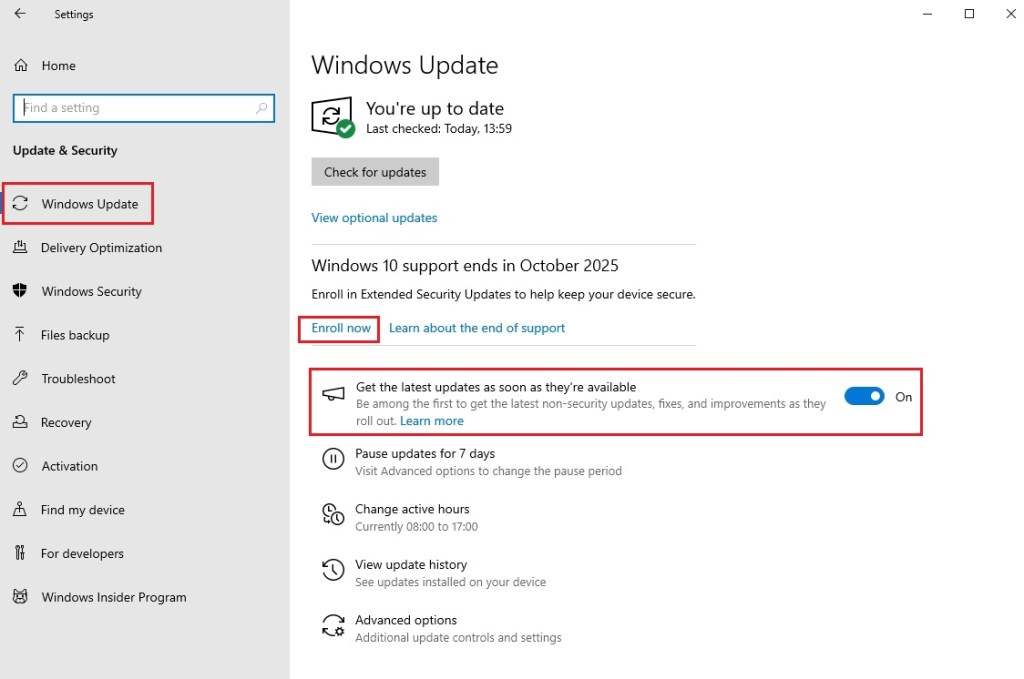
- Press “Windows + I” to open Windows Settings and navigate to “Update & Security.”
- Under Windows Update, toggle on “Get the latest updates as soon as they’re available.”
- Click on “Check for updates.”
- A button labeled “Enroll now” should appear right below; click on it.
- A prompt will pop up; click on Next.
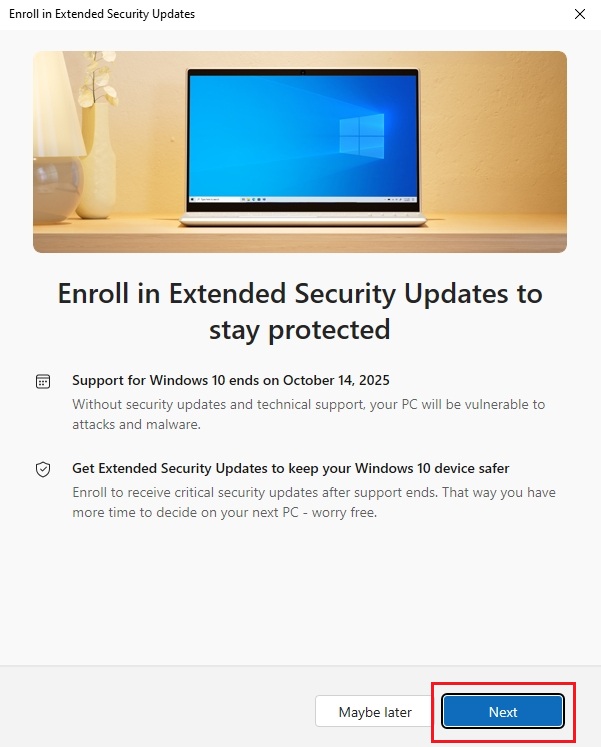
- Next, select “Enroll” to secure your one year of updates. That’s it!
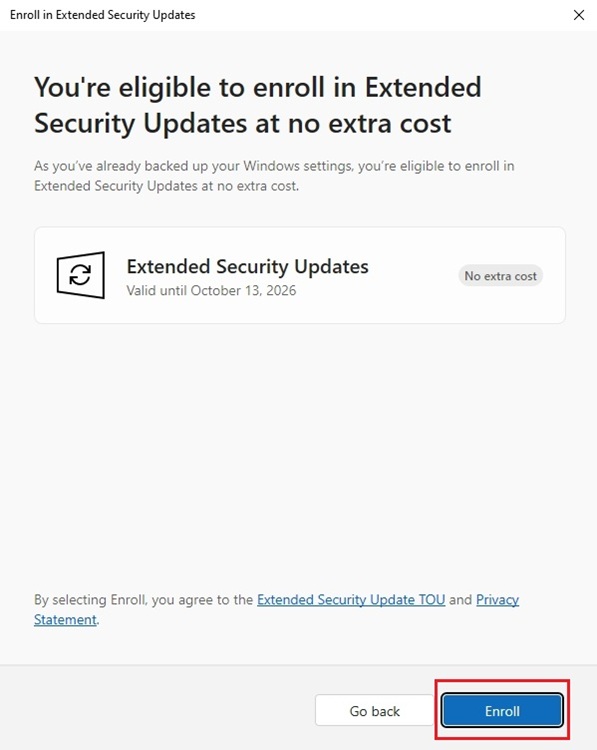
This is your pathway to continue receiving essential security updates for Windows 10 until October 13, 2026. If you encounter any challenges during the process, feel free to leave your questions in the comments section below.
Can I still use my Windows 10 PC after the support ends? Yes, your PC will continue to operate normally, but take precautionary measures to ensure security.
Will antivirus updates still be available for Windows 10? Yes, you will continue to receive antivirus definition updates through Microsoft Defender Antivirus until 2028.
How do I enroll in the Windows 10 ESU program? You can enroll by either connecting your Microsoft account, redeeming Microsoft Reward points, or paying a fee to access a year of security updates.
How many PCs can I enroll in the ESU program? You can register up to ten PCs with the same Microsoft account.
If you’re looking for the coolest tech content, consider exploring more on Moyens I/O to stay updated and informed.