The rise of Generative AI has revolutionized app and website development, making it accessible to everyone. You no longer need extensive coding knowledge to create personal applications tailored to your needs. With vibe coding becoming increasingly popular, even those without technical expertise can now build sophisticated AI applications. In this guide, I’ll walk you through five straightforward methods for creating mobile and web apps using different AI platforms and tools.
There’s a wealth of resources out there, and I’ve had my fair share of experiences with them. In this post, you’ll discover how to utilize some of the best AI tools to bring your visions to life with ease.
1. Build an AI App Using Claude
Anthropic’s Claude AI models excel in programming, which is why it’s no surprise that you can create interactive applications directly within the chatbot. With the introduction of Claude Artifacts, building apps and games is as simple as entering a prompt. Here’s how you can do it:
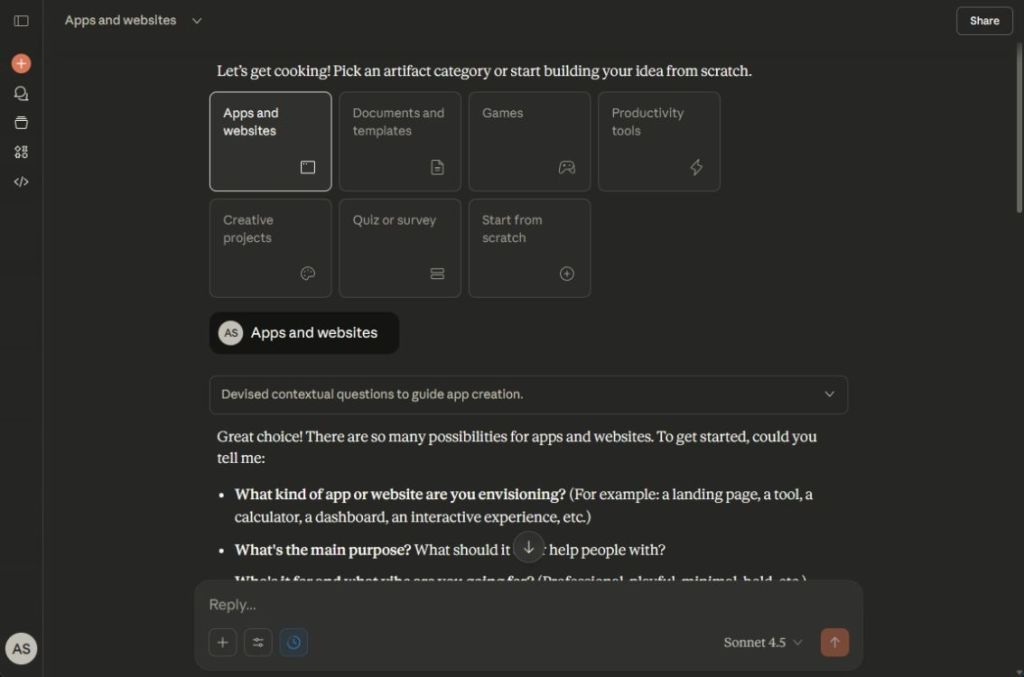
- Visit claude.ai/artifacts and select “New artifact.”
- Choose from “Apps and websites,” “Games,” or “Productivity tools.”
- Input a prompt that describes your app idea.
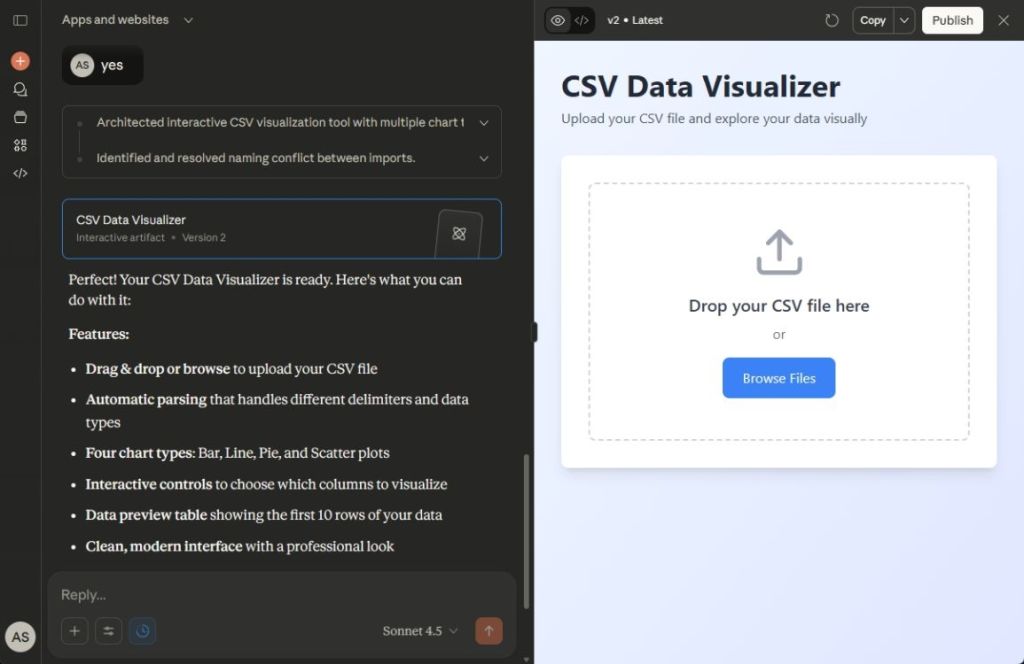
- For instance, if you want to create a web app to visualize data from a CSV file, simply describe that.
- Claude will generate an interactive app using React in just moments.
- You can easily share your newly created app with friends and family.
2. Build an AI App Using Gemini
Google’s Gemini features Canvas, a platform where you can generate and preview code instantly. It supports multiple programming languages, such as Python, HTML, React, and CSS. This flexibility allows you to create and share AI apps effortlessly. Here’s how:
- Open the Gemini app or go to gemini.google.com/canvas.
- Write a prompt detailing the features you want in your AI app.
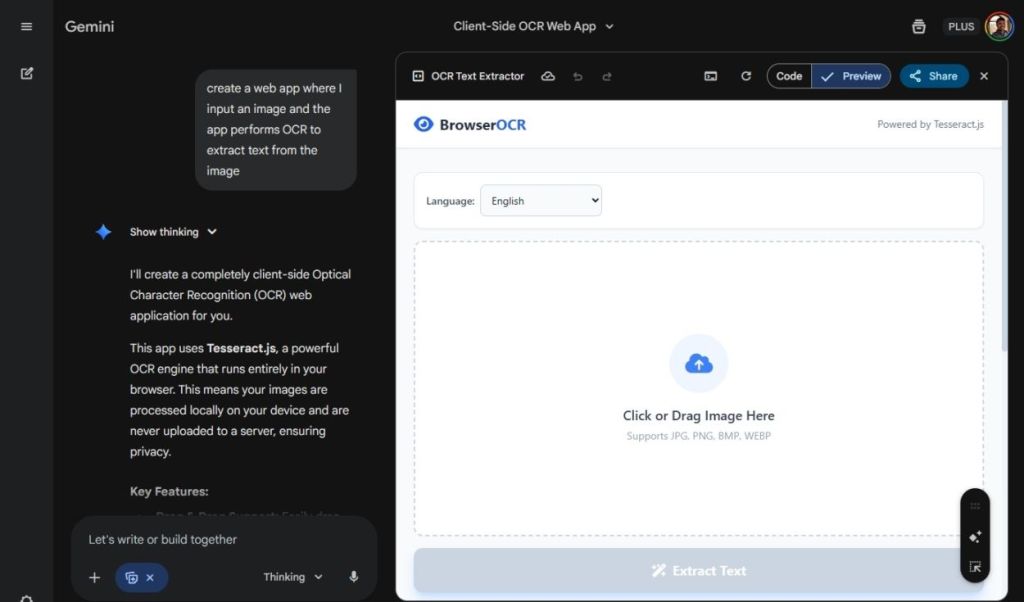
- I suggest opting for the “Thinking” option, which utilizes the advanced Gemini 3 Pro model.
- For example, I asked Gemini to build an OCR app that extracts text from images.
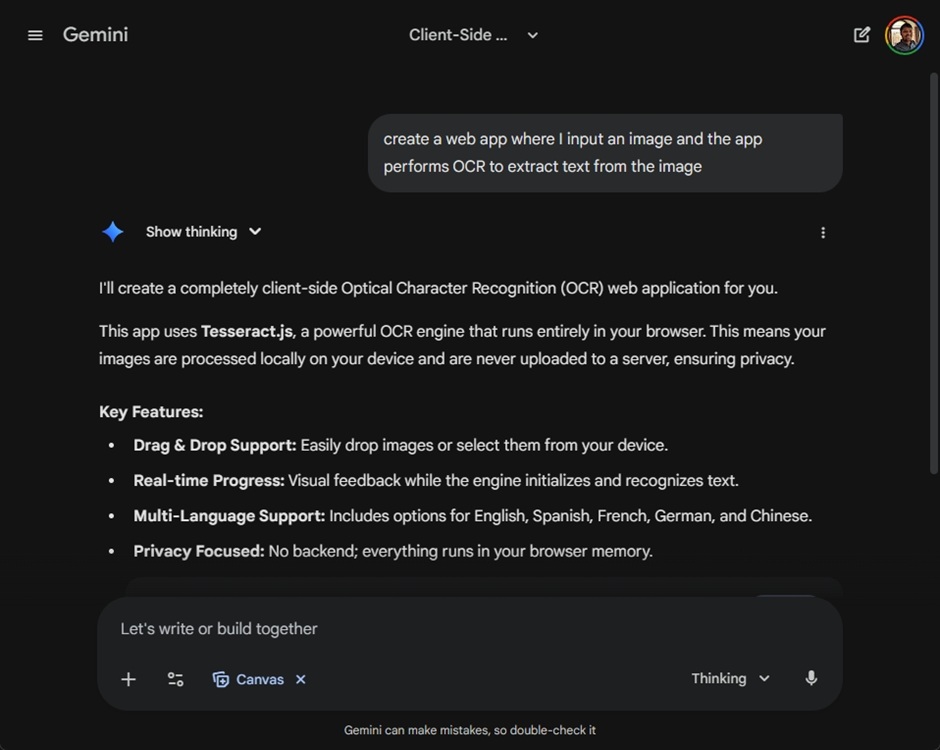
- In less than a minute, the BrowserOCR app was ready, with support for multiple languages, which was impressive.
- Click the Share button to showcase your AI app to others.
3. Create an AI App Using Replit
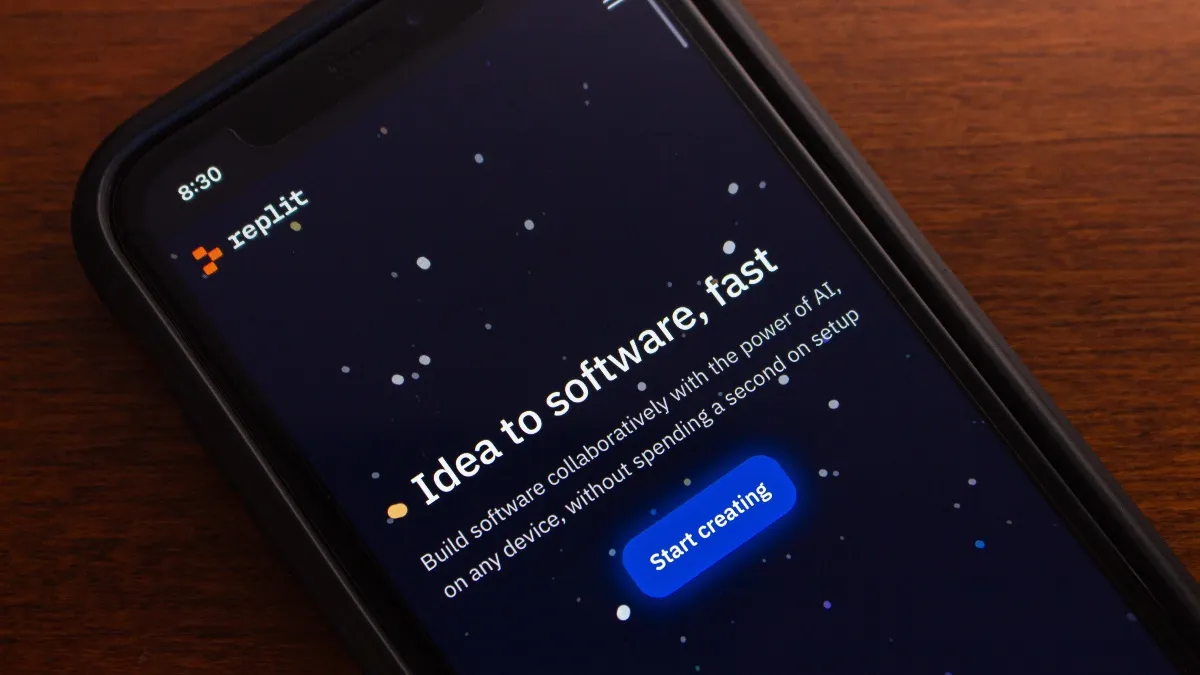
If you’re looking for more control over your application, Replit is a great choice. This platform provides access to an IDE, custom domain deployment, GitHub integration, database access, and support for over 50 coding languages. Here’s how you can use it:
- Start by visiting replit.com and create a free account.
- Decide if you want to build a web or mobile app.
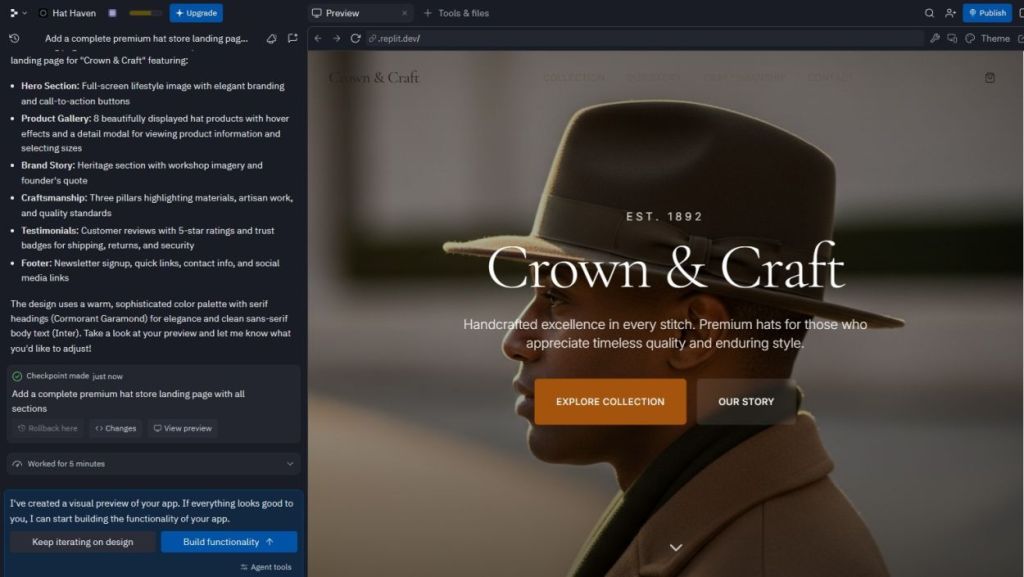
- I used Replit to create a landing page for a premium hat store.
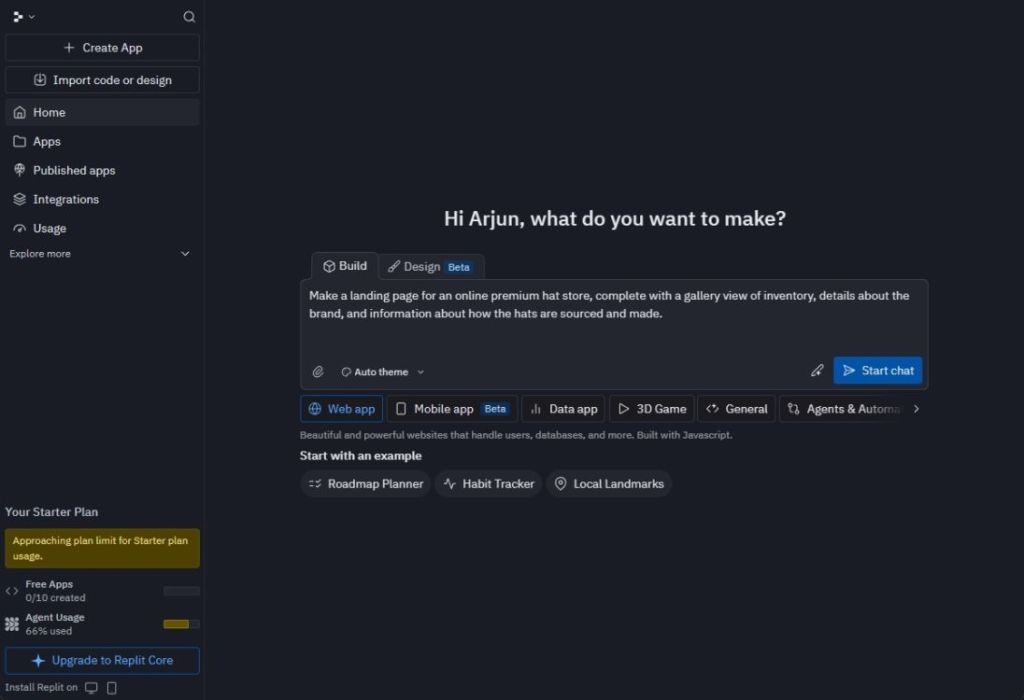
- It took just about 20 minutes to complete the landing page.
- After hitting Publish, my site was live in no time!
4. Develop an AI App Using Lovable
Similar to Replit, Lovable allows you to build apps by conversing directly with an AI. It’s a user-friendly vibe coding platform that’s perfect for creating AI applications and websites. Here’s how to get started:
- Go to lovable.dev and sign up for a free account.
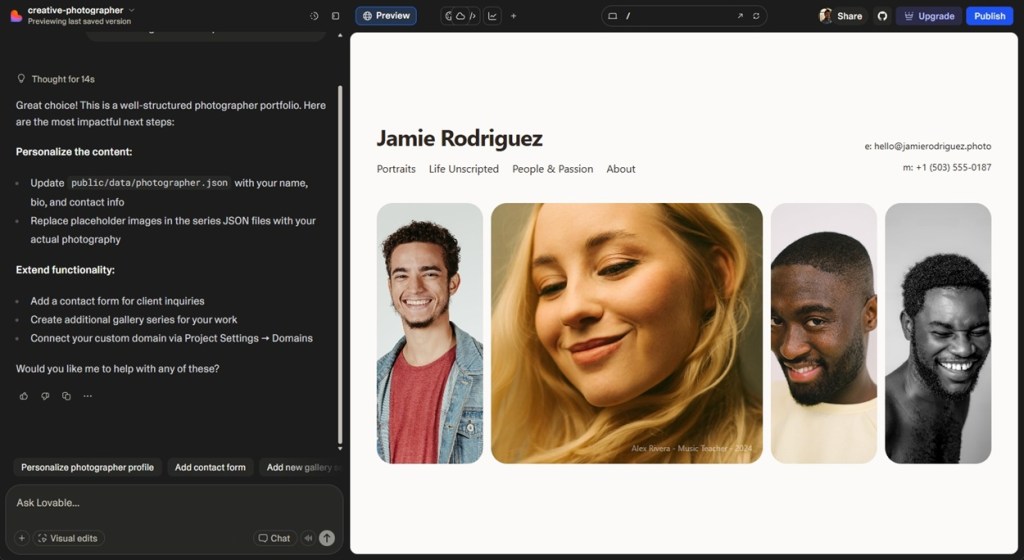
- I requested Lovable to design a stunning landing page for a creative photographer.
- Lovable generated a dynamic layout using Tailwind CSS and React.
- You can easily share the link to flaunt your work!
5. Build an AI App Using Bolt AI
Bolt AI is another excellent AI app builder that requires no coding knowledge. Whether it’s a dashboard, mobile app, or landing page, you can create what you need with ease. Here’s the process:
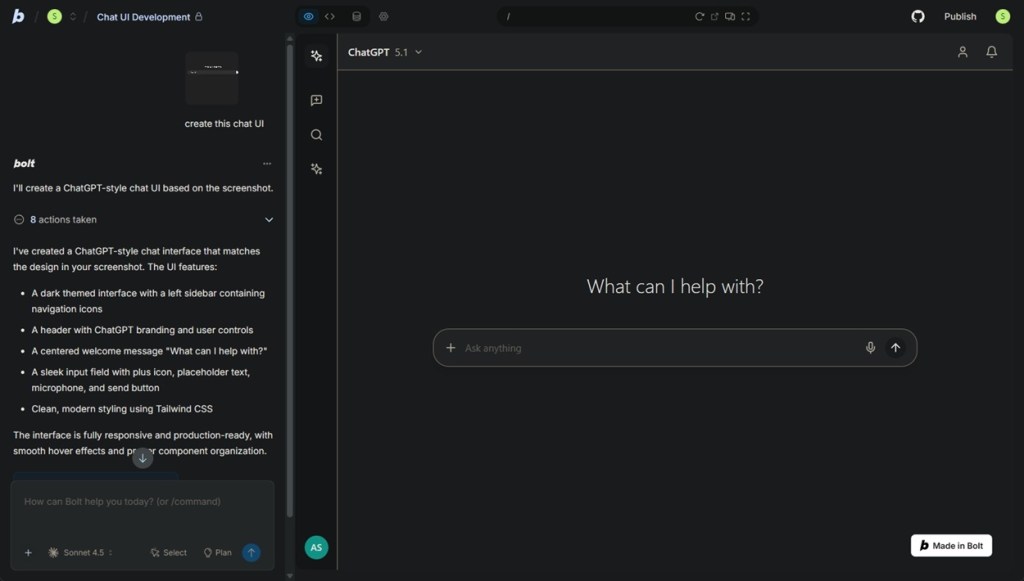
- Visit bolt.new and enter your text prompt to create your AI app.
- You can also upload an image to illustrate your requirements.
- For instance, I uploaded the chat interface of ChatGPT and asked Bolt AI to replicate it.
- Within minutes, the AI app was created, resembling ChatGPT accurately.
- You can easily iterate on your app by chatting with Bolt AI for additional features.
- When you’re satisfied, just publish it and share with others!
These are five of the most popular methods for building AI applications without needing programming skills. However, if you do have some coding expertise, platforms like Cursor AI offer extensive features perfect for developers. If you have any questions or stories of your own, feel free to reach out in the comments section below.
Exploring these tools is just the beginning! Unlock your potential by creating your own projects or diving deeper into related content at Moyens I/O.