Imagine you want to create a stunning website but have no coding skills. That’s where AI website builders come in. Gone are the days of just using templates. With AI builders, you can articulate your design preferences in plain language, and voilà—your custom website emerges almost instantly. Plus, these AI tools take care of hosting and deployment, making the entire process seamless. If you’re looking for the best AI website builders, keep reading!
Best AI Website Builders Compared
| AI Website Builders | Best Suited For | Limitations | Pricing |
|---|---|---|---|
| Replit | General users who want to easily build and deploy websites | Not ideal for large production workloads | Free, Paid plan starts at $20/month (€18) |
| Lovable | Non-devs who want to build full-stack websites | Complex backend logic may require manual fix | Free, Paid plan starts at $25/month (€22) |
| Bolt | Supports multiple website frameworks | Token consumption is a bit high | Free, Paid plan starts at $25/month (€22) |
| v0 by Vercel | Agentic website building and deployment | Business logic requires manual work | Free, Paid plan starts at $20/month (€18) |
| Durable AI | Small businesses who want a website and integrated CRM | Limited deep customization | Free, Paid plan starts at $12/month (€11) |
| Relume | Web designers, agencies, and product teams for creating wireframes | Not a standalone website builder | Free, Paid plan starts at $18/month (€16) |
| Builder.io | Enterprise teams that need an AI agent to connect design, code, and CMS | Can be expensive for small teams | Free, Paid plan starts at $24/month (€22) |
| Wix AI | Non-technical users who want an all-in-one website | Customization limits on lower tier plans | Free, Paid plan starts at $17/month (€15) |
1. Replit
Replit is a fantastic platform for those who love coding vibes. With its AI website builder, you can whip up fully functional websites in a snap. What’s unique about Replit is it also offers hosting, so once you create your site, it’s ready to go live with just a click.
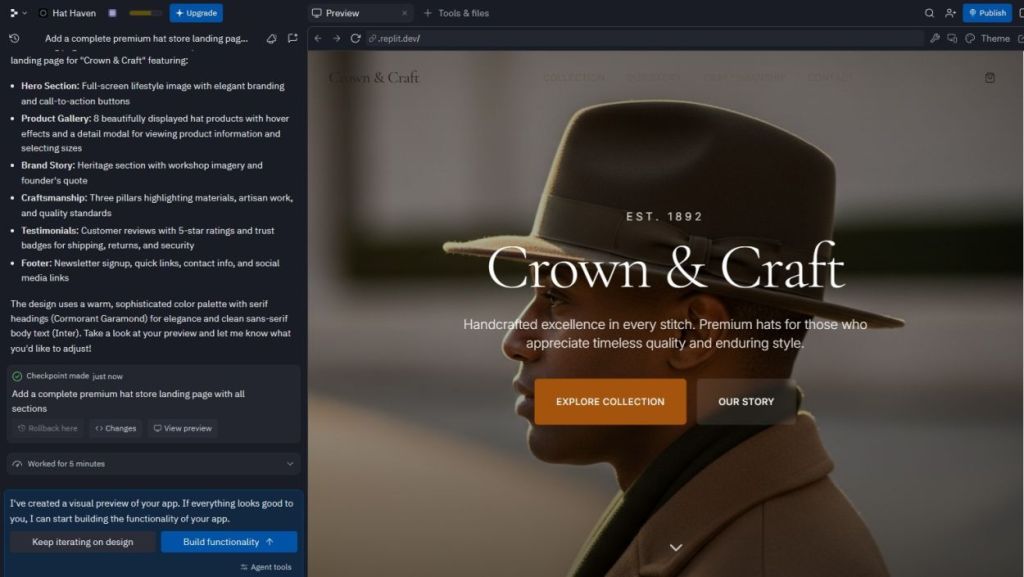
From generating images to designing the overall look, everything is managed by Replit’s AI. Whether you want a personal portfolio or an online store, this tool has your back. Just upload reference images to guide the AI, and watch your ideas come to life. If you aim to launch a website using AI, Replit might just be your golden ticket.
| Pros | Cons |
|---|---|
| AI creates websites and generates assets | Not ideal for huge workloads |
| Describe design in everyday language | |
| One-click deployment |
2. Lovable
If starting from scratch excites you, Lovable is a solid choice. This platform is geared towards crafting websites and apps using AI, offering a plethora of templates. Want something personal? Feel free to describe your needs in natural language, add reference images, and the AI will create a customized site just for you.
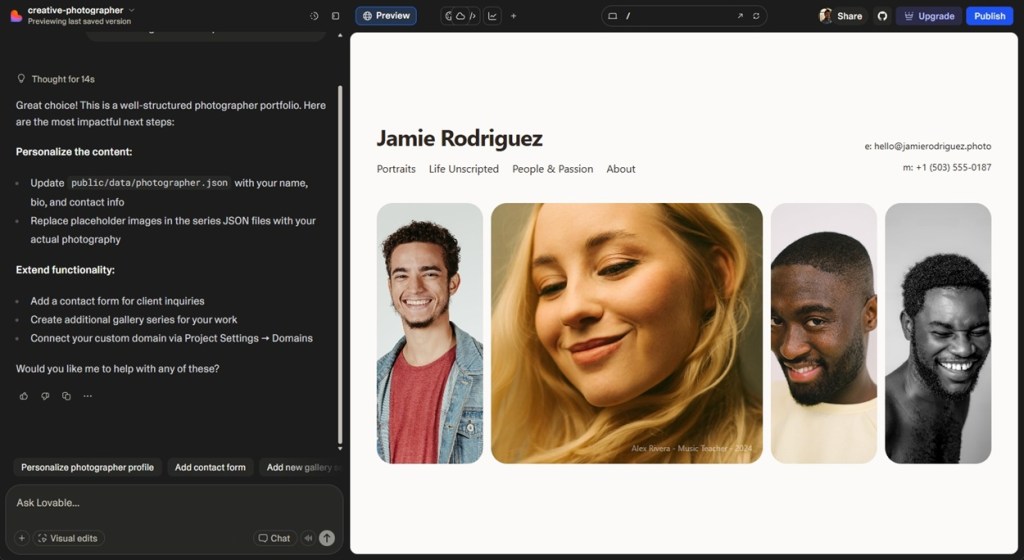
You can create anything from event platforms to ecommerce stores, and it does so without requiring any coding skills. Built on React and Tailwind CSS, Lovable delivers clean, editable websites. Plus, it integrates Supabase for backend management, keeping everything seamless.
| Pros | Cons |
|---|---|
| Generate full-stack websites | Credit-based pricing system may add up |
| React, Tailwind, and Vite architecture | |
| Agent mode handles complex tasks |
3. Bolt
Bolt stands out for its ability to create striking websites through conversational design. You chat with the AI about your goals, and it gets to work, thanks to its integration with Claude Sonnet 4.5 and Claude Opus 4.5—two of the best AI models for coding.
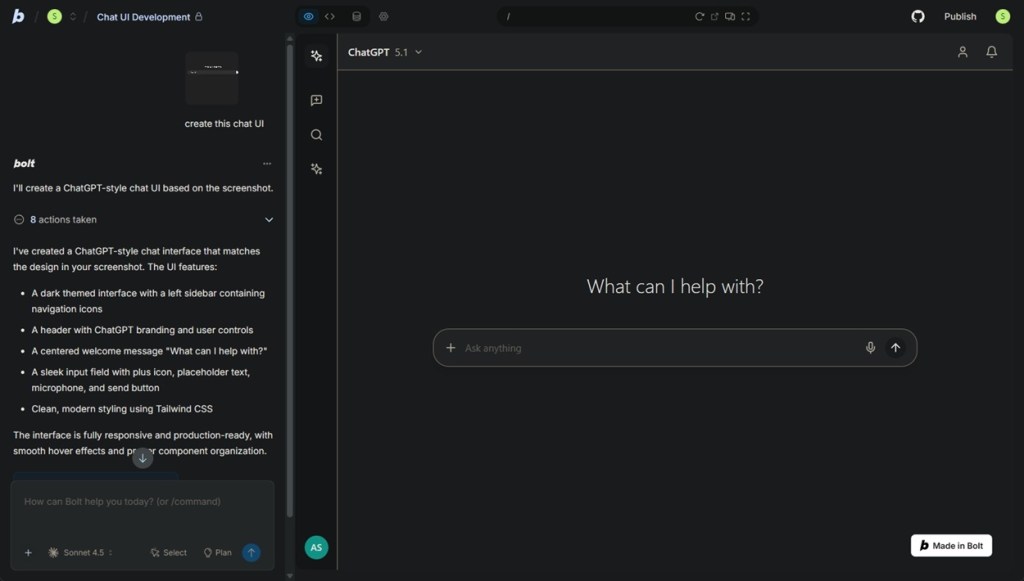
You can easily import designs from Figma and GitHub, while using popular frameworks like Next.js and Vue. Plus, it offers built-in hosting with custom domain support to get your site up and running smoothly.
| Pros | Cons |
|---|---|
| Runs entirely in browser | Token consumption can be high |
| Supports multiple modern frameworks | |
| Netlify integration for deployment |
4. v0 by Vercel
v0 by Vercel is an innovative AI website builder that transforms text prompts into fully functional sites. It autonomously plans, builds, and improves your website—perfect for landing pages and portfolios. Think of it as having a creative partner that executes your vision using React-based components.
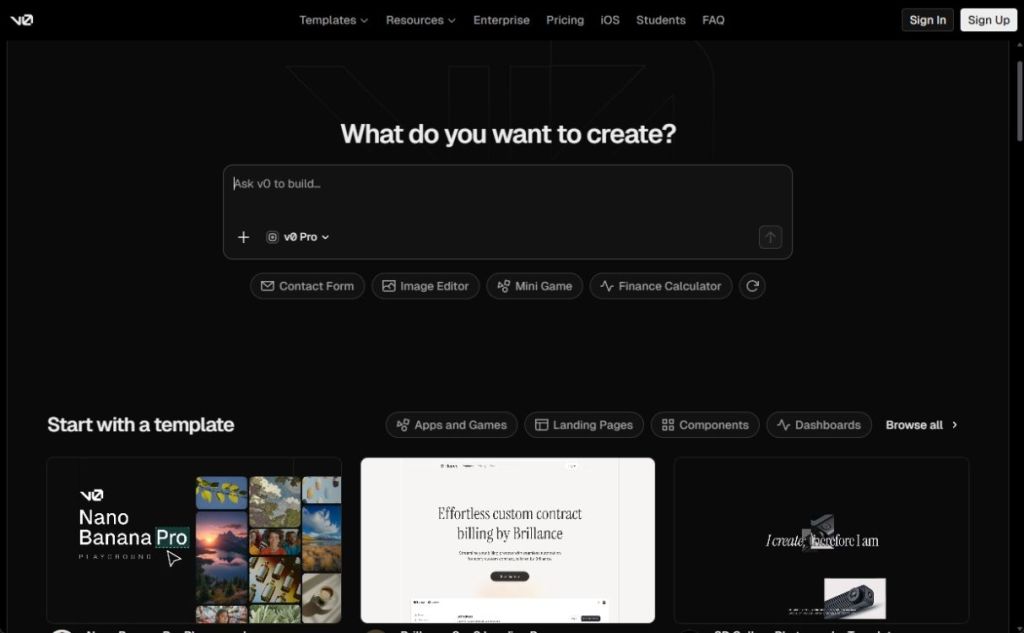
Vercel’s deployment features are built-in, allowing for easy publishing. You also have the option to connect to databases and APIs, making this tool versatile for any project.
| Pros | Cons |
|---|---|
| Works autonomously to build your site | Backend logic requires manual implementation |
| Easy deployment with Vercel | |
| Visual design mode |
5. Durable AI
If you run a small business, Durable AI could be your secret weapon. This platform quickly generates websites—sometimes in as little as 30 seconds! It asks straightforward questions about your business and there you go: layouts, graphics, and relevant content generated instantly.
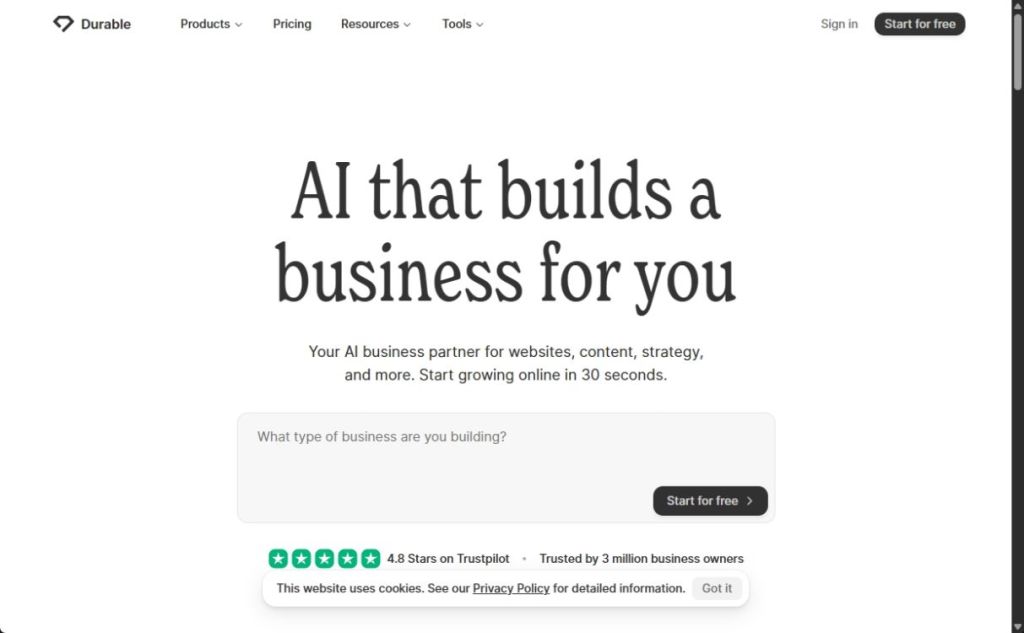
Durable AI also focuses on SEO optimization, ensuring your business catches eyes on Google. Plus, it incorporates a CRM for managing leads and generating invoices, making the platform truly handy for entrepreneurs.
| Pros | Cons |
|---|---|
| Best for small businesses | Templates may appear similar |
| Rapid website creation | |
| Integrated CRM and invoicing tools |
6. Relume
Relume is your go-to tool for designing website components rather than complete sites. It can create sitemaps and wireframes from simple prompts and pulls from a library of professionally designed elements that you can use in Figma, Webflow, and React.
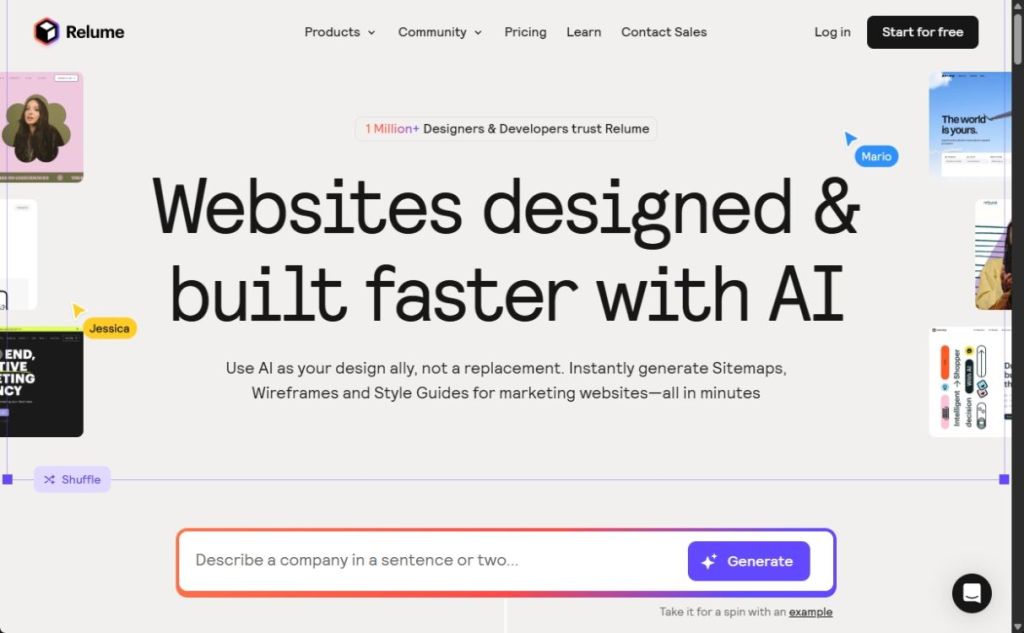
Relume assists in generating realistic copy for website sections, allowing you to lay out your design structure effectively. If you’re in the early stages of conceptualizing your website, this tool could be exactly what you need.
| Pros | Cons |
|---|---|
| Generates sitemaps and wireframes | Not a standalone website builder |
| Access to professionally designed components | |
| Collaboration features included |
7. Builder.io
Builder.io allows teams to design, prototype, and build websites using AI. You can seamlessly connect your existing codebase, review the AI’s work, and visually edit UI elements for a polished finish. It’s a fantastic solution for teams looking to roll out new features on existing websites.
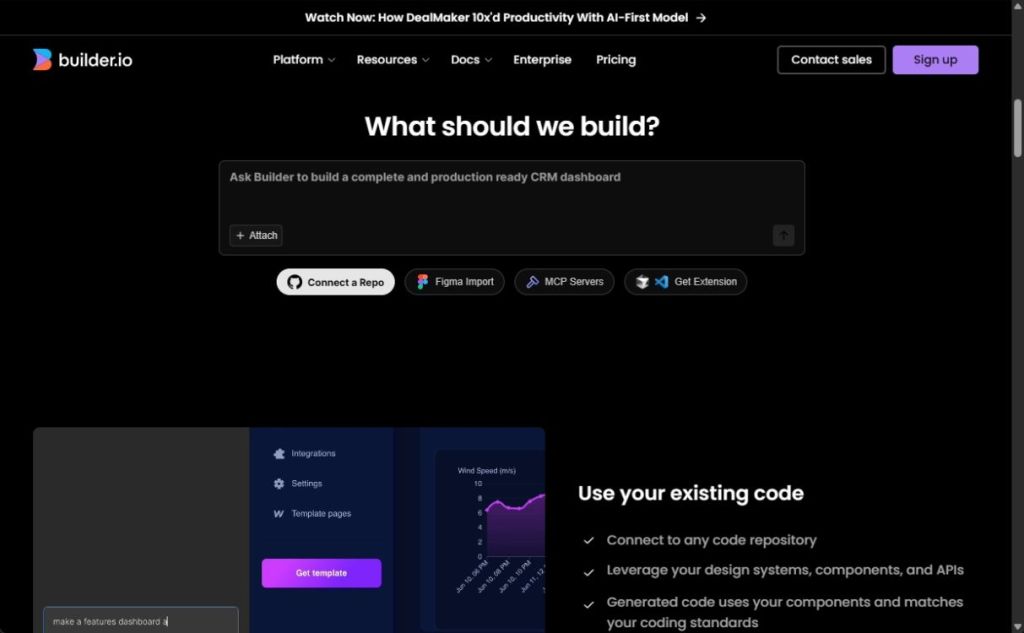
With drag-and-drop features and the ability to adjust UI elements, Builder.io balances flexibility with control. It’s ideal for teams looking to maintain a consistent design language across various projects.
| Pros | Cons |
|---|---|
| Figma to code generation | Not meant for general users |
| Visual editing for non-technical users | |
| Connect to existing codebases |
8. Wix AI Website Builder
Wix remains a leader in the website building space, and its introduction of AI via Artificial Design Intelligence makes website creation even more exciting. With over 2,000 templates available, you can engage with Wix’s AI chatbot to craft a personalized site effortlessly.
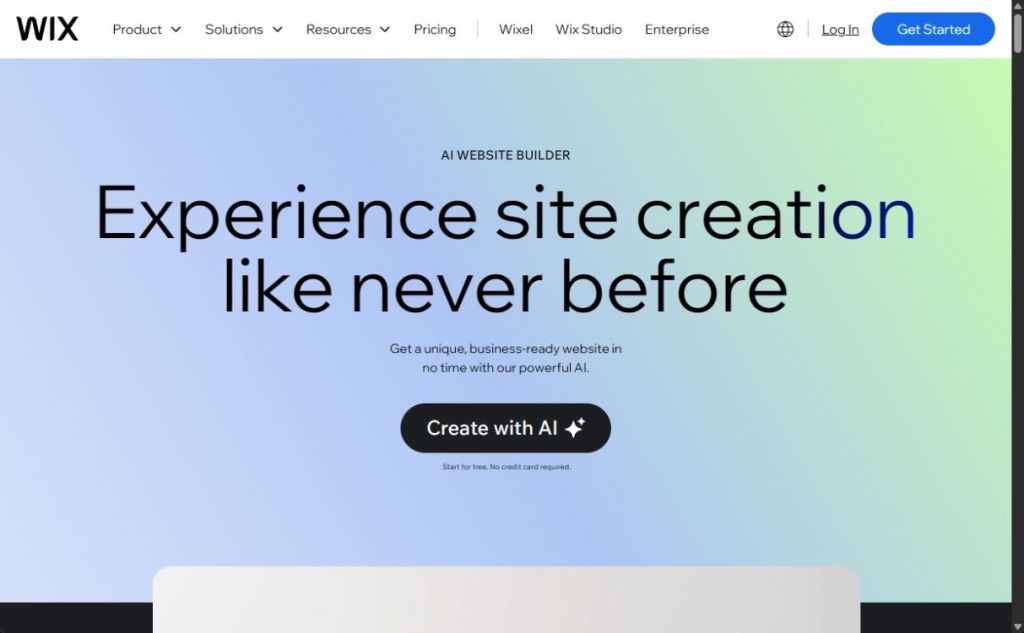
By answering the AI chatbot’s questions about your business, goals, and preferences, Wix will create a fully functional, designed website with relevant elements. Its Wix Studio is even more enriched with AI features aimed at building websites for ecommerce and marketing.
| Pros | Cons |
|---|---|
| Personalized website using AI chatbot | AI-generated designs may need refinement |
| Over 20 AI features | |
| Reliable uptime |
That’s our rundown of the 8 best AI website builders that work effectively in 2026. If you’re new to this and have no coding experience, take a peek at platforms like Replit, Lovable, Bolt, and v0 to easily craft websites. They also handle hosting, making deployment a breeze. Got any questions about these tools? Feel free to drop a comment below!