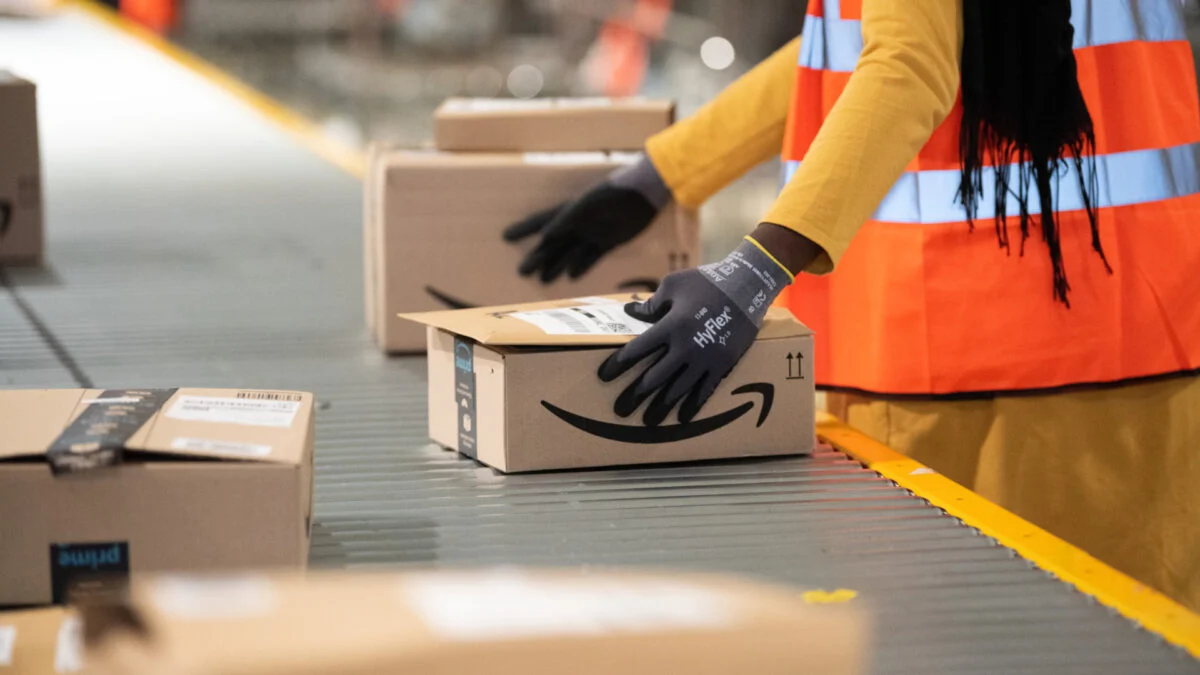
Cold open: I watched an Amazon engineer reject an AI suggestion that would have erased hours of work. You could feel the room tense as a manager reminded everyone that speed was the metric. The tool meant to save time had just created another pile of corrections.
I’ve spent years watching tech promises morph into office memos. You’ve heard the Silicon Valley line: AI will automate drudgery, give us four-day weeks, and let us breathe. What I want to do here is tell you what actually happens when those promises hit calendars and inboxes.
One engineer’s discarded suggestion: When AI’s answer is wrong
That developer’s story is neither rare nor amusing to them. At Amazon, employees describe internal pushes to adopt AI tools that are “half-baked” — nudges from leadership to use suggestions that often miss context, misinterpret code, or invent facts.
I asked why they keep using them. The reply was simple: managers say speed trumps all. You end up spending more time verifying, correcting, or cross-checking with colleagues. The supposed shortcut becomes a second, ticking task list.
Does AI actually save time at work?
Short answer: sometimes — but not in the way sales decks promise. ActivTrak’s analysis of 163,638 employees across 1,111 organizations over three years found no category of work that shrank after AI adoption. Emails rose 104 percent, chat and messaging rose 145 percent, and time in business-management tools climbed 94 percent.
So when an AI speeds a task, the freed minutes are often swallowed by new requests, more reviews, and higher output expectations. The technology becomes an added layer, not a replacement for existing labor.
A team’s inbox after rollout: When saved minutes get refilled
I watched a product team go quiet, then explode with follow-ups after installing an AI assistant. At first they praised faster drafts. Two weeks later the message threads had doubled.
The ActivTrak report explains why: managers use the tool to demand more, and colleagues use it to produce more. What looks like productivity at a company level becomes workload inflation at a human level. The tool is a faucet that pours work faster — not a bucket that holds less.
Why is AI increasing workloads?
Because technology amplifies existing incentives. Former Google executive Mo Gawdat put it plainly: social platforms promised connection and produced loneliness; phones promised leisure and produced 24/7 availability. AI magnifies whatever you already value — and in much of corporate America that value is output.
A VP’s quarterly slide: When corporate gains outpace human relief
I sat through an earnings call where AI-driven efficiency was framed as a win for shareholders. That disconnect — metrics up, people strained — is now visible in surveys and interviews.
Amazon employees told The Guardian they were asked to adopt tools that created more verification work instead of less. The activist numbers and those worker anecdotes point to the same pattern: organizations harvest increased throughput while the individual’s calendar swells.
Are companies forcing employees to use AI?
Many firms are not just encouraging use; they’re rolling it into workflows and evaluation rubrics. That pressure matters: when adoption is mandatory or tied to speed metrics, workers have to double-check the AI’s output to avoid mistakes — adding time, not cutting it.
Here’s what I advise from the trenches: treat AI adoption like a policy change, not a vendor demo. Measure both company output and individual time budgets. Build guardrails for verification, and push for genuine costed reductions in workload, not just higher throughput targets.
The story you’re seeing — promises of a lighter workday replaced by heavier to-do lists — is less a bug than a mirror. AI behaves like a magnifying glass and like a running engine with more weight added to it; it intensifies priorities and consequences.
You can demand a different balance, or you can let performance slides decide what your day looks like — which will you choose?