The cursor blinked, mocking Sarah’s blank canvas. Hours she’d spent trying to wrangle the AI, but the results were always…off. Then a friend whispered the secret: it’s not the tool, it’s the *prompt*. What if clear instructions could turn her creative stumbling blocks into stepping stones?
If you’re ready to turn simple text into stunning visuals with Grok, you’re in the right place. The right prompts give you command over layout, lighting, details, and even the mood of your images. Use them to conjure everything from photorealistic portraits to dramatic scenes, all without the usual AI frustrations.
Inside, you’ll find 30 ready-to-use Grok prompts designed for image creation and editing. Each one is crafted to be straightforward, helping you create clean, professional visuals suitable for anything you dream up in 2026.
Crafting Images with Grok: A Step-by-Step Guide
I remember the first time I used Grok; the potential was clear, but the execution felt clumsy. Grok 3 opens the door to generating lifelike AI visuals. By using well-defined prompts, you can produce detailed, realistic, and attractive pictures. These steps will guide you, turning your creative concepts into professional-grade visuals.
Step 1: Creating Your Prompt
Begin with a specific and clear prompt. Be sure to include the subject, background, lighting, colors, and the overall mood you’re aiming for. If you want a photorealistic style, state that clearly. The stronger your prompts, the easier it is for the AI to capture your vision.
Step 2: Generating the Image
Click “generate” and let Grok 3 do its magic. The AI will process your prompt and deliver a visual in moments. Examine the result for composition, details, and lighting.
Step 3: Refining Your Image
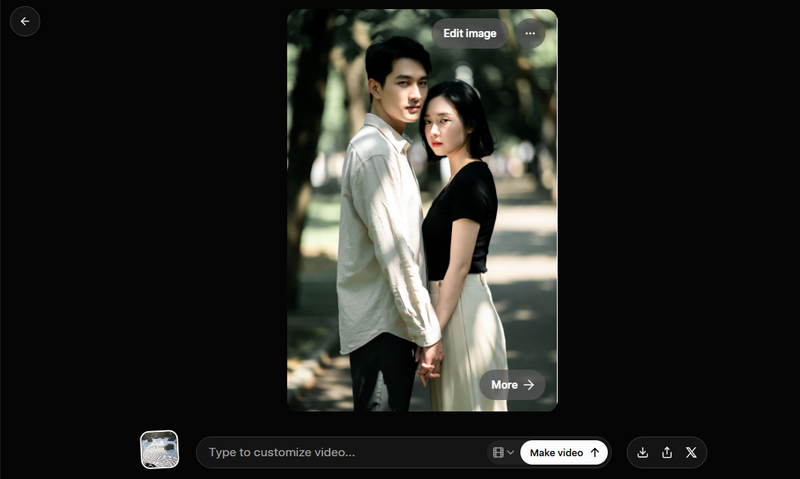
If you need to make adjustments, select “Edit Image.” You can tweak colors, shadows, the background, or finer details to refine the image. Even small adjustments to the prompt can significantly enhance realism.
Step 4: Downloading and Using
Once you’re satisfied with the final image, download it. Now your visuals are ready for blogs, social media, presentations, or any other project.
30 Grok Prompts to Jumpstart Your Creativity
It’s easy to get stuck in a creative rut, churning out the same old AI images. With the right prompts, you can transform any idea into a remarkable visual. From lifelike portraits to expansive landscapes, the secret lies in how you structure your prompt. Think of each prompt as a recipe; the better the instructions, the tastier the result.
Whether you’re generating something new, improving an existing image, or making precise edits, these prompts streamline the process. They offer a quick route to creating professional-quality visuals.
How do you write a good prompt for AI art?
Good prompts for AI art are like detailed blueprints. The more information you feed the AI, the closer the result aligns with your mental picture. Specificity is your friend.
1. Grok Prompts for Realistic Portraits & People
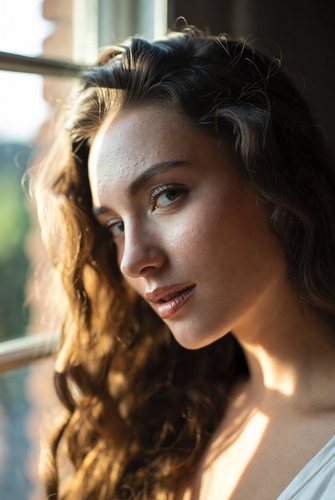
1. A young woman in soft window light, detailed skin texture, subtle smile, expressive eyes, shallow depth of field, professional photography style, warm tones, realistic shadows, natural makeup, using reference photo for lifelike appearance.
2. Close-up portrait of an elderly man with wrinkles showing character, natural sunlight highlighting facial features, shallow focus, warm color palette, authentic expression, fine hair details, realistic textures, photorealistic style.
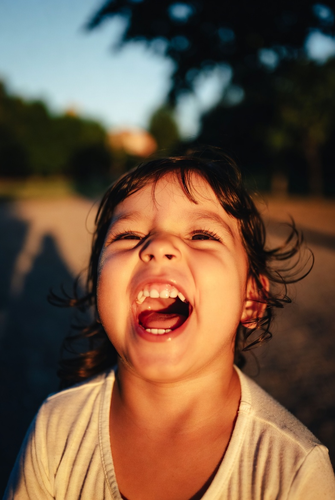
3. A child laughing outdoors under golden hour sunlight, natural shadows, vibrant colors, authentic emotion, realistic skin tones, shallow depth, professional photography, subtle background blur.
4. A couple holding hands in a park, soft afternoon light, realistic clothing textures, expressive faces, natural shadows, cinematic portrait style, shallow depth of field, photorealistic result, using reference image for composition.
5. Professional business headshot, clean background, soft studio lighting, natural expression, sharp focus on eyes, balanced shadows, realistic textures, modern photography style.
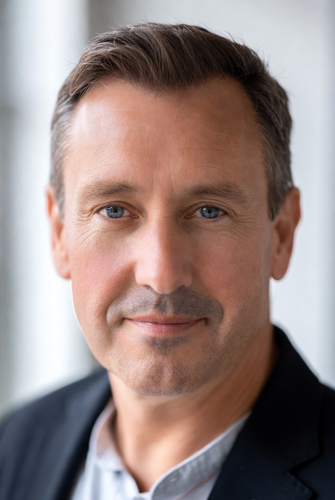
6. A young man with stylish haircut and casual clothing, realistic skin tones, natural posture, soft window light, subtle bokeh background, professional DSLR quality, detailed textures.
7. Portrait of a model in minimal background, cinematic light, elegant pose, soft shadows, expressive eyes, detailed textures in clothing and hair, photorealistic style, using grok prompts for real images.
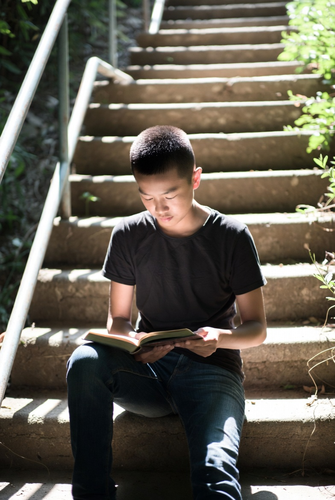
8. Teenager sitting on stairs reading a book, natural sunlight, casual clothing, subtle shadows, realistic facial expression, shallow depth of field, natural environment.
2. Grok Prompts for Cinematic & Movie-Style Images
9. A neon-lit cyberpunk street at night, rain reflections on pavement, dynamic composition, cinematic lighting, bustling pedestrians, glowing signs, realistic depth and textures, dramatic mood, using grok prompts for uploaded images.
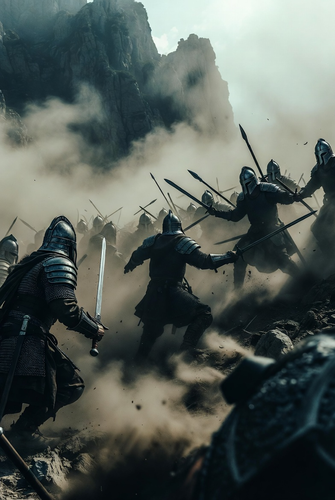
10. Epic battle scene with warriors on a misty mountain, cinematic wide-angle, moody lighting, dust clouds, realistic textures, detailed armor and weapons, high-intensity action.
11. A futuristic cityscape at sunset, flying cars, neon reflections on glass buildings, atmospheric haze, cinematic perspective, realistic textures, dynamic lighting, high-resolution scene.
12. A lone detective walking through a foggy alley, street lamps casting soft glow, wet pavement reflections, cinematic shadows, detailed textures, mysterious mood, photorealistic style.
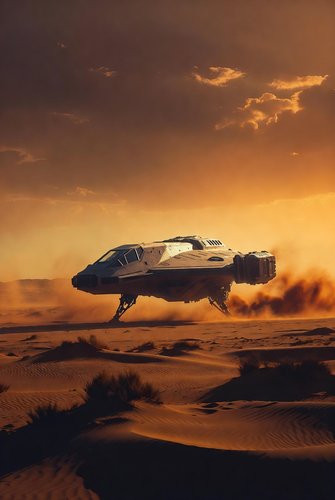
13. Spaceship landing on a desert planet, golden hour light, sand blowing in wind, cinematic depth, atmospheric perspective, detailed textures on spacecraft, realistic shadows, futuristic scene.
14. A superhero standing on a skyscraper at night, city lights below, cinematic wide-angle, dramatic pose, realistic textures in costume, moody lighting, photorealistic effect.
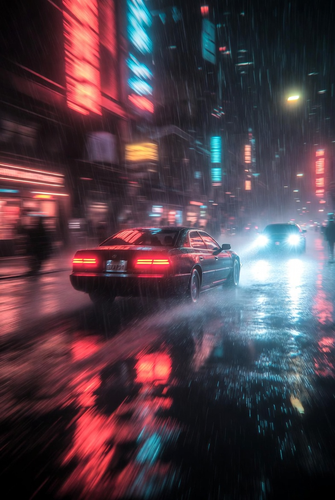
15. Car chase scene through rainy neon streets, motion blur, reflections, dynamic lighting, cinematic angle, high-intensity action, realistic textures, deep shadows.
16. Pirate ship sailing during a storm, turbulent waves, cinematic perspective, realistic lighting and shadows, dramatic sky, detailed textures on sails, photorealistic scene.
3. Grok Prompts for Artistic & Stylized Images
17. A fantasy dragon perched on cliff, sunset background, glowing scales, misty mountains, painterly textures, dramatic lighting, cinematic composition, artistic depth, surreal fantasy style.
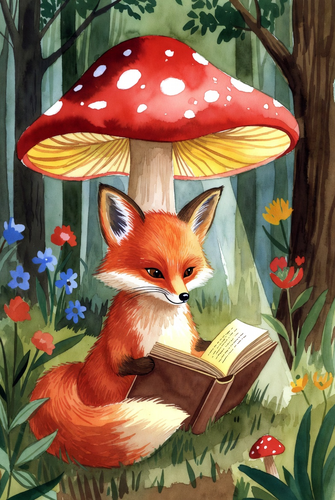
18. A whimsical fox reading under a mushroom lamp, colorful forest background, storybook gouache textures, magical atmosphere, soft light, detailed environment, illustrative style.
19. Anime-style character in futuristic armor, neon city at night, dynamic pose, glowing effects, expressive eyes, detailed textures, cinematic shadows, vibrant colors.
20. Surreal dreamscape with floating islands, bizarre creatures, pastel-colored clouds, magical lighting, intricate textures, fantastical environment, wide cinematic perspective, painterly style, using grok prompts for spicy images.
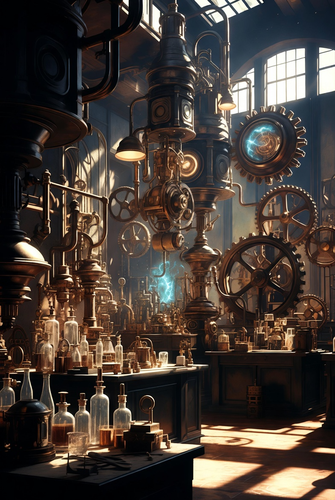
21. A steampunk inventor’s laboratory, intricate gears, glowing machinery, realistic lighting, detailed textures on metal and glass, dramatic composition, creative concept art.
22. A lone astronaut exploring an alien planet, bioluminescent plants, glowing atmosphere, cinematic lighting, detailed textures on suit and terrain, high-resolution digital arts.
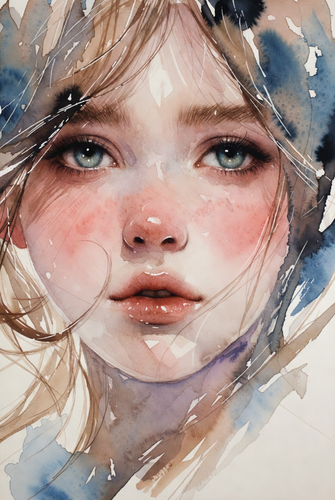
23. Stylized watercolor portrait of a young girl, expressive eyes, soft pastel colors, flowing hair textures, subtle background, artistic lighting, gentle brushstroke details, photorealistic style, using reference photo.
24. Cyberpunk samurai standing in neon alley, katana glowing, cinematic composition, detailed armor, atmospheric lighting, reflections on wet pavement, dynamic pose, photorealistic textures.
4. Grok Prompts for Backgrounds & Wallpapers
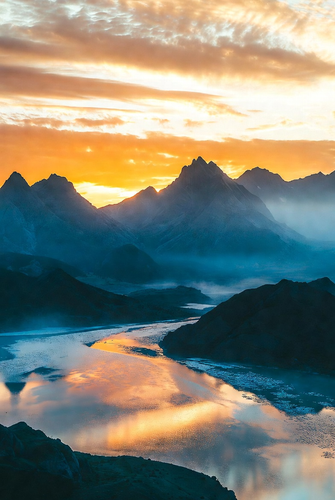
25. Sunset over crystal-clear mountains, golden hour light, reflective river, atmospheric haze, soft clouds, cinematic perspective, vibrant colors, realistic textures, photorealistic landscape.
26. Minimalist abstract geometric wallpaper, bold colors, clean lines, smooth gradients, balanced composition, modern artistic style, digital textures, visually striking, using reference photo for color inspiration.
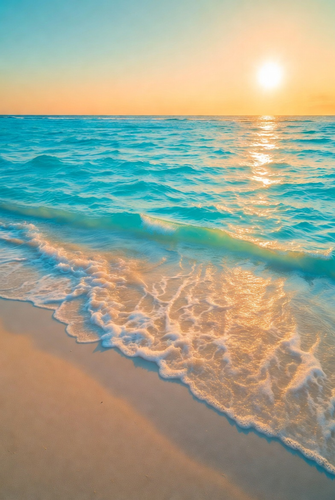
27. Tropical beach with turquoise water, soft sand, gentle waves, golden sunset light, realistic reflections, cinematic perspective, vibrant colors, peaceful atmosphere.
28. Dense forest with sun rays piercing canopy, soft moss textures, flowing stream, realistic shadows, natural lighting, photorealistic depth, immersive environment, cinematic feel, using reference photo.
29. Futuristic city skyline at dusk, neon lights reflecting on glass buildings, flying vehicles, atmospheric haze, cinematic perspective, vibrant colors, detailed textures, high-resolution wallpaper.
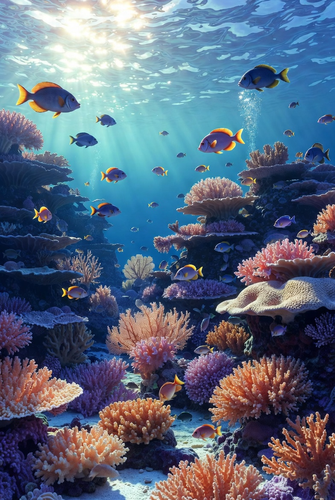
30. Fantasy underwater scene, colorful coral reefs, exotic fish swimming, sunlight filtering through water, cinematic perspective, detailed textures, photorealistic rendering, vibrant colors.
31. Majestic desert dunes under starry night sky, golden sand textures, realistic shadows, Milky Way glowing above, cinematic composition, deep atmospheric depth, high-resolution detail, using grok prompts for editing images.
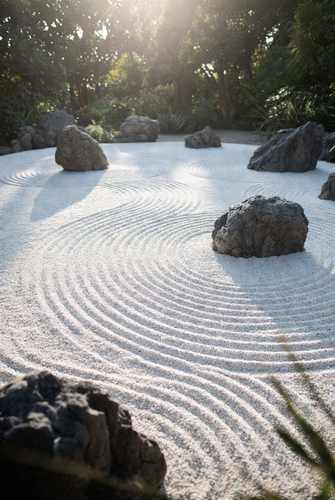
32. Peaceful zen garden with raked gravel, strategically placed rocks, soft sunlight, subtle shadows, minimalist composition, calming mood, photorealistic textures, artistic background.
Why does my Grok prompt say, “Content Moderated. Try a different idea?”
I’ve stared at that “Content Moderated” message more times than I care to admit. Seeing it can be frustrating, especially when your prompt seems harmless. Here’s what’s going on and how to address it. If your Grok image prompts aren’t working, these are common reasons:
1. Safety Filters for Harmful or Explicit Content
Grok uses a moderation system to flag and block prompts that could produce unsafe or explicit content. Platforms intentionally ban nudity, sexual content (especially involving minors), and other harmful material. Concerns about Grok’s ability to create sexualized deepfakes led to stricter safeguards.
2. Multi‑Stage Moderation Pipeline
AI image models don’t just check a prompt once; they examine it at multiple points:
- Initial prompt analysis
- Analysis during image generation
- Final output check
If any stage identifies a risk, Grok blocks the generation with a moderation message. This explains why even seemingly innocent phrases can be flagged if the overall combination appears risky.
3. Legal and Ethical Restrictions on Real People
Many AI platforms, Grok included, have rules in place to prevent creating or manipulating images of real people in sensitive situations. This is to avoid defamation, deepfakes, and nonconsensual manipulation. Some regulators have even restricted or blocked Grok due to concerns about sexualized and non-consensual image creation.
4. Evolving Moderation Thresholds
Platforms regularly update their moderation rules to comply with new safety standards and laws. A prompt that previously worked might be blocked now because filters are constantly being retrained.
5. Context and Combinations Matter
AI assesses the entire prompt, not just individual words. Even safe words can trigger a block if their combination suggests something sensitive.
6. Regional and Legal Rules
Blocks can also occur due to local laws. A prompt that works in one country might be blocked in another due to differing regional regulations.
How to Write Effective Grok Prompts
To maximize AI results, your prompts should be clear and specific. The more precise your instructions, the more closely the generated image will match your vision. Here’s a guide to help you craft them effectively:
1. Start with Your Core Idea
Clearly define what you want the image to depict.
Example: “A realistic mountain landscape at sunrise.”
2. Add Essential Details
The more details you include, the closer the result will be to your vision. Consider these elements:
- Subject: Who or what is the focus?
- Setting: Where does the action take place?
- Style: What artistic style do you want (e.g., photorealistic, watercolor)?
- Lighting: How is the scene lit?
- Color: What color palette should be used?
- Mood: What feeling should the image evoke?
Example: “A playful golden retriever puppy in a sunny park, watercolor style.”
3. Use References (Optional)
If you admire a specific style or artist, name them.
4. Write Clearly and Simply
Use direct, concise language. Avoid vague phrases. Highlight the main subject first, then add supporting details.
Are AI-generated images copyrighted?
The question of copyright for AI-generated images is still murky, a legal and ethical fog. Current consensus suggests that if a human provides significant creative input into the prompt, they may have some claim to copyright. However, images generated with minimal human intervention often fall into the public domain.
In conclusion:
The art of crafting effective Grok prompts is a game-changer. It bridges the gap between your imagination and the AI’s capabilities. With these prompts and guidelines, you’re well-equipped to conjure stunning visuals, but is the future of art now in the hands of algorithms, or the humans who guide them?