The menu blinked, the tiny spy icon in the corner glowing like a dare. I typed a Gang name, hit create, and watched a cryptic filter eat my idea. If you’ve ever felt that sudden disconnect between intention and the game, read on — I’ll walk you through the parts that work and the parts that don’t.
I’ve spent hours in Morioh Cho, poking at menus, copying decal IDs from Roblox, and asking devs on Trello questions you probably want answered. You’ll get practical steps, quick fixes, and the exact phrasing to use when inviting players or reporting bugs. Think of this as the field guide you wish you had the first time the Gang system spit your name back at you.
I clicked the spy-like button in the lower-right and the Gang panel slid up. How to Create a Bizarre Lineage Gang (Clan)
The Gang system in Bizarre Lineage is currently bugged: many valid names get filtered. The developers have acknowledged issues on their Trello board; patience pays here.
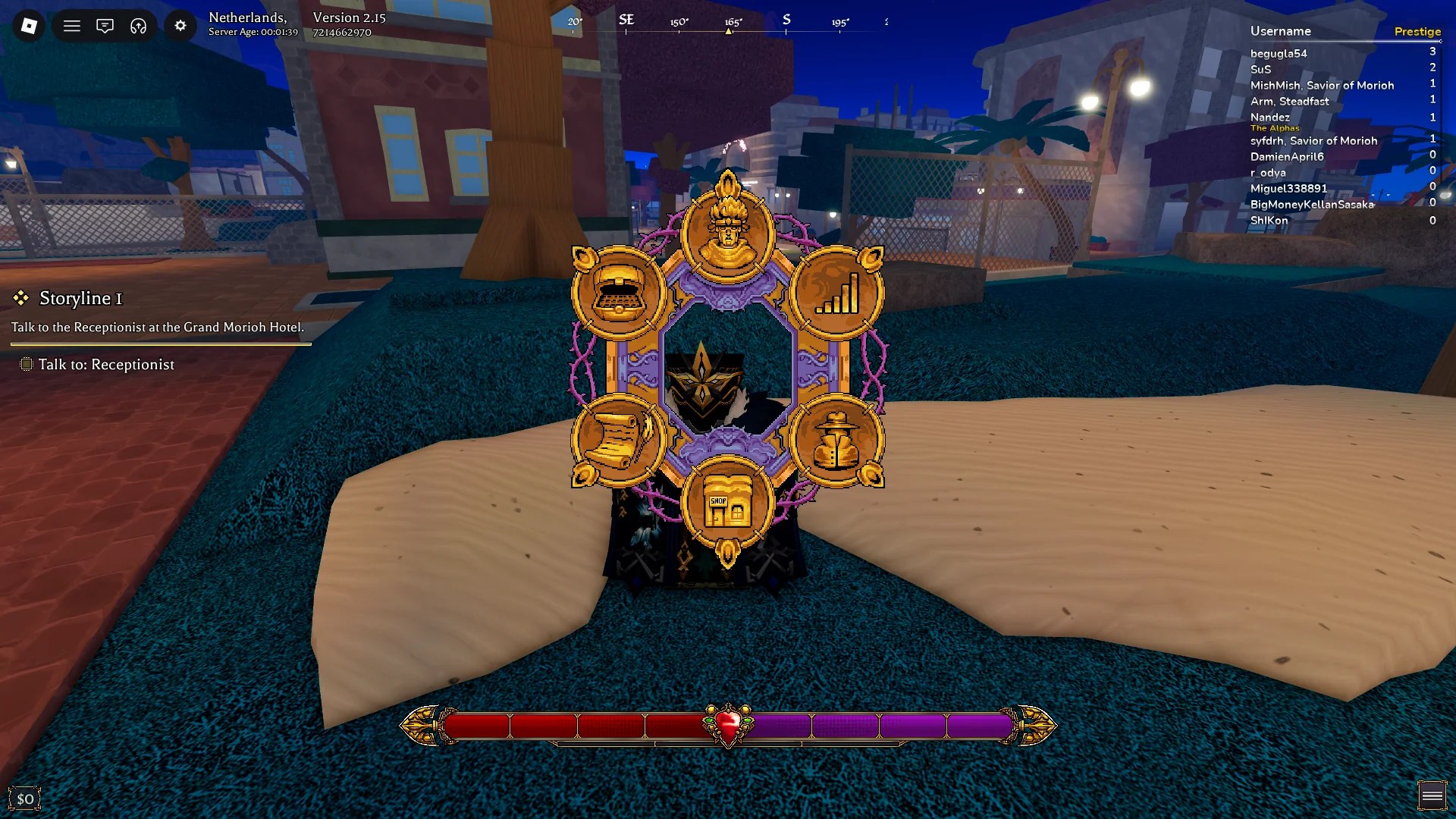
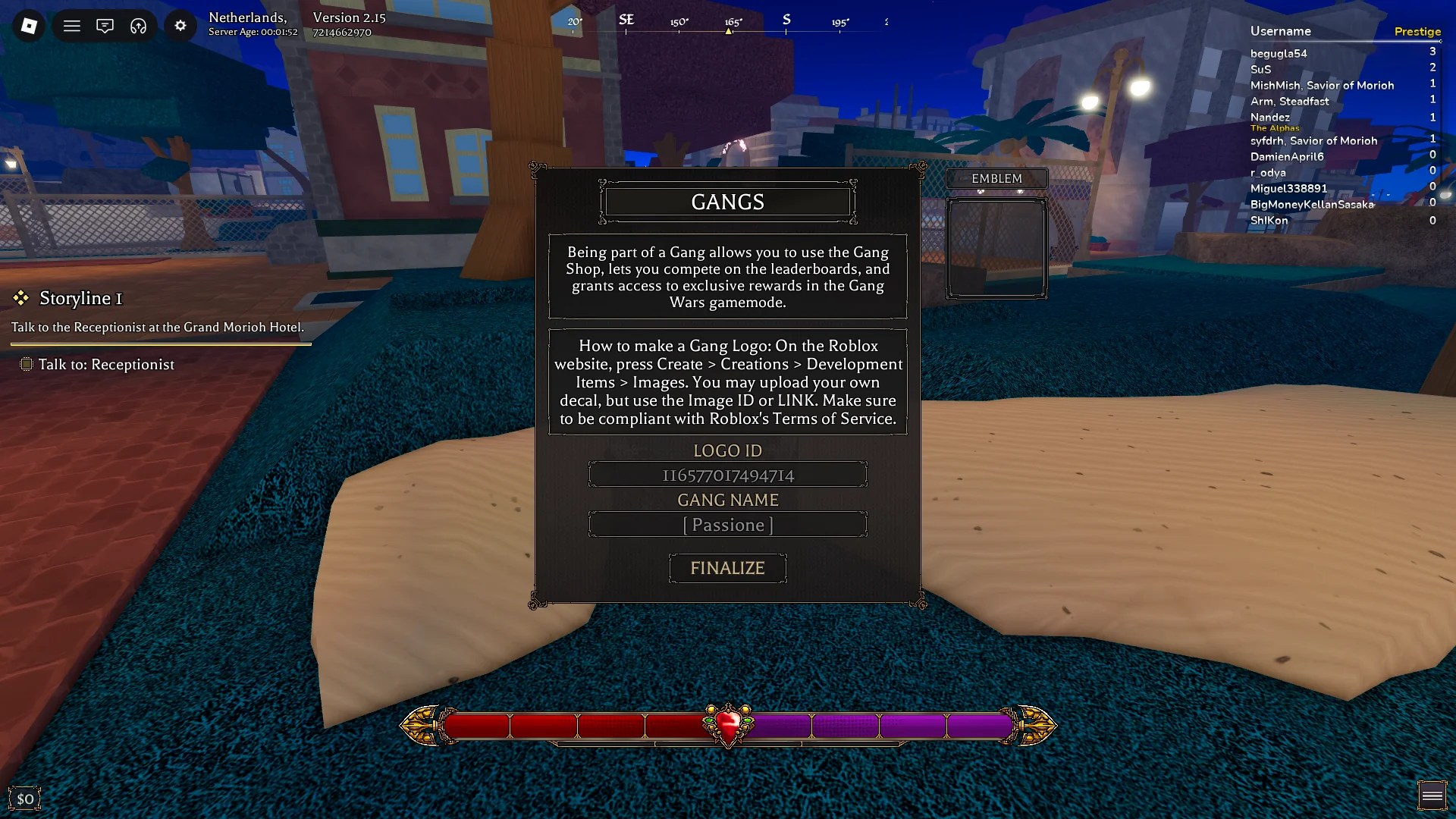
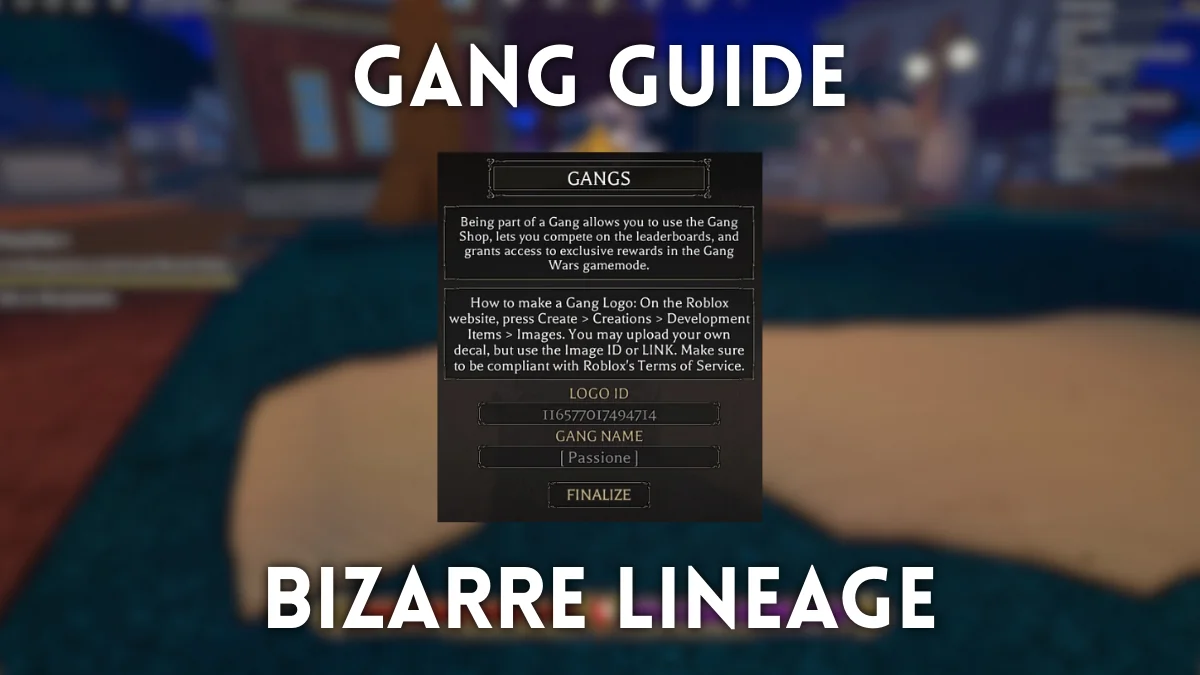
To create a Gang in Bizarre Lineage (Roblox), open the main menu and click the spy-shaped button in the bottom-right. You need two things: an Emblem (a Roblox Decal or Image ID) and a Gang name (minimum 3 characters). The UI is simple; the friction is the filter and occasionally invalid decal IDs.
Why am I getting the “Gang name was filtered. Try a different name.” error when trying to create a Gang in Bizarre Lineage?
That error usually means the name already exists, but I’ve seen it block perfectly reasonable names too. If the name is unique and still rejected, file a bug report on the Bizarre Lineage Trello and try variations — small changes often slip past the filter.
How to Upload and Find a Gang Emblem Decal
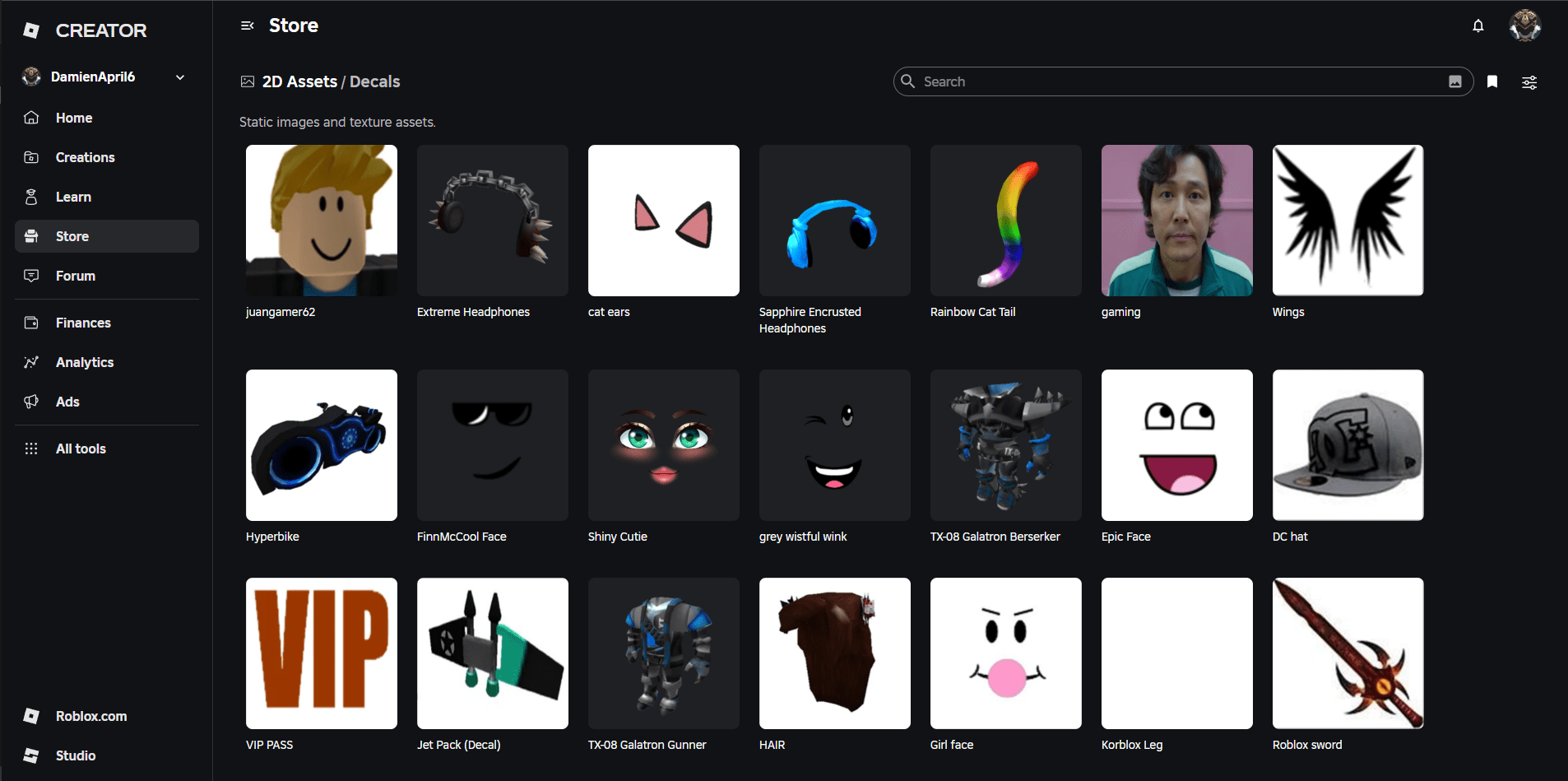
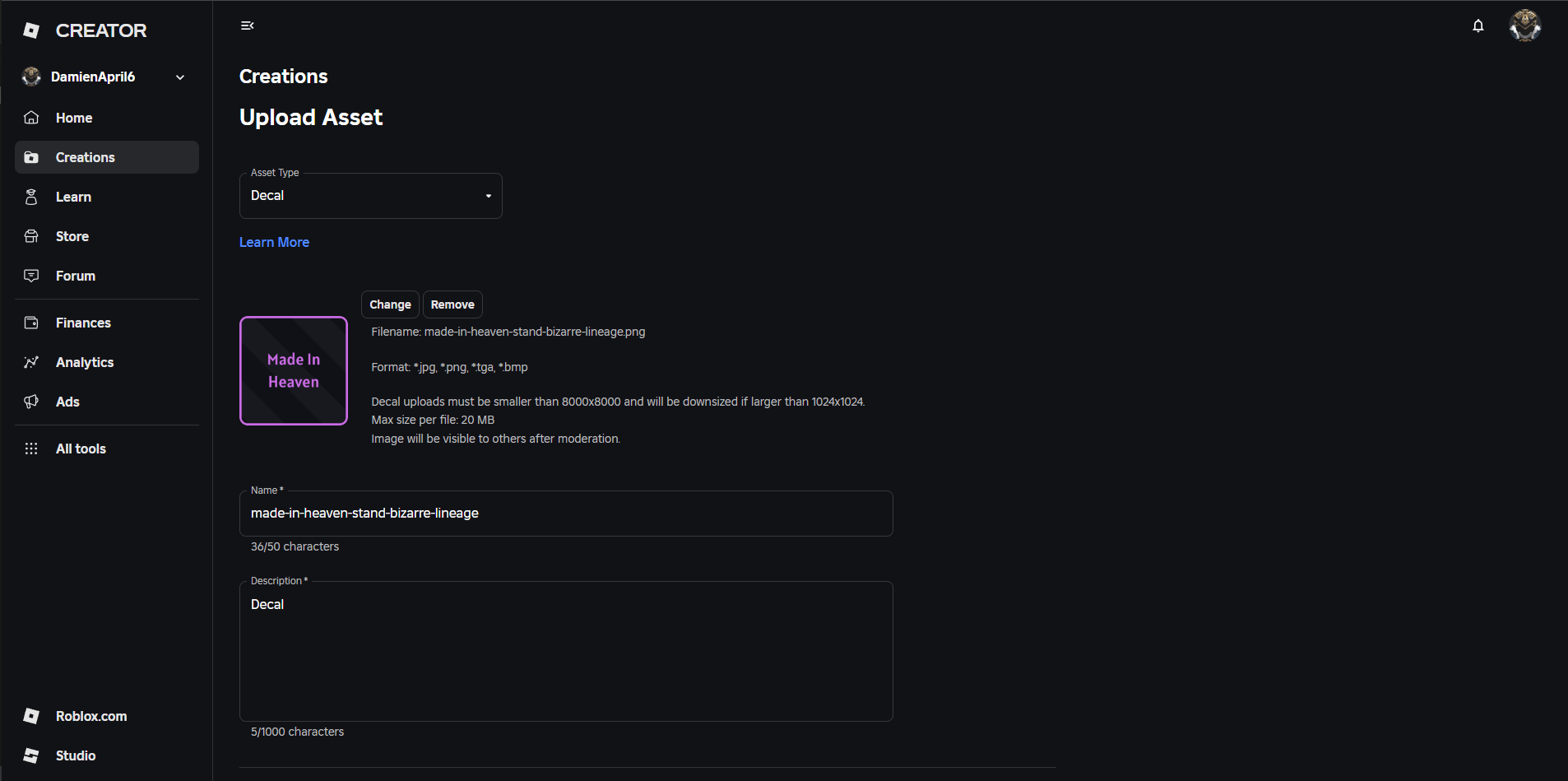
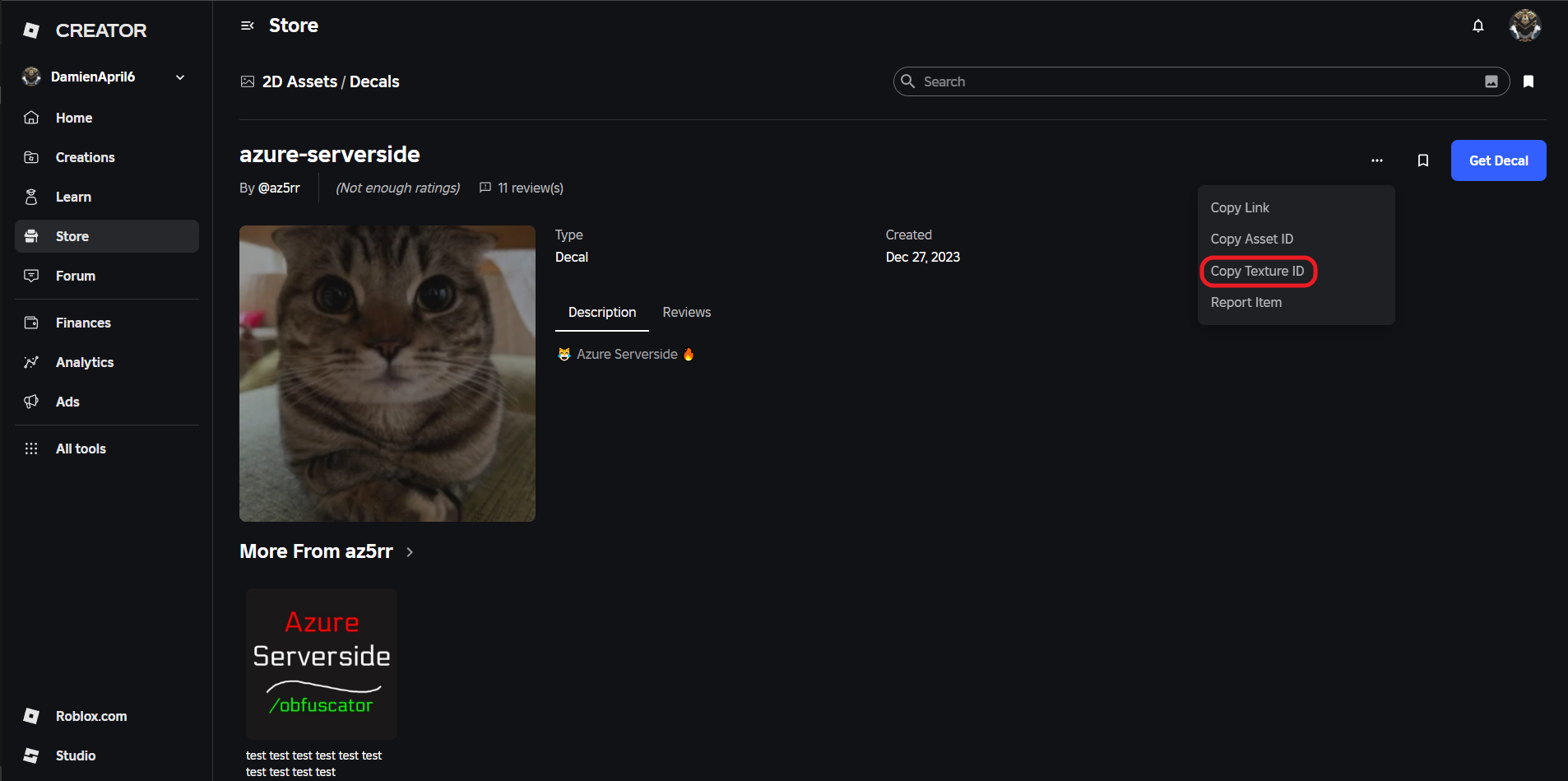
You can use an existing Decal from the Roblox Creator Marketplace or upload your own via Create > Creations > Development > Items > Images. On an image’s page click the three-dot menu to copy the Asset ID, Decal link, or Texture ID — if a pasted Asset ID fails in-game, try the Texture ID instead. I use Roblox Studio and the Creator Hub when I want full control over emblem resolution and transparency.
I typed a username into the invite box and the player appeared in the list. How to Invite Players to a Gang
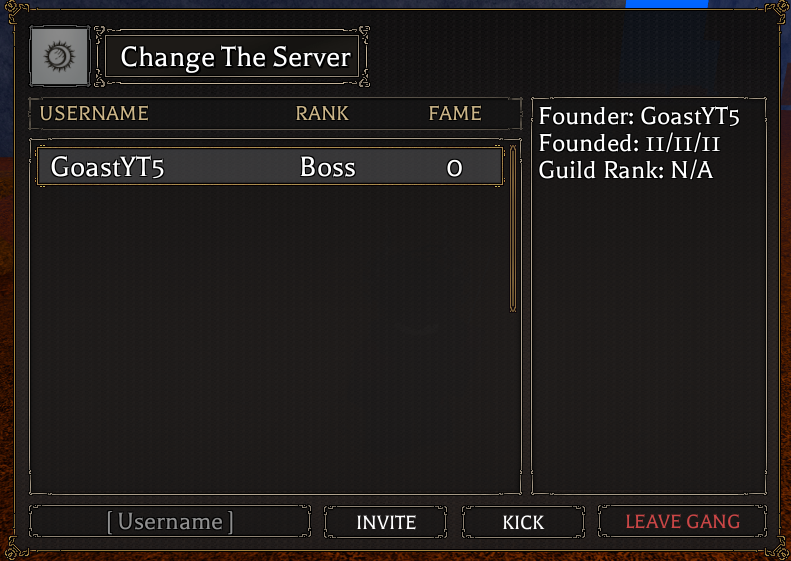
To invite or kick players, open the Gang menu (it looks different when you’re already in a Gang). Type a player’s Roblox username into the invite box. If you aren’t the leader, you can freely leave the Gang; leaders can kick and promote.
The NPC stands outside Morioh Station handing out slips of work. Gang Contracts and Gang Shop
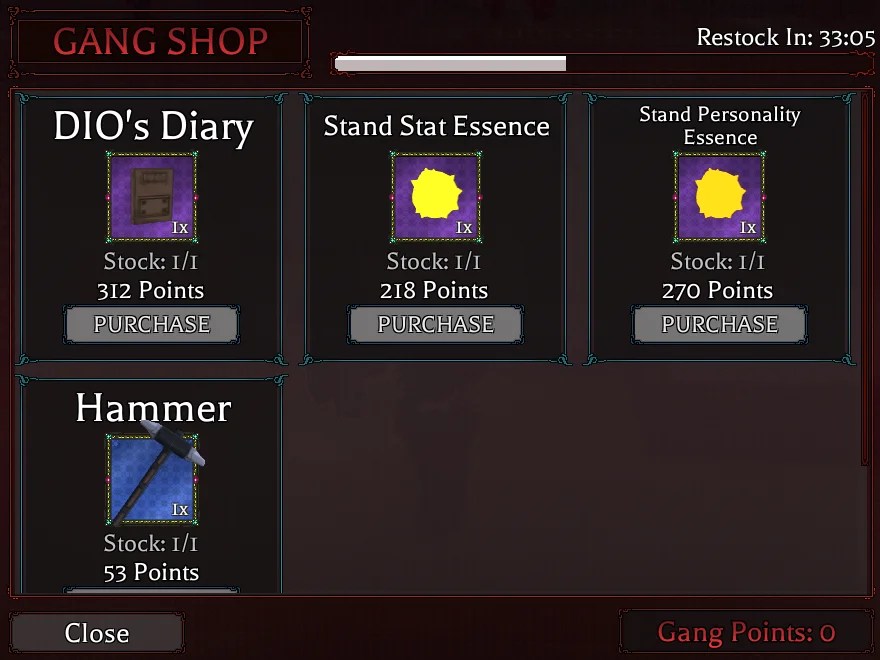
The Gang Contractor near Morioh Station hands out contracts. Each contract rewards 3–5 Gang Points plus Common or Rare Chests. Spend points at the same NPC to buy items that matter late-game: Stand Stat Essences, Personality Essences, and more.
Gang Shop restocks regularly. Here’s the pool I’ve seen:
- Stand Conjuration Essence
- Stand Stat Essence
- Stand Personality Essence
- Lucky Arrow
- Rare Chest
- Legendary Chest
- DIO’s Bone
- DIO’s Diary
- Hammer (Weapon)
Why am I getting the “Emblem must be a valid Roblox Image or Decal.” error when trying to create a Gang in Bizarre Lineage?
That message means the decal link or ID you pasted is invalid. Double-check the Asset ID, try the Decal URL, and if those fail, paste the Texture ID. If the image is private or removed from the Roblox Catalog, the game can’t read it — make sure it’s public.
When I landed a kill, my Gang’s number ticked up. Gang Fame and Territories
Gang Fame behaves like an ELO for groups: every overworld kill grants your Gang 5 Fame, and those points shift your Gang’s standing. Territories are claimable zones around Morioh Cho; holding one nets rewards and passive perks for members.
Do Gangs work in Bizarre Lineage?
Yes — when the system works. Many players report issues creating or naming Gangs right now, so the experience is inconsistent. If you can create a Gang, you’ll unlock contracts, shop access, invites, and territory play; if not, monitor the project’s Trello and Discord for fixes and hotpatch notes.
Practical checklist before you try to create a Gang:
- Have a public Decal/Image uploaded to Roblox Creator (copy the Asset or Texture ID).
- Prepare several name variants — filters are unpredictable.
- Confirm your Roblox username spelling before sending invites.
- Follow Bizarre Lineage on Trello and join Discord to catch fixes or restocks.
Make your Gang emblem readable at small sizes — thin text, noisy backgrounds, and logos with tiny details vanish in the in-game UI like a map left in the rain. Remember: a steady Gang with clear rules and communication beats a flashy one with no cohesion; recruit people who show up regularly and use Discord or Roblox group pages to coordinate.
That does it for our Bizarre Lineage Gangs (Clans) guide. For more on items and early-game tips, check the Bizarre Lineage item list and beginner’s guide on Moyens I/O, and keep an eye on the developers’ Trello for fixes — do you think the Gang system will stabilize quickly or remain a source of heated feedback?