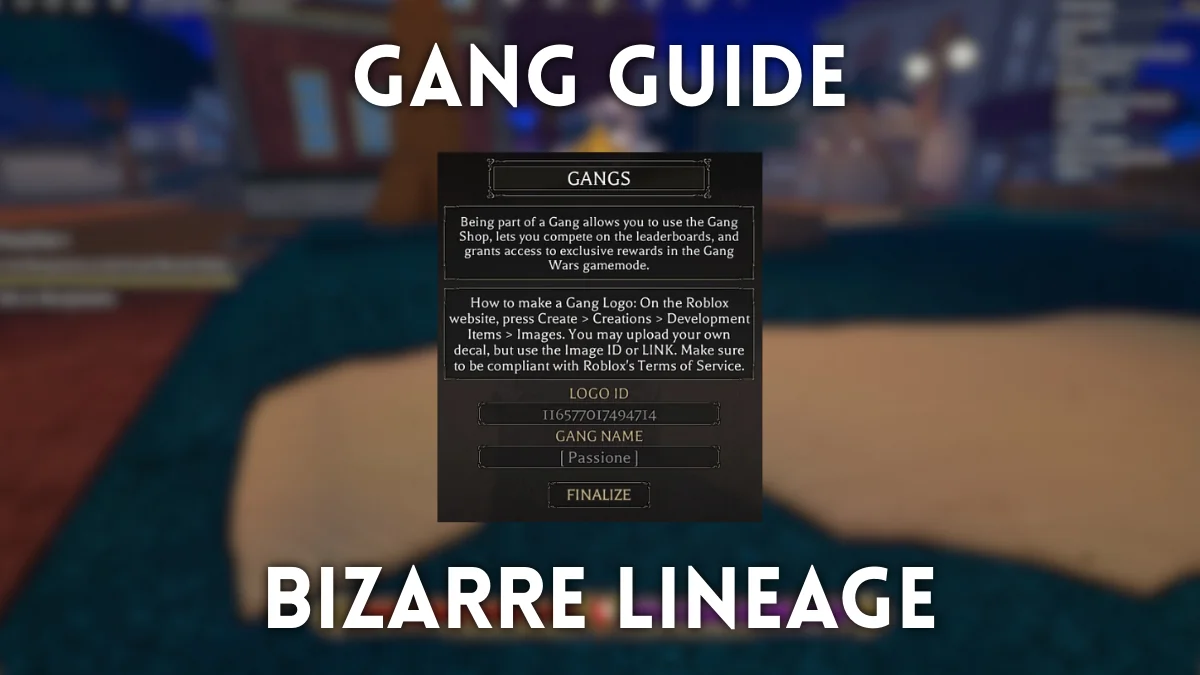
You type a Gang name, hit confirm, and the game spits back a filter message. The emblem you picked refuses to load. That quiet, sudden failure is the moment most clans die before they form.
I’ve built and managed Gangs in Bizarre Lineage; I’ll walk you through what works, what’s broken, and how to get the things that actually matter. Read these parts in order—small steps, immediate wins, and the traps to avoid.
How to Create a Bizarre Lineage Gang (Clan)
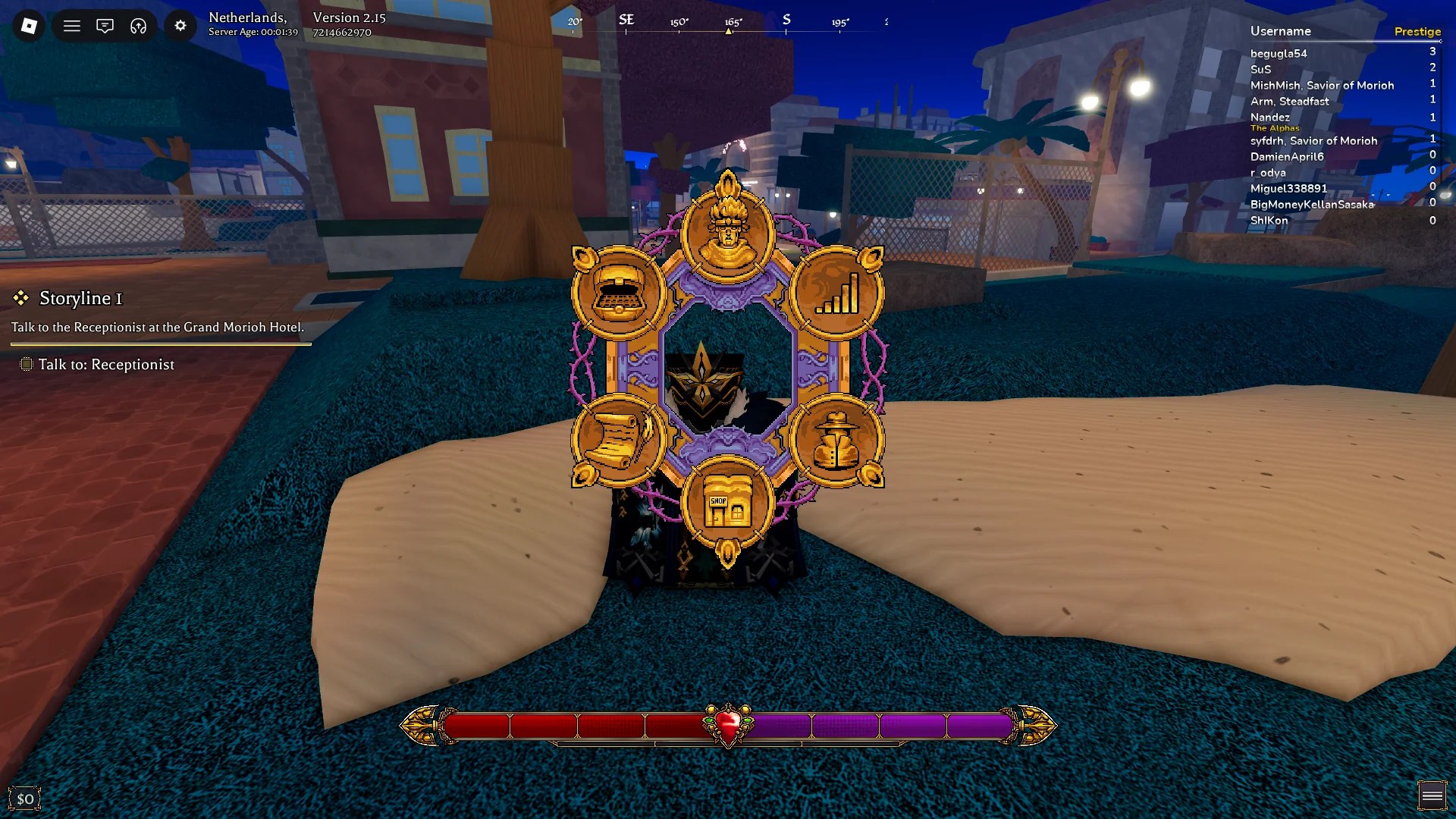
The Gang entry sits in the bottom-right of the main menu—easy to miss if you’re rushing.
Open the main menu and click the spy-looking button in the lower-right to enter the Gang section. To create a Gang you need two things: an Emblem (a Roblox Decal or Image) and a unique Gang name. The name must be at least three letters long.
The Gang system has a known bug: many valid names get filtered. If your name is rejected even though it’s unique, it’s likely a server-side filter issue that the developers need to fix.
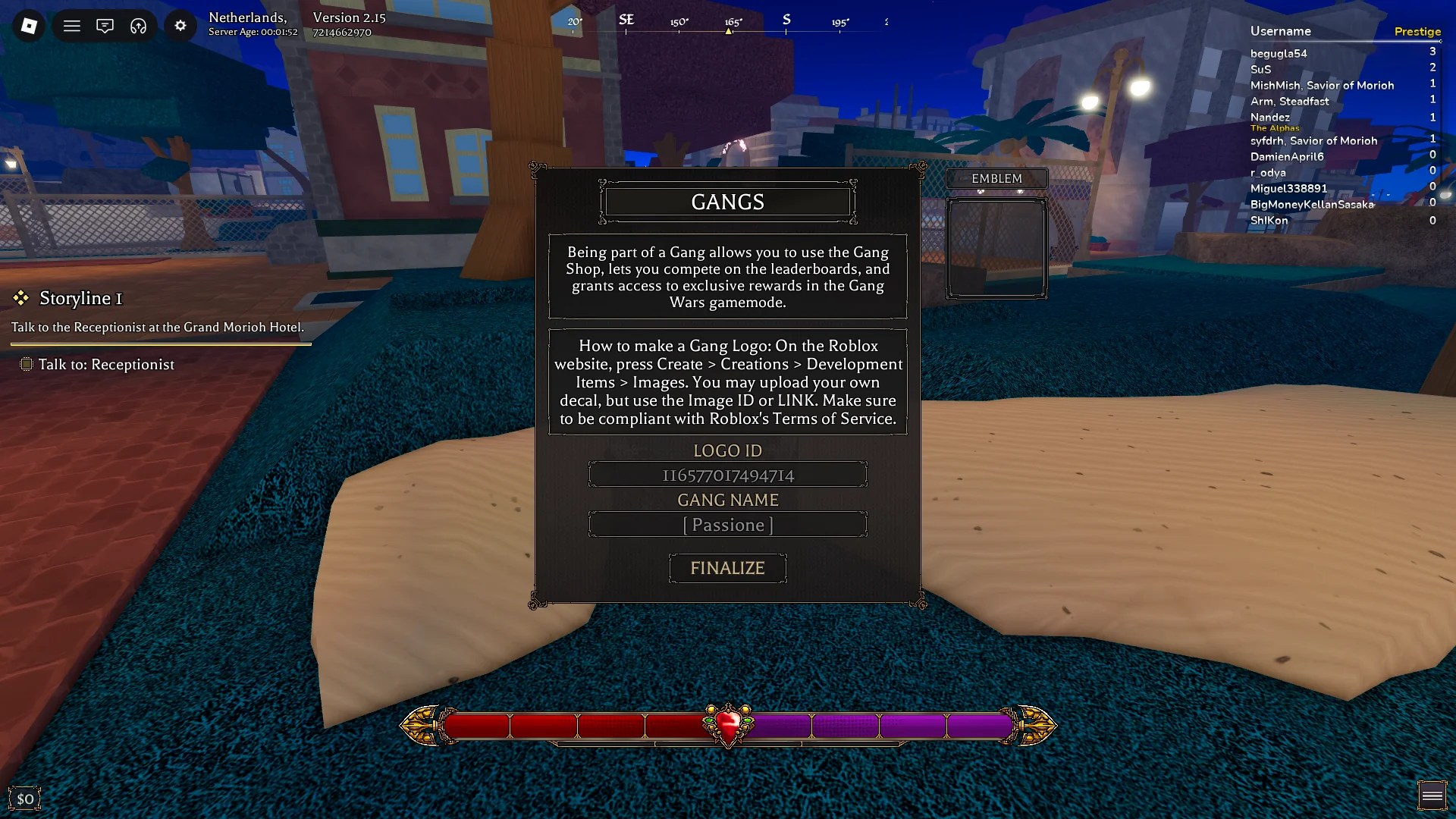
Why am I getting the “Gang name was filtered. Try a different name.” error when trying to create a Gang in Bizarre Lineage?
That error usually means the name is already taken. But because the Gang filter is buggy, it can also reject perfectly valid, unused names. If you hit the message repeatedly, record the exact name and report it on the game’s Trello or Roblox page so the devs can trace the filter pattern.
Why am I getting the “Emblem must be a valid Roblox Image or Decal.” error when trying to create a Gang in Bizarre Lineage?
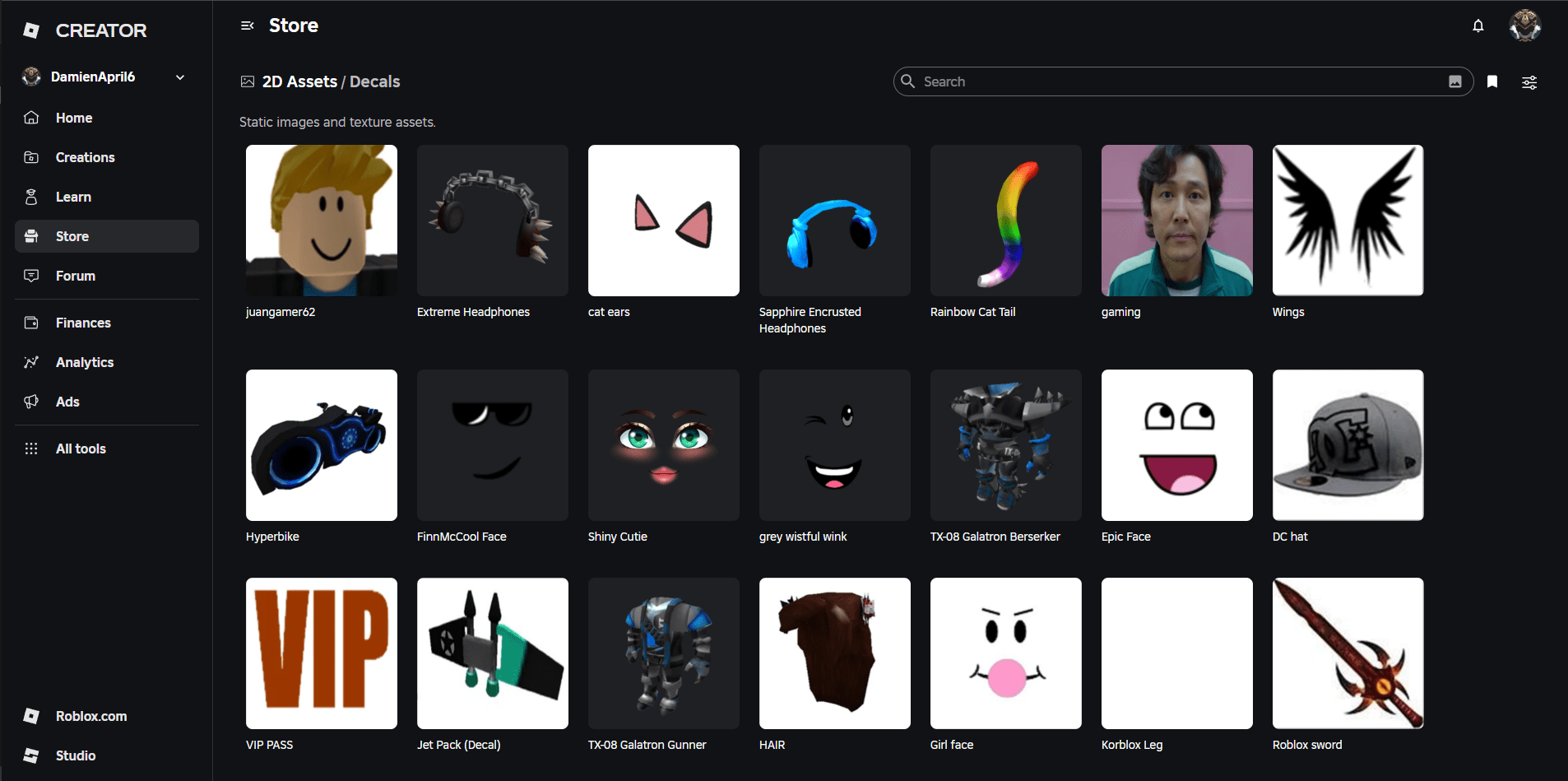
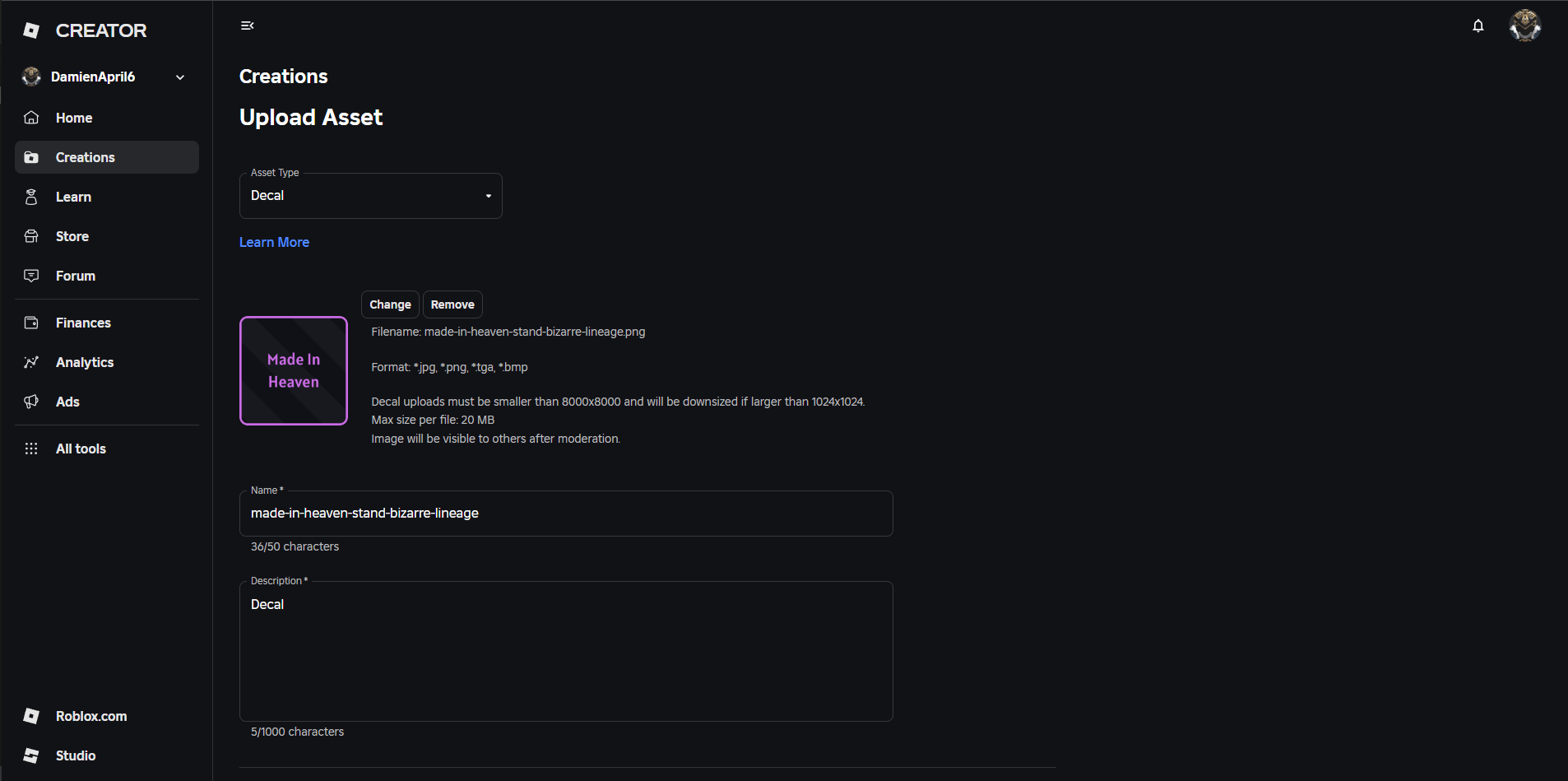
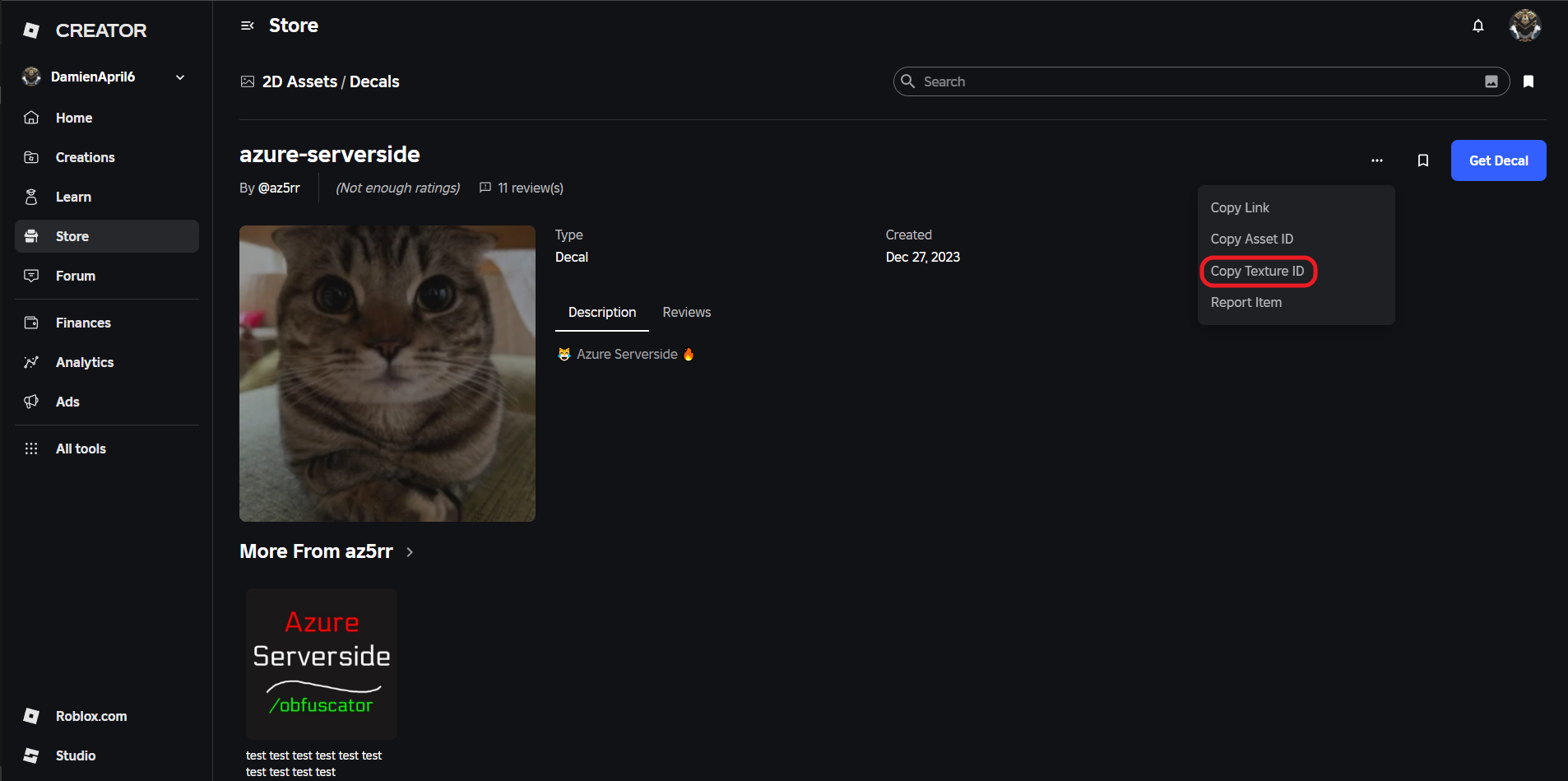
That means the ID or link you pasted isn’t recognized by the game. Double-check the Asset or Decal page and copy one of these: the Asset ID, the Decal link, or the Texture ID. If Asset ID fails, the Texture ID usually works. You can upload images under Roblox: Create > Creations > Development > Items > Images.
Do Gangs work in Bizarre Lineage?
Gangs do function, but many players report problems creating them. If you can’t create a Gang despite following the rules, the system might be partially disabled until the developers push a fix.
How to Upload and Find a Gang Emblem Decal
Players either grab decals from the Roblox asset marketplace or upload their own images via the Create portal.
To use a ready-made emblem, search the Roblox Creator Marketplace for Decals and copy the Asset or Texture ID from the image page (click the three dots). To upload: go to Create > Creations > Development > Items > Images on Roblox, submit your image, then copy the ID from the item page.
How to Invite Players to a Gang
You don’t need to shout across Morioh: invites are handled in-menu.
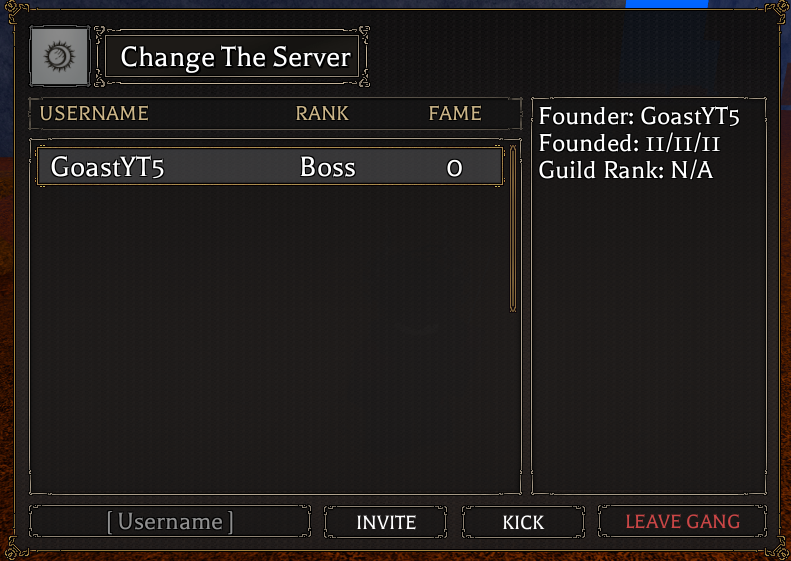
Open the Gang menu while in or out of a Gang. Type a player’s Roblox username to invite. Leaders can invite and kick; non-leaders can leave. If invites fail, verify usernames on Roblox and check the game’s Discord or Trello for known issues.
Gang Contracts and Gang Shop
The Gang Contractor NPC near Morioh Station is where work and rewards meet.
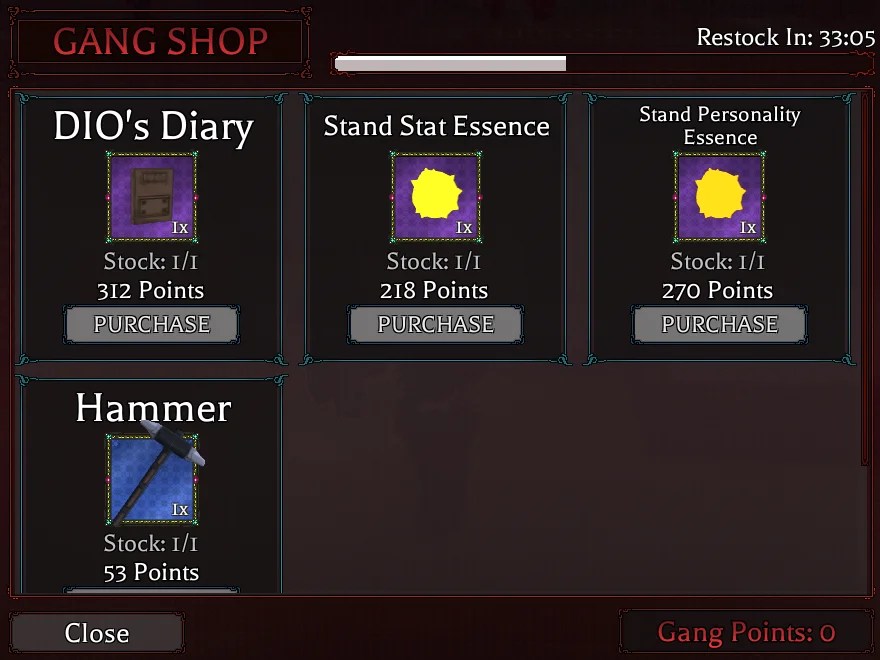
Grab Gang Contracts from the Gang Contractor by Morioh Station. Each contract pays 3–5 Gang Points and drops Common or Rare Chests. Spend Gang Points at the same NPC for items that matter late-game: Stand Stat Essences, Stand Personality Essences, and other rarities. The Gang Shop rotates stock regularly.
- Stand Conjuration Essence
- Stand Stat Essence
- Stand Personality Essence
- Lucky Arrow
- Rare Chest
- Legendary Chest
- DIO’s Bone
- DIO’s Diary
- Hammer (Weapon)
Gang Fame and Territories
Territories appear on the map and grant perks to the holding Gang.
Gang Fame functions like an ELO rating for Gangs: kills in the overworld grant your Gang 5 Fame per kill. Fame affects matchmaking and which Gangs can contest territories. Territories around Morioh Cho give their holders steady rewards and special benefits—control them and your Gang will get items and passive perks.
Territory control shifts frequently, changing hands like a crowded market; if your Gang is passive, those zones will slip away fast.
Extra tips I use:
- Test emblem IDs in a private server or during low-traffic times to avoid wasted attempts.
- Keep a simple naming backup list—three alternatives—so you don’t lose the creation window to the filter bug.
- Monitor the Bizarre Lineage Trello and the official Discord for bug fixes and shop restocks.
That does it for this Bizarre Lineage Gangs (Clans) guide. For more on BL, check the item list and the beginner’s guide on Moyens I/O and Roblox—then decide if forming a Gang is worth your time?