You stand before the Corridor of the Void and the beam refuses to land where it should. I remember the moment I thought the door was glitched — it wasn’t. You can fix it in a few clean inputs.
I play these puzzles enough to feel them in my thumbs. I’ll walk you through the exact moves, the mental habit that separates a wasted hour from a quick opening, and a few small tricks Pearl Abyss won’t spell out in the manual.
At wake of the door: How to do light-reflection puzzles in Crimson Desert
Most players see the sealed gate and assume anything complicated is behind it.
Here’s the simple pattern: the puzzle asks you to change a light’s color by focusing your Blinding Light on the source until the mechanism registers the shift. On controller, stand in front of the array and press L1/LB and R1/RB once to start the reflection interface. Then hold L1/LB to use Blinding Light; aim steadily at the emitter for roughly three seconds. When the beam flips from orange to purple and then back to orange, the trigger fires and the door opens.
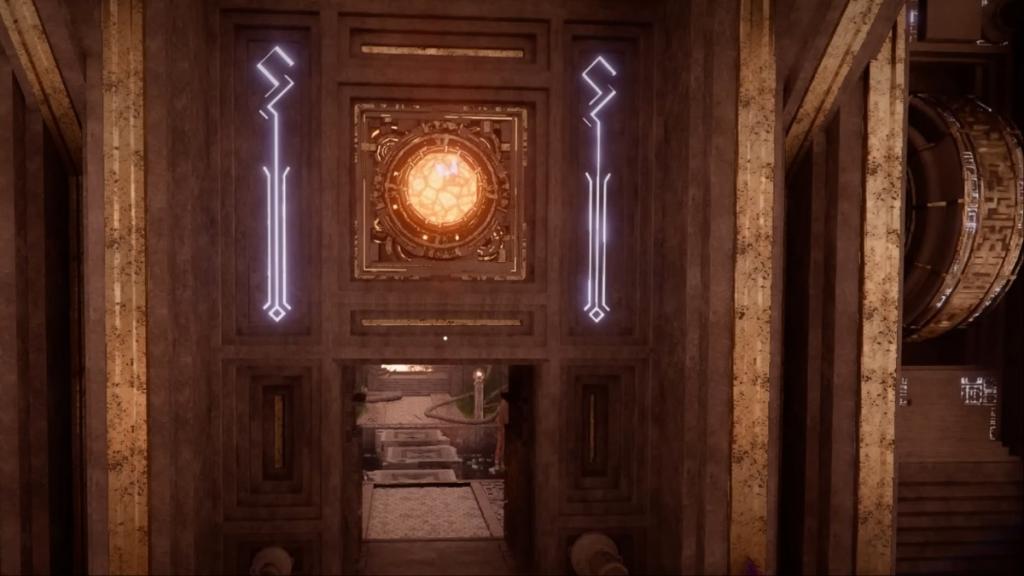
How do you solve light-reflection puzzles in Crimson Desert?
You solve them by treating the emitter like a small, stubborn instrument. Press the two shoulder buttons once to engage the puzzle UI, then hold your Blinding Light while aiming until the color cycle completes. If the light never changes, back away and re-target — the game sometimes requires a clean line of sight.
- Controller: press L1/LB + R1/RB once to start, then hold L1/LB to focus the Blinding Light.
- Hold your aim for about three seconds; release only after the light returns to orange.
- Use cover if enemies are present; the light interaction requires concentration and a steady aim.
In mission flow: Why Blinding Light matters beyond puzzles
Players often treat abilities as single-use tools — like a wrench only ever used for one bolt.
Blinding Light is tied to your Abyss Artifact and doubles as a field tool. Outside puzzles it ignites vines, reveals hidden switches, and with an upgrade becomes the Blinding Light Finisher that temporarily stuns foes. Think of it as part puzzle key, part crowd-control option; I keep the ability upgraded early so I’m never forced into awkward fights while solving puzzles.
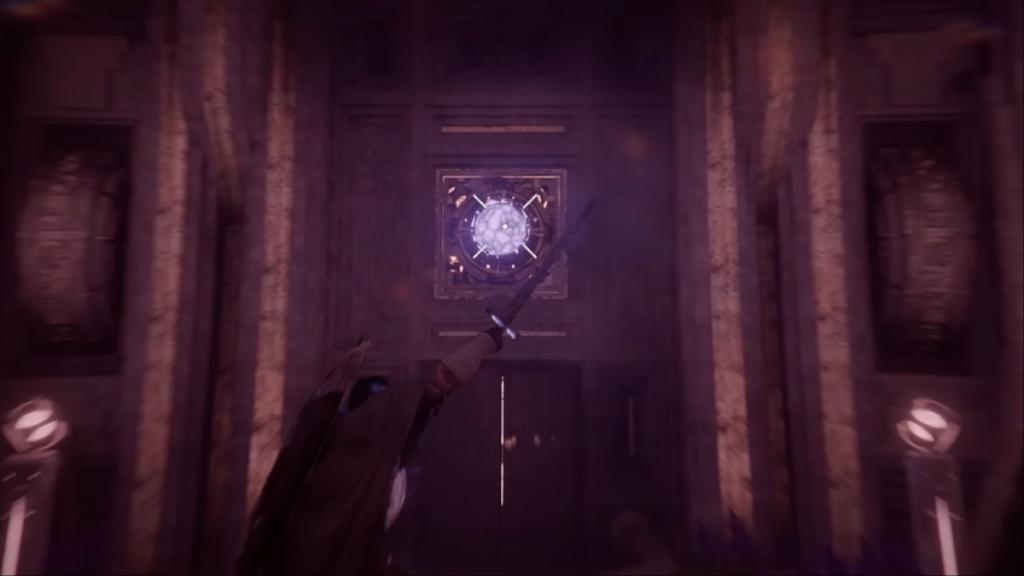
What is Blinding Light and how do I use it?
Blinding Light is an Abyss Artifact ability that changes light emitters’ states and affects enemies. Hold the assigned button (L1/LB on most console controllers) while aiming at a light source until its color cycles through. Upgrading the artifact adds a Finisher that temporarily blinds nearby enemies, letting you move or set a trap as steady as a lighthouse.
At the edge of odd setups: Quick troubleshooting and habits that save time
In live sessions, glitches are rare but human error is not.
If the puzzle seems unresponsive, try these checks I use when I’m stuck: reorient your camera for a clearer line of sight, verify you’re holding the correct shoulder button (console layouts vary between DualSense and Xbox pads), and step back a pace — sometimes the emitter needs a short reload. If enemies interrupt, the ability can be used defensively to open a window for a clean solve.
- Check your Abyss Artifact ability is equipped and not on cooldown.
- Use DualSense or an Xbox controller for consistent input — third-party controllers can occasionally misregister simultaneous shoulder presses.
- If you bought Crimson Desert on Steam at release for $49.99 (€46), remember patches from Pearl Abyss can tweak interactions; keep the client updated.
These puzzles are simple once you treat them as rhythm exercises: start the interface, hold the beam, watch the color cycle, and move on. The room is like a mirror maze until you learn its beat—so will you let a misfired beam stall your run through Crimson Desert?