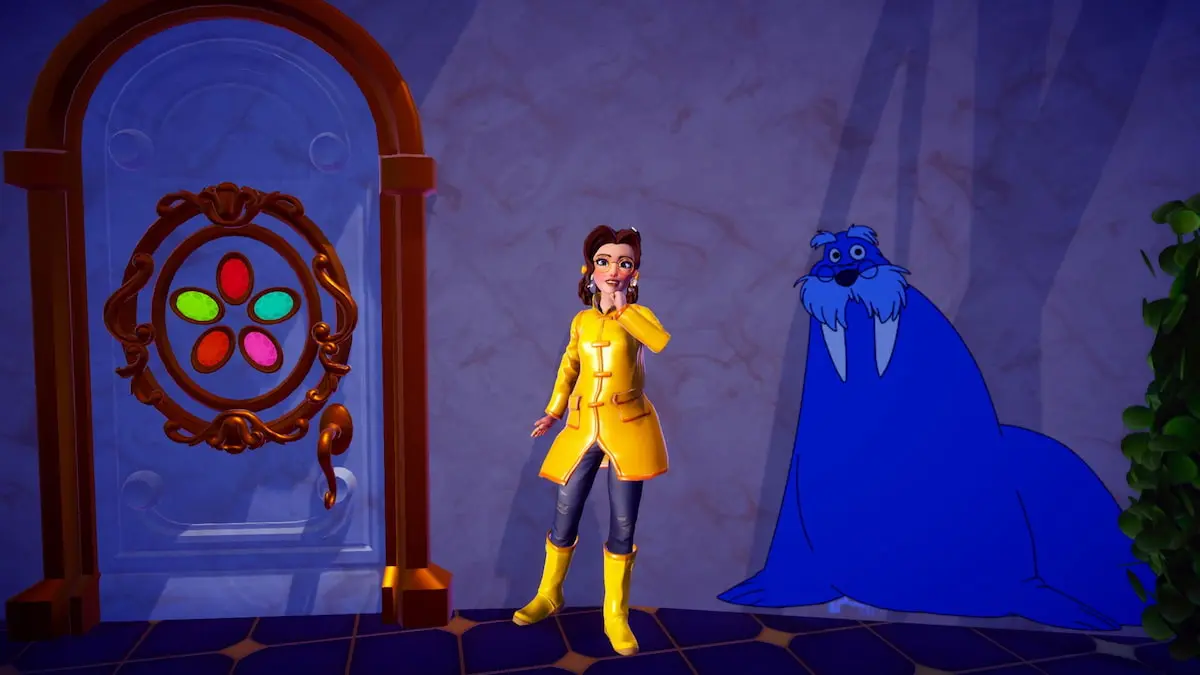
I stopped on the Dream Castle’s threshold and realized I’d missed one tiny mark — and Merlin was already waiting. You can feel the hunt tighten the moment your Phone lights up. I learned fast that small things are where the game hides its teeth.
I’m going to guide you through Merlin’s scavenger hunt so you reach the finish without circling the floors like a confused tourist. I play on Steam and Xbox, and I check Reddit and the Disney Dreamlight Valley Discord for any odd spawn quirks; you should too. Think of the motifs as scattered like coins on a city sidewalk — obvious once you slow down, maddening until you do.
The foyer smells faintly of wax; Picture Pursuit: Merlin quest walkthrough in Disney Dreamlight Valley
Start simple: find Merlin and accept the Picture Pursuit: Merlin task. You only need to photograph four Walrus Motifs inside the Dream Castle. Follow these steps and you won’t waste time climbing the wrong stairwell.
- Talk to Merlin. Track him down in your valley and trigger the quest.
- Head to the Dream Castle. It’s in the Plaza biome—walk straight to the central castle entrance.
- Search every floor for four Walrus Motifs. Each one must be photographed with your Phone to count.
- Return to Merlin. Show him the photos to complete the quest.
Where are the Walrus Motifs located inside the Dream Castle?
You’re looking for four small wall paintings tucked across four levels of the castle. I list each location below so you can move floor-to-floor in a clean loop.
The entrance tile is cool underfoot; All Picture Pursuit Walrus Motif locations in Disney Dreamlight Valley
There are four Walrus Motifs total. Move methodically and use your Phone each time one appears on screen.
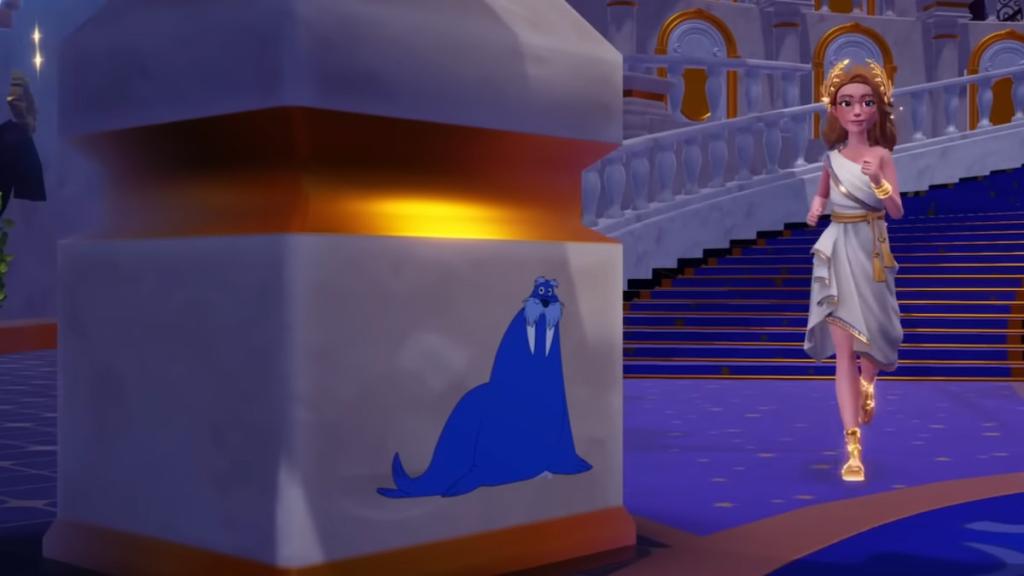
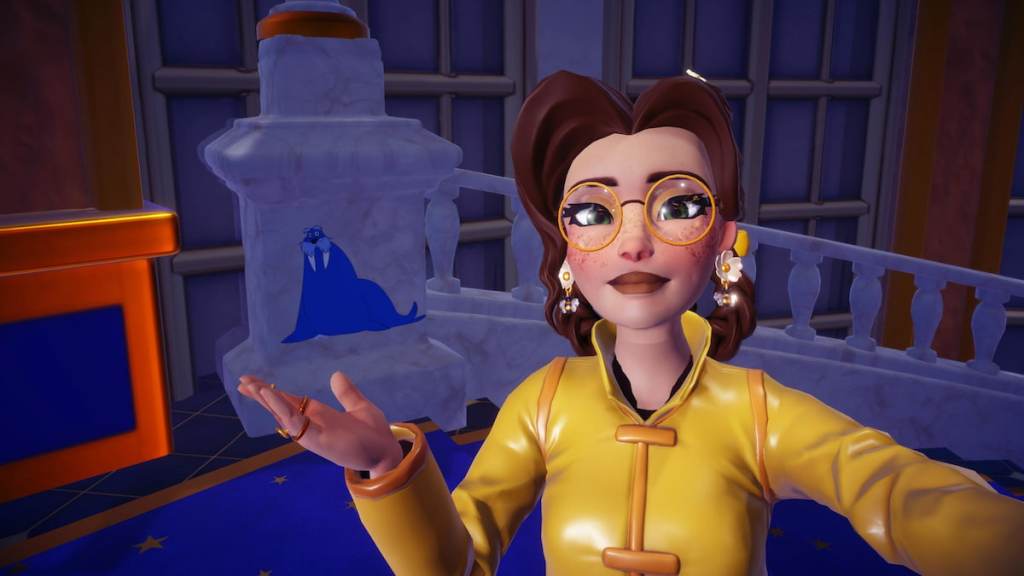
- First Walrus — First floor, left pillar. Right after you enter the castle, turn left. The Walrus is painted on a pillar near the entrance. Snap it with your Phone and move on.
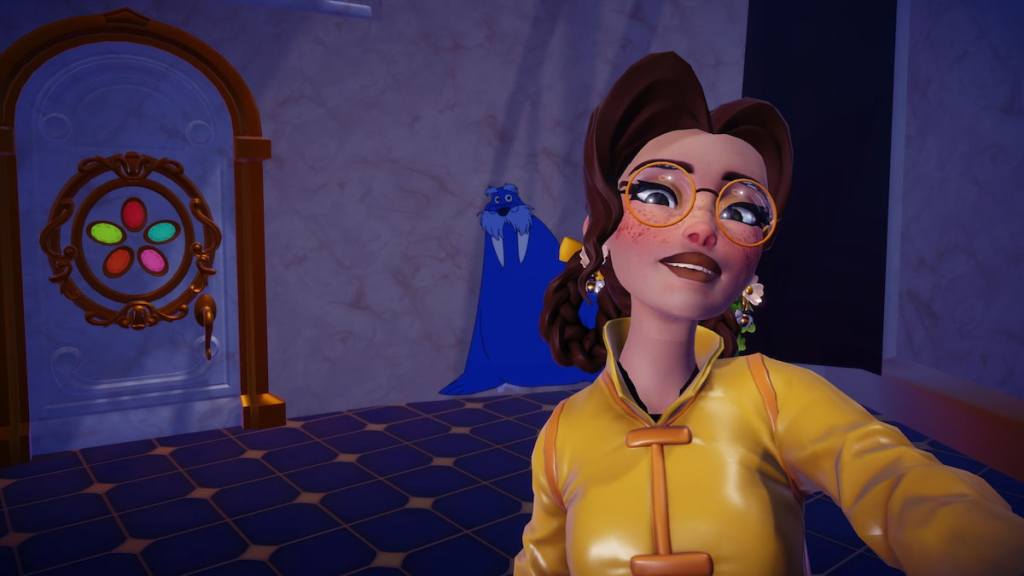
- Second Walrus — First floor, next to Mickey’s secret door. From the entrance, turn right and squeeze through the gap between the hedges. Look for the door with colorful gem petals; the Walrus is on the wall to the right of that door.
- Third Walrus — Third floor, above the Stardust Port doorway. From the entrance, turn left and climb: first to the second floor (where Monsters, Inc., Mulan, and Beauty and the Beast doors are), then up another flight. As you arrive on the third floor, tilt your camera up and you’ll see the Walrus motif above the doorway leading to the Stardust Port.
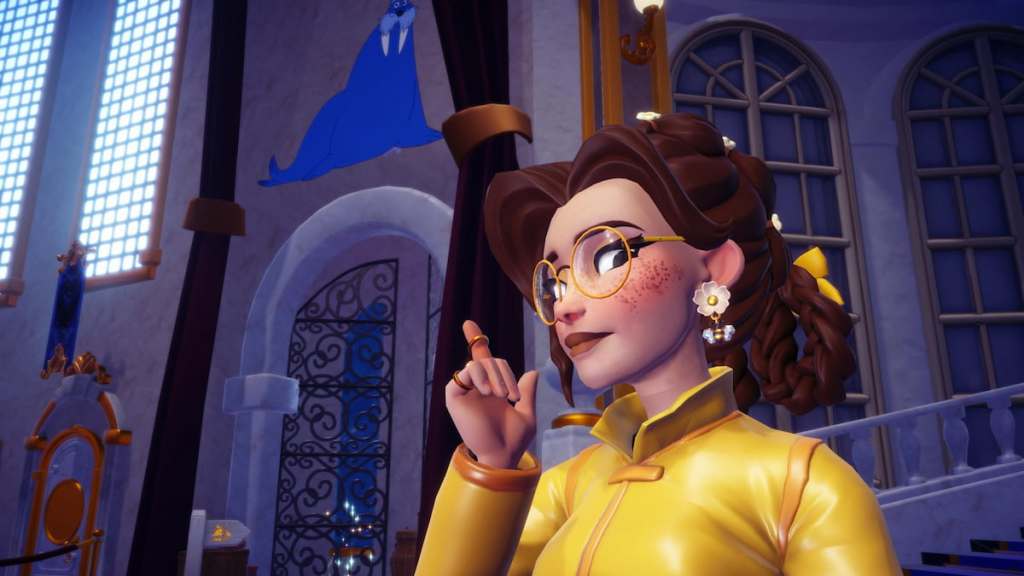
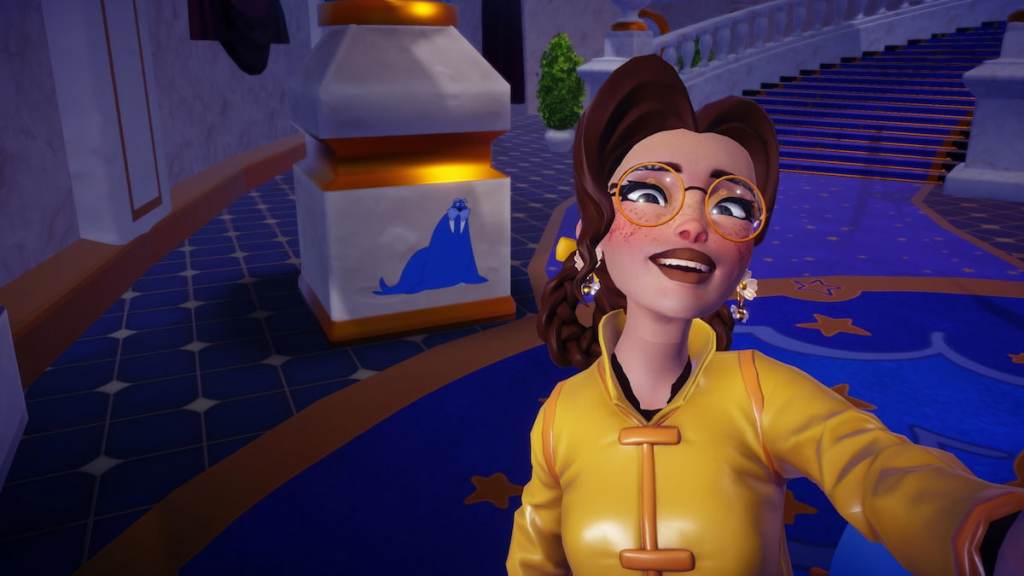
- Fourth Walrus — Top floor, pillar near the stairwell. Take the stairs on the right after entering and climb to the top floor (the level with Lady and the Tramp, Inside Out, Alice in Wonderland, Aladdin, and Hercules portals). Look down-right as you reach the landing; the Walrus sits on a nearby pillar.
How do I make sure a Walrus photo registers for the quest?
Use your Phone to take each photo. Stand close enough that the motif fills part of the frame; if the UI prompt appears, you’ve got it. Photo Mode tools in the game and in-platform overlays on Steam or PlayStation don’t affect quest registration—only the in-game Phone matters.
Community tools like the Disney Dreamlight Valley subreddit, the official Discord, and guides on IGN or GameSpot can point out rare visual glitches; if a motif doesn’t register, try reloading the area or checking for a current hotfix on Steam or your console’s storefront.
Move through the castle in the order above and the hunt becomes a tidy loop instead of a time sink. When you finish, return to Merlin and claim the reward; the mission closes as soon as he sees the photos you took. The motifs stand like tiny heralds on columns — small, bright, and oddly smug.
Once you wrap Merlin’s task you can shift to other chores: upgrade your wardrobe, haggle with vendors, or tackle a snack recipe that pays off in Friendship XP. Want to bet whether anyone will ever memorize these four pillar faces for the thrill of it?